Cracked or faulty display
Cracks, coloured lines, flickering or no picture. The model and screen size matter when checking the display assembly and repair options.
Mac screen repair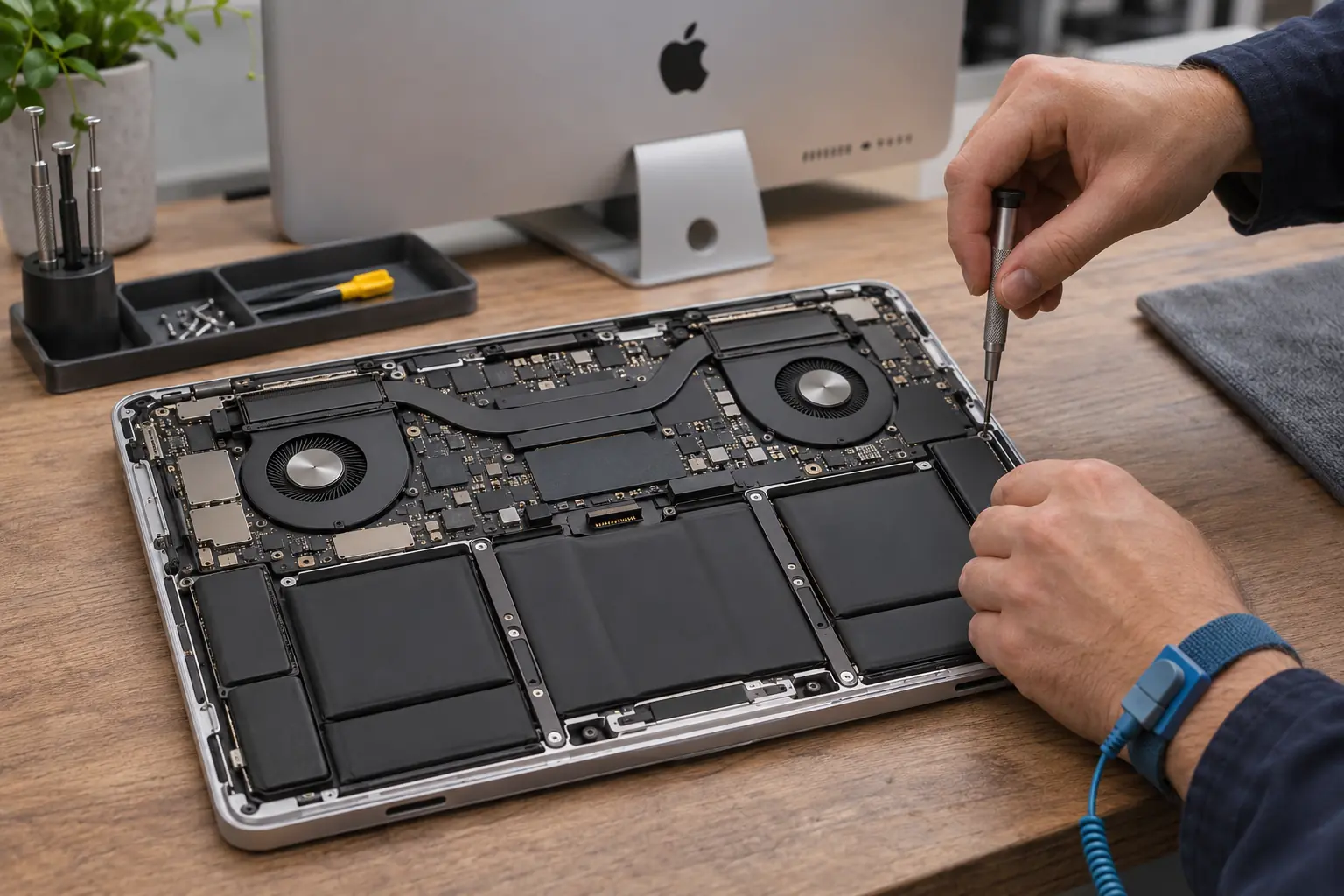
Help with your Apple computer
MacBook not charging, a damaged display or an iMac that will not start? Tell us the model, the fault and your postcode. We will check suitable repair help and discuss the options.
Find the right repair route
A familiar symptom can have more than one cause. Explain what happens, rather than guessing which part needs replacing.
Cracks, coloured lines, flickering or no picture. The model and screen size matter when checking the display assembly and repair options.
Mac screen repairShort battery life, unexpected shutdowns or no response to the charger. Battery condition, the adapter, ports and charging circuit may all need checking.
MacBook battery replacementKeys that miss presses, repeated characters or an unresponsive trackpad. Mention a spill, drop or change in the case shape if one occurred.
MacBook keyboard repairA spill or a Mac that no longer starts may need internal inspection and board-level assessment. Tell us when the fault began and what happened next.
Liquid damage assessmentLong startup times, storage warnings and freezing need a model-specific assessment. Storage replacement and upgrade options differ significantly between Macs.
Mac storage repair optionsA desktop Mac with a blank screen, loud fans or repeated restarts needs checks suited to its generation and internal layout.
iMac repair enquiriesFor a MacBook Air, see our MacBook Air repair information. Not sure which route fits? Describe the symptoms in the enquiry form, including any startup message or recent change.
Start with the exact model
Two Macs with the same screen size can need very different work. Include the model name and year, and whether it uses Intel or Apple silicon if you know.
Display assemblies, batteries, keyboards and charging connections vary between generations. A model number helps identify parts and whether the fault needs workshop equipment.
Mention the screen size, year and whether the fault affects the built-in display or the whole computer. Discuss handling and transport before moving a large desktop Mac.
Include the connected display, cables and accessories if the problem is no picture or an unreliable connection. We will check suitability for the model and work needed before an appointment is arranged.
Know what to expect
The model, damaged component, parts and testing determine the cost. An older Mac’s repair may be worthwhile, but the decision should reflect its condition and what you need it for.
Before you enquire
Do not include passwords or recovery keys in the enquiry form.
A clear next step
Useful advice starts with the model and symptoms, then a clear explanation of what assessment and repair would involve.
Send the model, symptoms and postcode. Tell us if getting files back is more important than returning the Mac to use.
Suitable help and the service arrangement are checked. Confirm assessment charges and whether specialist testing or parts are needed.
Review the diagnosis, proposed work and quote. Agree the scope before repair and ask about testing, timing and warranty terms.
Free enquiry. No obligation to book.
Choose a suitable arrangement
The right setting depends on the fault. Service arrangements are confirmed for your postcode and device.
Some macOS, backup, printer and account-setup problems may be suitable for a visit or remote support. Remote help requires a working Mac and internet connection.
Display assemblies, liquid damage and internal component faults may need workshop access. Do not assume that a repair can be completed during a home visit.
Check the exact generation before buying memory or an SSD. Some Macs have integrated components and do not support the upgrades available on older models.
Have important files on the Mac? Tell the engineer before any erase, reinstall or board replacement is considered. After a spill, avoid further charging or startup attempts. If the battery appears swollen, stop using and charging the Mac and discuss safe handling.
From the repair journal
Published repair examples and practical guides explain what to consider. Older repair examples should not be treated as instructions for a newer Mac.
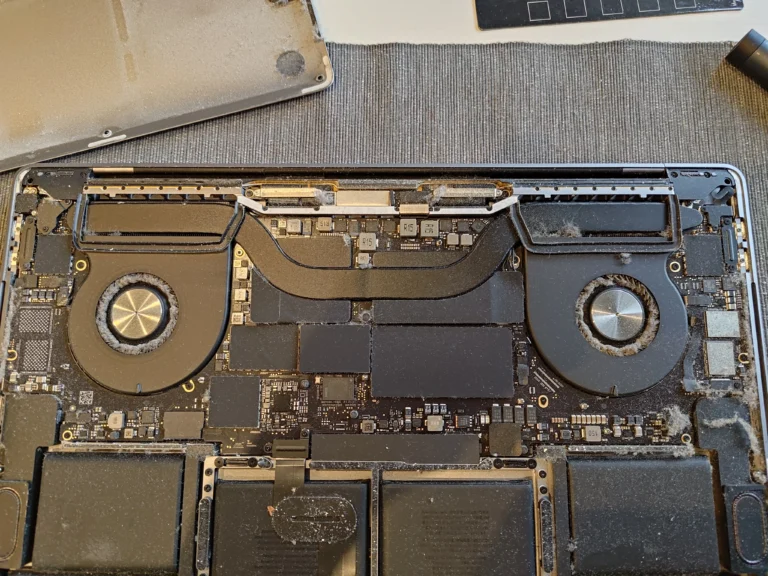
Cooling
An A2141 example showing dust in the fans and exhaust area, with photographs of the internal cooling path.
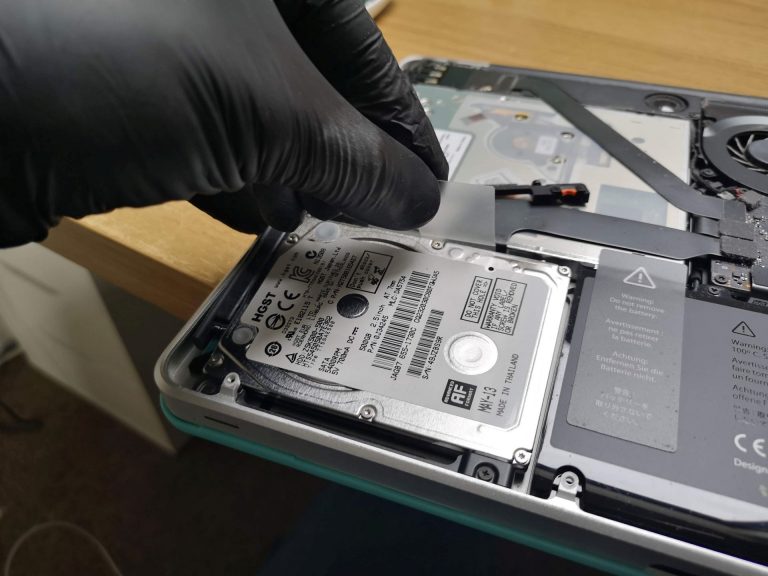
Older Mac hardware
A hard-drive replacement on an older 13-inch MacBook Pro. This construction differs from newer Mac generations.
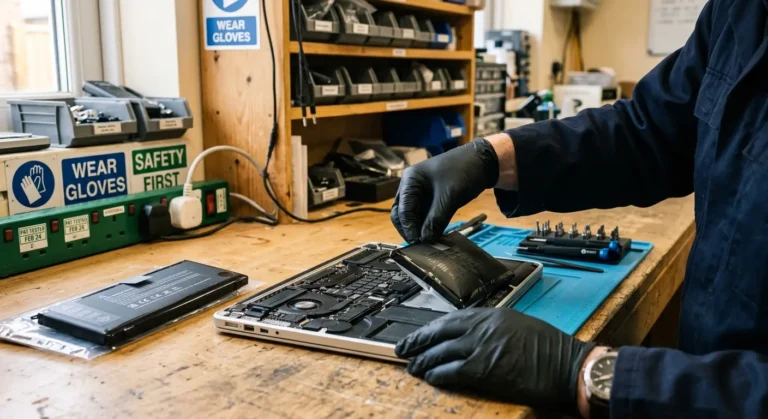
Battery advice
A guide to worn batteries, charging symptoms and swelling, including considerations for MacBook owners.
Local help, checked first
Send your postcode to check suitable Mac repair help in London or elsewhere in the UK.
Availability depends on the model, fault and engineers nearby. Confirm any visit, collection or workshop handover before travelling. An enquiry does not confirm an appointment or a same-day repair.
Check repair availabilityBefore you book
The model and service arrangement matter as much as the symptoms.
Yes, you can enquire about either. Include the model and year so suitability, parts and the required repair skills can be checked. This does not mean that every fault or model can be repaired.
This is an independent repair enquiry service, not an Apple warranty booking. If you want to use Apple warranty or AppleCare cover, check your options with Apple before authorising independent work.
An assessment can check whether the issue involves the adapter, charging connection, battery or internal power circuitry. Tell us whether any charging indicator or startup response appears, and mention any liquid damage.
Recovery depends on the fault, storage design, encryption and available backups. Explain which files matter before authorising repairs. No recovery outcome can be guaranteed, and repairing the Mac and recovering its files may involve different work.
It depends on the exact model. Some older Macs allow component upgrades; others use integrated memory or storage. Confirm compatibility before buying parts. A slow Mac should be assessed before assuming an upgrade will fix it.
Timing and warranty terms depend on the diagnosis, parts and agreed work. Ask the engineer to confirm both in the quote. We do not promise a fixed repair time or a blanket warranty for every Mac fault.
Share the model, symptoms and postcode to start a repair enquiry.