
Mac repair
MacBook water damage repair
Switch the MacBook off, disconnect power and do not test it again. Tell us what was spilled, when it happened and whether it was switched on or charged afterwards.
- Liquid type and timing guide the assessment
- Engineers across the UK
- Free enquiry, no obligation
- Price agreed before repair
Understand the problem
What to do immediately
Fast, careful handling can reduce further electrical activity, but a dry surface does not prove the inside is safe.
It still appears to work
Switch it off anyway. Liquid can remain under components and corrosion may develop after the initial spill.
It will not turn on
Do not keep pressing power or connect a charger to test it. Record what happened and arrange workshop inspection.
Only some functions failed
Keyboard, trackpad, charging, display or sound faults can indicate where liquid travelled, but internal inspection is still important.
Do not risk switching a liquid-damaged MacBook on again. Send us the details.
What the service covers
What a liquid-damage assessment considers
The liquid type, elapsed time, power state and affected components all influence whether cleaning, component repair, part replacement or data recovery is appropriate.
- MacBook model and liquid type
- Time since the spill
- Whether power or charging was attempted
- Visible residue and corrosion inspection
- Keyboard, trackpad and connector condition
- Board-level damage indicators
- Data importance and storage considerations
- Realistic repair and recovery options after inspection
Do not use rice, heat or a charger
Rice does not remove liquid trapped inside the computer, and heat can damage parts. Leave the device switched off in a stable position and arrange professional workshop assessment.
What happens next
A clear repair process
Liquid-damage work begins with information and inspection, because the full extent cannot be judged from the outside.
Stop electrical activity
Switch off, disconnect power and avoid further testing. Tell us exactly what happened.
Arrange workshop inspection
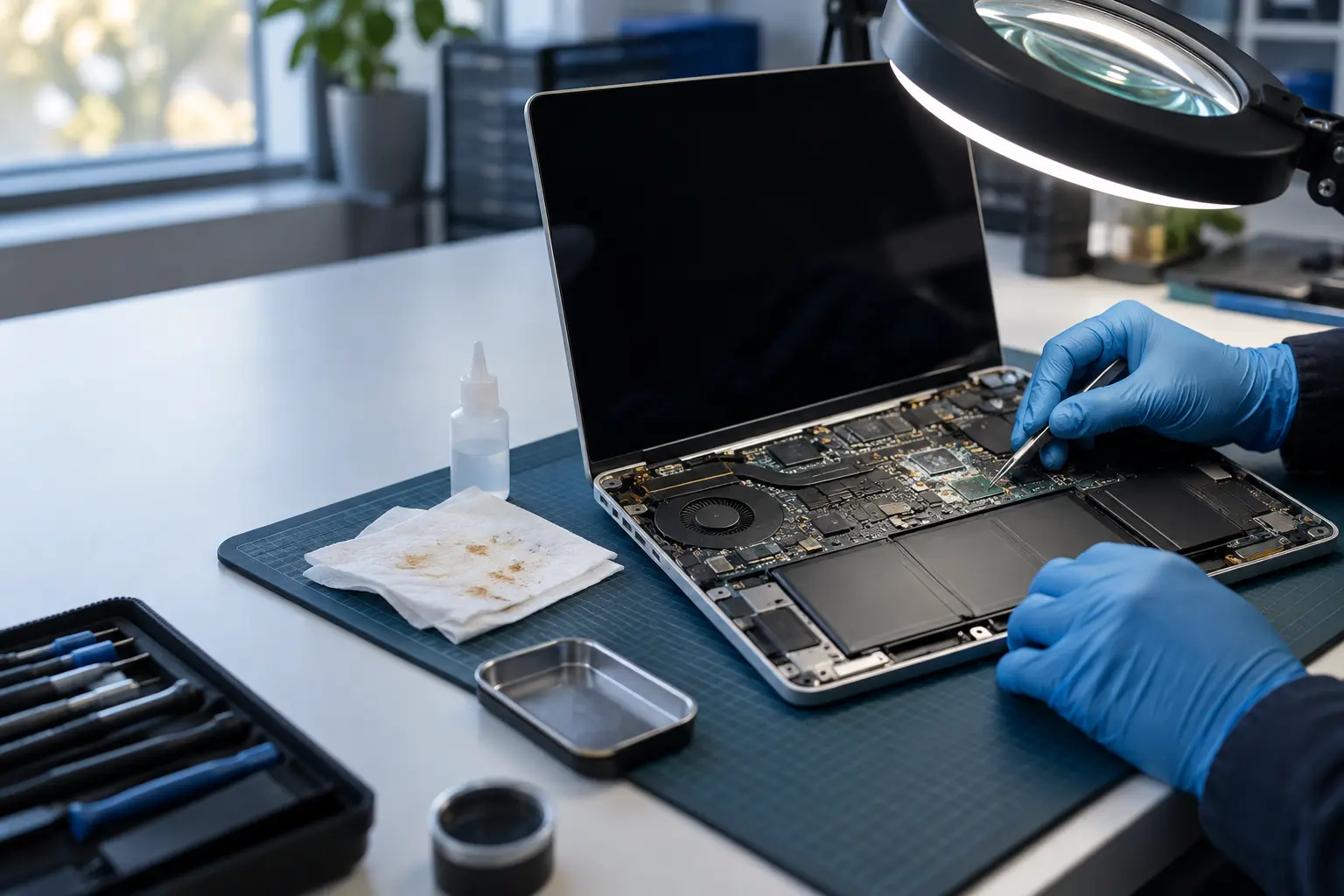
Liquid damage requires access, magnification and cleaning or diagnostic equipment.
Review the findings
The engineer discusses condition, viable options, likely timescale and cost before further repair.
Before you decide
Why the outcome cannot be promised from the form
Two identical spills can affect different components depending on liquid type, route, power and time.
Liquid and residue
Water, sugary drinks and other liquids leave different contamination and corrosion risks.
Power after the spill
Switching on or charging can create additional electrical damage while liquid is present.
Repair priority
Restoring the MacBook and recovering important data can require different decisions and should be discussed separately.
Questions customers ask
Should I try turning it on once it looks dry?
No. Liquid can remain beneath components after the exterior is dry, and switching on may cause further damage.
Can you guarantee the MacBook will be repaired?
No responsible diagnosis can guarantee an outcome before inspection. The engineer should explain the findings and options after assessing the damage.
Is my data definitely lost?
Not necessarily. Data options depend on the model and damage. State clearly if the data is important so it can influence the assessment approach.
The MacBook has been exposed to liquid?
Keep it switched off. Send the model, liquid type, time of the spill and power history so suitable workshop help can be arranged.