
This is the right time to replace the battery
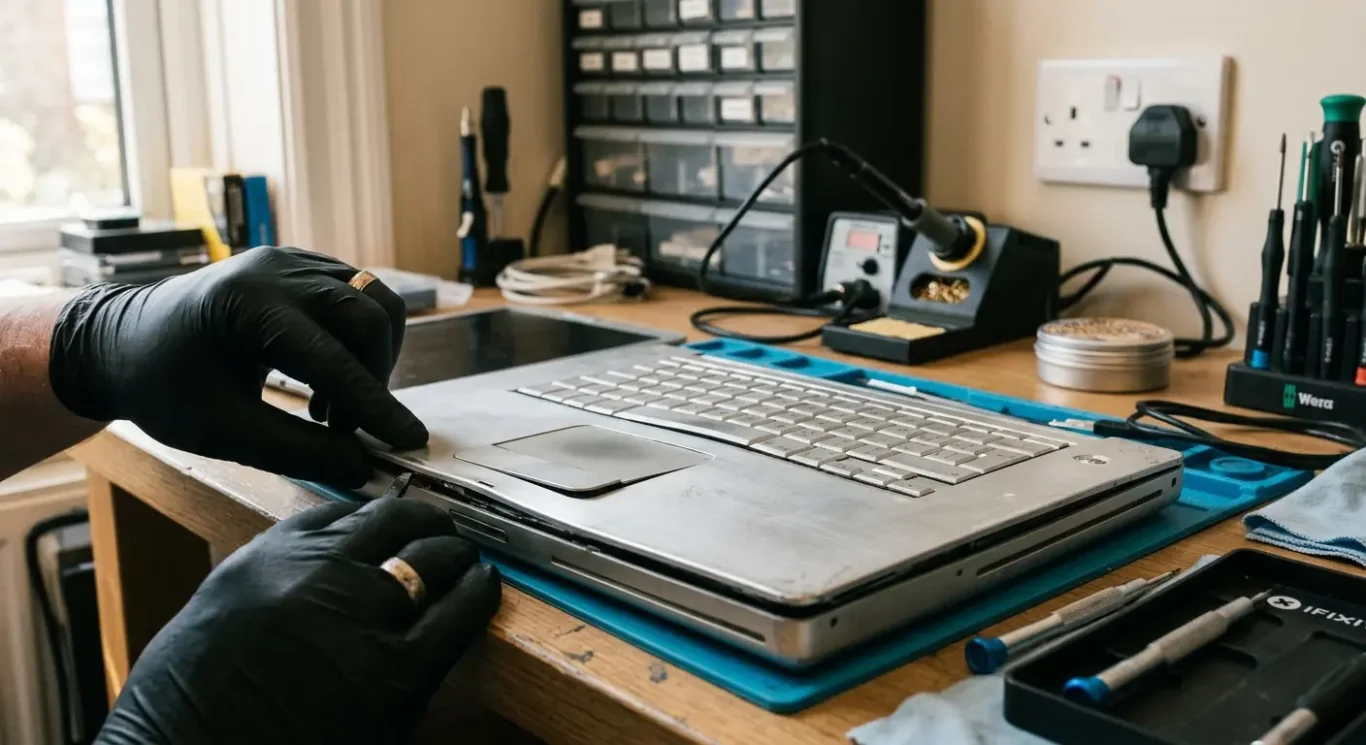
A worn laptop battery usually shows up in everyday ways before anyone checks a health report. The charge does not last through a train journey, it drops from 30% to flat without much warning, it only seems happy on the charger, or it takes ages to creep upwards. Sometimes the laptop slows itself down to protect the battery, which catches people out because it feels like a general performance fault. And if the casing starts lifting or the trackpad feels odd, stop there – that can point to a swollen battery and it needs dealing with properly.
This guide is for UK readers trying to work out when to replace laptop battery parts and when not to bother. I will cover how to tell whether the battery is actually the problem, what the usual warning signs look like on Windows laptops and MacBooks, how urgent different faults are, what replacement involves, what UK costs tend to depend on, and when buying another laptop is the more sensible move. In plenty of cases the answer is straightforward. In others, a charging fault, worn power adaptor, heat issue or software problem can look like a bad battery at first glance, so it is worth checking before spending money.

Why battery health matters more than most people realise
Treat it as a day-to-day reliability issue, not just shorter time away from the charger
Most people only think about the battery when it stops lasting long enough, but a worn battery changes how dependable the whole laptop feels. You stop trusting the percentage on screen, you carry the charger everywhere, and you start planning around plug sockets instead of just using the machine. That matters if your laptop is your only work computer, your study machine, or the thing you use for banking, emails and video calls.
It affects more than battery life
Battery health affects portability, reliability and performance expectations all at once. A weak battery can lead to sudden shutdowns, charging that cuts in and out, and lost work if the laptop dies before files sync or save properly. Some laptops also reduce performance when power delivery is unstable, so what looks like a slow computer can sometimes be part of the same battery problem.
In London this tends to bite harder because people use laptops in short bursts and in different places. A machine might be fine on the kitchen table, then fail halfway through a train journey, in a client meeting, at a hot desk, or between sites when there is no socket nearby. For small business owners and hybrid workers, one unreliable battery can turn into missed calls, delayed invoices, or a day spent tethered to the mains instead of getting on with the job.
Poor battery life is not always a battery-only fault
That said, when to replace laptop battery parts is not always obvious from battery life alone. I see charging faults, worn chargers, overheating, heavy background apps and power setting issues mistaken for a dead battery all the time. If the symptoms do not quite add up, it is worth checking properly before spending money, because the battery may be the problem – but it is not the only possible one.
How laptop batteries wear out over time
What normal ageing looks like, and why even a lightly used battery does not stay the same forever
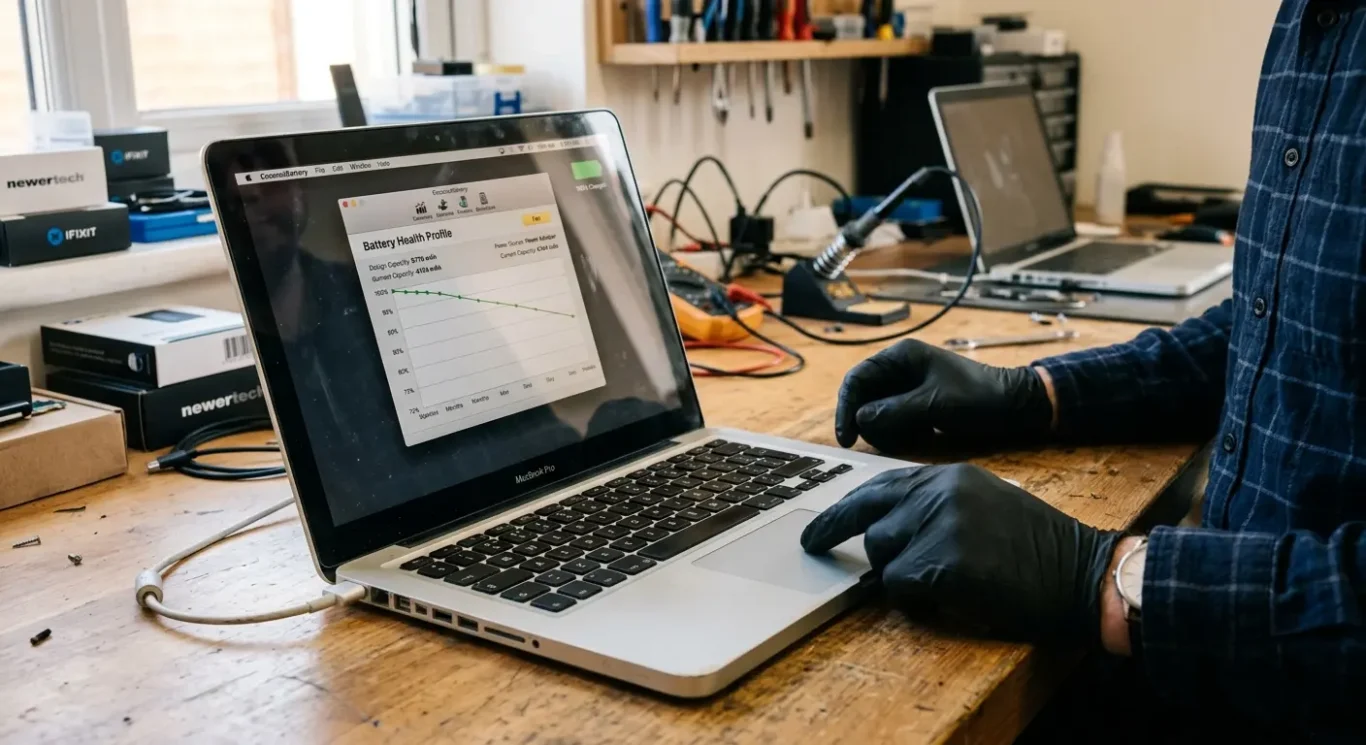
Lithium-ion batteries lose capacity bit by bit. That happens through normal use and simply through getting older, so shorter runtime after a few years is common on both Macs and Windows laptops. It is usually gradual at first, which is why people often do not notice until the battery starts dropping faster than it used to.
Charge cycles in plain English
A charge cycle is not just one plug-in. Think of it as using up the equivalent of 100% of the battery in total, whether that happens all at once or over several smaller top-ups. If you use 50% today and 50% tomorrow, that adds up to one cycle. When people ask me when to replace laptop battery parts, this is one of the first things I explain, because regular charging is normal, but every cycle adds a little wear.
Age and heat matter as well
Calendar ageing catches people out. A battery can degrade even if the laptop spends most of its life on a desk and hardly goes anywhere. Leaving it unused for long periods, keeping it plugged in all the time at very high charge, or running it hot can all speed that up. I see this quite a bit on machines that live on sofas, beds, docking setups, or in warm rooms where airflow is poor.
Mac and PC batteries both wear out, but they do not all report their condition in the same way. Some give clear health information in software, others are vague, and battery designs differ from model to model. That is why two laptops of similar age can behave very differently, even before you get into build quality, cooling, and how heavily they have been used.
Is the battery actually the problem? A quick diagnostic checklist
A few simple checks can help you tell the difference between a worn battery and a fault with charging, heat, software or the laptop itself.
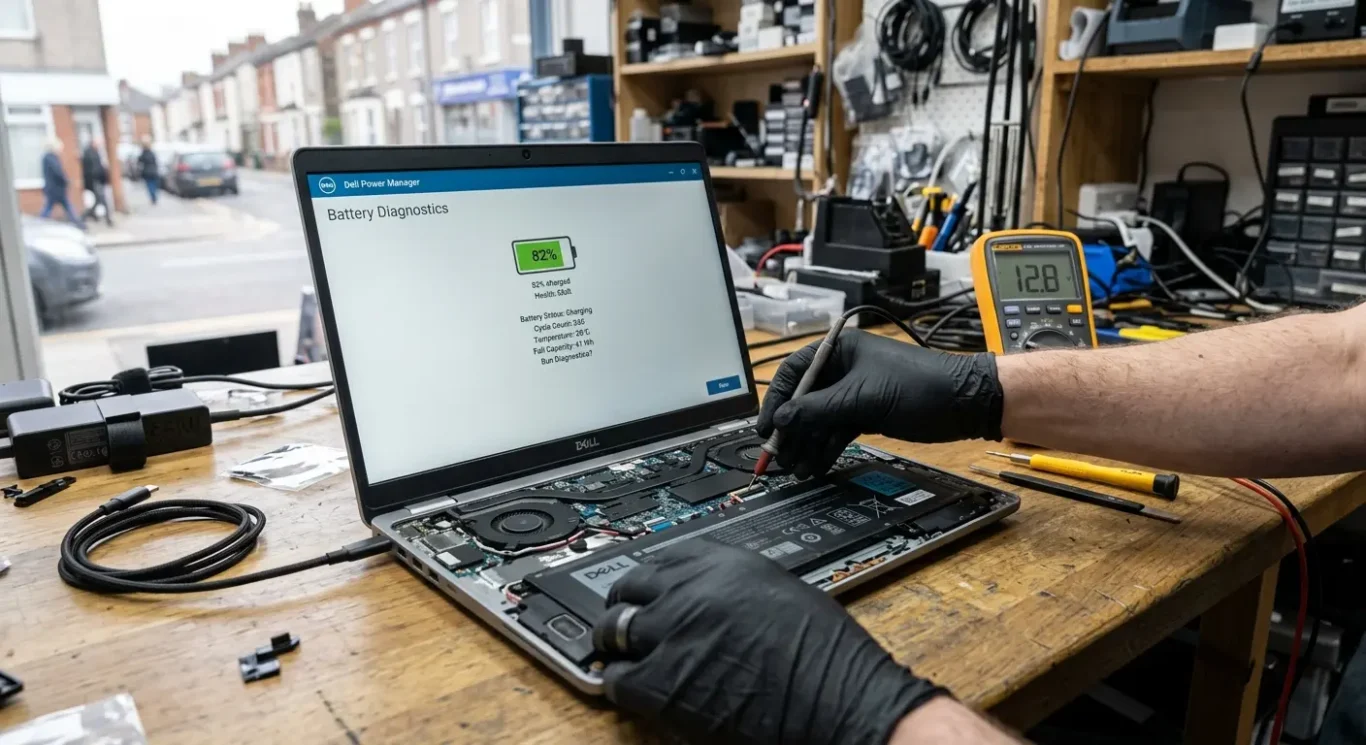
A battery fault usually shows up as shorter runtime, sudden percentage drops, random shut-offs when the charge still looks decent, or a laptop that says it is charging but gains power very slowly. If the machine runs normally on battery for a bit and then falls away far faster than it used to, that points more towards wear. If it never charges properly, cuts power the moment the lead is moved, or only charges at certain angles, I start thinking about the charger, cable, USB-C power supply, charging port or an internal board fault before I blame the battery.
If it only works on mains power
That can mean the battery has failed outright, but it is not the only explanation. I also see laptops with a dead charging circuit, damaged DC jack, worn USB-C port, faulty power adaptor, or power settings so confused that the machine behaves oddly until it is properly checked. On some models, a failed battery can stop portable use while the laptop still works fine on the charger. On others, unstable power on mains can point to something deeper than the battery.
Heavy drain can look like battery wear
Background apps, large updates, cloud syncing, video calls, browser tabs, antivirus scans and full screen brightness can make a healthy battery seem poor. People often notice the problem after a Windows update or when a Mac is indexing files, and the timing makes them assume the battery has suddenly died. Heat matters too. If the fan is constantly loud, the base is hot, or performance drops while the battery drains quickly, overheating may be making battery life worse and may need separate repair work such as fan cleaning or cooling system attention.
Before spending money, it is worth getting the fault pinned down properly. When to replace laptop battery parts is much easier to judge once you know whether the issue is actual battery wear, bad charging hardware, runaway software, or a motherboard fault. Buying a battery first can fix it, but it can also leave you with the same problem and a lighter wallet.

Signs it is the right time to replace the battery
These are the changes that usually matter in day to day use, even before you get into technical battery health figures.
The big one is simple – battery life has dropped far below what it used to be. If a laptop that once gave you most of a working morning now struggles through a short meeting, the battery is usually getting tired rather than just ageing on paper. I do not worry about normal wear, but once the runtime becomes a nuisance in real life, that is usually the point where replacing it starts to make sense.
Power readings that no longer make sense
Another common sign is when the battery percentage jumps around or the laptop shuts down before it reaches 0%. You might see it fall from 40% to 9% in a few minutes, or switch off while it still claims to have charge left. That does not always prove the battery is the only fault, but it is a very familiar pattern when a pack is worn enough that the laptop can no longer judge it properly.
If the machine only runs briefly off charge, or not at all, the battery may be near the end of its useful life. The same goes for charging that is unusually slow, or charge levels that stop at a certain percentage and refuse to go higher. Some laptops are set to limit charging on purpose to protect battery lifespan, so it is worth checking settings first, but if that feature is not enabled and the behaviour is new, it is one of the clearer signs a laptop battery needs replacing in the UK.
Raised casing needs quick attention
Built-in battery warnings matter too. If Windows, macOS or the maker’s own software suggests service or replacement, take it seriously, especially if it matches what you are seeing. And if the casing, trackpad or base looks raised, stop treating it as a routine battery issue – that can mean swelling, which needs prompt attention and should not be ignored while you carry on using the laptop as normal.
How to check battery health on Windows, macOS and Linux
Use the built-in checks first, and treat the results as useful clues rather than a perfect diagnosis.
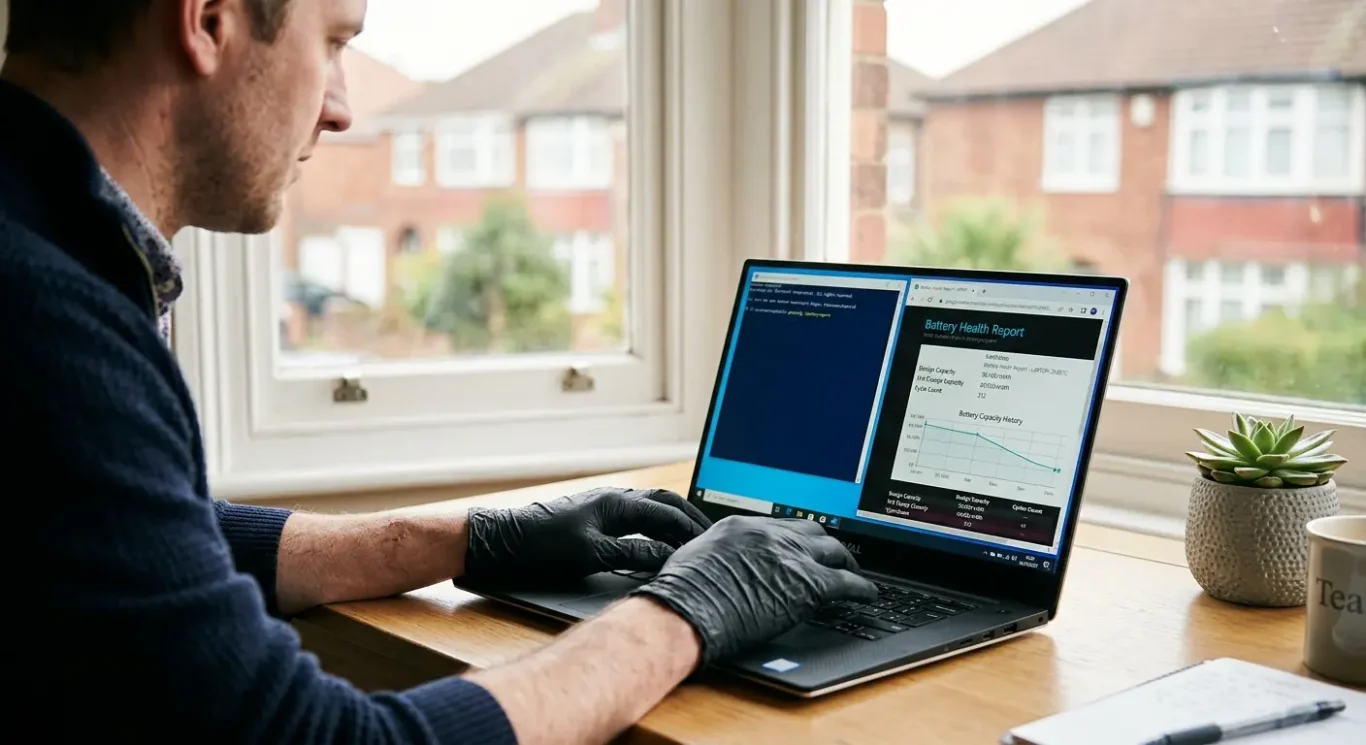
On Windows, the simplest built-in check is the battery report. Search for Command Prompt, open it, then run powercfg /batteryreport. Windows saves a report you can open in your browser. The two figures that matter most are design capacity and full charge capacity. Design capacity means what the battery was built to hold when new. Full charge capacity means what it can hold now when fully charged. If that current figure is much lower than the original one, the battery has worn down. Also look at recent usage and whether the laptop is discharging unusually fast in normal use.
What Apple shows on a Mac
On macOS, go to System Settings and look for Battery, then Battery Health if your model shows it. Macs may say the battery condition is normal, or they may flag a service warning. If you see wording such as Service Recommended, I would take that seriously, especially if the Mac is also draining quickly, shutting down early, or only working properly on the charger. Apple also shows cycle count on many models in the system information, which is basically a tally of charging use over time rather than a fault by itself.
On Linux, there usually is battery information available, but it depends a bit on the version and desktop environment. Some systems show battery health in the power settings, while others need a utility that reads the laptop’s own battery data. I would not make terminal commands the first route for a non-technical user unless you are already comfortable with them. If Linux gives you health percentage, design capacity, or current capacity figures, read them the same way as on Windows – compare what the battery was meant to hold against what it can still hold now.
Built-in checks first, extra tools second
Third-party tools can help when the built-in information is thin, but they are not magic and they do not always agree with each other. Some just read the same battery data the laptop already reports. That is why I usually start with what Windows, macOS or Linux already provides when deciding when to replace laptop battery parts. If the numbers look poor and they match the real-world symptoms, that is useful. If the figures look fine but the machine still cuts out, will not charge properly, or gets hot, the fault may be elsewhere and the battery should not be blamed automatically.
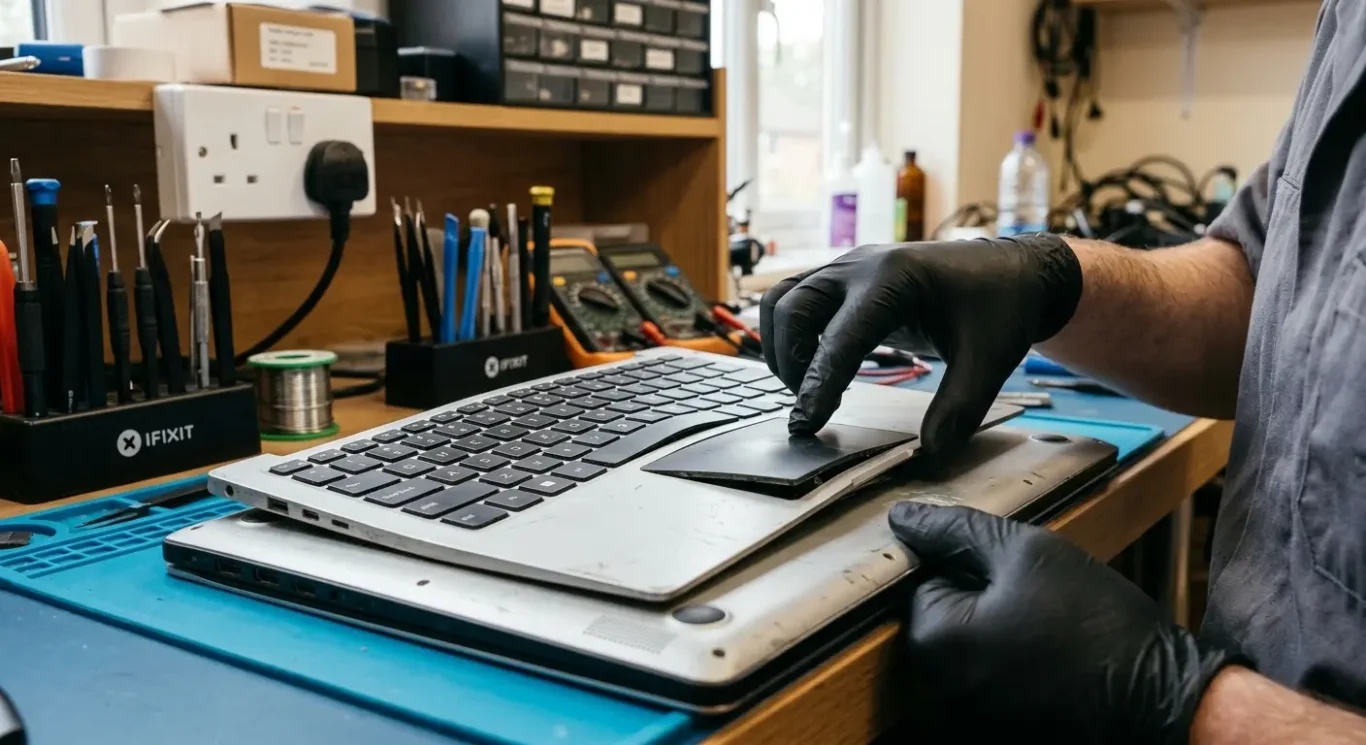
Safety first – when a swollen battery becomes urgent
If the battery is physically expanding, do not treat it like normal wear and do not put it off.
Most old batteries simply hold less charge than they used to. A swollen battery is different. It means the battery pack is changing shape inside the laptop, and that can start pushing against other parts.
What swelling can look like
You might notice the keyboard lifting slightly, the trackpad becoming stiff or difficult to click, or the lower case no longer sitting flat on the desk. On some laptops the screen side may not close properly, or a corner of the casing may start to gap. I see this quite a lot on older machines that have otherwise been working well enough.
If you suspect swelling, stop charging the laptop and stop using it. Do not press on the case to flatten it, and do not bend or puncture the battery. When people ask when to replace laptop battery parts, this is the clear exception where waiting is the wrong call.
Get it handled properly
This is a job for professional removal and proper disposal, not guesswork at the kitchen table. A repair shop can confirm the fault, remove the battery safely, check whether the swelling has damaged the trackpad, keyboard or casing, and dispose of the old pack through the right battery recycling route in line with UK waste rules.
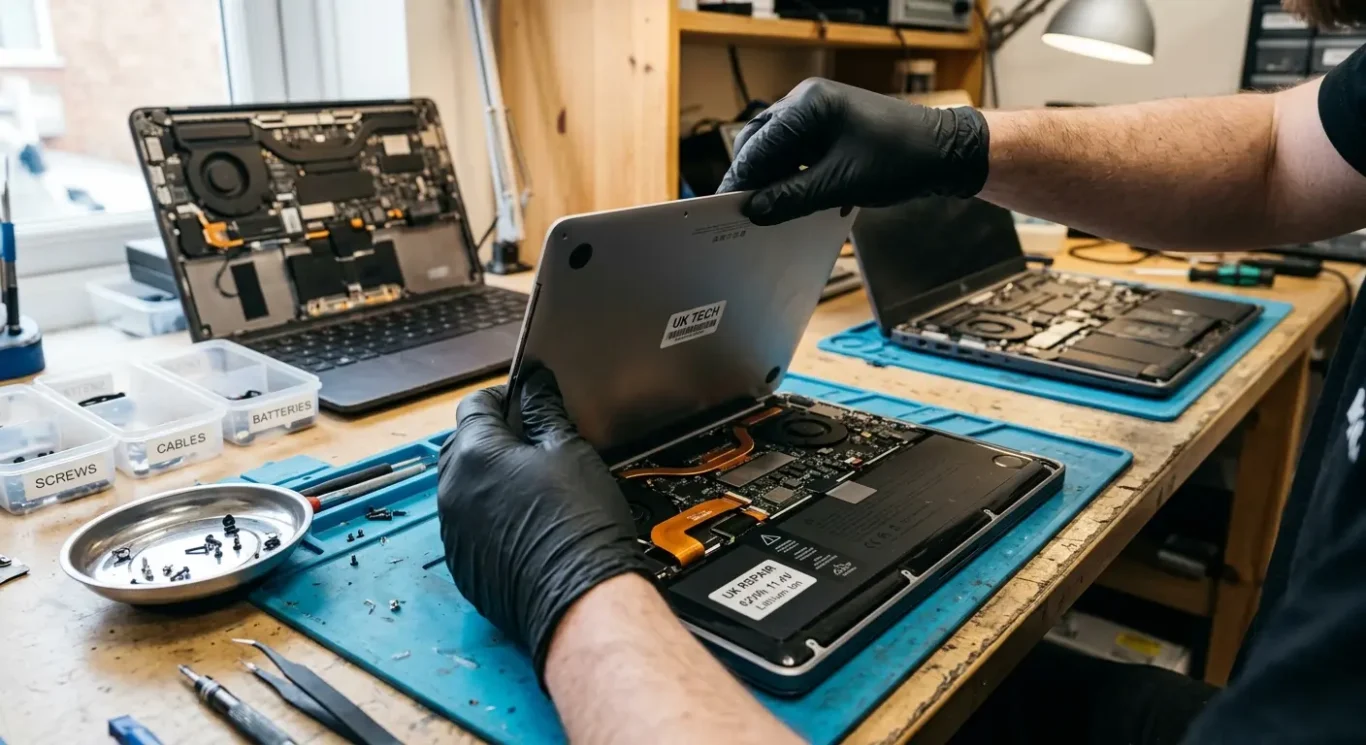
What laptop battery replacement costs in the UK depend on
Quotes vary because the battery itself is only part of the job – brand, model, fitting method and checks afterwards all affect the final bill.
In practice, simple laptop battery jobs can start from £60, but that is only a starting point and the final cost depends on the model and fault. Some batteries are easy to reach once the back cover is off. Others are glued in, hidden under other parts, or tied into a larger top case assembly, which pushes labour up.
Why one quote can look very different from another
Apple service, high street chains, independent repairers and DIY all price things differently because they are not offering exactly the same route. Labour, the type of battery supplied, warranty terms, and whether fitting and testing are included all matter. I would always ask what the quote actually covers, because a low number on its own does not tell you much.
MacBook battery replacement can be more involved on some models, so it is not unusual for Apple and Mac-focused repairers to quote differently from a standard Windows laptop repair. That does not automatically mean one route is wrong. It usually means the part cost is higher, the fitting takes longer, or the repairer is allowing for proper testing after the battery is installed.
Parts quality and turnaround
Turnaround depends on part availability and how the battery is fitted, not just how busy the shop is. A common model with a stocked battery may be done quickly, while a less common machine may need the part ordered in first. When you are deciding when to replace laptop battery parts, ask whether the battery is genuine, OEM-equivalent or aftermarket, and check whether the quoted price includes fitting, testing and disposal of the old battery.
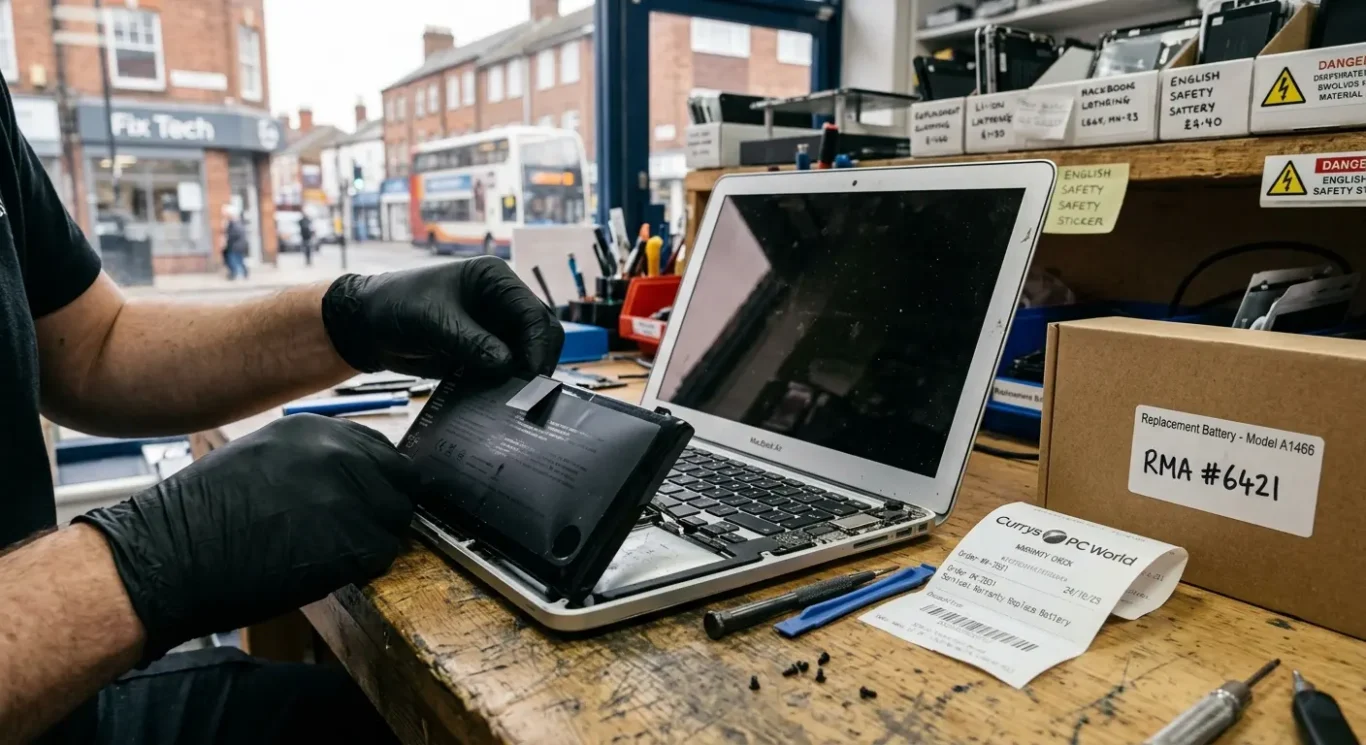
Your rights if the battery failed unusually early
When a retailer claim may be worth checking before you pay for a replacement
If a battery has worn out after years of daily charging, that is usually normal wear. If it has failed much earlier than you would reasonably expect, the Consumer Rights Act 2015 may be relevant. In the UK, any claim is generally against the retailer that sold you the laptop, not always the manufacturer.
Normal ageing or premature failure
This is where the detail matters. A battery is a consumable part, so sellers may argue that loss of runtime is expected over time. On the other hand, a battery that suddenly fails, reports a service warning unusually early, or swells well before the laptop is old may be treated differently from ordinary ageing, depending on the age of the machine and the evidence available.
Proof of purchase helps, and so can an inspection report from a repairer if there is a question over what actually failed. I do this quite a lot – sometimes the battery is clearly the issue, and sometimes the charging circuit, software, or power settings are part of the problem instead. If you are trying to work out when to replace laptop battery parts, that distinction matters because a weak retailer claim is often based on guesswork rather than a proper diagnosis.
Check cover before paying privately
Before you authorise a private repair, check the original warranty, any extended cover, and whether accidental damage or business-use terms affect what is included. Outcomes under the Consumer Rights Act 2015 depend on the circumstances, the age of the laptop, and what evidence shows, so it is sensible to gather your paperwork first rather than jump straight into a dispute or pay twice for the same problem.
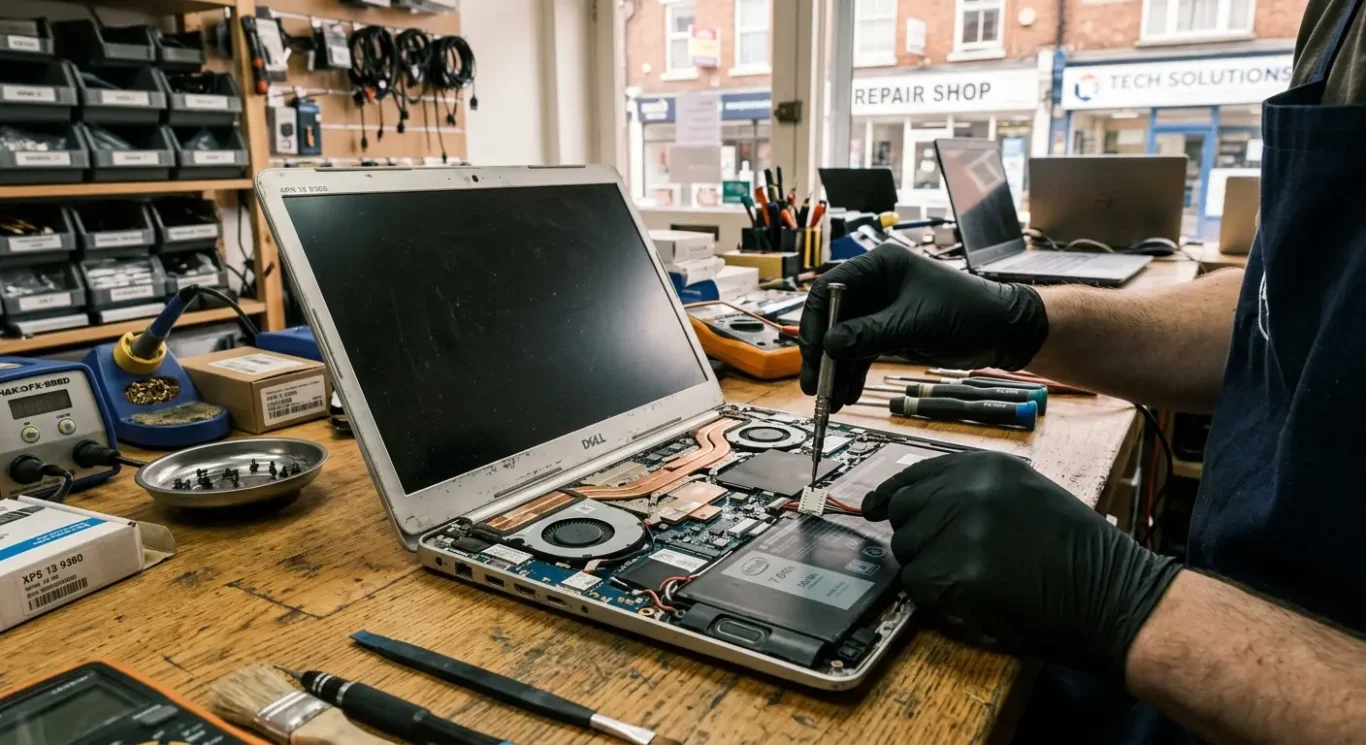
Replace the battery or buy a new laptop?
Look at the age, condition and everyday usefulness of the machine before spending money.
If the laptop still starts properly, runs the programs you need, and only lets you down because the charge does not last, a battery replacement often makes sense. That is especially true when the screen is good, the keyboard is not half worn through, the charger is reliable, and the machine has enough storage and RAM for the way you actually use it. I usually tell people to judge the whole laptop, not just the battery in isolation.
When spending the money is usually reasonable
A simple way to think about it is this: if the cost of the battery job feels proportionate to the value you still get from the laptop, it is often worth doing. If you are happy with the speed, it supports current software, and it has not already had a string of repairs, replacing the battery is usually cheaper and less disruptive than moving everything to a new machine. That matters even more if you use specialist programs, old printers, or business logins that are a pain to set up again.
When not to keep throwing money at it
If the machine is already slow, no longer supported, running out of storage, dropping Wi-Fi, has a cracked screen, loose charging port, tired keyboard, or other faults waiting in the wings, be careful. A battery can fix battery life, but it will not turn a worn-out laptop into a good one. That is the point where I would usually say stop, add up what else it needs, and ask whether you are repairing a useful computer or just delaying replacement for a few months.
For business users, downtime is part of the maths as well. A new laptop is not just the purchase price – it is the time to set it up, sign back into everything, move files, reconnect email, reinstall software, and make sure staff can work normally again. On the other hand, if an ageing machine is already costing hours in crashes, slowness and repeat faults, that lost time can outweigh the cost of replacing it. When people ask me when to replace laptop battery parts and when to walk away, that is usually where the decision becomes clear.
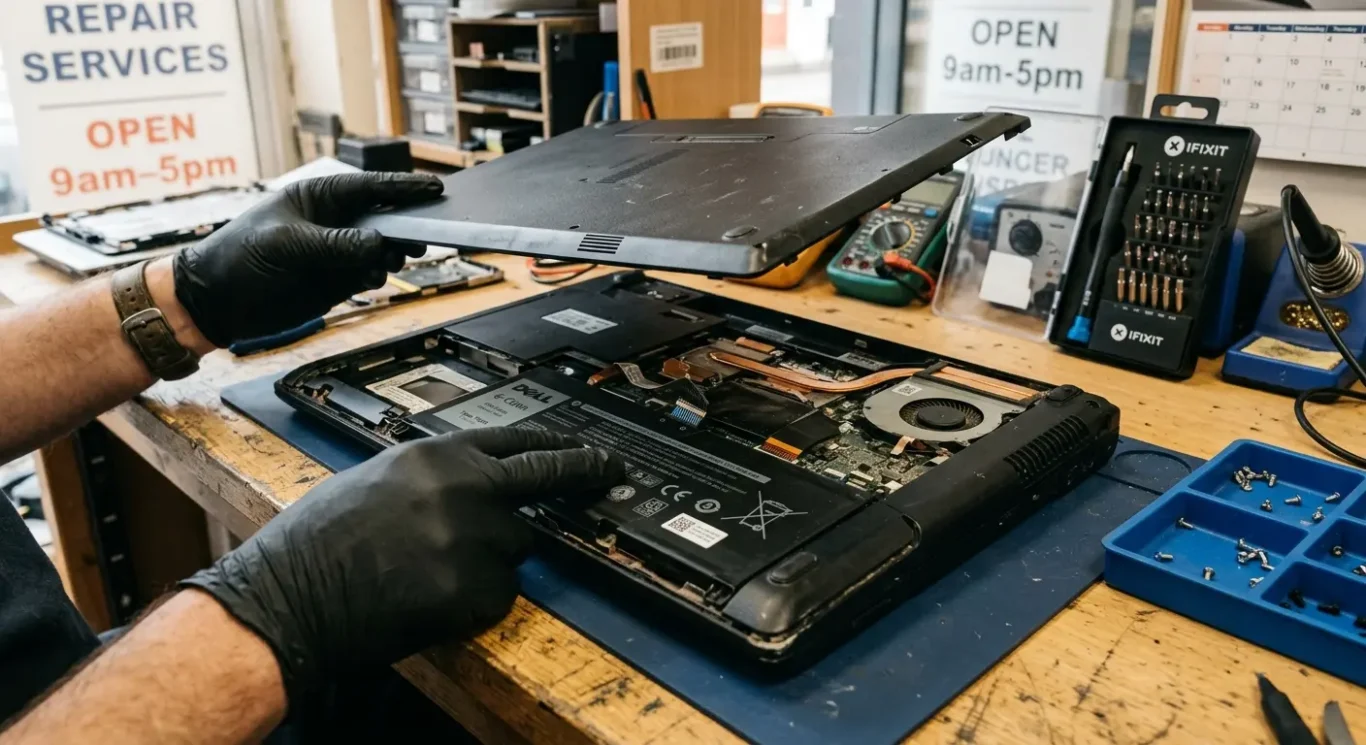
DIY or professional battery replacement?
It can be a straightforward job on some laptops, but on others it turns into a fragile strip-down very quickly.
If you have an older model with a removable base, clear access to the battery and the right part and tools, DIY can be reasonable. Some machines are genuinely simple. Others look simple online, then fight you all the way with hidden screws, clips that snap, or connectors that do not like being moved twice.
Where DIY usually goes wrong
Modern laptops are often much less forgiving. Batteries may be glued in, cable routing can be awkward, and parts such as the keyboard, trackpad and charging assembly sit very close to where you are working. I see damage from rushed battery jobs more often than people expect – cracked lower cases, torn battery cables, punctured cells, and motherboard damage from a slipped tool or the wrong screw going back into the wrong hole.
Professional fitting is not just about swapping the pack. A decent repairer will normally check whether the charging fault is actually the battery, inspect for heat damage, look at the charger and DC input side, and spot other wear while the machine is open. That matters because a new battery will not fix a bad charging circuit, and it is frustrating to pay for one repair only to find the real fault was elsewhere.
About your files
Your data is usually not affected by a battery replacement, because the storage drive is separate, but any repair should still be approached carefully. Backing up first is sensible if the laptop still works, and if the battery is swollen do not try to remove it yourself just to save a bit of money – that is one of the jobs worth treating as urgent.
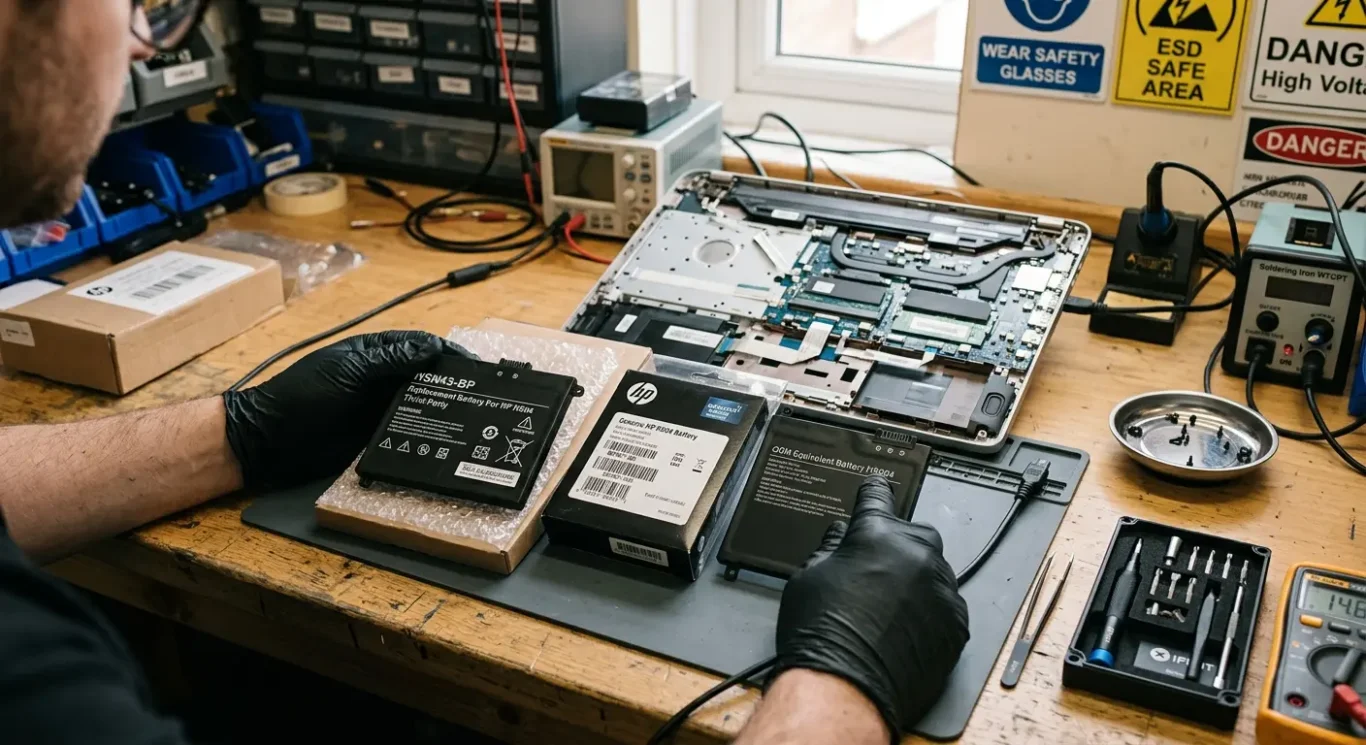
OEM, genuine and third-party batteries – what the difference means
The words on a quote can sound similar, but they do not always mean the same thing in practice.
In plain English, a manufacturer-supplied or genuine battery is one sold through the laptop maker or its authorised service route. An OEM-equivalent battery usually means a part intended to match the original spec and fit, but not supplied by the laptop brand itself. Third-party is the broadest category of all – it simply means made and sold by another company, with quality ranging from decent to poor depending on the source.
Why the cheaper quote is not always the cheaper repair
What matters in day-to-day use is not just whether the laptop turns on afterwards. Cell quality, internal protection circuitry, fit, connector quality and lifespan can all vary, and that is where cheap batteries sometimes let people down. I have seen low-cost packs that worked fine at first, then lost capacity quickly, reported the wrong charge level, or started cutting out under load, so a lower price is not automatically better value if you are doing the job again in a few months.
If you are comparing quotes for when to replace laptop battery faults, ask what brand or quality tier is actually being fitted, if the repairer is willing to say. Some shops will be clear about whether they are using a manufacturer part, a known replacement brand, or a budget option, and that helps you judge the quote properly. If they cannot or will not explain the part level at all, I would at least pause and ask a few more questions.
Some machines are fussier than others
Not every laptop behaves the same after a battery swap. Some models are quite tolerant, while others are picky about battery communication, charge reporting and firmware messages, especially certain ultrabooks and some Macs. That does not mean every third-party battery will cause trouble, but it does mean the part choice matters more on some machines than others, and a repairer should be honest about that if asked.

Where to go in London for battery replacement
The sensible options depend on your laptop, your budget and how quickly you need it sorted.
If you have a Mac that is still supported through Apple, the official route is usually the cleanest starting point. Apple Stores and authorised service routes are the obvious choice for supported MacBook models, especially if battery health is the only issue and you want the manufacturer route. For mainstream Windows laptops, Currys and other high street repair desks can be worth checking, although what they take on varies a lot by model and whether parts are readily available.
Independent shops can be the practical middle ground
London has long had clusters of independent repairers around Tottenham Court Road, Camden and Shoreditch, and that is often where people end up when they need plain answers and flexible options. Some independents handle older machines that bigger chains would rather not touch, and some are better set up for business users who cannot be without a laptop for long. Computer Repair Ltd is one of the independent options with multiple London locations, but the useful thing is the category rather than the name – a good independent will tell you quickly whether the battery is the actual fault and whether the job is worth doing.
Check the practical bits before you travel
Before booking anything, ask four boring but important questions: do they work on your exact model, do they have the part in stock or need to order it, is same-day battery replacement London realistically possible for that machine, and do they offer a home or office visit if you cannot get away. Not every shop works on every model, and that matters more with newer Macs, thin premium ultrabooks and devices where the battery is buried under other parts.
I would also ask whether they are quoting after a proper check or just assuming the battery is at fault from your description. Plenty of laptops come in with poor battery life and turn out to have a charging fault, overheating problem or heavy background software instead, so when to replace laptop battery issues should still start with diagnosis, not guesswork.

How to dispose of the old battery properly in the UK
Safe, legal disposal is simple once you know where batteries are meant to go.
Old laptop batteries should not go in general waste. They count as electrical and battery waste, so in the UK they need to go through the proper recycling route rather than into a household bin.
In plain English, WEEE rules and battery recycling rules exist so electrical items and batteries are collected and handled separately. You do not need to memorise the law, but the practical bit matters – retailers that sell batteries or electricals, local council recycling points and some repairers may accept old laptop batteries for recycling.
Before you take it anywhere
If the battery has exposed metal terminals, ask the collection point whether they want them taped before you travel. Carry the battery carefully, keep it from being crushed or punctured, and do not leave it loose in a bag with keys, coins or tools.
If it looks swollen or damaged
A swollen pack, split casing, burnt smell or signs of leakage need a bit more caution. Do not try to flatten it or keep using it – contact the council site, retailer or repairer first and ask what handling guidance they want you to follow, because damaged batteries are sometimes accepted through a different process.
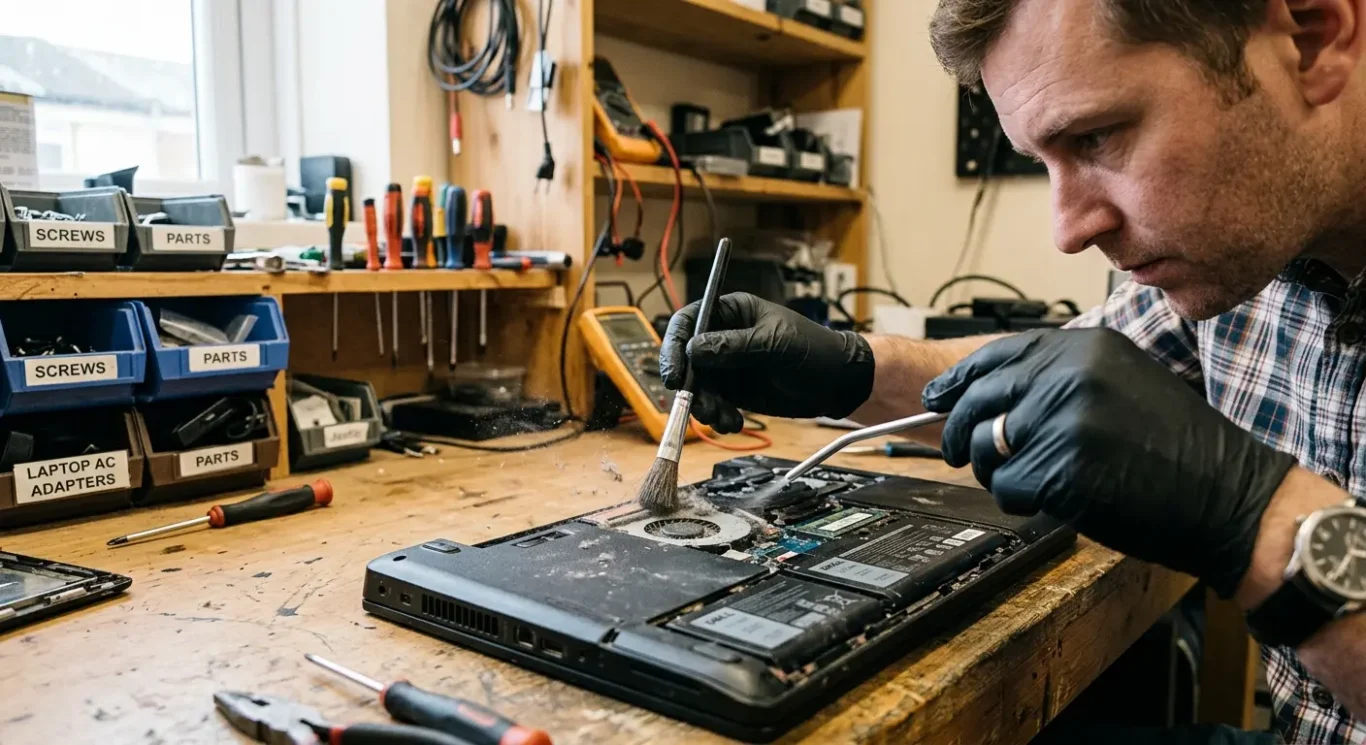
How to make the next battery last longer
These habits help in real life, without turning battery care into a full-time job.
The biggest favour you can do any laptop battery is keep heat under control. Don’t use it on a duvet, cushion or your lap for hours if the vents are underneath, and clear out fluff if the fan area is clogged. In repair work, I see plenty of batteries that have had a harder life because the machine has been running hot for months, not because the owner charged it “wrong”.
Charging habits that are sensible enough to stick to
You do not need to obsess over hitting perfect percentages every day. If you can avoid leaving it flat for long periods, and avoid baking it on charge in a hot room or direct sun, that is already useful. For desktop-style use at a desk, usage patterns matter more than rigid rules – some people are fine staying plugged in most of the time, others do better on mixed use, and what matters is whether the laptop stays cool and the maker offers any battery care setting worth enabling.
It also helps to trim pointless background drain. If the battery suddenly seems poor, check for apps syncing constantly, lots of browser tabs, video calls, cloud backup jobs, or startup software you do not need. Keeping Windows, macOS or Linux updates current, along with firmware or battery management updates where the manufacturer recommends them, can sort out odd charging behaviour or unnecessary power use.
No trick stops normal wear completely
Even if you do everything neatly, all batteries still wear out eventually. That is normal, and it is why knowing when to replace laptop battery packs matters more than chasing myths about one perfect routine.
Questions we get every day
What our engineers actually say
We often see people assume the battery is finished when the real fault is charging related, heat related, or a software issue affecting power use. A common problem is replacing the battery first and only then finding the laptop still does the same thing, which is why we diagnose the fault before any repair starts.
If the machine still suits your work, runs properly on mains power, and the battery is the only real complaint, replacing it is usually the sensible call. If the laptop already has other faults or feels near the end of its useful life, it is often better to stop and think before spending money on a battery alone.