
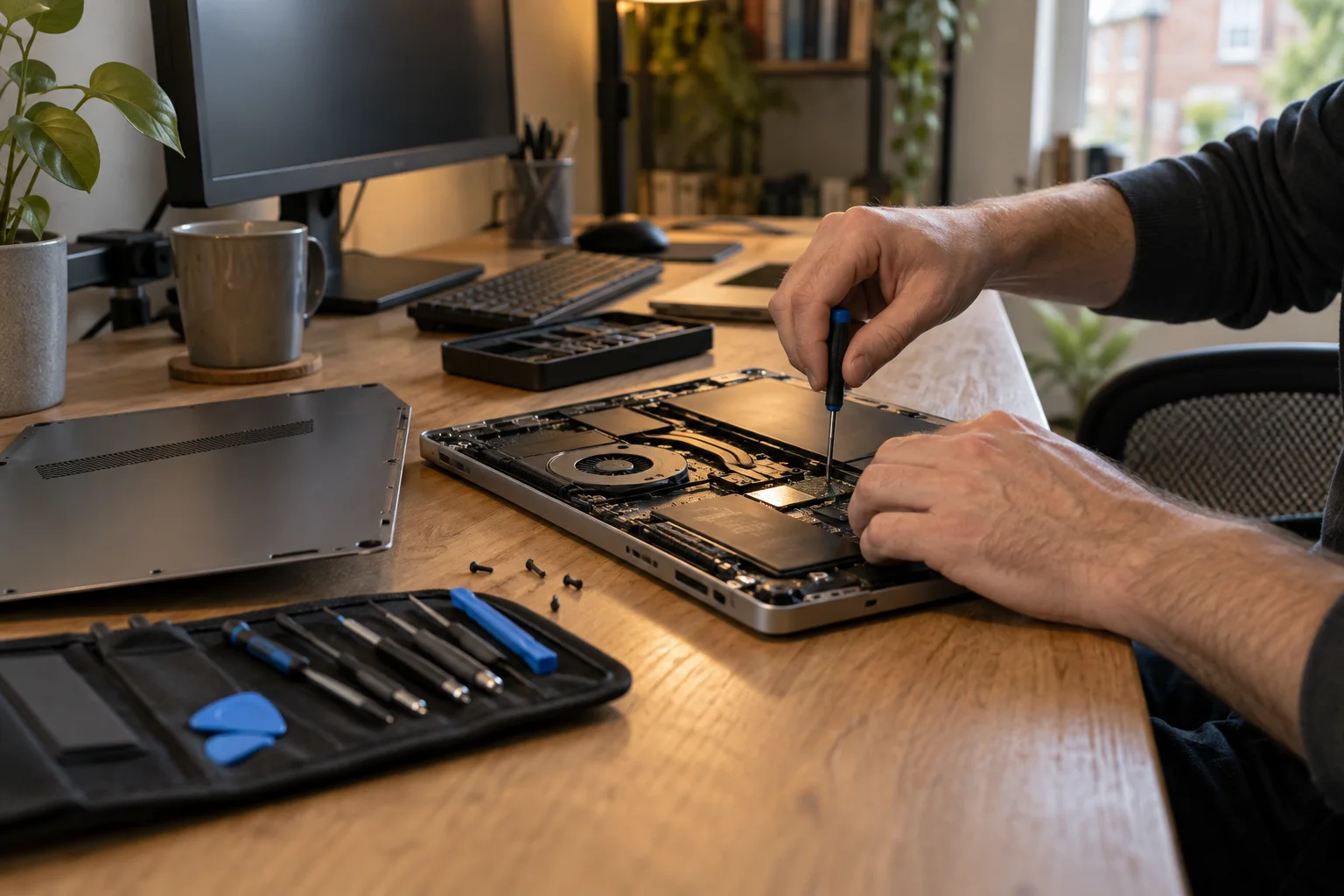
Arbroath repair enquiries
Computer and laptop repair in Arbroath
Laptop screen damaged, PC crashing or a Mac running slowly? Send a repair enquiry with your Arbroath postcode. We will check suitable options for the fault and your location.
- Laptop, Mac and desktop PC enquiries
- Local availability checked for your postcode
- Free enquiry, no obligation
- Price agreed before repair
Start with your device
What needs repairing?
Describe the symptoms, even if you are not sure what caused them. A model number and a short explanation help us check the right repair options.
Laptop repairs
Broken screens, charging problems, damaged hinges or a laptop that overheats. Include the make and model, and mention any drop or spill.
Desktop PC repairs
No power, crashes, a blank monitor or a computer that has become slow. Tell us whether the fault started after an update, a move or a hardware change.
Mac and MacBook repairs
Startup problems, battery faults, screen damage and performance issues. Add the model or approximate year so suitable repair options can be discussed.
Files you need to keep
Tell us if photos, work documents or other important files are on the computer. Explain whether you have a backup and whether the files still open. Data recovery depends on the fault and cannot be guaranteed.
Arbroath and DD11
Check options for your postcode
DD11 includes Arbroath and nearby places such as Friockheim. Enter the full postcode so repair options can be checked for your address rather than the postcode district as a whole.
If you live outside the town, tell us whether you would prefer a visit or can take the computer to an agreed repair location. Drop-off and collection arrangements are confirmed individually.
A repair for home or business
Mention the tasks you cannot do, whether another computer is available and any deadline. This helps explain how the fault affects you.
For workplace equipment, check who can approve a repair and whether your IT provider should handle it first.
Explain the problem
A damaged screen or charging problem?
Include the exact laptop or MacBook model and describe any physical damage. Different versions can use different screens, batteries and charging parts, which affects the estimate and repair time.
Say whether the device still works with an external screen or only when plugged in, if you already know. Mention important files before any repair work is agreed.
Useful details for your enquiry
The make and model, when the problem started, and any error message or recent damage. You do not need to know which component has failed.
If you have already tried a repair or replaced a part, mention it. Do not put passwords in the form.
Choose a suitable arrangement
Home visit, workshop or remote help?
A home or workplace visit in Arbroath may suit a desktop that is difficult to move, a printer connection or a Wi-Fi problem. Select a callout if this is your preference. Availability and suitability are checked before booking.
A damaged screen, liquid spill or internal hardware problem may need workshop equipment. Agree the location and any drop-off or collection arrangements before travelling.
Could remote help solve it?
Email, software and setup problems may be suitable for remote support when the computer starts and has a working internet connection. Ask which arrangement suits your problem.
A computer that will not power on or has physical damage will usually need hands-on assessment.
From enquiry to booking
Three simple steps
Sending the form is free. An appointment is agreed after the job and availability have been checked.
- 01
Describe the fault
Select your device and explain what is going wrong. Add any error message, damage or important files.
- 02
Add your postcode
Choose a preferred repair method or any suitable option. Include a deadline if the problem is urgent.
- 03
Agree the next step
Discuss the repair arrangement, any assessment charge and likely timing before deciding whether to book.
Before you book
Know what the price covers
The cost depends on the fault, labour and parts. An assessment may be needed before an accurate estimate is possible.
Ask whether there is a callout or diagnostic charge, whether parts are included and what happens if the computer cannot be repaired. Agree any extra work before it goes ahead.
Have these details ready
Include the make and model, what happens when you switch it on, and when the problem started. Mention any recent spill, drop or upgrade.
If you need a home visit, mention parking or access restrictions. If the computer belongs to your employer, check with their IT team before arranging outside repair.
Do not put passwords in the enquiry form.
More repair locations
Elsewhere in Dundee or Angus?
Choose the place that matches your address, or use your own postcode in the enquiry form. Each location is checked separately.
Forfar
Repair enquiries for Forfar and nearby DD8 addresses.
Dundee
Repair enquiries for Dundee and nearby DD1-DD5 addresses.
Brechin
Repair enquiries for Brechin and nearby DD9 addresses.
Arbroath repair questions
Arbroath repair questions
What to know before arranging a repair.
Can I enquire from Friockheim or another DD11 address?
Yes. Add your full postcode and the location where the computer is used. DD11 extends beyond Arbroath, so visits, travel and workshop arrangements are checked for the individual address.
Can someone come to my home in Arbroath?
You can request a home visit in the enquiry form. Whether a visit is available and suitable depends on your postcode, the fault and engineer availability. Some jobs need workshop testing or equipment.
Do I need to bring my laptop to a shop?
The repair arrangement is agreed after your enquiry is reviewed. Confirm any workshop address and appointment before travelling; this page does not advertise a walk-in Arbroath branch.
How much will the repair cost?
The price depends on the fault, parts and work required. Ask about diagnostic or callout charges and agree the price before repair work goes ahead. Sending an enquiry is free.
What if I need my computer back urgently?
Include your deadline and explain whether you need the device, particular files or both. We will check the options. Same-day appointments and repair times cannot be guaranteed.
Free to enquire
Ask about a computer repair in Arbroath
Tell us what has gone wrong and add your postcode. We will check repair availability. Free to enquire, with no obligation to book.