
PC repair
Computer fails to start
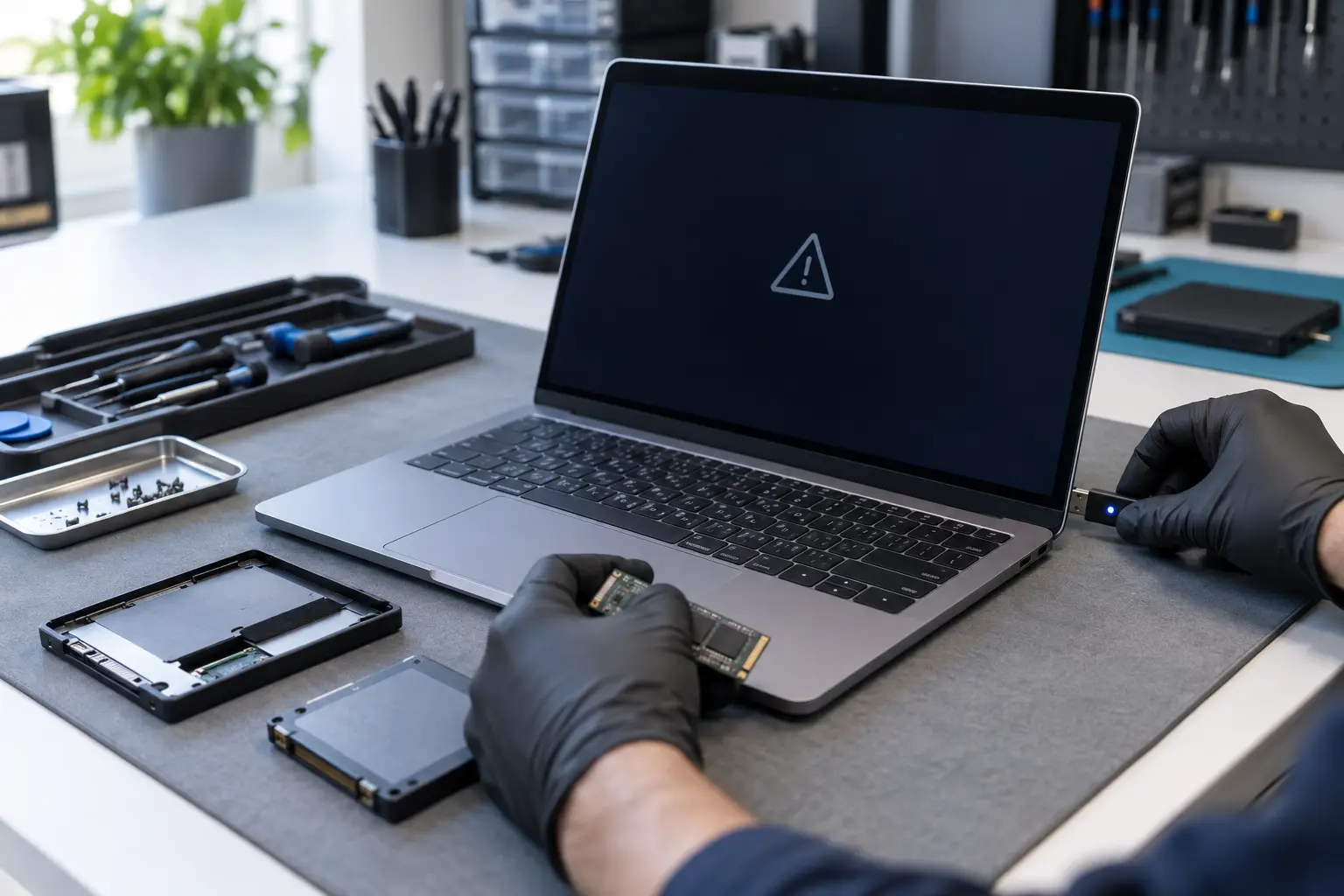
A computer that has power but cannot finish starting may have an operating-system, storage or hardware fault. Describe exactly what appears on screen and what changed before it happened.
- Operating-system, storage and hardware causes considered
- Engineers across the UK
- Free enquiry, no obligation
- Price agreed before repair
Understand the problem
No power and no startup are different faults
Lights, fan noise, logos, error messages and repeated restarts all give useful clues. Avoid repeated repair attempts if important files are stored on the computer.
Stuck on a logo or loading screen
The computer powers on but never reaches the normal desktop or login screen.
Repeated restarts or recovery
It loops, opens recovery tools repeatedly or reports that an automatic repair could not complete.
Error screen or missing drive
A boot-device message, folder symbol or storage error may point to the operating system or drive.
Startup repair becoming too technical? Let us take it from here.
What the service covers
What an engineer may need to check
Diagnosis should separate software corruption from a failing storage device, memory problem or another hardware issue before changes are made.
- Power signs and startup sequence
- On-screen messages and recovery behaviour
- Storage-drive detection and basic health
- Operating-system startup files
- Memory and connected-device checks
- Recent updates, drops or power interruptions
- Options for protecting or recovering important files
- Repair, reinstall or hardware-replacement routes
Important files change the approach
If the computer contains data that is not backed up, say so in the form. Continuing to run tests on a failing drive can reduce recovery options, so the safest next step may be to stop using it.
What happens next
A clear repair process
The more exact the startup description, the easier it is to prepare the right diagnostic route.
Record what happens
Tell us about lights, sounds, logos, error messages and any recent change or damage.
Protect the right priority
Identify whether restoring operation, preserving files or both are important before diagnosis begins.
Agree the repair path
The engineer explains the likely route, service method, timescale and cost before proceeding.
Before you decide
Why a quote may require diagnosis
The same visible symptom can have a simple software cause or require a replacement component.
Cause
Update corruption, damaged system files, a failing drive and memory faults need different remedies.
Data requirement
Backup, cloning or recovery work adds a separate responsibility that should be agreed explicitly.
Service location
Software checks may be possible remotely in limited cases, while non-starting hardware often needs hands-on inspection.
Questions customers ask
Should I keep restarting the computer?
If the storage device may be failing or the computer contains important unbacked-up data, repeated attempts are not advisable. Switch it off and request help.
Does a startup failure mean the files are lost?
Not necessarily. Many startup faults leave user files intact, but the storage device should be assessed before assuming the data is safe.
Can this be fixed at my address?
That depends on the cause. Some software and replaceable-part work can be handled on site; deeper storage or board diagnosis may require a workshop.
Still unable to reach the desktop?
Describe the last screen you see and whether important files are involved. A local engineer can discuss the safest repair route.