
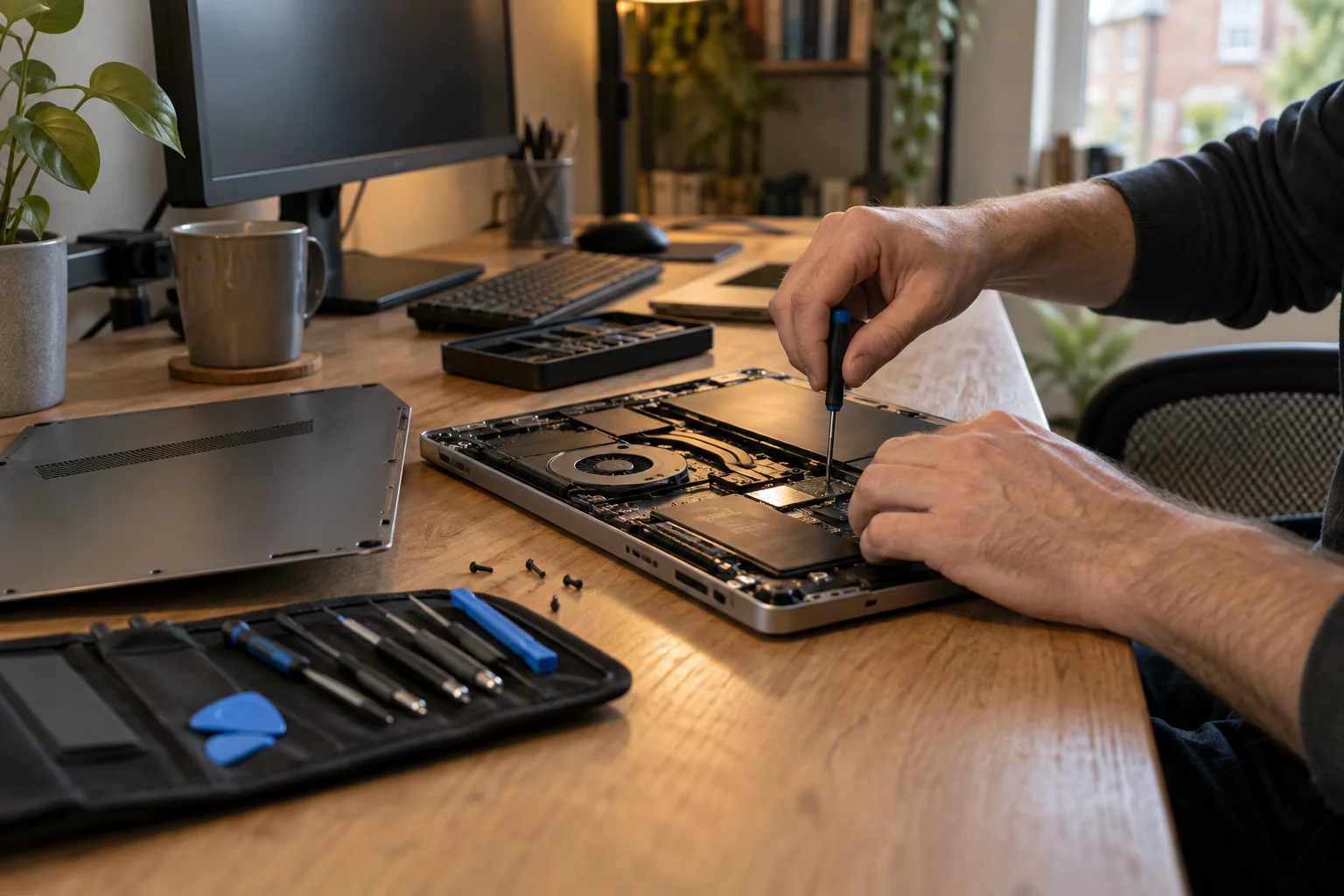
Local computer help
On-site computer repair at your home or office
Need help with a computer at home or work? Tell us what is wrong and enter your postcode. We will check local engineer availability and discuss whether an on-site visit is suitable.
- Home and workplace visits where suitable
- Local availability checked for your postcode
- Free enquiry, no obligation
- Price agreed before repair
Help where you use your computer
What can we help with?
From a family laptop to a small office setup, start with the problem you are having. You do not need to diagnose it first.
Slow or freezing computer
Long waits, crashes or a computer that struggles with everyday tasks. We can investigate the cause and discuss suitable repairs or upgrades.
Startup and software problems
A computer that will not start properly, update errors or unwanted pop-ups. Explain what you see on screen, even if you do not know the cause.
Wi-Fi and printer problems
Dropped connections, a printer that will not connect or devices that will not work together. A visit lets an engineer check the setup where you use it.
New computer setup
Help setting up a Windows PC or Mac, moving your files and connecting the equipment you already use.
Repairs and upgrades
Ask about storage, memory, cooling or other hardware problems. The model, parts and tools needed will determine whether the work can be done on site.
Files and backup setup
Help transferring accessible files and setting up backups. If a drive may be failing or files are missing, tell us before further repair work starts.
Some repairs need workshop equipment or replacement parts. We will discuss that before a visit is arranged.

Help where you need it
Computer repair home visits
A visit can save you disconnecting a desktop, carrying a heavy computer or trying to explain how everything is connected.
Help at home
Get help with the computer, printer and connections you use every day. Show the engineer what happens and ask questions as the work is discussed.
Office visits too
For on-site computer support at work, tell us which computers or shared equipment are affected. Mention any access arrangements or deadlines when you enquire.
Check your postcode
Computer repair callouts in your area
Ask about a visit in London or elsewhere in the UK. We will check whether a local engineer can help.
Enter your full postcode and describe the problem. Availability depends on your address, the work needed and the engineers nearby. We will discuss the options before a visit is arranged.
Find help where you live
Explore local information, or go straight to the enquiry form to ask about your address.
Ask about a visitFrom enquiry to appointment
How a visit works.
Tell us the problem
Use the form above. Include your device, symptoms and full postcode so we can check suitable local help.
Discuss the visit
An engineer can ask about the fault, confirm availability and explain the likely work and charges.
Agree the next step
Confirm the appointment and costs before work begins. If a workshop repair is more suitable, the options will be explained.
Know what to expect
Discuss the cost first.
The price depends on the fault, the time needed and any parts. An enquiry is free. Repair work and diagnostic visits may carry a charge.
- Visit and assessment: confirm any callout or diagnostic charge before booking.
- Work and parts: ask what the estimate includes and whether further testing is needed.
- Any extra work: agree changes before the engineer goes ahead.
Before the appointment
A little preparation helps.
- Have the computer, charger and connected equipment available.
- Note error messages and when the problem happens.
- Make space near a power socket for the engineer to work.
- Mention important files and whether you have a backup.
- Tell the engineer about parking, building access or reception arrangements.
Do not put passwords in the enquiry form.
Before you book
A few common questions.
Not sure whether a visit is right for your computer? Describe the problem and we can discuss the options.
Can you visit me outside London?
You can enquire from other UK areas too. Include your full postcode so we can check local engineer availability. A visit is only arranged once availability, suitability and charges have been discussed. You can also explore our repair coverage.
Can you repair it during the visit?
Some problems can be resolved at your address. Others need parts, specialist equipment or further testing. The engineer will explain what can be done on site and discuss any workshop arrangements.
Do you help with Windows PCs and Macs?
Yes, you can enquire about Windows laptops, desktop PCs, all-in-one computers and Macs. Include the make and model if you know them so we can check the right repair options.
Can I request an urgent or evening visit?
Tell us your preferred time and any deadline. Appointments depend on local engineer availability and the work needed. Sending the form does not confirm a visit or a same-day repair.
Could the problem be fixed remotely?
Some software and setup problems may be suitable for remote support if the computer starts and has an internet connection. Hardware faults and connection problems may need an in-person assessment.
What if important files are on the computer?
Tell us before work begins, especially if you do not have a backup. If a drive may be failing or files are missing, avoid resets or reinstalls until you have discussed the options. Recovery cannot be guaranteed.
Let us help you get back to your day.
Tell us what is wrong and where you need help.