
Laptop repair
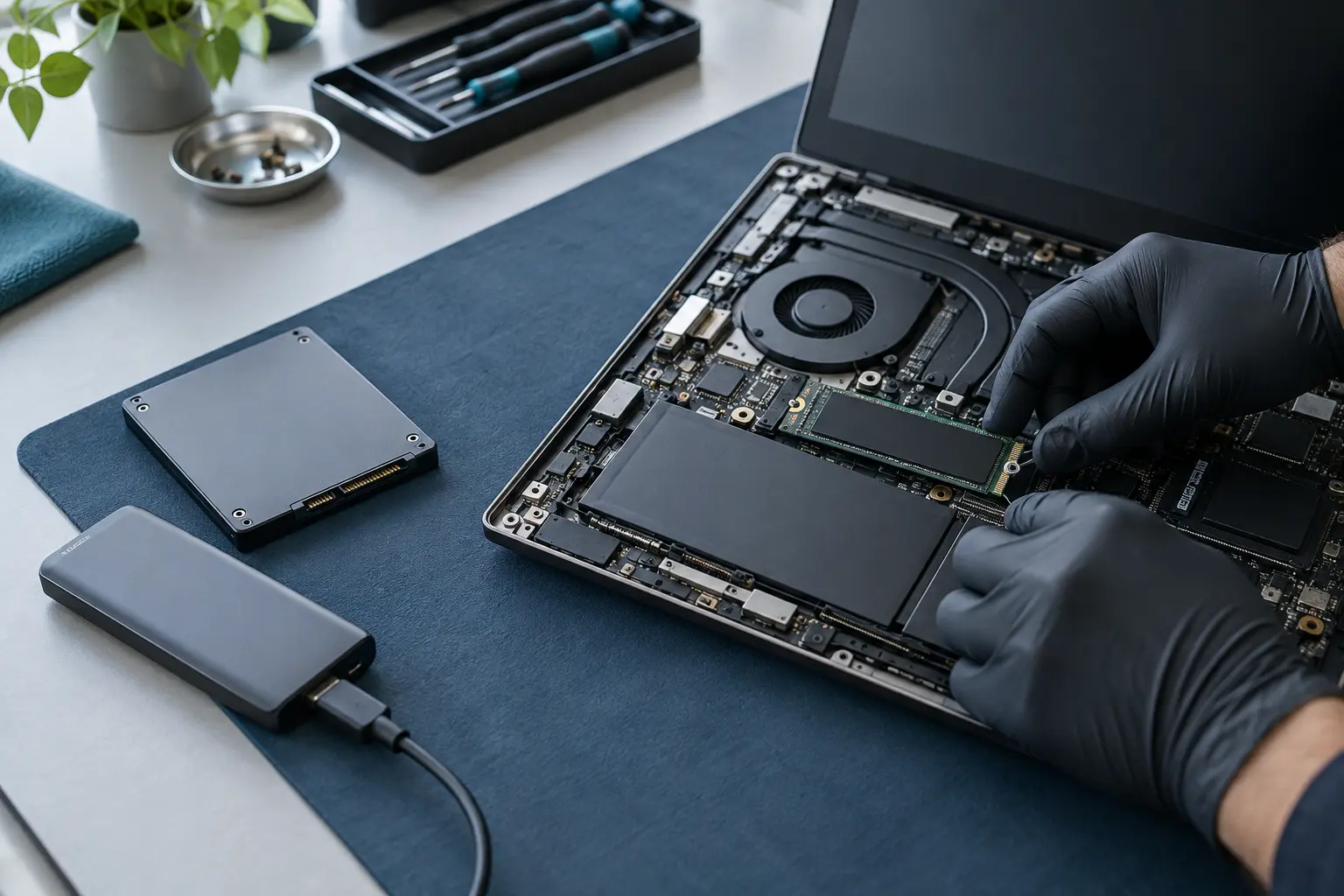
Laptop hard drive HDD replacement, SSD upgrades
An SSD upgrade can improve storage capacity and responsiveness, while a failing drive needs a more cautious data-first approach. Tell us which situation applies to your laptop.
Stop using a clicking or repeatedly disappearing drive.
- Data transfer and recovery needs considered first
- Engineers across the UK
- Free enquiry, no obligation
- Price agreed before repair
Understand the problem
Upgrade, replacement and recovery are not the same job
The existing drive condition, laptop compatibility and need to retain files determine whether cloning, a fresh installation or recovery assessment is appropriate.
You need more capacity
The current drive is healthy but no longer has enough space for applications and files.
The laptop feels storage-limited
A compatible SSD may improve a laptop still using a mechanical hard drive, but other bottlenecks should be considered too.
The drive may be failing
Slow reads, errors, missing files, clicking or non-detection require care; continued use can make recovery harder.
Not sure whether you need an upgrade or data recovery? Describe the current symptoms first.
What the service covers
What needs to be decided before fitting an SSD
Compatibility includes the physical format, interface, capacity, operating-system needs and whether the original drive can be read reliably.
- Exact laptop model and supported drive formats
- Current drive type, health and capacity
- Suitable SATA or NVMe SSD options
- Cloning where the source drive is healthy enough
- Fresh operating-system installation where appropriate
- User-file transfer and backup requirements
- Boundary between ordinary transfer and data recovery
- Testing after installation
Stop if the drive shows failure symptoms
Do not repeatedly copy, scan or reinstall onto a drive that clicks, disappears or contains important unbacked-up files. Explain the symptoms so recovery risk can be considered before upgrade work.
What happens next
A clear repair process
A model number and honest description of the existing drive are the best starting points.
Define the goal
Tell us whether you want more capacity, better responsiveness, replacement of a failed drive or help preserving files.
Check compatibility
The engineer reviews the laptop model, drive format and appropriate installation or transfer route.
Agree parts and data work
Capacity, parts, service method, likely timescale and any data handling are confirmed before work.
Before you decide
What affects the final quote?
The SSD itself is only one part of the job; access and data requirements can be equally important.
SSD specification
Interface, capacity, performance tier and availability affect the part price.
Data migration
Cloning a healthy drive differs from reinstalling software or attempting recovery from a damaged one.
Laptop access
Some models have a simple service cover; others require more extensive disassembly or use soldered storage.
Questions customers ask
Can every laptop be upgraded?
No. Some laptops use soldered or non-standard storage. The exact model must be checked before promising an upgrade.
Will all my programs and files move to the new SSD?
A clone can often preserve the existing installation when the old drive is healthy and compatible. A fresh installation or failing drive changes what can be transferred.
Is an SSD upgrade the same as data recovery?
No. Upgrade and ordinary transfer assume readable data. Recovery deals with deleted, damaged or inaccessible storage and may require specialist assessment.
Need more space—or worried the drive is failing?
Tell us the laptop model, current symptoms and whether the files are backed up. A local engineer can discuss the safest route.