
Swansea area
Computer repair in Gorseinon and Loughor
Computer and laptop repairs in Gorseinon and Loughor, including desktop PCs, gaming computers and Macs. Get a damaged or unreliable device assessed, compare the repair options and check availability for a visit or workshop appointment.
- Laptop, Mac and desktop PC enquiries
- Local availability checked for your postcode
- Free enquiry, no obligation
- Price agreed before repair
Faults and repairs
Power and startup failures
A computer that has no power needs different checks from one that turns on but fails to load Windows or macOS. Diagnosis can test the power supply, internal connections and storage to identify what needs repair.
Damaged laptop parts
Screen panels, keyboards, batteries and charging components can be assessed for replacement. If the case or hinge is damaged too, this needs to be included in the quote. Correct parts depend on the exact laptop model.
Mac hardware and software
MacBooks, iMacs and Mac minis can be assessed for charging, display, storage, startup and performance faults. Some parts are integrated into the board, so repair and upgrade options need to be checked for the model and year.
Heat, crashes and motherboard repair
Cooling problems and faulty components can make a computer freeze or cut out. Temperature checks and hardware testing establish whether cleaning, a fan or another component is needed. Power circuits and damaged connectors may require board repair.
Slow computers and upgrades
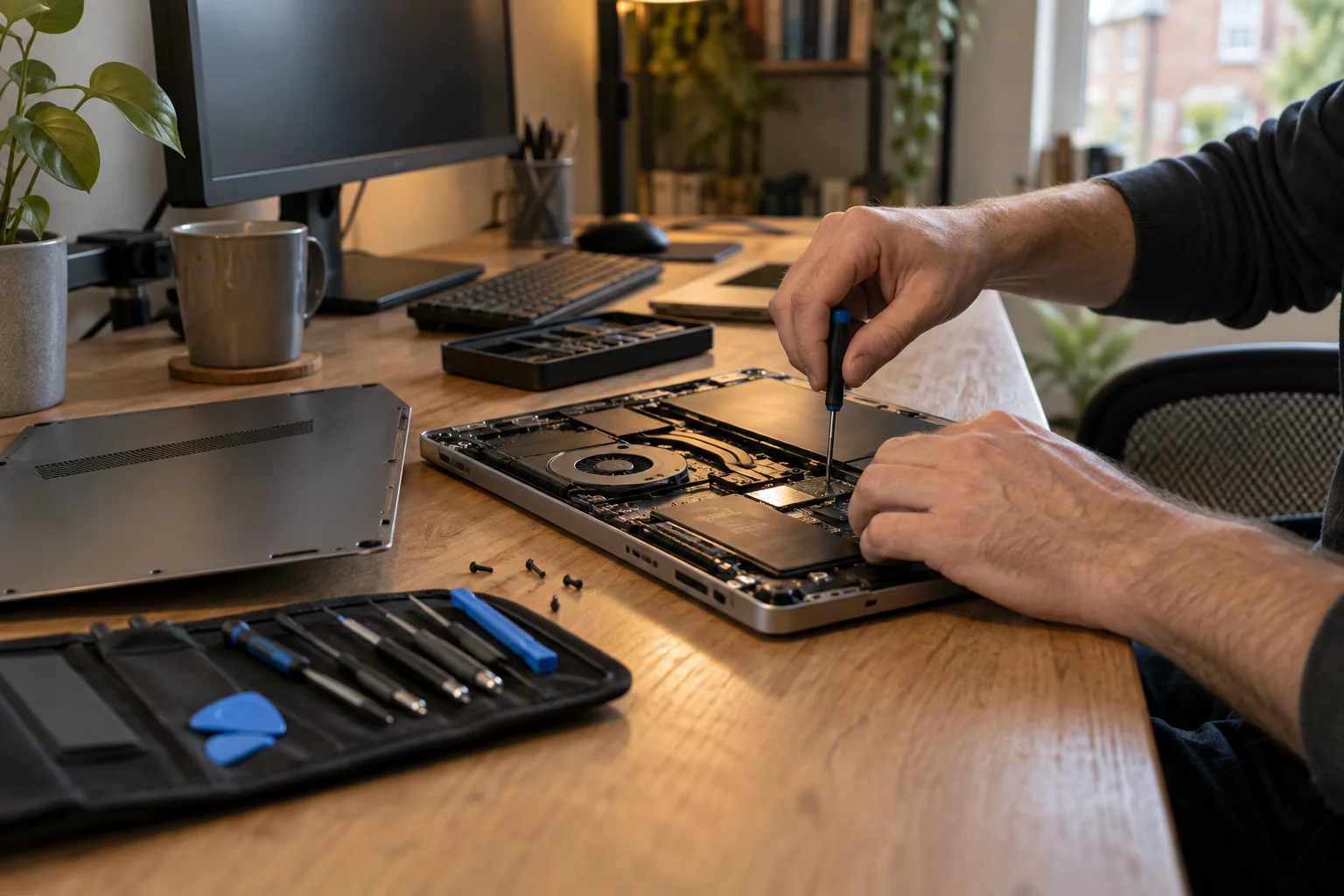
A compatible SSD can reduce storage delays, and additional memory can help a suitable system run several applications. The existing hardware and software need checking first. Replacing parts is useful when it addresses the cause of the poor performance.
Software faults and missing files
Failed updates, email problems and unwanted programs can be investigated. File transfer from working storage and recovery from a damaged drive are assessed differently. Explain whether getting the computer running or retrieving particular files is your main priority.
Home visits and workshop appointments
A home visit can be suitable for a printer, network connection or new computer setup that needs testing with your existing equipment. Give the address postcode and explain which devices are affected so an appropriate appointment can be checked.
For damaged hardware or faults that take time to reproduce, a workshop may be more suitable. Agree what needs to be handed over, the assessment fee and how the machine will be returned. Collection can be requested when transporting a desktop is difficult.
Remote computer help
A software or email issue may be suitable for a remote session if the computer starts and stays online. Mention whether the same problem occurs on other devices. Physical damage or a failed drive needs another repair method.
Quotes for repairs and upgrades
Ask for a breakdown of diagnosis, parts, fitting and testing. A storage upgrade quote should explain whether it includes transferring files or reinstalling the operating system. The cost can change if the original drive has faults that prevent a routine transfer.
For an older computer, compare its overall condition and compatibility with the software you need. One sensible repair may keep it useful. If several components need work, compare the total against the cost of replacing the machine and moving your data.
Charges before approval
Confirm any callout, collection or assessment charge before booking. You can then decide on the quoted repair after diagnosis. Ask what you owe for the assessment if you choose to stop there.
Moving and recovering your files
A file transfer can include documents, photos and other readable data. Applications may require separate installation, and some need a licence or an account sign-in. Agree what should be ready to use when the computer comes back.
If files are disappearing or the drive disconnects repeatedly, discuss recovery before trying a full transfer. Keeping the computer in use can reduce recovery options on a failing drive. Important data should be considered before a drive replacement is approved.
Backup after the repair
Once the required files are accessible, keep another copy on suitable storage or a backup service. Check that the backup opens correctly before disposing of the old drive.
Keep passwords and recovery keys out of the public enquiry form. Any access needed for the job can be arranged at the appointment.
Urgent repairs and turnaround
Mark urgent enquiries and give the date you need the computer. Identifying the model and the problem at the start helps with checking suitable parts and appointment availability.
The completion estimate depends on testing and parts supply. A straightforward replacement and a drive recovery job can take different amounts of time. Confirm the expected return and ask how you will hear about any delay.
After repair
Test the tasks that were failing, collect any supplied accessories and keep the repair receipt. Confirm the warranty period and whether it applies to the fitted parts, the work or both.
Gorseinon, Loughor and nearby addresses
Enquiries cover Gorseinon, Garden Village, Penyrheol, Loughor and Penllergaer. Give the postcode where a visit or collection is needed, especially if the computer is kept somewhere different from your home address.
Other local pages
Repair questions
Can I enquire about a gaming PC?
Yes. Include the parts you know, any recent changes and what causes the problem. Crashes under load can involve temperature, power, memory or graphics hardware, so diagnosis is useful before ordering a replacement.
Will an SSD fix every slow computer?
An SSD can improve a machine limited by its storage, but software faults, heat or other hardware can also cause delays. The assessment should identify the bottleneck and confirm that the proposed drive fits the system.
Can data be moved from a computer that does not start?
Sometimes. If the storage is healthy and accessible, files may still be transferred despite another failed component. A damaged or encrypted drive needs an assessment of the access and recovery options.
Do I have to know which part is broken?
No. Describe what the computer does and when the fault happens. The assessment is used to find the cause and propose a repair.
Free to enquire
Get help with your computer
Describe the fault and add your postcode. Mark the enquiry as urgent if you need help as soon as possible.