
Swansea area
Computer repair in Morriston and Llansamlet
Computer repairs for homes and workplaces in Morriston and Llansamlet. We help with Windows laptops, desktop and gaming PCs, workstations, MacBooks and iMacs. Describe the fault to check an appointment, repair options and likely costs.
- Laptop, Mac and desktop PC enquiries
- Local availability checked for your postcode
- Free enquiry, no obligation
- Price agreed before repair
Computer repairs available
Laptop hardware
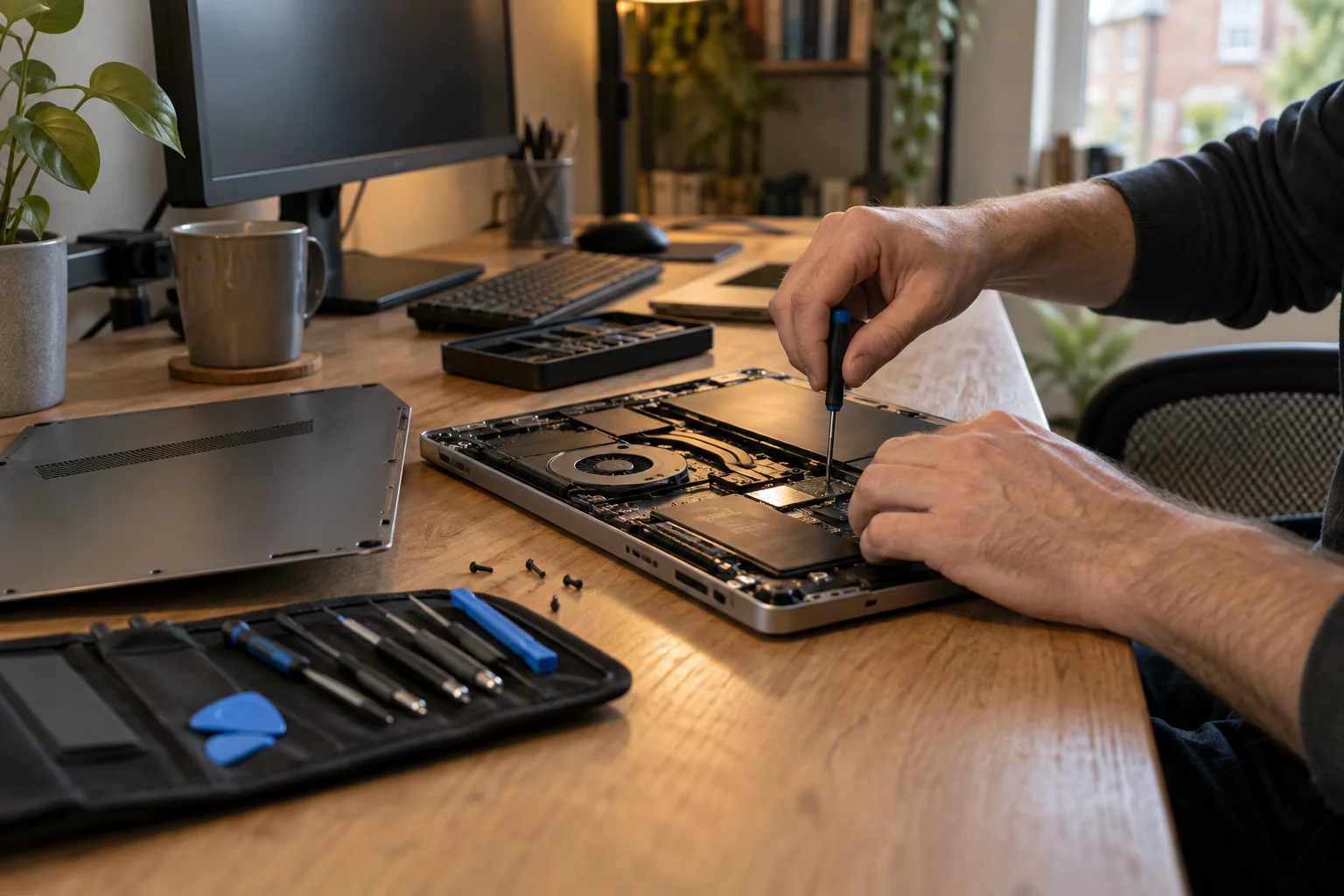
Charging ports, batteries, screens, hinges and keyboards can be assessed for repair or replacement. Damage around a hinge may involve the case as well as the hinge itself. The quote should cover the parts required to make the repair secure.
Desktop and workstation faults
Power failures, freezing, random restarts and no-display faults need checks of the affected components. For a custom PC, the parts list and recent upgrades help with compatibility and fault testing.
Mac repairs
MacBook and iMac repairs include startup, screen, charging, liquid damage and storage faults. Model and year are useful because battery, board and storage arrangements differ across Apple computers.
Software and connection problems
Help with Windows or macOS errors, email, printers and network connections. If several computers lose access to the same device, checking the shared equipment can be more useful than treating every computer as a separate fault.
Overheating and board faults
A noisy fan, heat-related shutdown or damaged connector may need cooling maintenance or component repair. Workshop diagnosis can check the board and power circuits when replacing a charger or external cable does not resolve the problem.
Upgrades and data recovery
Compatible memory or storage upgrades can improve a suitable computer. File transfers and recovery from damaged storage can also be assessed. Explain whether the priority is getting the system working or retrieving files needed elsewhere.
Home and business appointments
At home, a visit lets the computer be tested with its usual printer, router and screen. At work, the same approach can help with a desk setup that fails only when a dock or additional monitor is connected.
Hardware work needing tools, replacement parts or lengthy tests may be completed in a workshop. Agree what leaves the property, the assessment charge and how the device will be returned. Remote help is another option for suitable software faults on a working connection.
Workplace preparation
Identify the affected devices and the person who can approve the work. Include the equipment location when the business has several offices. For a managed computer, arrange any permission needed to diagnose it.
Urgent repairs and downtime
State your deadline and mark the request as urgent. If one failed workstation is stopping a task, explain which application or equipment it needs to run. That helps establish the scope of the assessment and the appointment required.
The time needed depends on the diagnosis, part availability and testing. A device that freezes once every few hours needs a longer check than a clearly damaged keyboard. Confirm when the computer can be taken out of use and when a completion estimate will be available.
Testing a desk setup
A laptop may work on its own while a dock or monitor fails. Keep the relevant accessories available for testing and record whether the problem follows the laptop to another desk. This can reduce unnecessary parts replacement.
Quotes and repair charges
The initial charge may cover a visit or diagnostic work. Ask what it includes and how the cost changes if the computer needs workshop testing. For multiple computers, agree whether the estimate covers each device or a defined amount of work.
A repair quote should identify the work, parts and labour. Include any software setup or data transfer you need after the repair. If replacing the machine is more economical, you can compare that with the repair before approving it.
Business and personal files
Explain which files are backed up and whether anything essential is stored only on the faulty computer. A drive replacement and recovery of the old data can be separate pieces of work.
Keep passwords, client records and recovery keys out of the enquiry. Access required for testing can be arranged at the appointment.
Morriston, Llansamlet and nearby areas
Enquiries include Morriston, Llansamlet, Birchgrove, Clydach, Llangyfelach, Mynydd-bach and Felindre. Give the postcode where the computer is used so travel and available repair methods can be checked.
Swansea coverage
Repair questions
Can I enquire about my own computer as well as office equipment?
Yes. Household laptops, Macs and desktops are included alongside business devices. Describe the equipment and choose the appointment location that suits the repair.
Can you fix a laptop that will not work with a docking station?
The laptop, dock, power supply, cables and displays may need to be tested together. Say what works when the laptop is disconnected from the dock and whether the fault started after an update or equipment change.
Will software have to be reinstalled?
That depends on the diagnosis. A physical component fault may be resolved without reinstalling the operating system. If a reinstall is proposed, first agree what happens to applications, settings and stored files.
What happens after a repair is finished?
Confirm the work completed and the checks carried out against the original fault. Keep the invoice and warranty details, and test the computer with the equipment you normally use.
Free to enquire
Get help with your computer
Describe the fault and add your postcode. Mark the enquiry as urgent if you need help as soon as possible.