
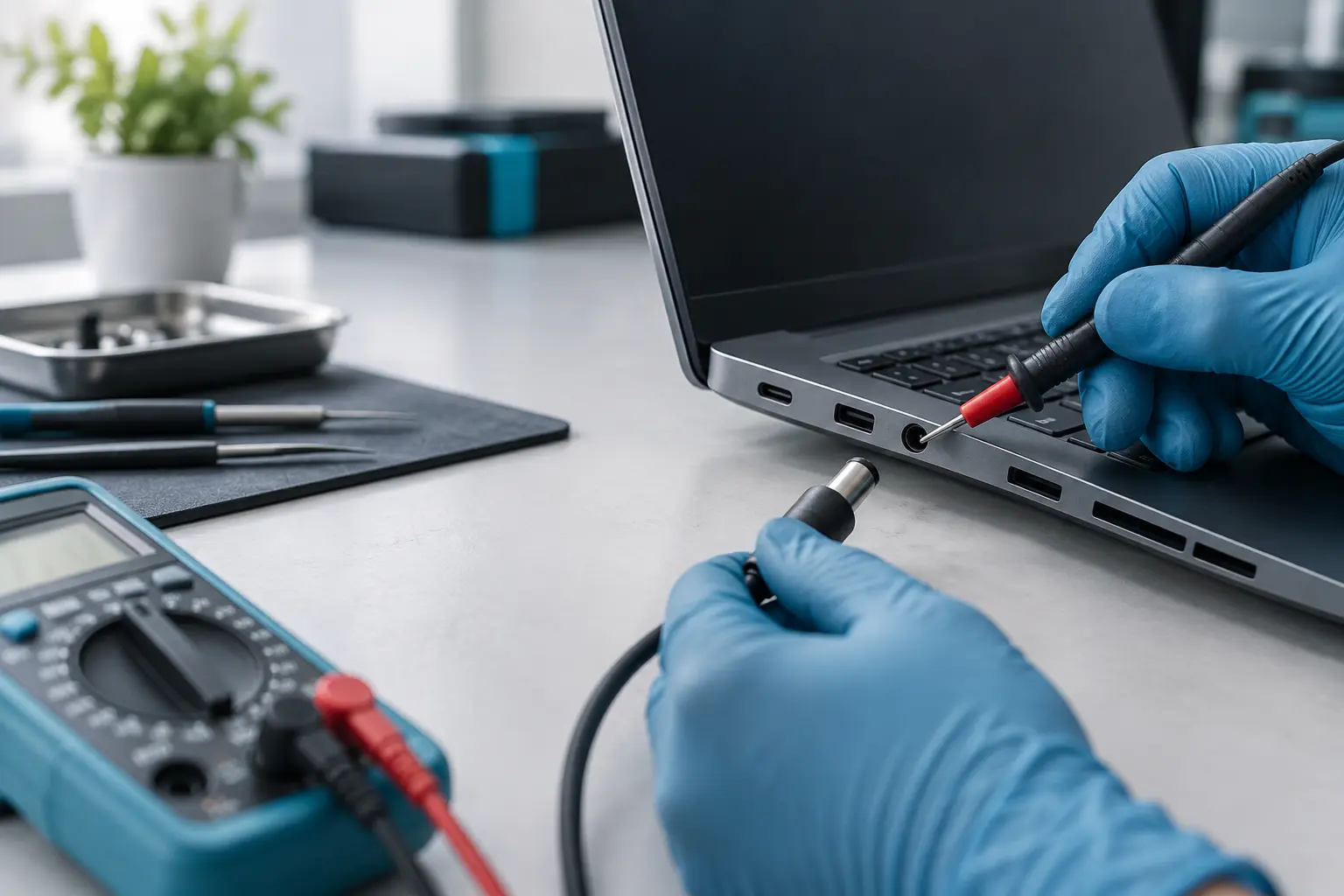
Laptop repair
Laptop power jack replacement
Loose, intermittent or heat-damaged charging can come from the charger, socket, cable or charging circuit. Describe how the connector behaves and include the exact laptop model.
Stop charging if the connector is hot, sparking or smells burnt.
- Charger, socket and charging circuit considered
- Engineers across the UK
- Free enquiry, no obligation
- Price agreed before repair
Understand the problem
Signs the charging socket needs attention
Movement-sensitive charging is a strong clue, but testing is still important before a socket is replaced.
Charging cuts in and out
The charging light or battery icon changes when the plug is moved or held at an angle.
The connector feels loose
The plug no longer sits securely, falls out easily or the socket appears to move inside the case.
Heat, smell or visible damage
Stop charging if the plug or socket becomes unusually hot, smells burnt, sparks or shows melted material.
Battery, charger or charging socket? Send us the details.
What the service covers
What charging-port diagnosis should distinguish
Some sockets connect by cable and can be replaced as a module; others are soldered to the motherboard and require workshop equipment.
- Correct charger and connector type
- Movement-sensitive charging behaviour
- Visible socket and case damage
- Cable-connected or soldered socket design
- Battery and charger symptoms
- Charging-circuit or motherboard fault indicators
- Workshop requirements for soldered repairs
- Testing after the agreed repair
Stop using a hot or sparking connection
Disconnect the charger from the laptop and mains if it is safe to do so. Do not wedge the plug into position or continue charging through a visibly damaged socket.
What happens next
A clear repair process
The connector design and symptoms determine whether a part can be prepared in advance or diagnosis is needed first.
Describe the connection
Enter the model and explain whether charging changes when the plug moves, plus any heat or damage.
Identify the likely repair type
A local engineer checks the socket design, suitable service location and possible related faults.
Confirm before repair
Parts, workshop needs, availability, likely timescale and cost are discussed with you first.
Before you decide
Why charging-socket prices vary
A modular socket and a board-mounted socket involve very different parts and labour.
Socket construction
Cable-connected modules can be simpler to replace than sockets soldered directly to the motherboard.
Case damage
Broken mounts or cracked casing may need additional work so a replacement socket remains secure.
Electrical fault
A damaged charger, battery or charging circuit can produce similar symptoms and may change the repair route.
Questions customers ask
Can I keep charging by holding the plug at an angle?
No. Movement and poor contact can increase damage and heat. Stop using the connection and arrange diagnosis.
Does the repair require soldering?
It depends on the laptop design. Some sockets are cable modules; others are mounted to the motherboard.
Should I send the charger too?
The engineer may ask for it because charger and connector faults can mimic a damaged socket. Discuss this when arranging the repair.
Charging has become unreliable?
Send the exact model and describe what the plug does. We have local engineers ready to identify the appropriate repair route.