Published 10 October 2026 · Lenovo Legion 5 Pro 16ITH6H case study
Legion 5 Pro cooling
the pads matter as much as the fans.
This 16ITH6H has a linked dual-fan cooler over two heat-producing chips. With that assembly lifted, the photos show old contact material and several thermal pads. A careful clean must restore every contact, not just brush the fan blades.
The model
Legion 5 Pro 16ITH6H / Type 82JD
Cooling layout
Two fans linked to one heatsink assembly
Service detail
Two chip contacts and surrounding thermal pads
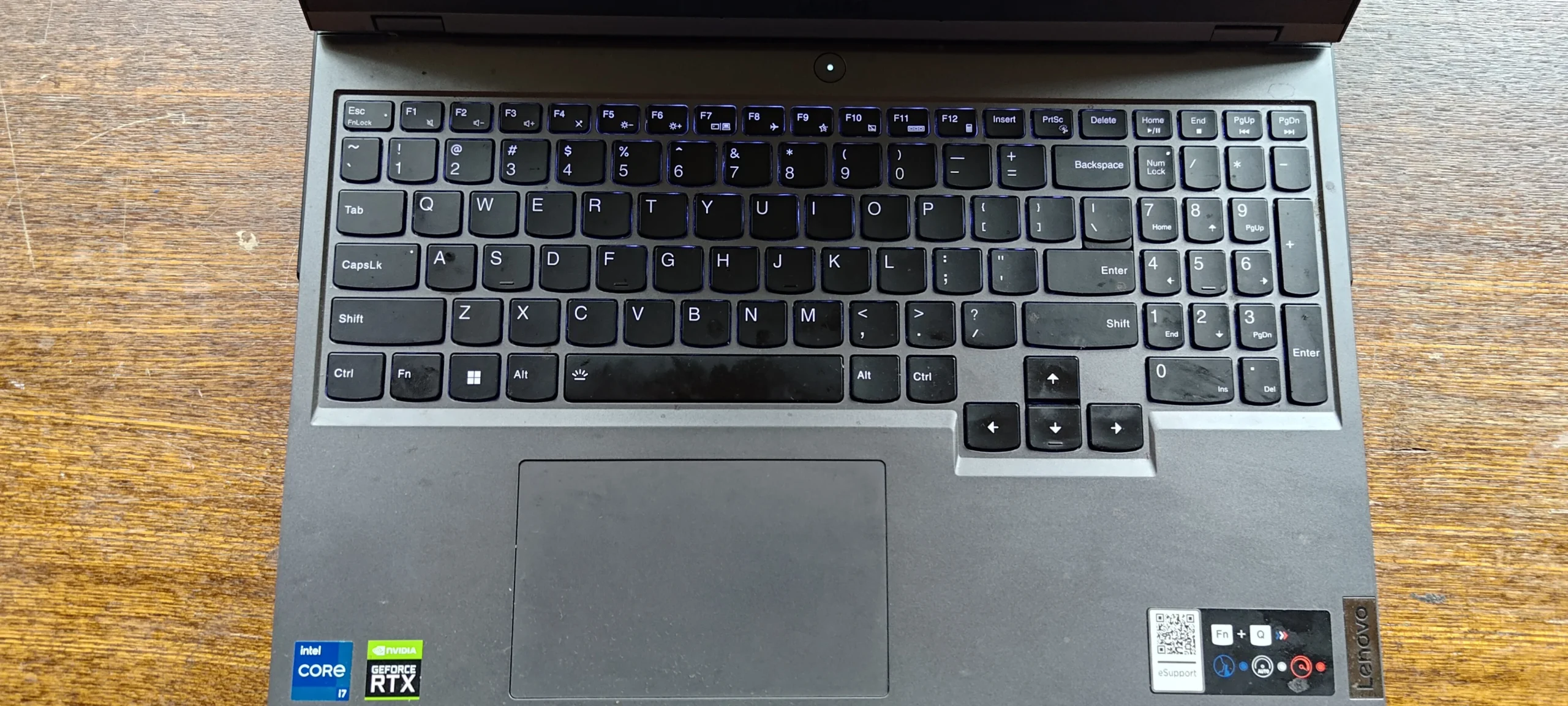
The underside label identifies this machine as a Lenovo Legion 5 Pro 16ITH6H, Type 82JD. The label photo includes a serial number, so it is not included in the public gallery. The internal photos are enough to explain the work: two fans connect to a shared cooling assembly, and lifting it exposes the chip surfaces and several smaller contact pads.
This is a useful example of why gaming-laptop cooling service needs a plan. Dust at a fan is straightforward to understand; a cooler that contacts the CPU, graphics chip and nearby components requires careful handling of different thermal materials. The archive shows access and cleaning stages plus a powered-on screen, but no paired temperature test.
In this case study
01 / Before lifting anything
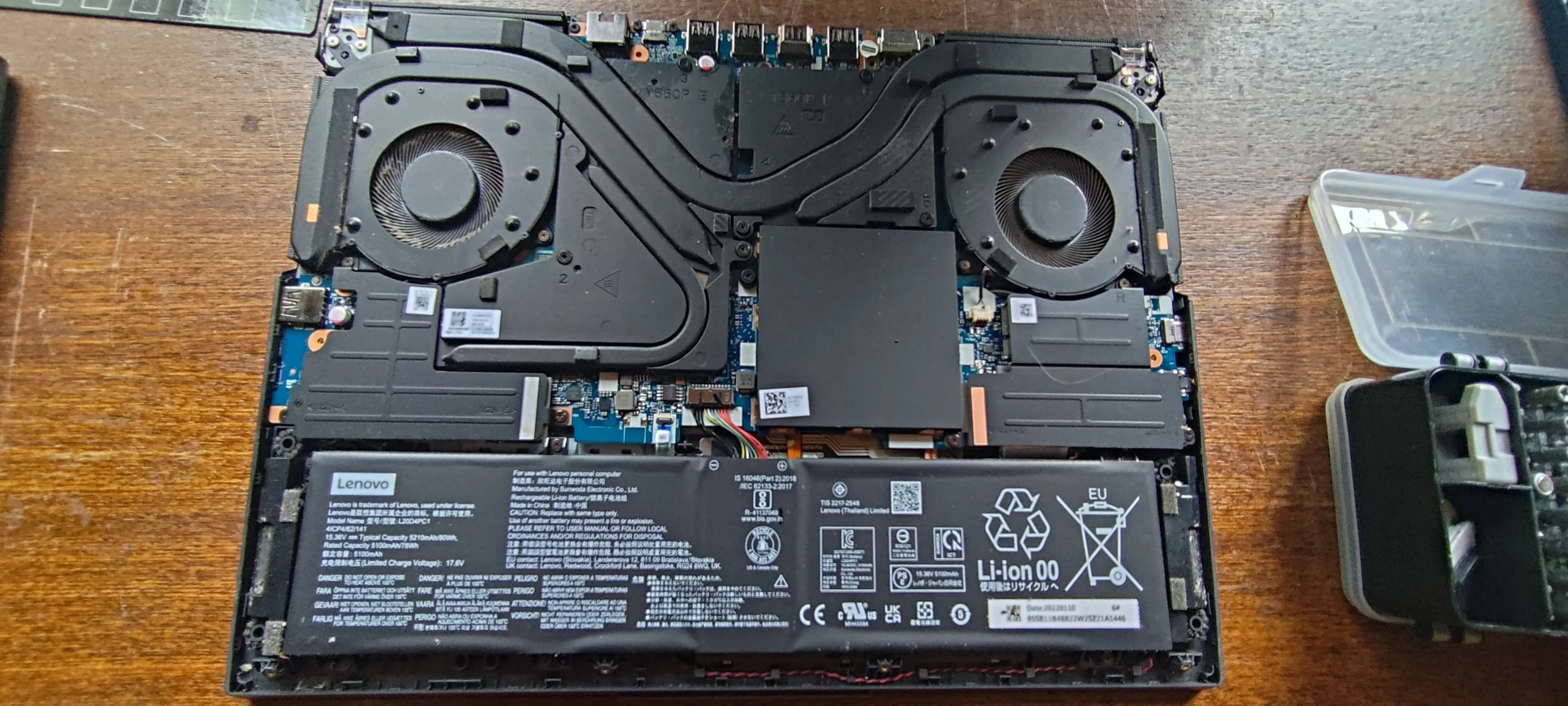
Both fans share the same cooling assembly
The opened laptop shows a fan in each upper corner, with heat pipes linking them across the board. The wide battery sits below. That layout is why a symptom on one side does not necessarily point to just one fan: each part of the cooling route contributes.
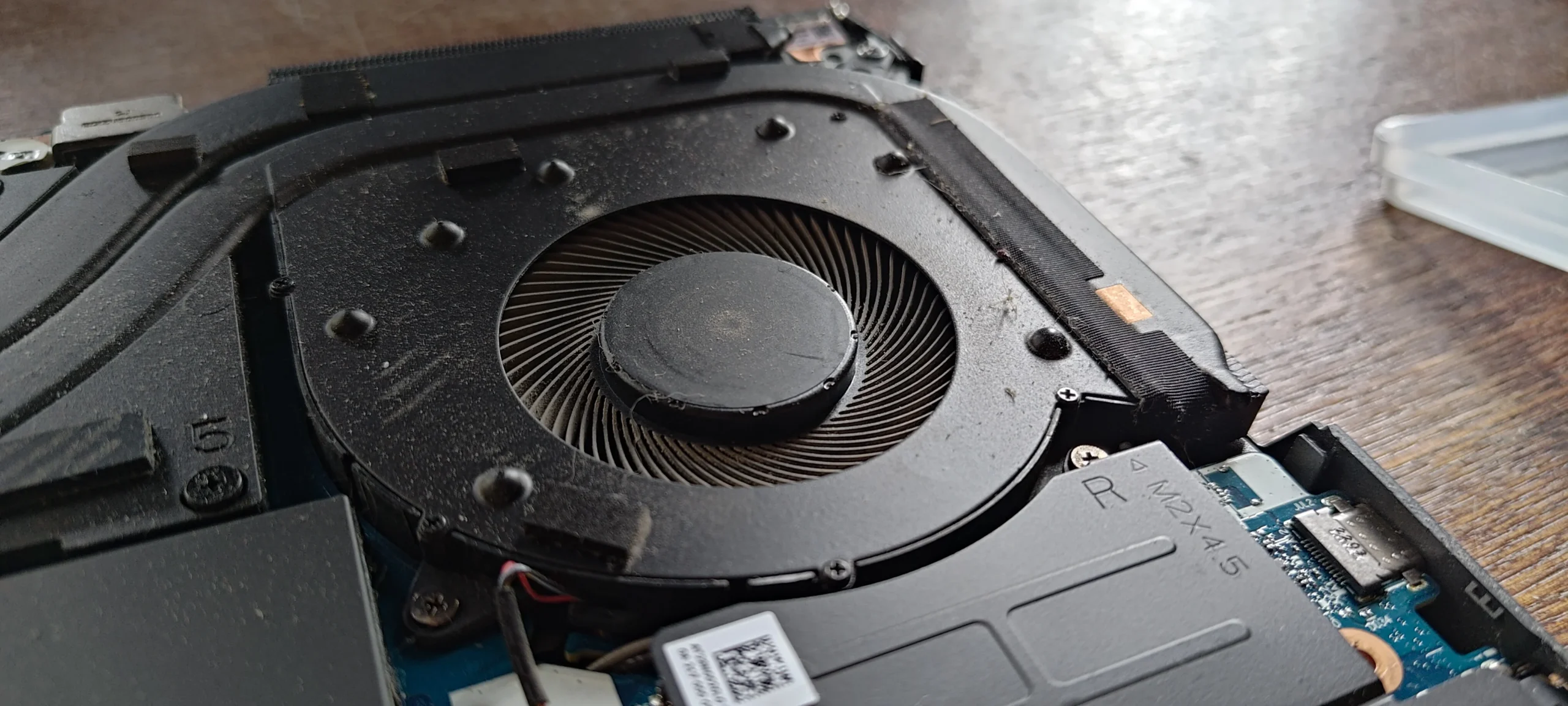
The close-up of one impeller shows light dust on the blades and housing. This photo set does not show a dramatic lint wall, so the main lesson here is the complexity of servicing the linked cooler, not a claim that dust alone caused overheating.
02 / Under the cooler
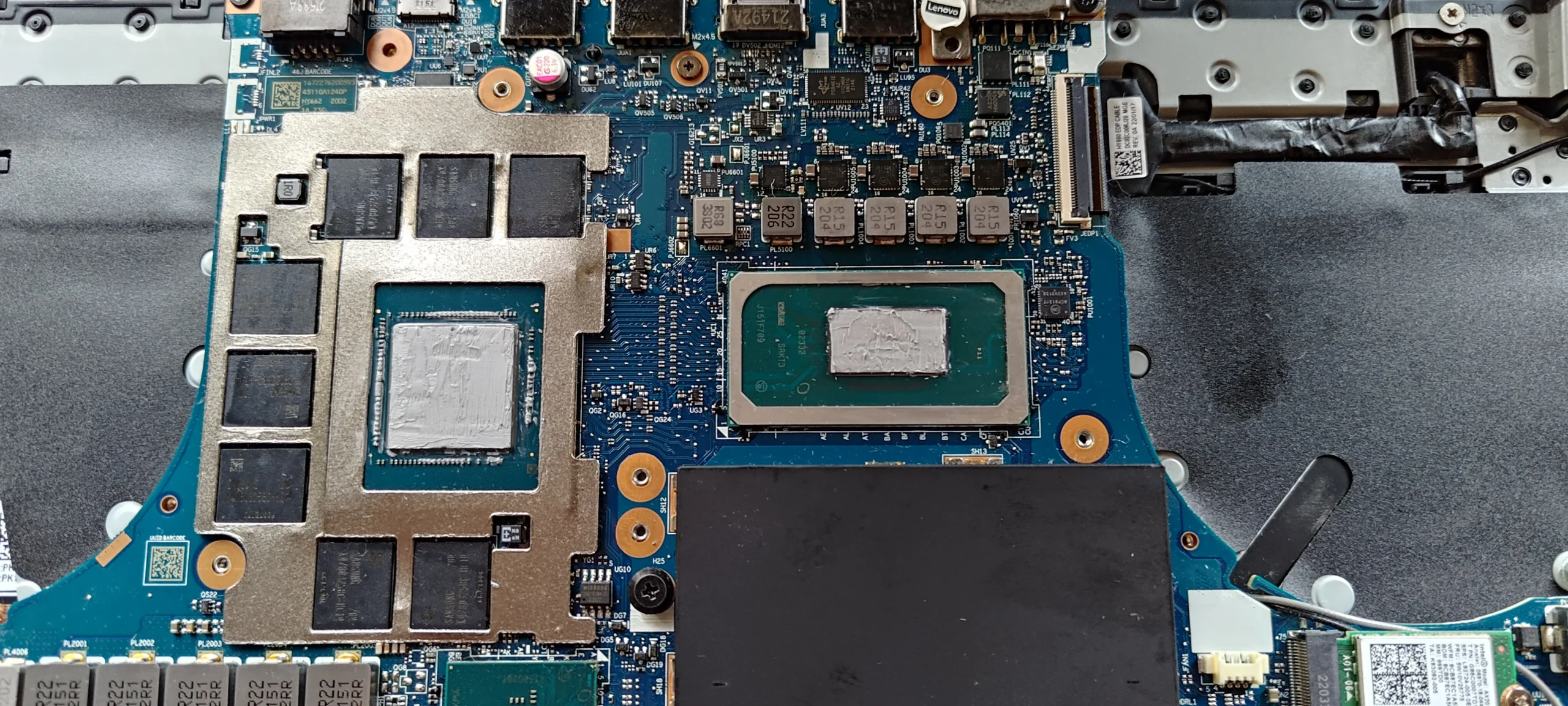
The processor and graphics chip have separate contact areas
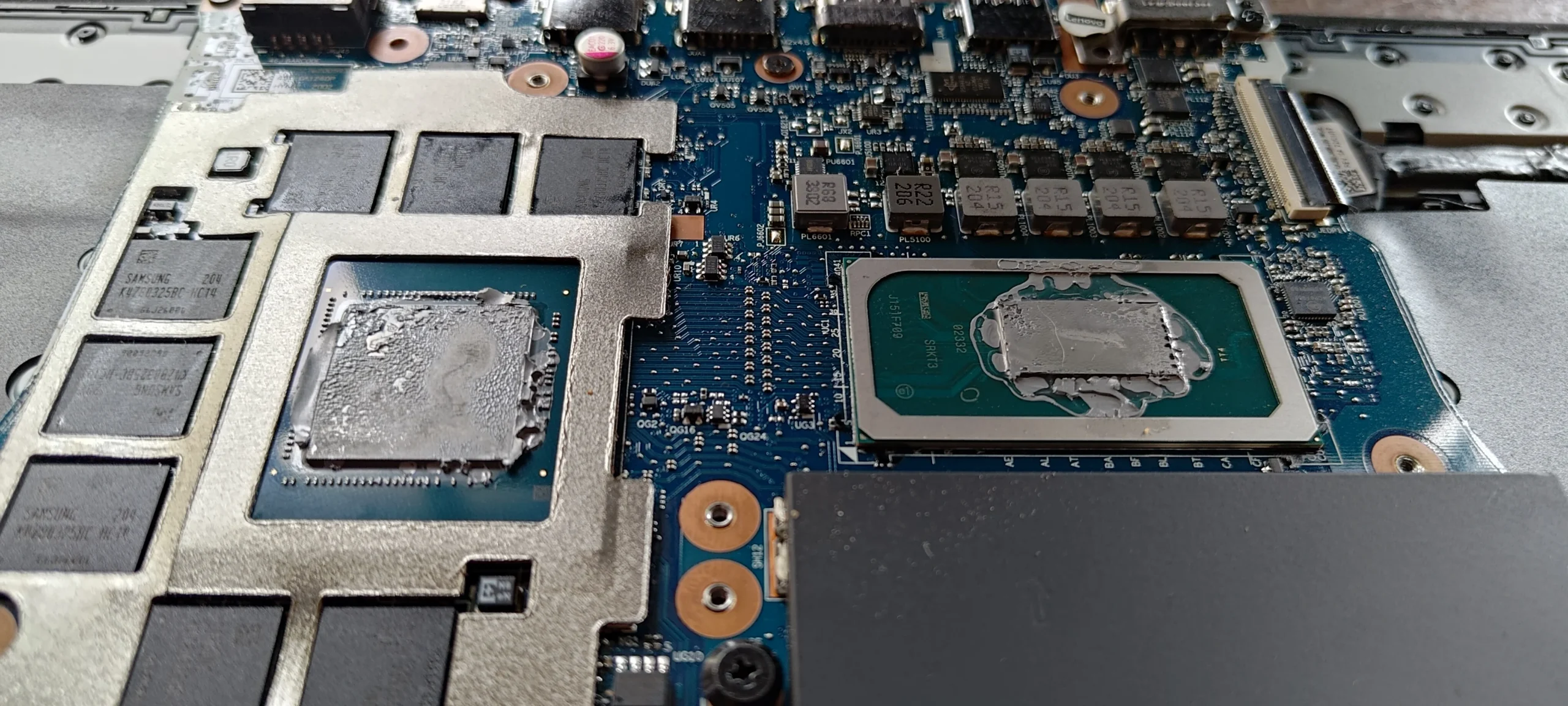
With the heatsink lifted, two main chip surfaces are visible. The earlier close-up shows old, uneven compound at each contact; a later image shows the surfaces cleaned. These areas need good contact with the cooler when it goes back on.
A cooler removed for cleaning should not simply be pressed onto the disturbed old material. The appropriate thermal interface for this exact Legion configuration must be prepared and renewed, and the assembly tightened evenly according to the service guidance.
03 / The smaller contacts
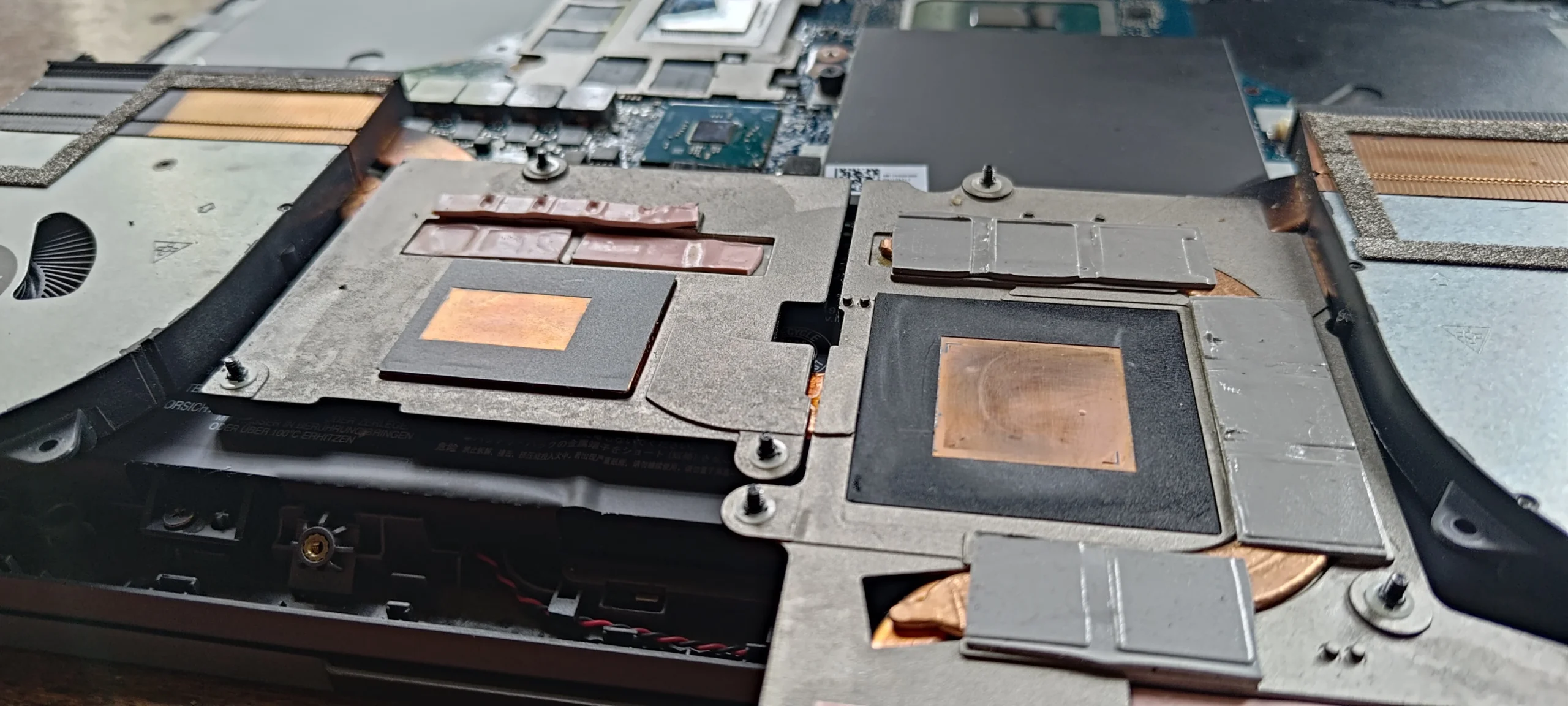
Thermal pads around the chips need their original fit
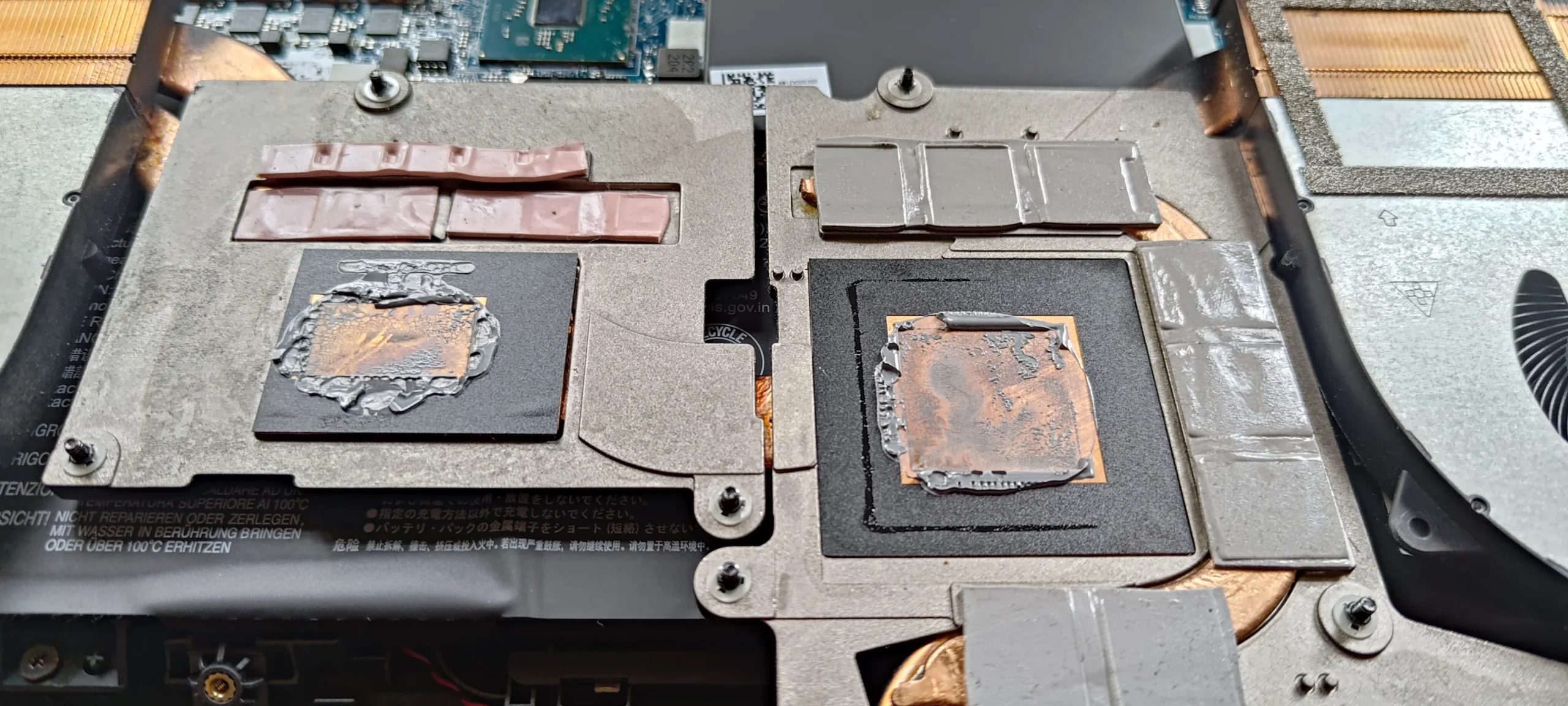
The underside of the lifted cooler shows copper contact plates for the two main chips and grey pads around them. Those pads bridge gaps to smaller components. Their thickness and placement matter because the cooler must sit level across all its contacts.
Do not replace a pad with an arbitrary thickness or remove it just because it looks different from paste. If a pad tears, shifts or becomes contaminated, the correct replacement specification must be checked before reassembly. These photos show the pads in place, not a documented pad replacement.
04 / Visible finish
A working screen is a start, not a thermal benchmark
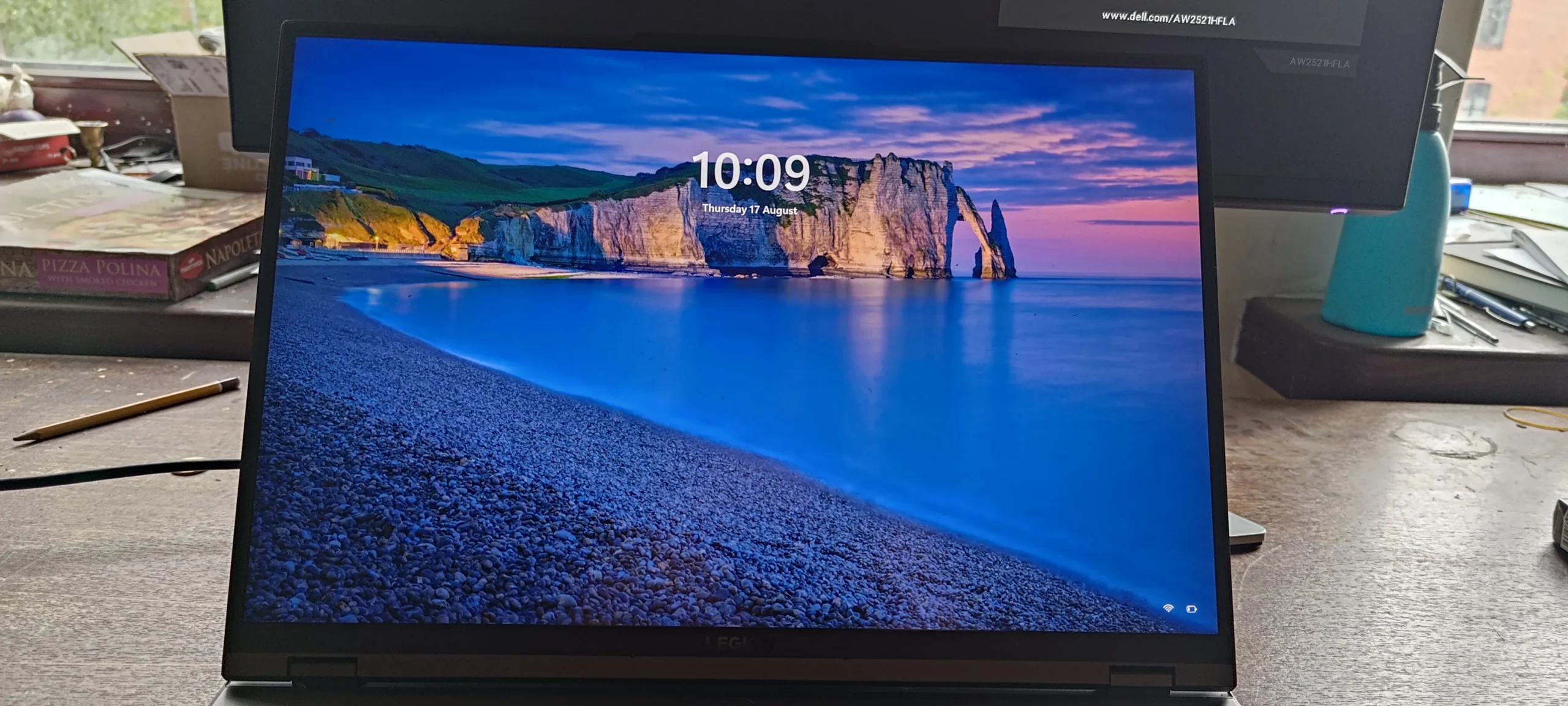
The final photo shows the Legion powered on after the work. That confirms a visible boot, but it does not show how the fans behaved under sustained load or whether temperatures improved.
A meaningful check uses the same game or test and similar room and power conditions before and after service. Listen for rubbing or rattling, confirm both fans respond, and watch CPU and GPU temperatures after the machine has warmed up.
The engineer’s takeaway
The 16ITH6H demonstrates why cooler removal is more than fan cleaning: the shared assembly must make proper contact with two main chips and several padded components. The photos document those contact points, while performance needs its own test.
Before you open the laptop
Is this Legion 5 Pro a DIY clean?
An owner can first inspect the exterior vents, clean accessible surface dust with the machine off and note when heat or fan noise appears. If you open the base, identify the 16ITH6H/82JD model and follow Lenovo's maintenance manual for battery isolation and screw order.
Removing the shared cooler is a more advanced job. It disturbs two primary thermal interfaces and several pads. If you cannot confirm the correct materials and method for this exact unit, stop at safe fan access or ask for service rather than guessing pad thickness or reusing disrupted compound.
For model documents, check the official manufacturer support page.
After the clean
Checking the service result
After reassembly, check boot, charging, keyboard, trackpad and display. Let a repeatable workload warm the laptop and verify that both fans respond without scraping.
There are no paired readings in these workshop photos. A login screen is evidence of a boot, not proof of a cooling improvement, so any remaining heat issue needs measured follow-up.
Questions from owners
Legion 5 Pro 16ITH6H cooling FAQs
Answers specific to the two-chip cooler and thermal pads shown in this machine.
Does the Legion 5 Pro 16ITH6H have two cooling fans?
The 16ITH6H in these photos has two fans connected through one cooling assembly. Both fan areas should be inspected.
Why are there grey pads on the heatsink?
They bridge gaps from the cooler to smaller components around the main chips. Correct position and thickness help the whole assembly sit properly.
Can I use any thermal pad thickness when reassembling?
No. An incorrect thickness can stop the main chip plates from seating correctly or leave a smaller component without contact. Check the exact service specification.
Is a repaste shown in the photos?
The photos show old contact material, cleaned chip surfaces and the lifted cooler. They do not show a close-up of fresh material being applied, so this article does not claim a specific product or measured repaste result.
Does a successful boot prove the cooling is fixed?
No. The final photo confirms a powered-on screen. Fan response and CPU/GPU temperatures need a sustained, comparable workload to assess cooling.
Should I share my underside label to identify the model?
The model and machine type are useful, but cover or crop the serial number before posting a label photo publicly.
UK Legion cooling enquiries
Need the 16ITH6H cooler checked carefully?
If you are in the UK and your Legion 5 Pro is noisy, hot or shutting down under gaming load, tell us the model and Type 82JD, when the symptom appears and your postcode. Please omit the serial number from any public message.
We can discuss fan and vent cleaning, thermal-contact inspection and a measured follow-up appropriate to this dual-chip cooling system.
Read about our gaming laptop cleaning service, then use the form to tell us your computer model, symptoms and UK postcode.
Free to enquire · No obligation to book. We discuss the proposed work and price before you decide.
The workshop photos
Legion 5 Pro 16ITH6H cooling service gallery
Open the photos to follow the dual fans, two chip surfaces, cooler contact plates, thermal pads and final powered-on screen.