Published 16 November 2026 · Lenovo Legion gaming laptop case study
Legion cooling service
the small fan leads were as important as the big heat pipes.
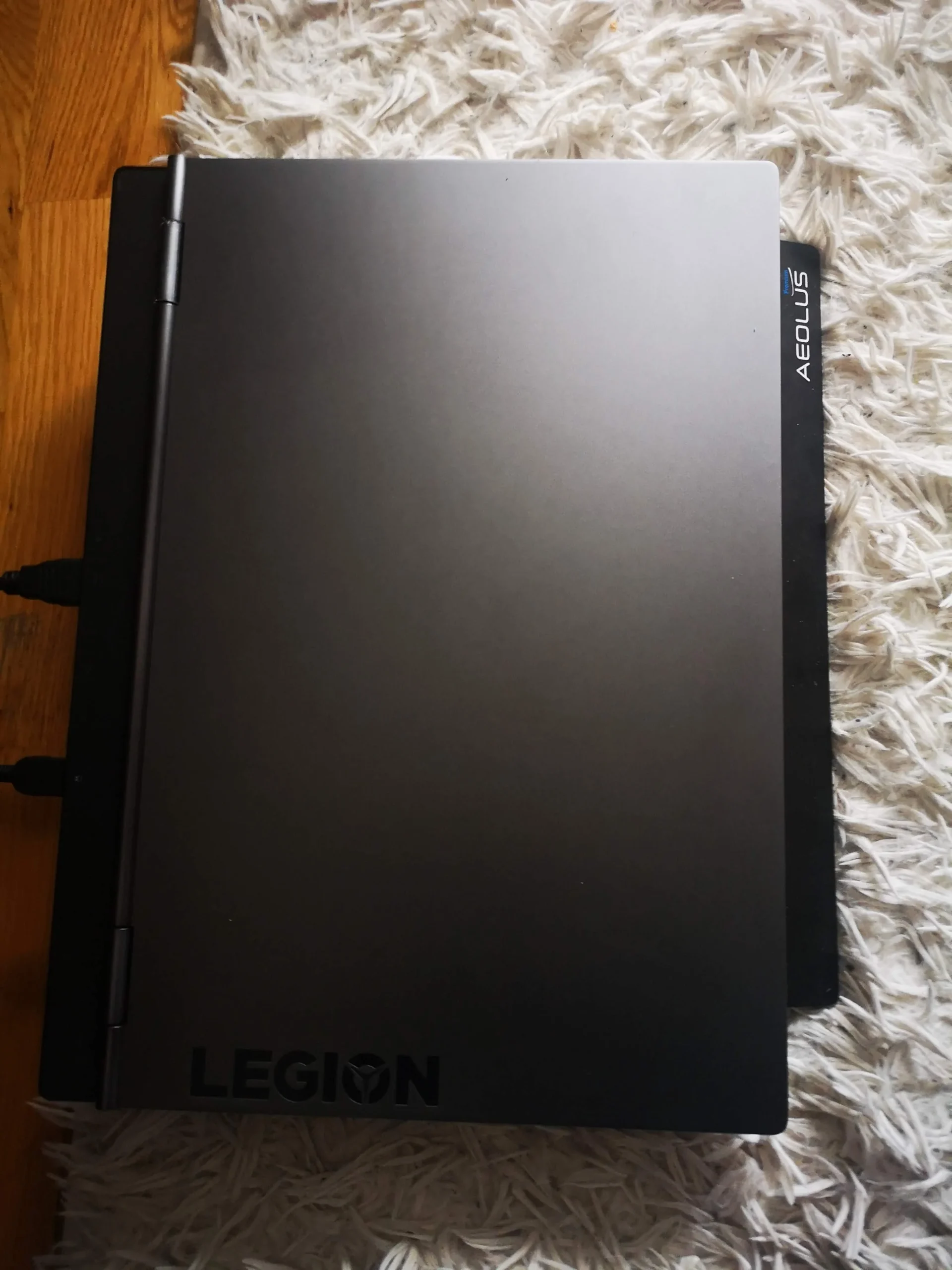
This Legion's cooler spans two fans and two main chip contacts. The archive pays unusual attention to fan plugs, screw positions and base vents: the details that let a cleaning job end with a reliably reassembled laptop.
The layout
Two blowers and a shared copper cooler
Access detail
Fan wiring, connectors and screw positions photographed
Thermal work
Cooler lifted with two chip surfaces exposed
Most cleaning photographs concentrate on the dusty fan. This Lenovo Legion archive has a different strength: it records the small connections around the fan and cooler. The opened chassis shows two fans, a shared heat-pipe assembly and a vented bottom cover. Close-ups then follow plugs, fan blades and the chip contacts beneath the cooler.
One metal area in the archive shows brown discolouration. The photos alone cannot determine whether that is dust, staining or something else, so it is not treated as a diagnosis. There are also no paired temperature readings. The reliable lesson is how carefully the cooling system must be accessed and put back together.
In this case study
01 / The full view
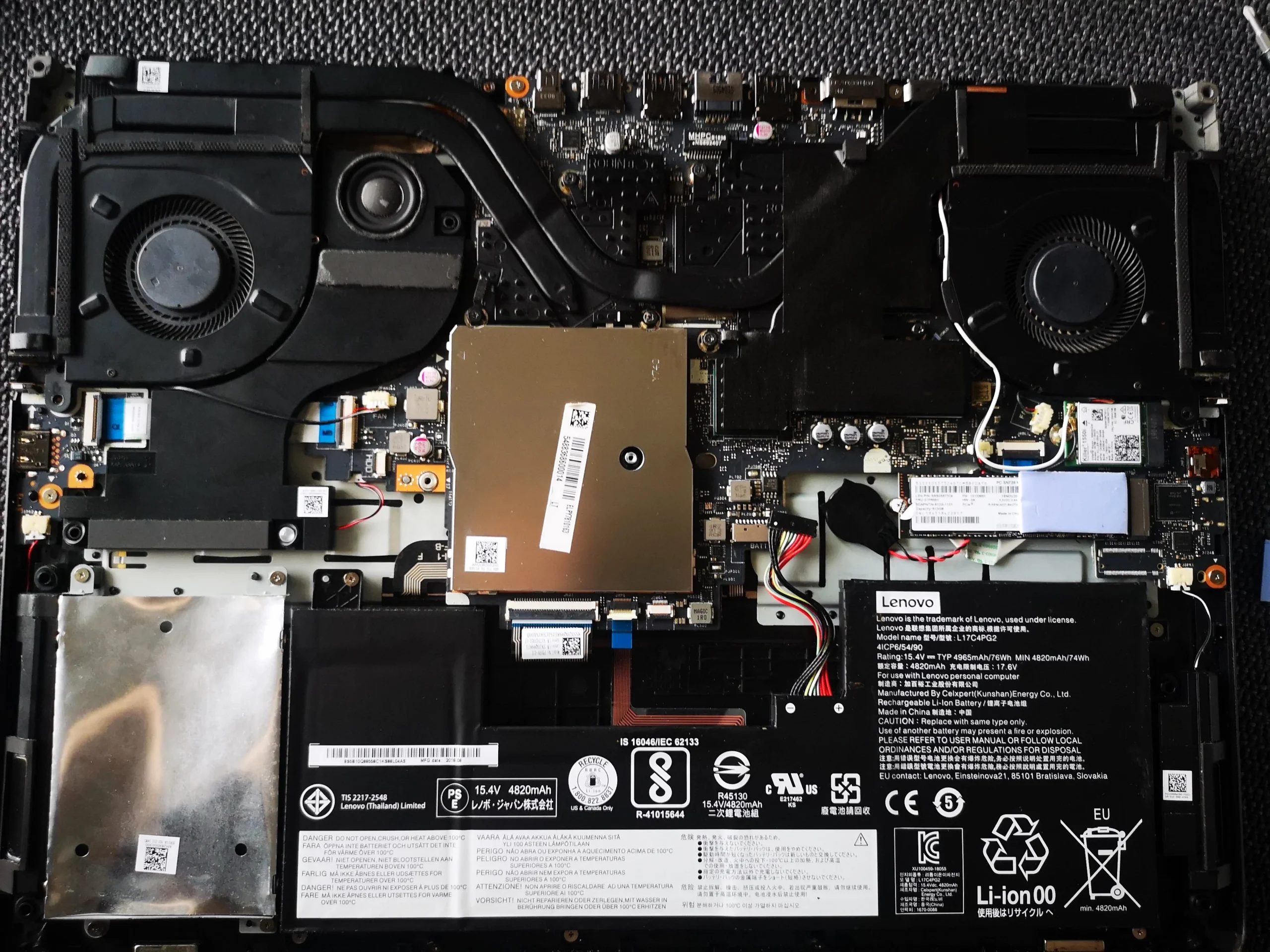
Two fans feed a shared heat-pipe system
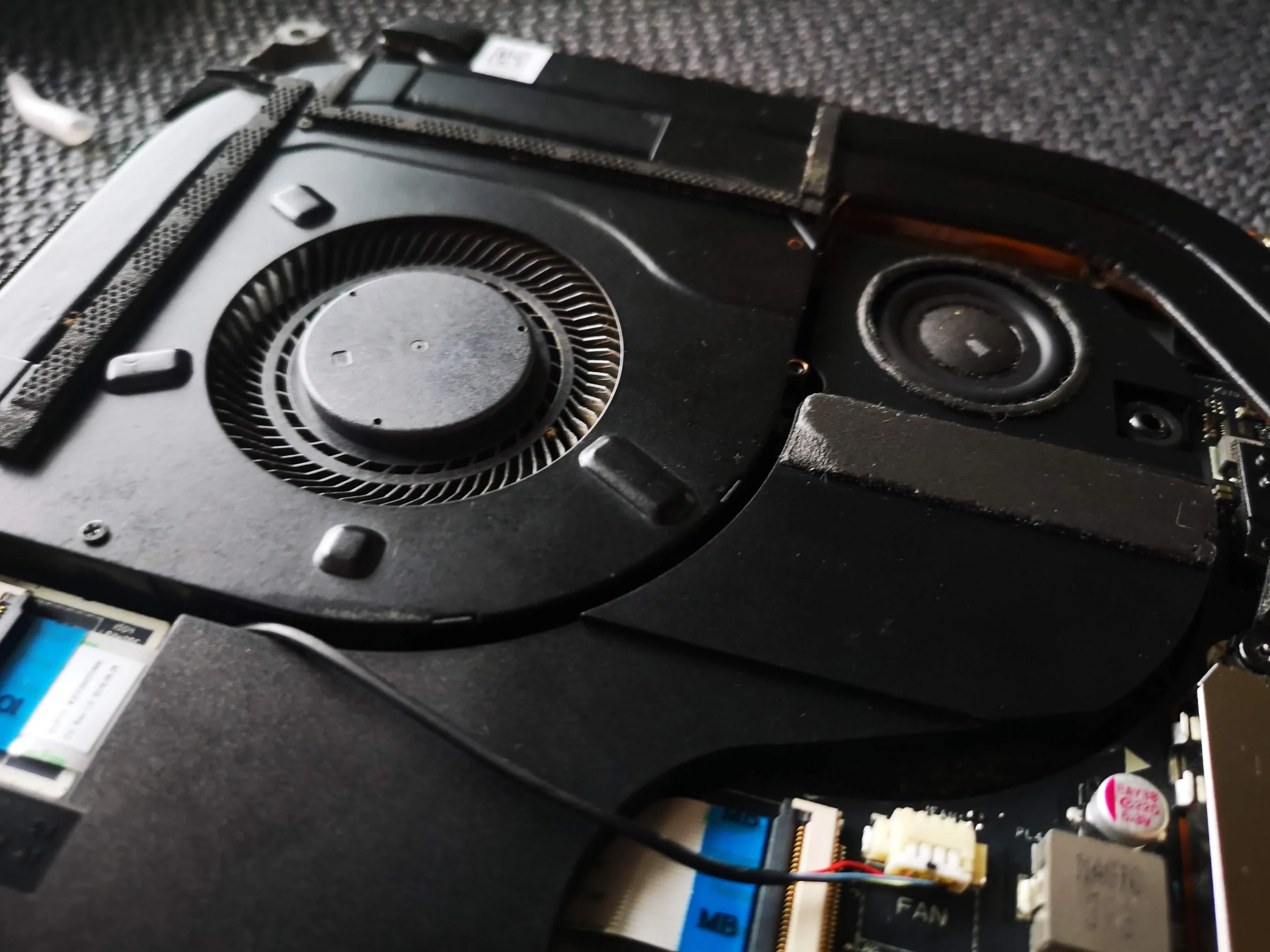
The internal overview places a blower at either side of the chip area. That gives the laptop multiple air routes to inspect. Cleaning just one rotor can leave the other fan or its fin exit restricted.
The broad heat-pipe assembly crosses the processor and graphics contacts. Before lifting it, note the screw order and every nearby cable; these details are not optional once the cooler is out.
02 / Small parts in a crowded space
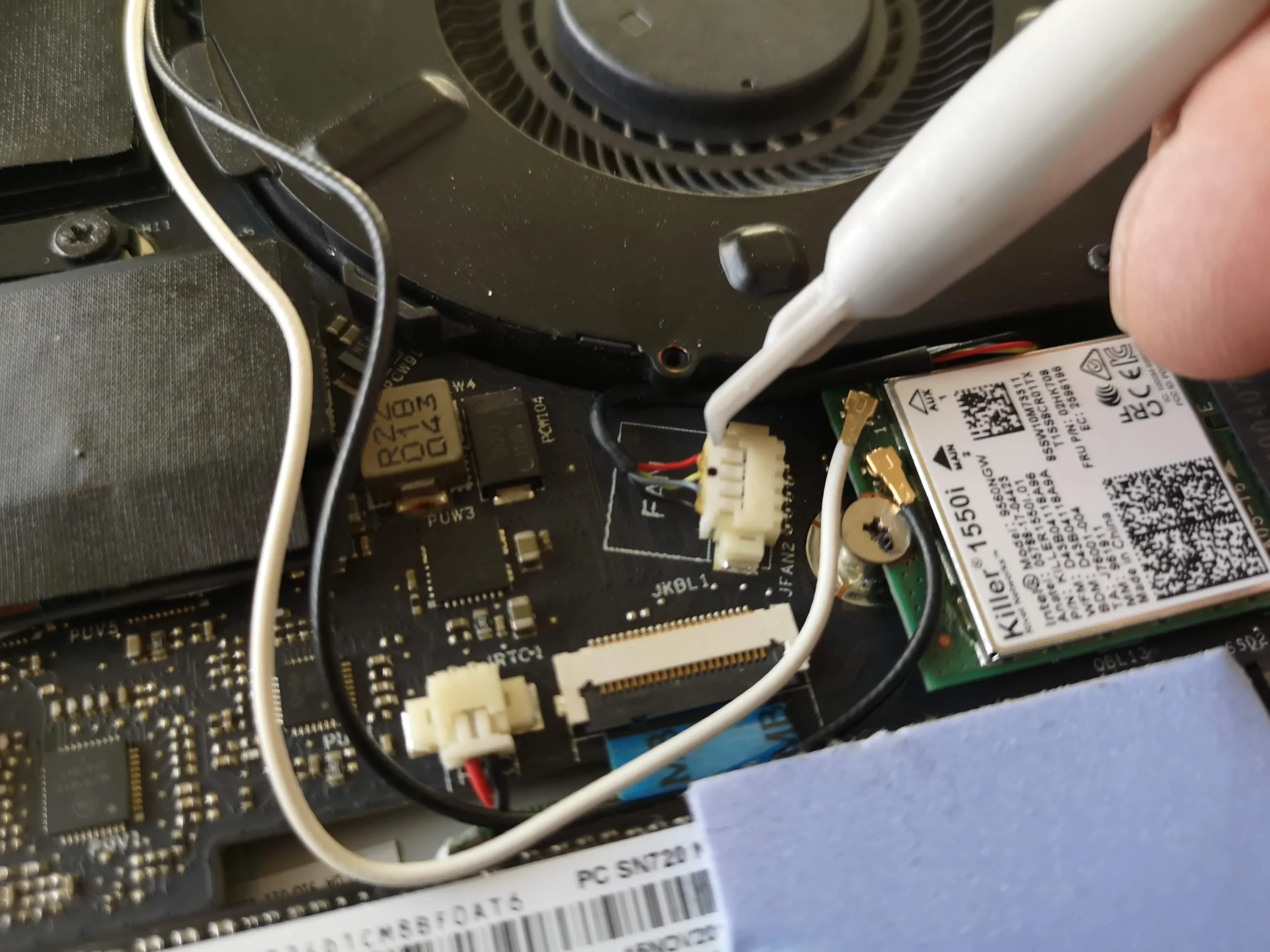
Fan connectors and wiring needed a careful route
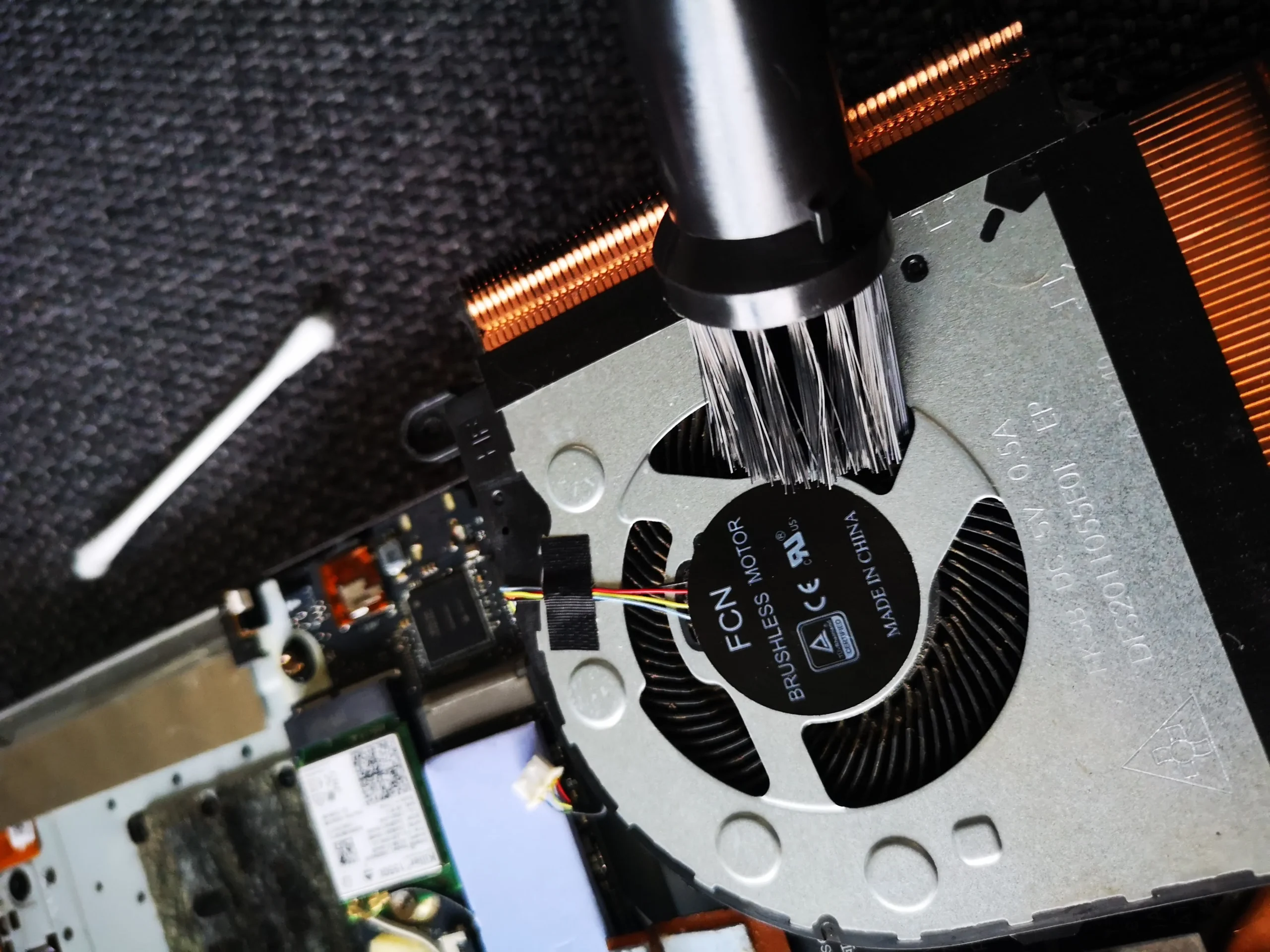
The close-ups show tools near narrow fan plugs and fine wires. A cable can be pinched by a cover or caught by an impeller if it is not returned to its original path. Pull a connector by its body, not its wires, and take a reference photograph before disconnecting it.
A later image shows the fan being brushed with its cable visible. Hold the rotor still and keep the brush away from the plug and bearing.
03 / Air enters here
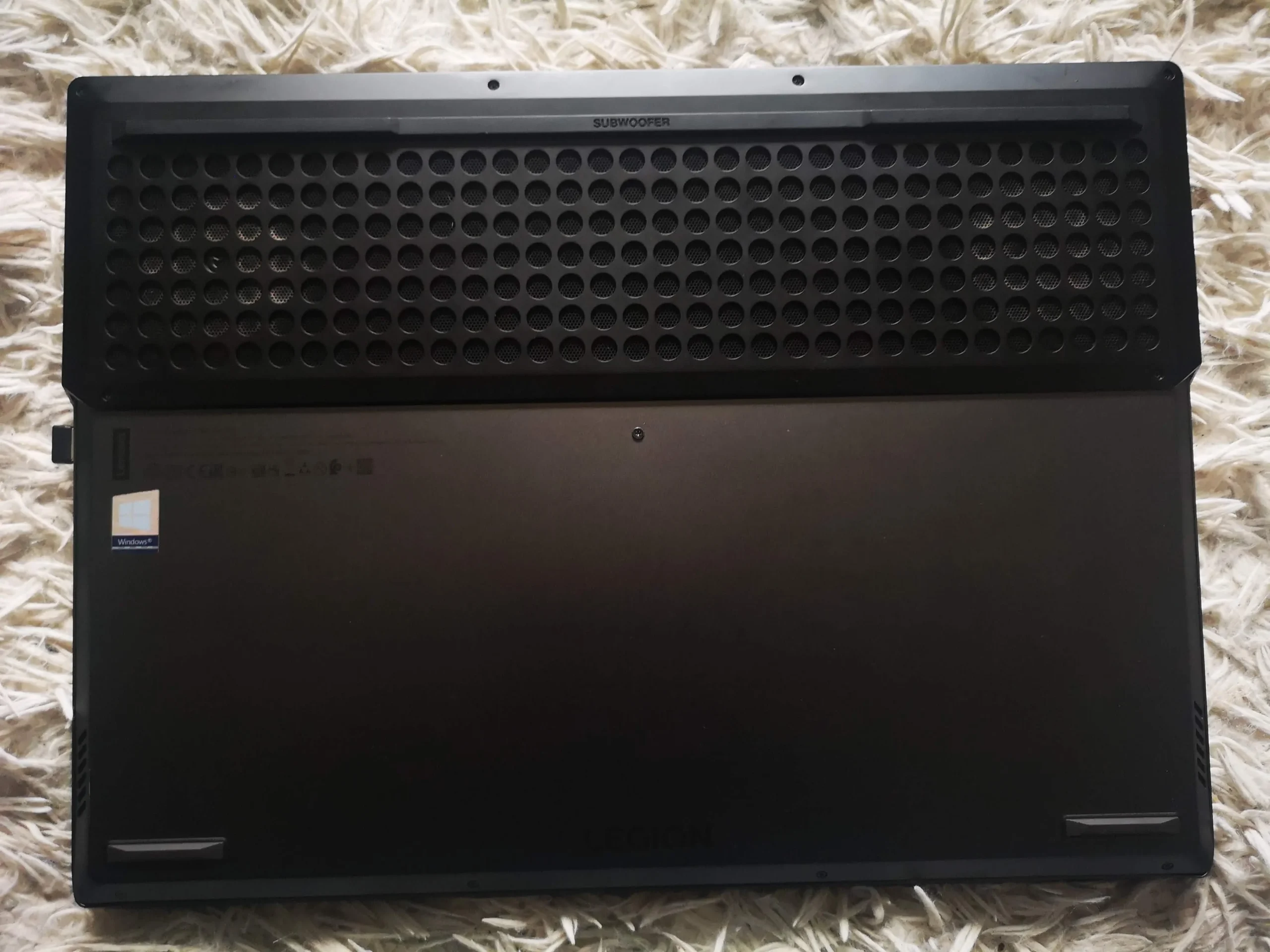
The base cover has a broad perforated intake
The underside photo shows a long field of circular perforations. Dust can sit on the inner surface of this panel as well as on the fan blades. Cleaning the cover separately is often the simplest first step.
Use the exact Legion model's guide for screw positions and clip release. This family has multiple chassis designs, so a video for another Legion may route cables or fasteners differently.
04 / Under the assembly
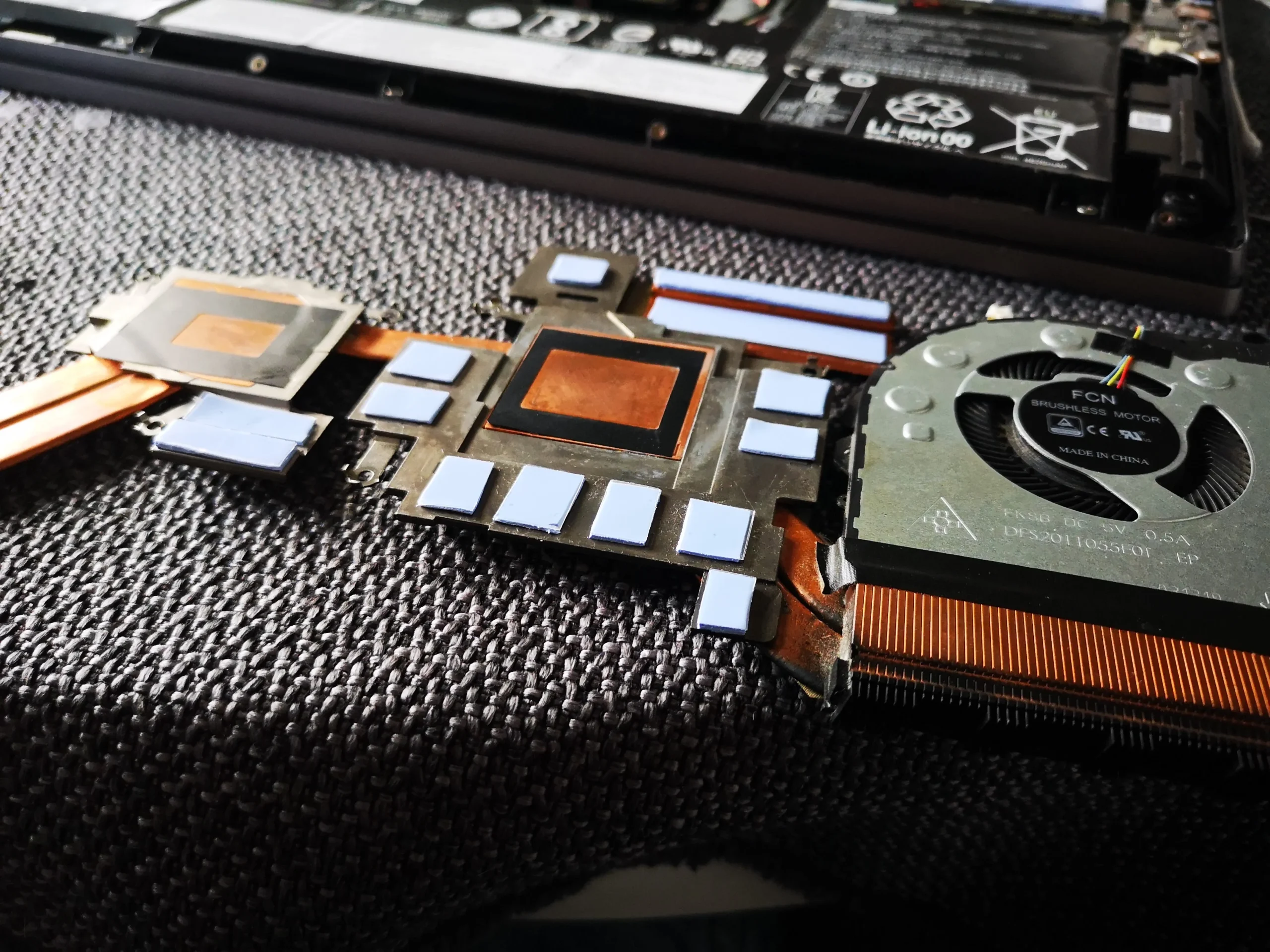
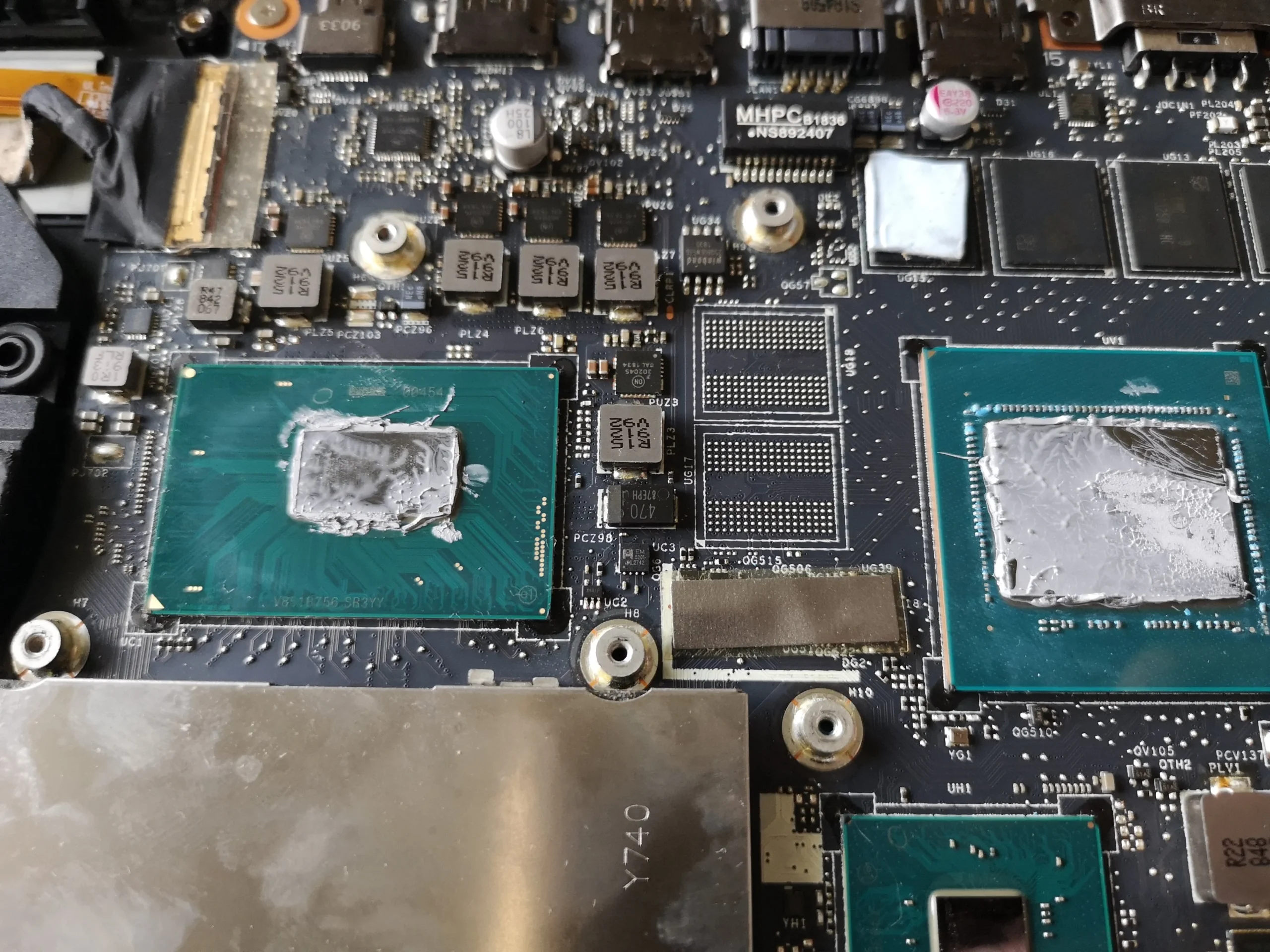
The cooler lift exposed two main thermal contacts
A board close-up shows the two chips after the cooler was removed. Another photo shows the underside of the copper assembly and its contact areas. Once those mating surfaces are separated, the old compound and any pad or putty positions must be recorded and restored correctly.
The archive documents contact preparation and reassembly access, not a controlled temperature change. It is sensible to stop at fan and vent cleaning if you do not have the materials or experience for cooler removal.
The engineer’s takeaway
This Legion case is a reminder that a clean is also a reassembly job. Both fans and base vents matter, while the small fan leads and the cooler's thermal contacts determine whether the opened laptop goes back together safely.
Before you open the laptop
Can you clean a Lenovo Legion yourself?
Power off and unplug the charger. Find the service manual for the exact model, map the base screws and disconnect the battery as directed. Photograph connectors before touching them and keep screws from the cooler in their marked order.
For accessible dust, hold the fan still and clean the blades and fin exit gently. If the cooler has to be lifted, plan the paste and any pads or putty first. Never tug a fan lead or put a metal tool across live contacts.
After the clean
Checking the Legion afterwards
On the next boot, listen for scraping or a fan error and verify that both fans can respond under demand. Confirm the base closes flat without pinching a cable.
A temperature comparison requires the same task and similar room conditions. This photo archive does not include matched measurements.
Questions from owners
Lenovo Legion fan-lead and cleaning FAQs
Answers suggested by the connectors, base vent and lifted cooler in this archive.
Why photograph fan wiring before cleaning?
Small connectors and thin leads are easy to misroute. The photos in this case show how close those wires sit to the fan housings.
Should I disconnect the internal battery?
Follow the exact model's service procedure. Disconnecting it before work near the board reduces the chance of accidental electrical damage.
Can I clean the base panel without removing the cooler?
Yes, accessible cover and fan dust can often be addressed separately. Cooler removal is only for work that requires it and changes the thermal-interface job.
Why do cooler screws need a map?
They may have an order or differing positions. An even mount helps the contact plates seat correctly on the chips.
What was the brown discolouration in the photos?
The archive is not sufficient to identify it reliably, so it should not be treated as a confirmed spill, corrosion or dust diagnosis.
Was a cooling improvement measured?
No comparable before-and-after thermal result is documented.
UK Legion cleaning enquiries
Concerned about a fan lead or cooler refit?
If you are in the UK, tell us the exact Legion model, your postcode and whether the problem began before or after someone opened the machine. Mention any fan error or new scraping sound.
That history helps us decide whether to inspect dust at both outlets, a disconnected fan or the cooler's thermal contact.
Read about our laptop cooling-system cleaning service, then use the form to tell us your computer model, symptoms and UK postcode.
Free to enquire · No obligation to book. We discuss the proposed work and price before you decide.
The workshop photos
Lenovo Legion fans, leads and cooler gallery
Open the workshop photographs of the twin-fan layout, fine wiring, base vents and exposed cooler contacts.