
Laptop motherboard repair
View original reviewAmazing service. I took my gaming laptop here for a motherboard repair as a last resort after another shop I had taken it to told me it couldn’t be fixed.
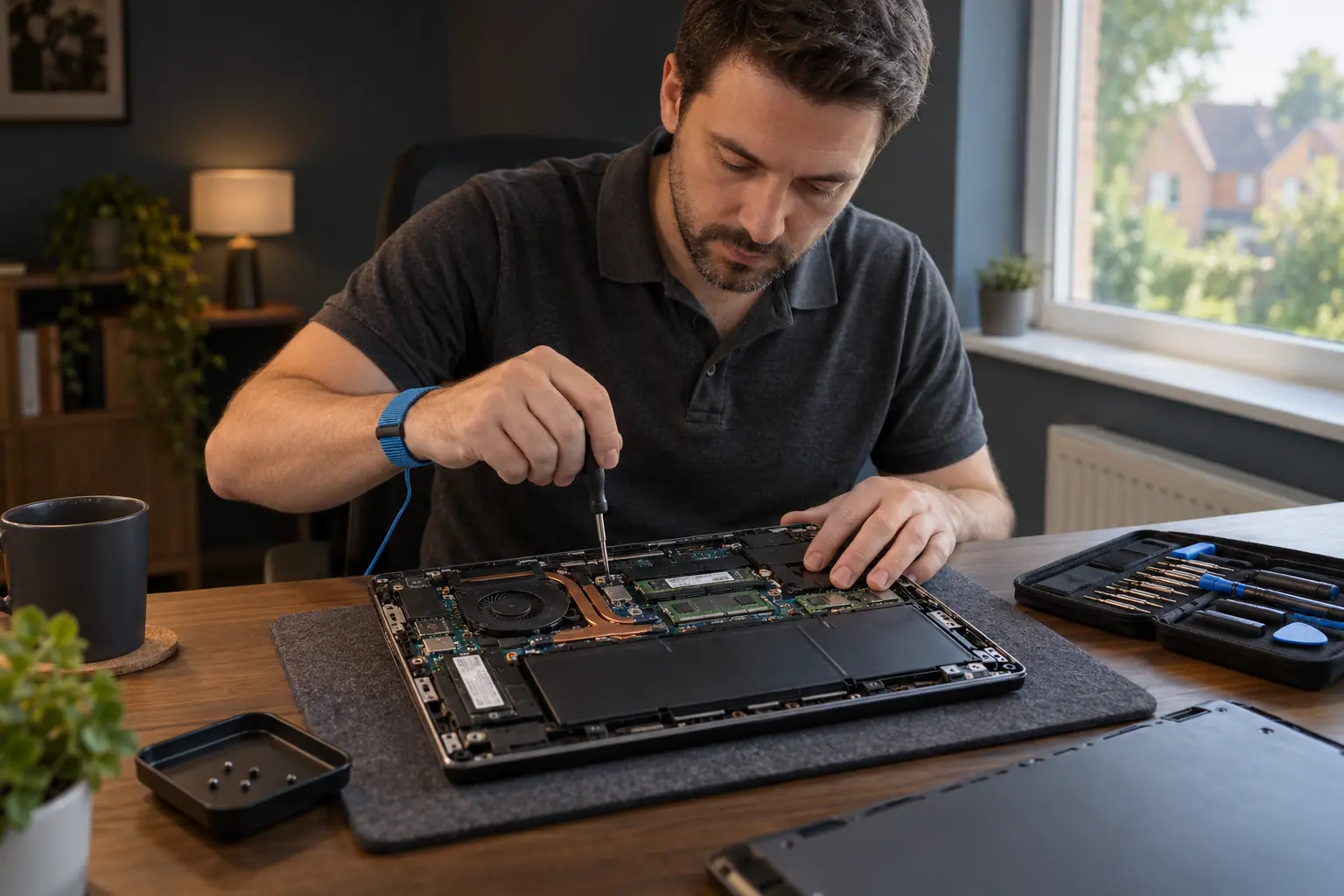
Laptop, Mac and desktop help
Laptop, Mac or desktop trouble? Describe the fault and add your Milton Keynes postcode. We will help you understand the repair options and agree the next step, without the technical jargon.
Computer help, without the jargon
A laptop you need for work. A family PC with years of photos. A Mac that suddenly refuses to start. Whatever brought you here, you do not need to know which part has failed before asking for help.
Use the form above to describe the problem and add your Milton Keynes postcode. We will discuss the repair options, whether an inspection is needed, and what happens next.
A useful first message
That is enough to start. Add the make or model if you know it, and tell us whether there are important files you need to keep.
No model number? No problem. Do not send passwords, payment details or private documents with your enquiry.
Choose the help you need
Not sure which service fits? Stay on this page and describe the symptoms in the enquiry form. You do not need to choose a repair or order a replacement part yourself.
Your part of the city
These local names help you find your bearings, not a list of shop addresses. Use your full postcode and we will confirm the available repair arrangements before you book.
For a computer at home, in an apartment or at work. Tell us where the device is used and whether the problem affects just that computer or other equipment too.
Looking for help around Stony Stratford? Include your full MK11 postcode. It helps us discuss arrangements for your address, rather than relying on the district alone.
Enquiries around Wolverton, Old Wolverton, Wolverton Mill and Greenleys can start here too. Let us know if moving a desktop and its connected equipment would be difficult.
For customers in Bletchley, Fenny Stratford, Water Eaton and West Bletchley. Give the postcode where you need help, even if it differs from your home address.
Shenley Brook End, Furzton, Westcroft, Tattenhoe and surrounding neighbourhoods. If you prefer a visit, mention that in the form so we can discuss whether it suits the repair.
Broughton, Brooklands, Middleton, Oakgrove and nearby neighbourhoods. For help at a flat or office, entrance and access details can be agreed when arranging the appointment.
Near Milton Keynes rather than in the city itself? If you are in Newport Pagnell or another nearby town, send your postcode and ask about availability. There is no need to guess which area page to use.
The right setting for the repair
Useful when the problem involves the computer and its setup, such as a printer or network connection. Tell us what is affected. We will confirm visit availability and whether the work is suitable to do at your address.
Parts replacement and detailed fault testing may need a workshop. Ask about this in your enquiry. We will confirm the location and appointment arrangements before you travel, rather than send you to an unconfirmed drop-off point.
Some software, setup and account-access problems can be investigated remotely, with your permission. A computer that cannot start or connect, or has physical damage, usually needs a different approach.
You can tell us your preferred method. The fault, the device and local availability determine which options can be offered.
For work, study and everyday life
If the laptop is your only way to work or study, say so. If a desktop contains family photos or business files, mention those too. Understanding what matters helps us discuss a sensible repair, not just a replacement part.
For an employer-owned device, check with your IT team before arranging outside repairs or remote access. For a home-office problem, tell us whether other computers can still connect or print.
Repair or replace?
The age of the computer, its condition, the fault and what you use it for all matter. A targeted repair or upgrade may be worth considering, but not every machine is an economical repair.
Ask us to explain the repair options and any inspection needed before deciding what to do. Your enquiry does not commit you to booking.
From enquiry to a clear decision
There is no single price for every computer fault. We will discuss the likely work, costs and timing for your device. If the fault needs investigation before it can be priced, we will explain the diagnostic arrangements first.
Customer feedback
Reviews of Computer Repair Ltd across our service. These are not specific to Milton Keynes.
View original reviewAmazing service. I took my gaming laptop here for a motherboard repair as a last resort after another shop I had taken it to told me it couldn’t be fixed.
After a couple of days of use and several benchmark tests, my laptop is working 100% normally with no issues.
Before you book
Yes. This city page includes enquiries from Stony Stratford and MK11. Add your full postcode and describe the fault so we can confirm the available arrangements for your address.
Ask for a visit in the form. We will confirm local availability and whether the problem can reasonably be investigated at your address. Some parts replacements and detailed testing need workshop facilities instead.
Please enquire before travelling. We will give you a confirmed customer visit address and appointment details if a workshop option is suitable. An area name on this page is not a drop-off location.
You can enquire about Windows laptops, desktop PCs, custom-built computers, Macs and MacBooks. Include the model if you know it. Available repairs and upgrade options depend on the particular device and fault.
Yes. Tell us that the files matter and whether you have a current backup. Do not reset or reinstall the system just to try to get it running if those files are irreplaceable. We can discuss assessment and appropriate next steps; file recovery cannot be guaranteed.
We will discuss costs before you authorise work. Some faults can be estimated from the description and model; others need an inspection first. We will explain any diagnostic arrangements before you agree to them.
Describe what happens when you try to use the computer. A message on screen, a noise, or the point where it stops working is useful. The make and model help when known, but you can enquire without diagnosing the fault yourself.
Tell us what is wrong and where you are in Milton Keynes. We will discuss your repair options.