
PC repair
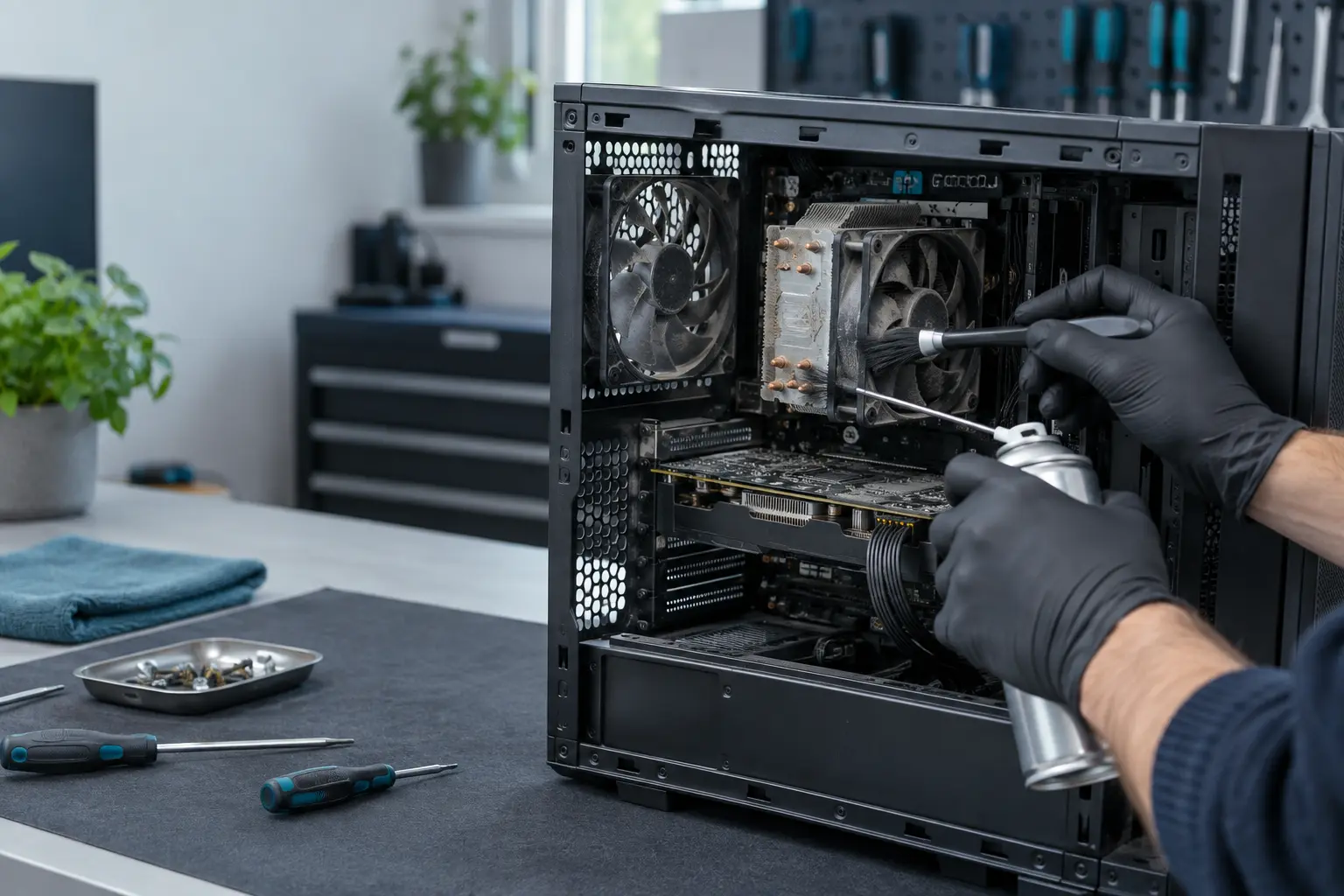
Desktop PC fan and cooling system cleaning
A desktop that is noisy, unusually hot or slowing under load may need its cooling path inspected. Describe the noise and when it happens so the right type of help can be arranged.
- Cooling path inspected before recommendations are made
- Engineers across the UK
- Free enquiry, no obligation
- Price agreed before repair
Understand the problem
Cleaning can help—but noise has several causes
Dust restricts airflow, but a worn fan, loose cable, failing drive or unsuitable fan curve can also be noisy. The symptoms guide the first checks.
Fans run constantly
Fan speed stays high during light use, the case feels hotter than usual or performance drops when the computer is busy.
Rattling or grinding
Mechanical noise often points to a worn or obstructed fan rather than dust alone.
Visible dust build-up
Dust at vents, filters and heatsinks can reduce airflow even when the computer still appears to work normally.
Still noisy or overheating after basic checks? Ask a professional.
What the service covers
What professional desktop cleaning may include
The work should be based on the case design and cooling condition, with fans controlled during cleaning and components inspected rather than blasted indiscriminately.
- External vents and removable dust filters
- Case, processor and graphics cooling areas
- Fan condition and cable clearance
- Heatsink airflow and accumulated dust
- Visual check for heat-related damage
- Thermal-material assessment where relevant
- Careful reassembly and airflow check
- Advice on placement and future cleaning intervals
Cleaning does not repair every noisy component
If a fan bearing is worn or another component is making the noise, replacement or further diagnosis may be recommended. The engineer should confirm this before additional work.
What happens next
A clear repair process
A clear description of the computer and noise helps distinguish routine maintenance from a component fault.
Describe the noise and heat
Tell us whether it rattles, whines, runs loudly or shuts down, and when the behaviour begins.
Choose a suitable service route
Depending on the computer and access needed, cleaning may be arranged as a call-out or workshop service.
Inspect, clean and check
The engineer confirms the scope and cost, completes the agreed work and checks cooling behaviour afterwards.
Before you decide
What changes the scope of cleaning?
Desktop designs range from simple office towers to compact all-in-ones and multi-fan gaming systems.
Computer design
All-in-ones and tightly packed cases can require more disassembly than a conventional tower.
Dust level
Heavy contamination, smoke residue or blocked graphics-card cooling can take longer to address safely.
Parts needed
A damaged fan, failed pump or degraded cooling component changes the job from cleaning to repair.
Questions customers ask
Can I use a household vacuum inside the computer?
Static electricity and uncontrolled contact can damage components. External filters may be cleaned carefully, but internal work is best done with suitable tools and precautions.
Does thermal paste always need replacing?
No. It depends on temperatures, cooler removal and condition. It should not be treated as an automatic requirement for every cleaning job.
How often should a desktop be cleaned?
There is no single interval. Pets, carpets, smoking, workload, case filters and room dust all affect how quickly contamination builds up.
Too much noise, heat or dust?
Tell us what you can hear and see. We have local engineers ready to assess whether cleaning or a repair is the better next step.