
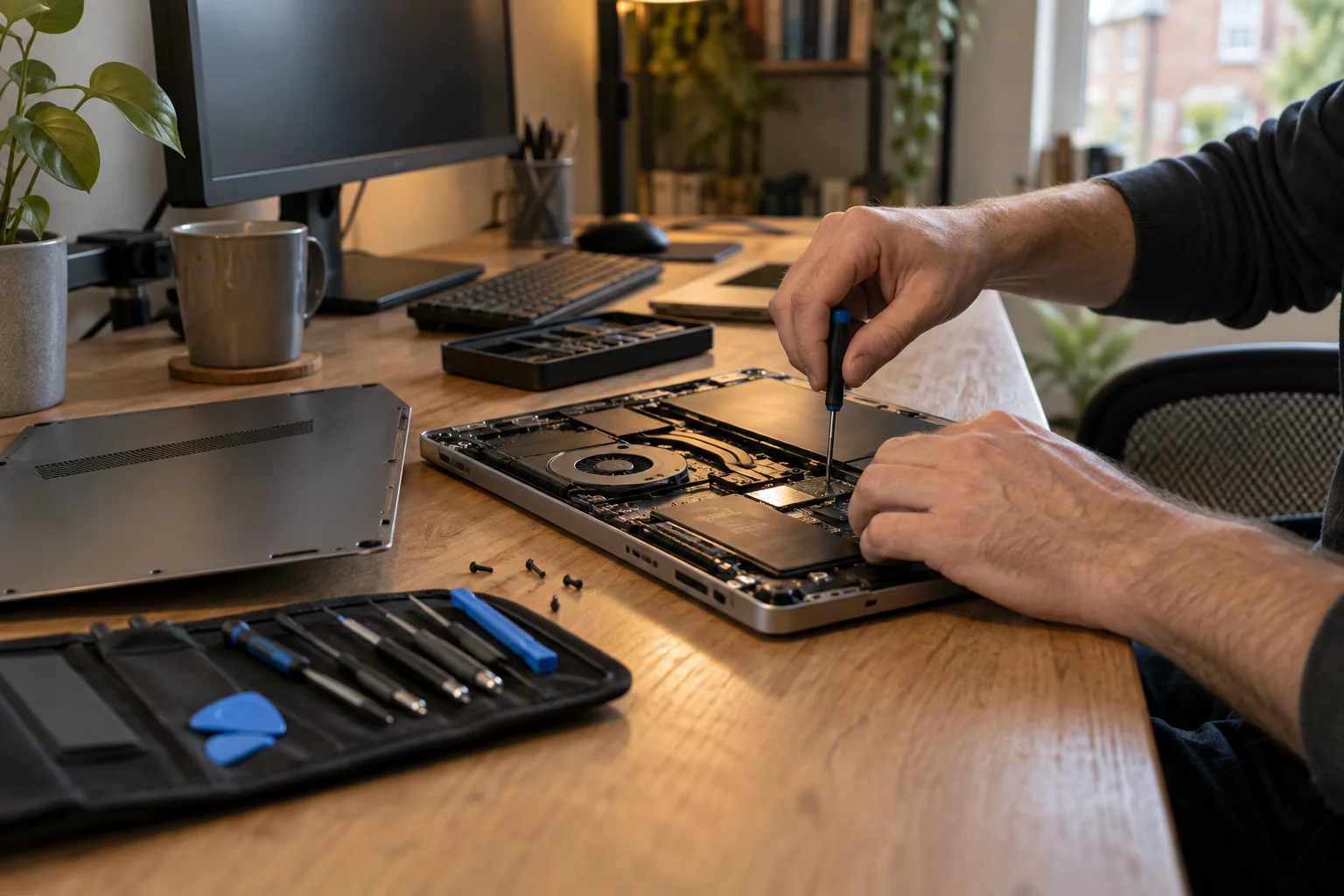
Computer repairs for home and business
Computer repair in Chilton and Ferryhill
Computer and laptop repairs in Chilton and Ferryhill, County Durham. We help with laptops, desktop PCs and Macs that will not start, have damaged parts or keep crashing. Send your postcode and the fault to check an appointment, repair options and costs.
- Laptop, Mac and desktop PC enquiries
- Local availability checked for your postcode
- Free enquiry, no obligation
- Price agreed before repair
Computer problems we repair
A laptop that will not start
No power, no charging and a blank screen can point to different faults. We assess the charger, battery, power connection and internal hardware as needed. Explain whether any lights or fan noise appear and whether the problem started after a drop or spill.
Broken screens, keyboards and hinges
Cracked panels, missing keys and hinges pulling away from the case can often be repaired with suitable replacement parts. Give the model number and describe any damage to the surrounding casing. Avoid forcing a damaged hinge open or closed because it can damage the display cable.
Desktop and gaming PC faults
We troubleshoot towers and all-in-one computers with crashes, no display, failed startup or shutdowns during use. Custom-built PCs can need checks of component compatibility, cooling and power as well as software. Mention recent changes to the graphics card, memory or other parts.
Mac repairs and upgrades
MacBook charging and screen faults, iMac startup problems and Mac mini issues can be assessed. Tell us the model or approximate year if you know it. Some repairs need work on the logic board; storage and memory upgrades depend on the particular model.
Overheating, liquid and board damage
Loud fans, excessive heat and sudden shutdowns can need cleaning, fan replacement or further testing. A spill or damaged port may affect the motherboard. Turn off a wet device, unplug the charger and leave it off until it has been inspected.
Slow systems, email and missing files
We help with slow startup, software errors, unwanted programs and email problems. When files are missing or a drive is failing, preserving the data comes first. Upgrades and file transfers can also be discussed if the existing hardware is suitable.
Repair appointments in Chilton and Ferryhill
A visit can be useful for a desktop that is difficult to move, a printer connection problem or a fault involving equipment at your home or business. Tell us whether the address is in Chilton, Ferryhill or a surrounding village and include the full postcode.
Screen replacement, board work and faults needing extended testing may require workshop assessment. Ask about available collection and return arrangements if you cannot transport the computer. Confirm the appointment and destination before setting off.
Could it be fixed remotely?
Some email, application and system problems can be worked on remotely if the computer starts and stays connected to the internet. Remote help cannot replace a broken component. Describe the problem first so the appointment suits the fault.
What will the repair cost?
The price follows the diagnosis and the parts needed. Confirm any inspection charge before handing over the device. For a home visit, ask about the callout fee and what it covers; for collection, check both the outward and return costs.
Before approving the work, get a total that includes parts, labour and any file-transfer or setup work. If you choose not to go ahead, confirm the assessment and return charges. Further damage found during repair should be discussed before extra work is authorised.
When an upgrade makes sense
If the computer is reliable but slow, a compatible SSD or memory upgrade may help. A machine with multiple faults needs a different cost comparison. Describe what you use it for so repair, upgrade and replacement can be considered against the same needs.
Need your computer back quickly?
Mark the enquiry as urgent and say when you need the device. Explain whether it is completely unusable or you can still work around the fault. If an important document is the immediate priority, mention it separately from the repair.
The earliest visit and the repair completion date depend on availability, diagnosis and parts. A new screen must match the laptop, and an intermittent fault needs enough testing to check the repair. Confirm the expected timescale before committing to the work.
What to have ready
Keep the device model, charger details and any error message to hand. Say if the fault only happens with a particular monitor, game, printer or other accessory. Ask which accessories to include so a workshop can reproduce the problem.
Keeping your files safe
Explain which documents, photos or work files have no backup. Do not reset Windows, erase the Mac or approve a replacement drive without discussing the files first. Recovering data may be a separate job from repairing the computer.
A noisy or intermittently detected drive should not be repeatedly restarted to see whether it recovers. Stop using it and describe the symptoms. If a healthy device still works, make a checked backup before the appointment where possible.
Access and privacy
Do not send passwords in the enquiry form. If testing requires access, agree a suitable method at the appointment. An encrypted drive may need a recovery key; keep it available privately and discuss access before data work begins.
Chilton, Ferryhill and nearby areas
DL17 includes several communities. Give your town or village with the postcode so the location and any travel charge can be checked accurately.
Chilton
This page covers repair enquiries for Chilton in County Durham, including addresses around Durham Road and Rushyford Drive. Add Chilton as well as the postcode when booking, since a postal address may also include Ferryhill.
Ferryhill and Ferryhill Station
Enquire for Ferryhill, Dean Bank and Ferryhill Station, along with Mainsforth, Chilton Lane, East Howle and Metal Bridge. The full address helps confirm a visit or collection for the correct part of the area.
Other County Durham addresses
For an address towards Newton Aycliffe, Spennymoor, Bishop Auckland or another part of the county, use the wider County Durham page. It explains the repair services and how to check an appointment for your location.
Repair questions
Can you repair a computer at my home in Chilton or Ferryhill?
A visit can be requested for faults that are suitable to assess at home. Include your postcode and describe the equipment involved. Availability and the callout charge are confirmed before booking; internal repairs may require workshop testing.
Can you help with a printer or Wi-Fi problem too?
Yes. Explain whether the problem affects one computer or all devices. A printer that works over a cable but not over Wi-Fi needs different checks from one that cannot print at all. Include the printer or router model if available.
Do I need to bring the whole desktop setup?
Ask before transporting it. The computer tower and a power lead may be sufficient for some faults, while a display or accessory may be needed to reproduce others. Say if the fault only occurs with your own monitor, keyboard or other equipment.
What should I check when the repair is finished?
Try the task that caused the original problem, check your important files and ask what was repaired or replaced. Confirm any remaining setup steps and keep the invoice and warranty details. Report a recurring symptom with the same description you used for the original fault.
Free to enquire
Get help with your computer
Tell us what has stopped working and add your postcode. Include your deadline if the repair is urgent.