
Laptop repair
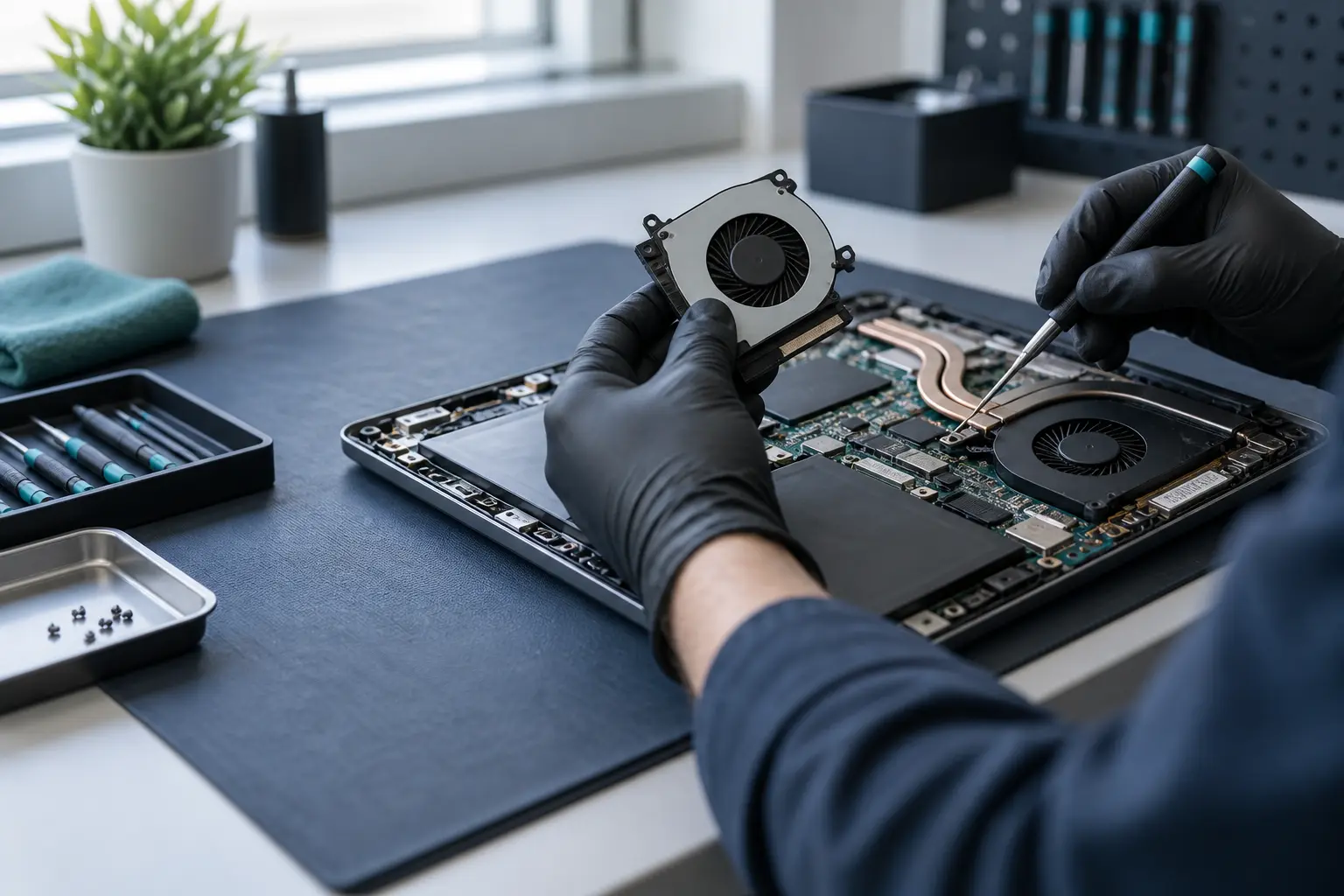
Laptop fan replacement
Rattling, grinding, fan errors and overheating can indicate a damaged fan, but blocked airflow can sound similar. Describe the noise and exact laptop model.
- Cleaning and fan failure distinguished before replacement
- Engineers across the UK
- Free enquiry, no obligation
- Price agreed before repair
Understand the problem
Does the fan need cleaning or replacement?
A worn bearing, broken blade, obstruction and dust build-up need different work. The sound and cooling behaviour help narrow it down.
Rattling or grinding
Mechanical noise that changes with fan speed can indicate wear, damage or contact with another part.
Fan error or no airflow
A startup warning, non-spinning fan or little air at the vent may require prompt attention to prevent overheating.
Constant high speed
A fan that always runs hard may be responding to restricted airflow, high temperatures, software load or a control fault.
Cleaning or fan replacement? Describe what you can hear.
What the service covers
What an engineer needs to identify
Fan assemblies and connectors are model-specific. Diagnosis also checks whether the heat is caused by airflow, the fan itself or another cooling component.
- Exact laptop make and model
- Noise type and when it occurs
- Fan movement and airflow
- Dust and heatsink condition
- Fan connector and cable routing
- Compatible replacement assembly
- Related thermal-material condition where relevant
- Temperature and fan behaviour after repair
Avoid heavy use if the fan has stopped
Shut the laptop down if it reports a fan error, has no airflow or becomes unusually hot. Continued load can cause abrupt shutdowns and further heat-related problems.
What happens next
A clear repair process
Sharing the model and symptoms helps prepare the correct fan or decide that inspection should come first.
Describe the sound
Tell us whether it rattles, grinds, pulses, runs constantly or has stopped, and when this occurs.
Check model and likely cause
A local engineer reviews fan compatibility, cleaning needs and the practical service method.
Agree cleaning or replacement
Parts, scope, likely timescale and cost are confirmed before the repair is carried out.
Before you decide
What affects the repair scope?
The visible fan is part of a cooling system that may include heat pipes, heatsinks, multiple fans and model-specific access.
Fan availability
Replacement parts vary by exact model and sometimes by graphics or processor configuration.
Cooling condition
Blocked heatsinks or degraded materials may need attention alongside a worn fan.
Disassembly
Some laptops provide direct fan access; others require the board or cooling assembly to be removed.
Questions customers ask
Will cleaning fix a rattling fan?
Not if the bearing or blades are damaged. Cleaning helps restricted airflow, while mechanical fan wear usually requires replacement.
Can I use the laptop while waiting?
Avoid demanding use if cooling is impaired. If the fan has stopped, the laptop reports an error or becomes very hot, shut it down.
Why is the exact model necessary?
Fans that look alike can use different shapes, mounting points, connectors and control specifications.
Fan noise becoming impossible to ignore?
Tell us what it sounds like and when it happens. We have local engineers ready to assess cleaning or fan replacement.