
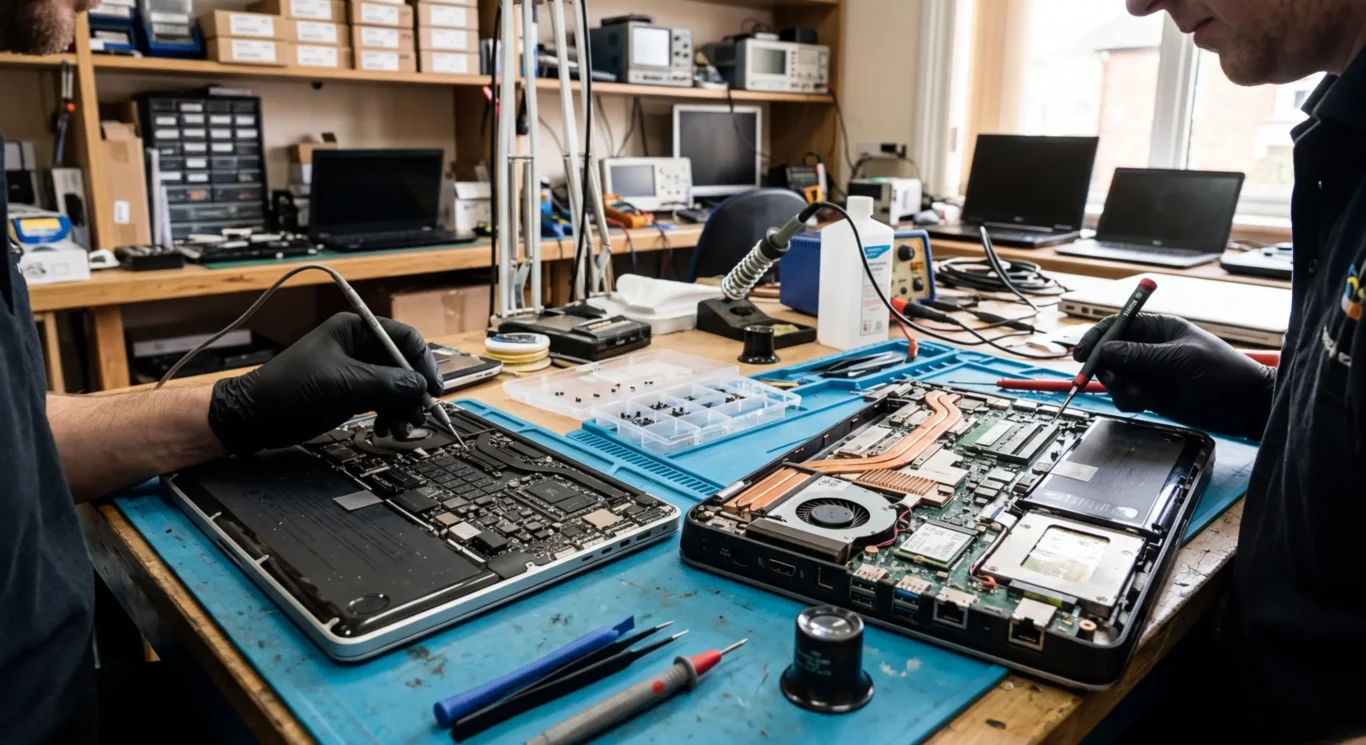
Mac motherboard repair vs Windows motherboard repair
If your computer will not turn on, only works on the charger, keeps restarting, or suddenly stops seeing the battery, the fault can sit on the motherboard. That is the main board inside the machine that links power, charging, storage, memory and the rest of the hardware together. On a Mac, this is usually called the logic board, and the repair route can be quite different from a Windows laptop or desktop even when the symptoms look almost identical – I see that catch people out all the time.
This guide keeps the two platforms separate and explains what the job actually involves. It covers where component level repair may be possible, when a board replacement is the more realistic option, what tends to affect cost and turnaround, and when repair is simply not the sensible spend. Some faults are straightforward once properly diagnosed. Others are not, especially after liquid damage or repeated power problems.
What a motherboard repair actually means on Mac and Windows machines
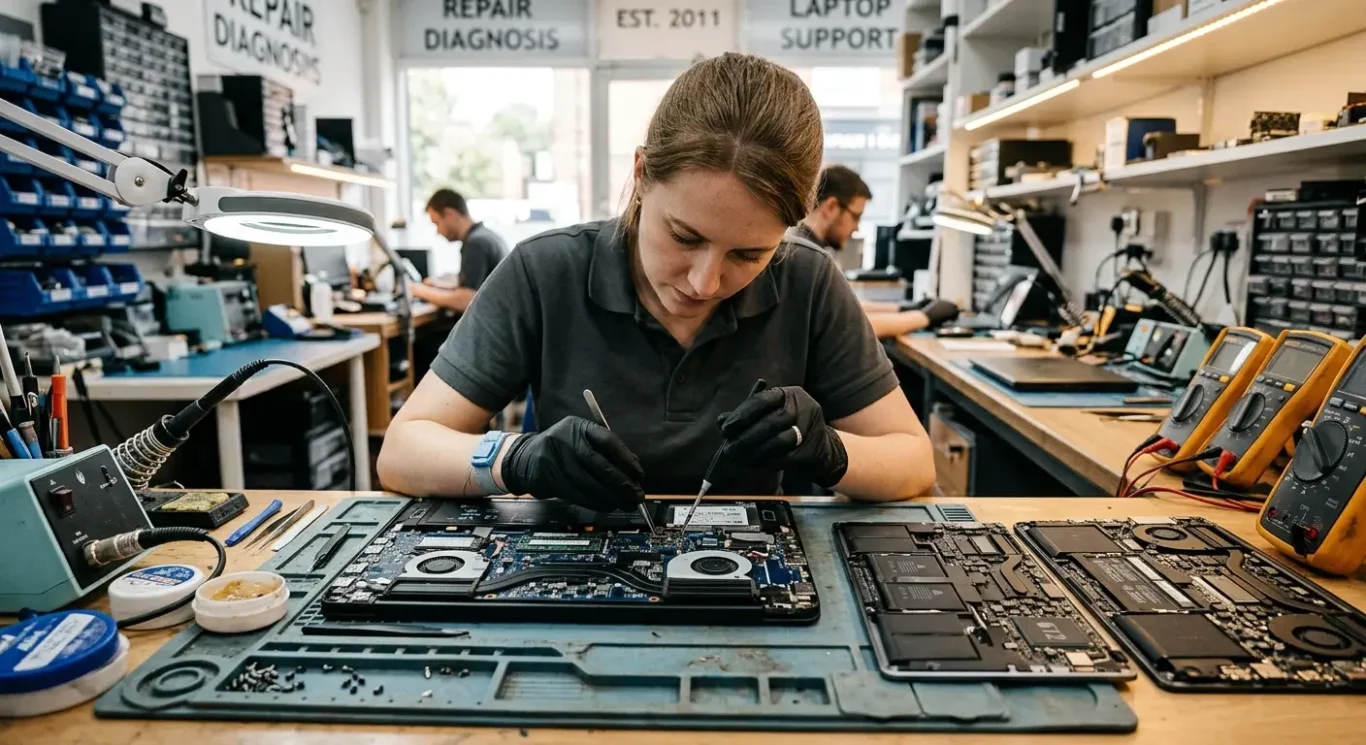
In plain English, Apple calls it a logic board, most PC makers call it a motherboard, and repair can range from fixing a fault on that board to replacing the board if repair is not sensible.
If you have a MacBook, iMac or Mac mini, the main board is usually called the logic board. On most Windows laptops and desktops, it is called the motherboard. Different name, same basic job – it connects power, charging, storage, memory, screen output and the rest of the machine so everything can work together.
What people usually notice first
The symptoms are often quite similar on both platforms. No power, no charging, no display, random shutdowns, signs of liquid damage, or overheating that keeps coming back can all point to a board level fault. That said, the board is not always the problem, which is why proper testing matters before anyone starts talking about a full replacement.
A board replacement means removing the whole logic board or motherboard and fitting another one. Component-level repair means finding the damaged area on the board itself and repairing that specific fault, such as a short circuit, a failed charging section, or a broken power line. I prefer the second route when it is realistic, because replacing the whole board can be expensive and sometimes unnecessary.
What a technician is actually testing for
The first job is to check where power stops and why. In simple terms, we are looking for whether the board is taking power in properly, whether it is charging the battery correctly, whether key parts are turning on in the right order, and whether there is a short or heat damage stopping that process. If the machine has had liquid on it, we also check for corrosion and burnt areas, because that changes what is worth repairing and what is not.
Why Mac motherboard repairs are often handled differently
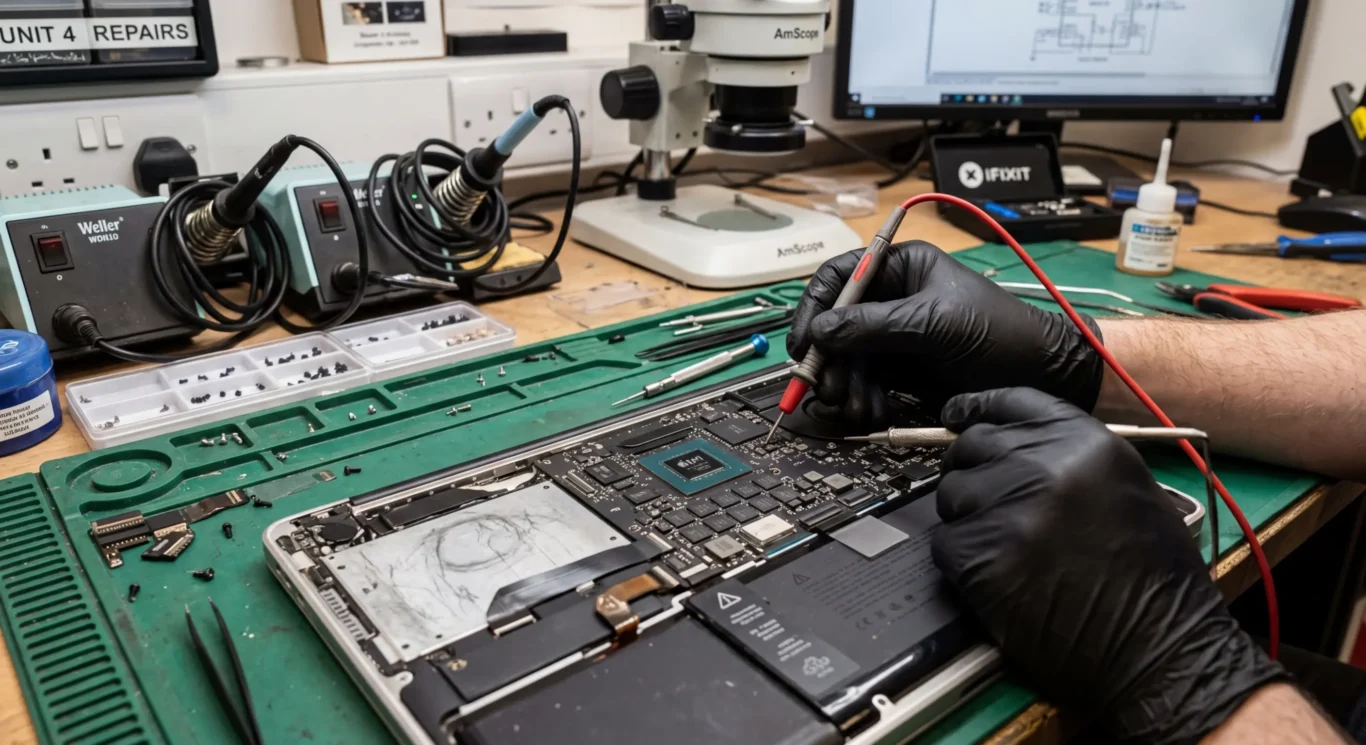
On many Macs, the fault is tied into one tightly packed board, so the job often comes down to careful board-level diagnosis rather than swapping separate parts.
A lot of people search for MacBook logic board repair when the machine will not charge, has no display, or suddenly died after liquid exposure. That wording makes sense, because on many Mac models the key power, charging, display and storage functions are closely tied together on the same board. In practice, that means you often cannot isolate the problem by changing one easy part and seeing what happens.
Integrated design changes the repair path
With a lot of Windows machines, there may be more scope to test with separate parts first, such as a charging socket, daughterboard, RAM, SSD or DC cable. Macs are often more integrated, and more model-specific, so diagnosis usually starts with power rails, charging behaviour, board condition and whether the machine is completing its start-up sequence properly. I know that sounds a bit dry, but it is the difference between a sensible repair and guessing.
Liquid damage, charging faults and backlight faults are good examples. A Mac may appear dead when the real issue is a short in the charging circuit, corrosion around a key area, or a backlight section fault that leaves the screen image too dim to see. Some of these are repairable at board level, but heavy corrosion, burnt layers in the board or damage that has spread under chips can make the outcome uncertain.
Exact compatibility can matter
On some models, donor boards or exact matching parts matter far more than people expect. Apple used a lot of model-specific board layouts and revisions, so the right replacement part is not always interchangeable across machines that look almost identical from the outside. That is one reason a proper check comes first, because the best route may be board repair, sourcing a compatible donor, or deciding the spend is not sensible for that particular Mac.
How Windows motherboard repair differs in practice
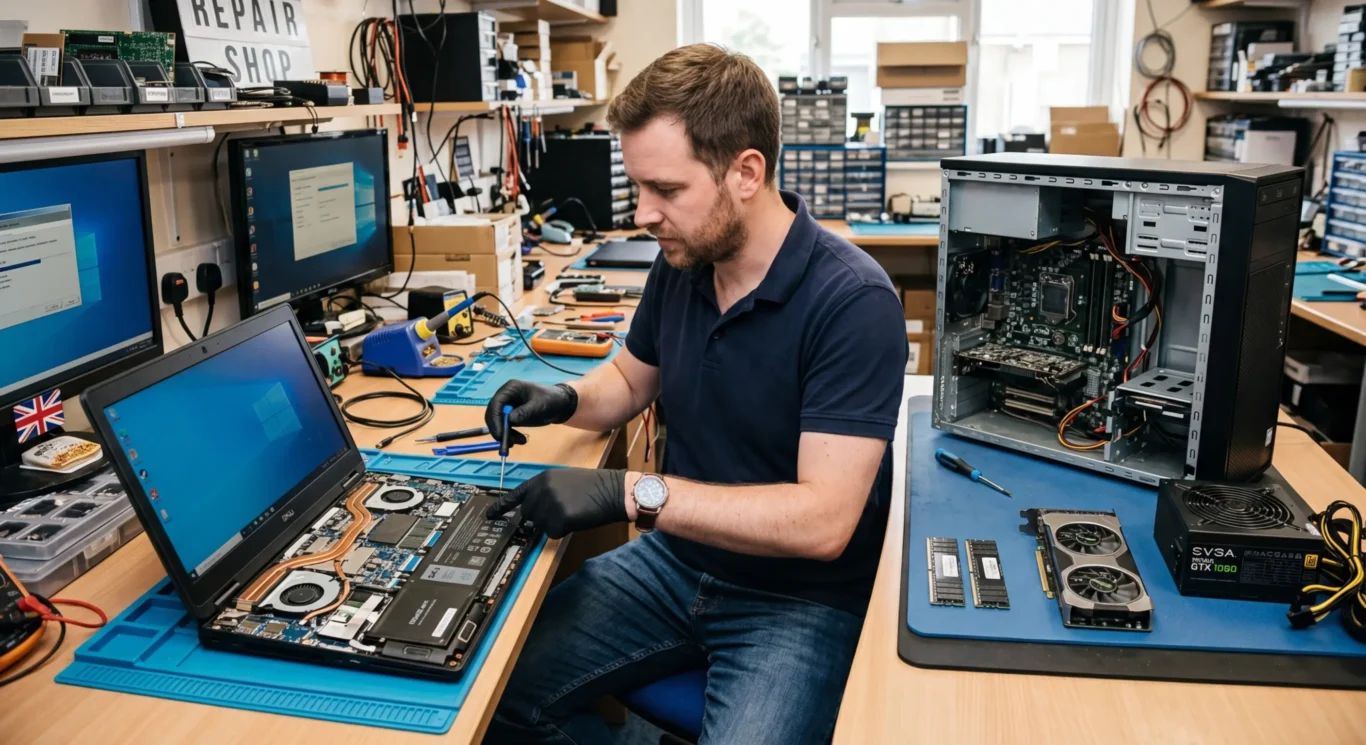
Windows machines vary a lot more, so some faults can be isolated by testing separate parts before anyone touches the board itself
With Windows systems, the first split is between laptops and desktops, because they do not follow the same repair path at all. A desktop often gives you more room to test parts one by one, while a laptop packs power, cooling and charging into a much tighter space.
Separate parts can make diagnosis simpler
On many Windows laptops, a dead or unstable machine is not always a motherboard failure repair. I regularly find cases where the real issue is a failed DC jack, bad RAM, a faulty cooling fan, blocked heatsink, or a small daughterboard for power, USB or charging. If that separate part is the fault, the repair can be more straightforward and cheaper than board work. That said, you still have to test properly, because the symptoms can overlap.
Some laptops are still board-level jobs
Not every Windows laptop is modular in a helpful way. Some are heavily integrated, with charging control, power circuits and other key functions tied closely into the main board, so Windows motherboard repair can still mean microscope work, fault tracing and replacing damaged components on the board itself. Power shorts, liquid damage, burnt charging sections and no-display faults can all end up in that category.
Desktops are usually more flexible, because parts like the power supply, graphics card, memory and storage can often be swapped or tested separately before blaming the motherboard. Even so, not every no-power or no-boot desktop needs a board repair, and not every laptop fault can be solved with a part swap – it depends on the exact machine and what the testing shows.
Component-level motherboard repair – when it is possible and when it is not
This means repairing the damaged parts on the board itself, but only when the fault is local enough to trace and fix sensibly.
In real workshop terms, component-level repair usually means finding a failed area on the motherboard and replacing the specific part that has gone bad, rather than swapping the whole board. That can be realistic with power circuit faults, charging faults, blown components, short circuits, and some cases of minor liquid damage where the corrosion has not spread too far. Sometimes it is one bad chip, a damaged charging section, or a shorted line pulling the whole machine down.
Why diagnosis has to come first
The symptom on its own is not enough to price or promise a repair plan. No power, no charge, random shut-offs, no image, or a machine that looks completely dead can all come from different faults, and they do not all have the same repair path. Proper testing comes first so you know whether the problem is actually on the board, how far it has spread, and whether the job is likely to be sensible to proceed with.
When the chances drop
Some boards are simply poor candidates for component-level repair. Layered boards can hide internal damage, severe corrosion can keep causing new faults after the first one is found, burnt areas can mean the board itself is damaged beyond the visible component, and previous bad repair attempts often make tracing harder because pads, tracks, or nearby parts may already have been disturbed. I see this fairly often after liquid damage or after someone has already had a go at it elsewhere.
That is why outcomes are sometimes uncertain, especially on dead boards or machines with multiple faults. A board may be repairable, partly repairable, or not economical to chase once testing shows how much damage is involved. The honest answer sometimes is that the fault goes beyond a straightforward board repair, and that is better said clearly than guessed at.
What affects cost and turnaround time
The main things are what testing shows, what parts are needed, and whether the job is on a Mac, a Windows laptop, or a desktop.
The symptom is only a starting point. A machine that will not turn on, will not charge, or keeps crashing can have several possible causes, so diagnosis comes first. Until that is done properly, nobody sensible can say whether it needs a battery, a charging part, a full board replacement, or motherboard repair at component level.
Why board work usually costs more
A simple parts swap is usually more straightforward. If testing shows a failed screen, fan, keyboard, SSD, or power supply, the job is often easier to price and quicker to plan. Board-level work takes longer because it involves fault-finding on the board itself, careful measuring, microscope work, and sometimes more than one stage before it is clear whether the repair is viable.
What can slow a job down
Parts sourcing is one factor, especially on some MacBook logic board repair jobs or on less common Windows models where donor boards or specific chips are not easy to get quickly. Corrosion from liquid damage can also turn a simple-looking fault into a longer job, because the first damaged area is not always the only one. Previous repair attempts can slow things down as well if pads have lifted, parts are missing, or the board has already been overheated.
Pricing usually depends on the fault, the machine, and whether the repair turns out to be a standard replacement job or deeper board work. Some services may be listed from £60 for diagnosis or basic labour, but the actual total still depends on what the tests find and whether parts are required.
Repair or replace – how to decide sensibly
Look at the machine as a whole, not just the fault, so you can decide what is worth spending and what is not.
Age matters, but it is not the only thing. I look at how the machine has held up overall – battery health, screen condition, keyboard wear, charging reliability, fan noise, and whether it has already had a hard life. A fairly old computer can still be worth repairing if the rest of it is solid, while a newer one with multiple problems can be a poor candidate for major board work.
Fit for your day-to-day use
The other practical question is whether it still suits the job you need it for. If your MacBook or Windows laptop was already struggling with your work before the fault happened, spending heavily on the motherboard may only get you back to a machine that still feels slow or limiting. If it was otherwise doing exactly what you need, that makes a proper repair easier to justify.
Data changes the decision quite a lot. If important files are on the machine and there is no current backup, the first priority may be safe access to the data rather than a full repair. On some MacBook logic board repair jobs and Windows motherboard jobs, a limited repair may be sensible if it gives enough stability to recover data or keep the machine going for a while, but that is different from saying the computer is a great long-term investment.
When replacement is the better call
Replacement usually makes more sense when the board fault is serious, the machine is already outdated for your work, or there are several expensive issues stacked together. That might be a dead board plus a worn battery, damaged screen, missing keys, or liquid damage that has spread further than first thought. There is not always a neat yes or no answer, and brand alone does not decide it – the sensible choice depends on the model, condition, what the tests show, and how much useful life you are likely to get back.
Do you need to bring it in, or can this be checked at home or at your business
Some faults can be narrowed down on-site, but proper motherboard testing usually needs workshop equipment and time on the bench.
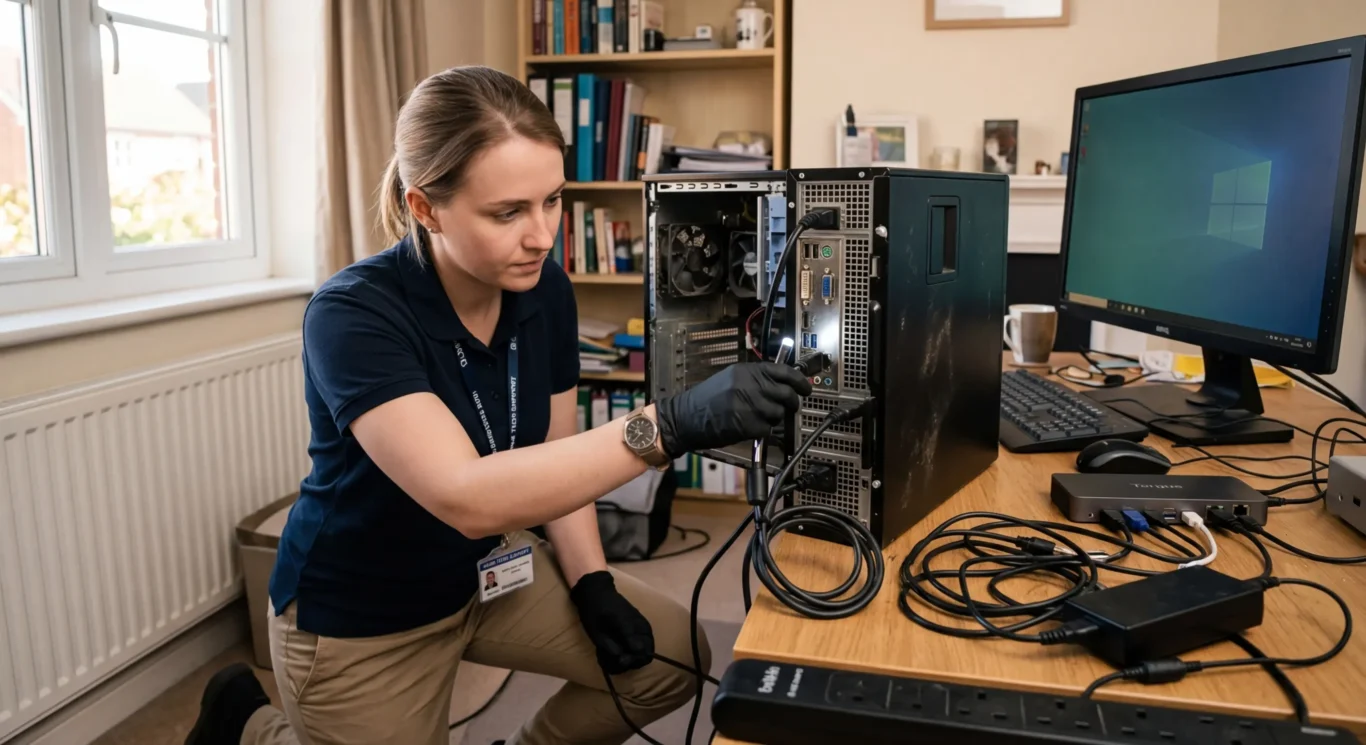
An initial visit is useful for ruling out the obvious without dragging a dead machine across London. I can check the charger, power lead, dock, monitor, surge protector, loose RAM on some desktops, and whether the problem is actually a bad peripheral, power issue, or startup setting rather than the motherboard itself.
Why bench diagnosis matters
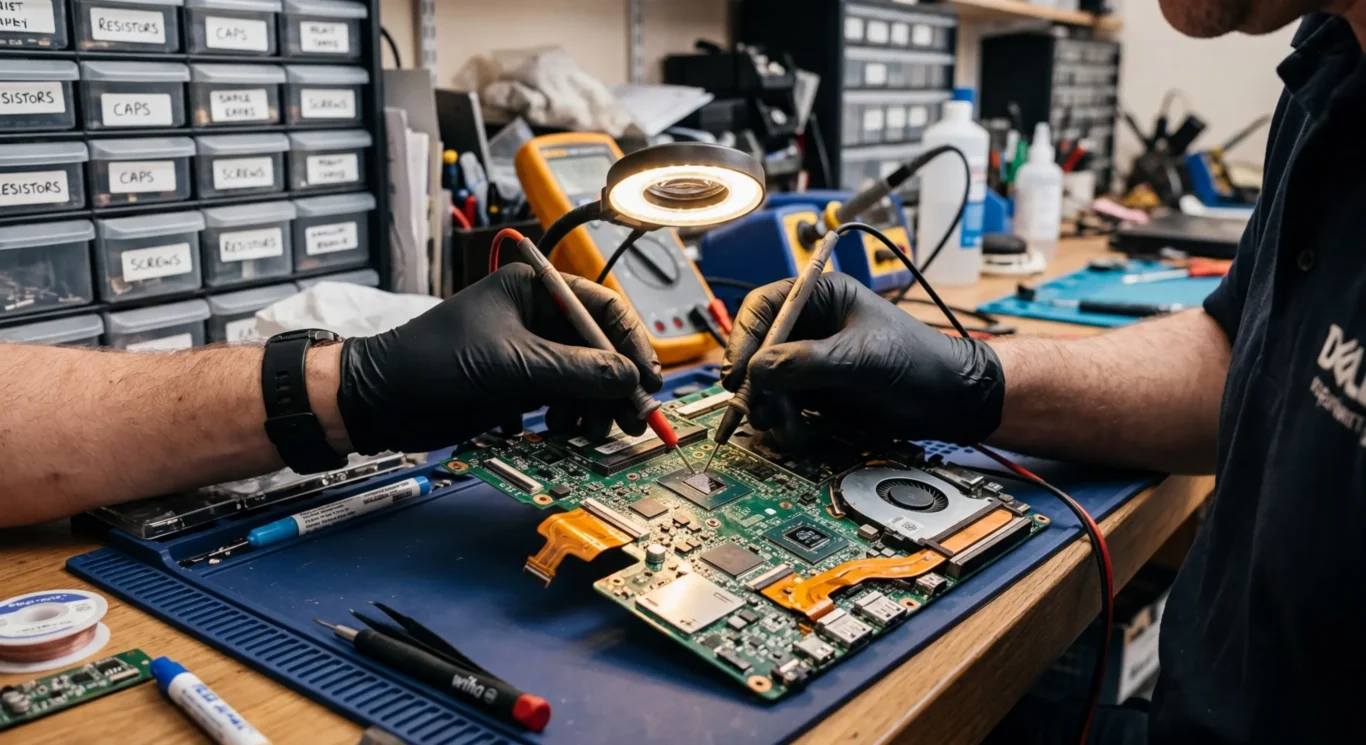
If the fault points to the board, that is where workshop testing usually starts. MacBook logic board repair and Windows motherboard fault finding often need board-level inspection, stable power injection, meter readings, thermal checks, and repeat testing under controlled conditions. That is not the sort of job to guess at on a kitchen table or in a back office between meetings.
A home or business visit still helps when the machine may not be the real problem. Quite a few no-power or no-display calls turn out to be a failed charger, damaged DC cable, faulty monitor, bad docking station, or a machine that is powering on but not reaching the screen properly. For a small business, that first check can also show whether one device has failed or whether there is a wider issue with power, networking, or connected equipment.
Practical next step
If you are in London and need a quick answer, the sensible route is usually to start with the symptoms and how the machine failed, then decide whether an on-site check is enough or whether it needs to come in for bench diagnosis. That keeps downtime and travelling to a minimum, without pretending every motherboard repair can be confirmed or finished on the spot.
What to ask before agreeing to a motherboard repair
A few straight questions can tell you whether the job has been properly diagnosed, what you are actually paying for, and what might still affect the outcome.
The first thing to ask is what fault has actually been confirmed. Not what is suspected, and not what usually fails on that model. You want to know whether testing has shown a specific power fault, charging fault, short circuit, liquid damage, failed chip, or whether it is still at diagnosis stage.
Be clear on what the quote covers
Quotes for motherboard work are not always the same thing. One may be for diagnosis only, one may be for a repair attempt, and one may be for a completed repair if the confirmed fault can be fixed. That sounds obvious, but this is where people get confused. If the wording is vague, ask for it plainly.
If the board has power damage or liquid damage, ask whether data risk has been discussed. In a lot of cases the data is fine, but not always. A machine that still holds important files should be treated carefully, and if the storage is tied closely to the board – which is common on some Macs – that matters even more.
Ask what could affect timing
Some repairs depend on parts availability, and some depend on finding a suitable donor board for the same model and board version. That can affect timing more than the soldering work itself. If a MacBook logic board repair or Windows board repair is waiting on a matching part, it is better to know that upfront than sit there wondering why nothing has moved.
Questions we get every day
What our engineers actually say
We often see people assume a dead Mac and a dead Windows laptop should be approached the same way, but they usually are not. A common problem is someone has already been told the whole board must be replaced when the actual next step should have been proper diagnosis first.
If the fault is on a Mac logic board, the sensible question is whether board-level repair is realistically possible and stable afterwards, because storage access and board design can make the job more dependent on the exact damage. On many Windows machines, there is often a bit more flexibility around parts and testing, so the judgement call is usually more straightforward.