
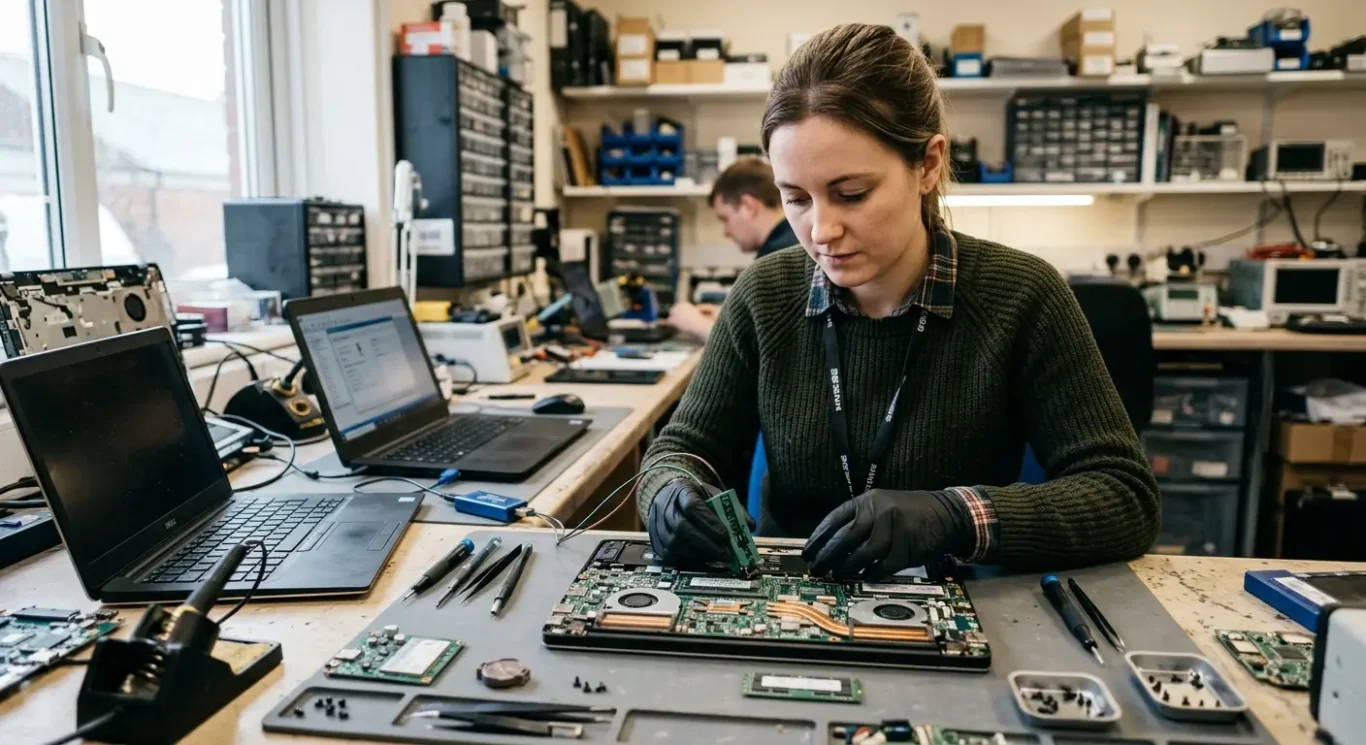
BIOS and firmware related motherboard repairs
When a computer stops at the logo, shows no boot device found, or refuses to start after a BIOS update, it often looks like the whole motherboard has failed. Sometimes it is a motherboard-level fault, but not always. A corrupted BIOS or other firmware problem can stop a laptop, desktop, or Mac from starting properly even when the rest of the hardware is still fine. I see this quite a lot after a failed update, a flat CMOS battery on an older machine, or a board that has lost its settings and will not recover on its own.
The important part is proper diagnosis first, because the fix depends on what has actually gone wrong. In some cases it is a settings issue or a storage detection problem that can be checked on-site. In others, BIOS reprogramming or board-level testing is needed, which means workshop bench work with the right tools. It is a bit specialised, to be honest, and guessing usually wastes time.
What BIOS and firmware faults usually look like
Common signs can look dramatic, but the pattern often tells you whether the problem started before Windows or macOS even had a chance to load.
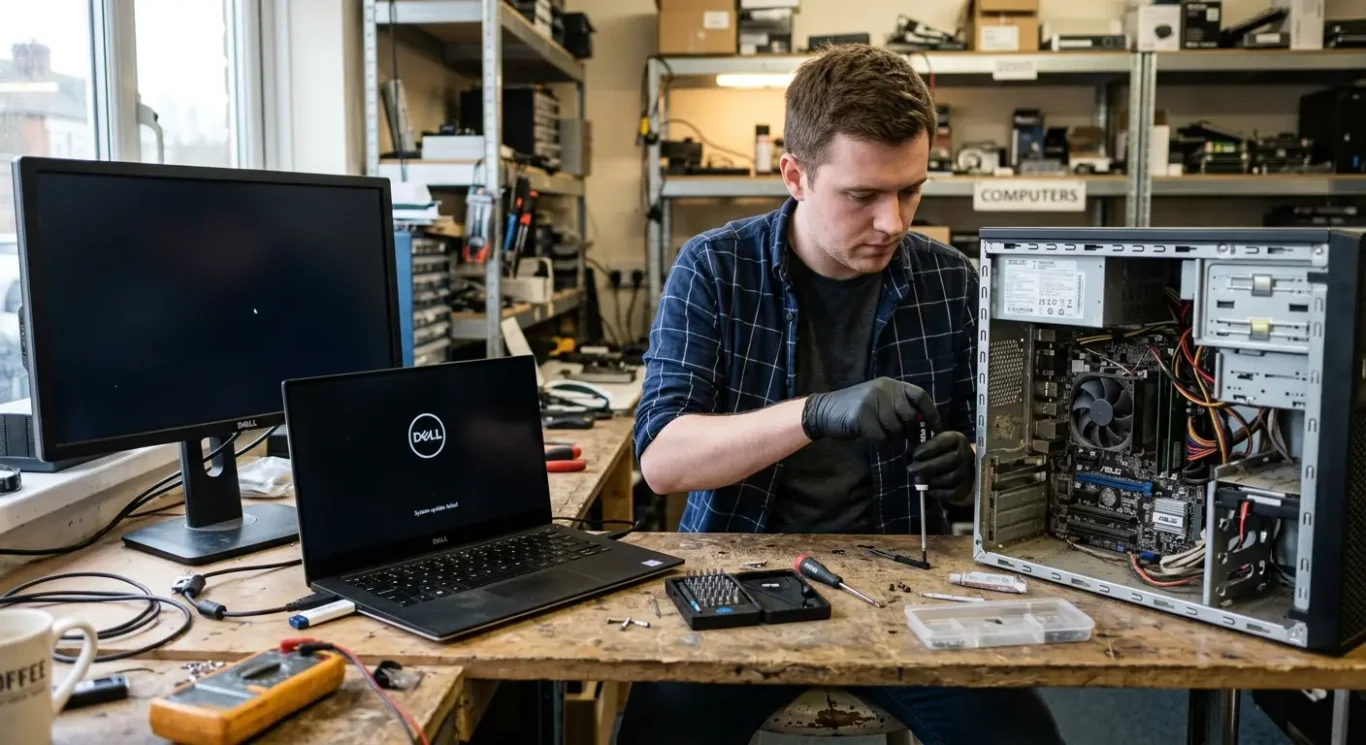
One of the most common stories is a machine that was updating, restarted, and then never came back properly. A corrupted BIOS after a failed or interrupted update can leave a laptop or desktop stuck at the manufacturer logo, looping through restarts, showing a black screen, or powering on with no normal boot process at all. Sometimes the keyboard lights come on and the fan spins, but nothing useful appears on screen.
When it says no boot device found
That message does not always mean the drive itself has died. In plenty of cases, the firmware settings have changed, the storage drive is no longer being detected properly, or the boot order has been lost after a reset or update. I also see systems that go straight into setup screens, forget the date and time, or suddenly stop seeing an SSD that was working the day before.
Another pattern is power on with no proper startup sequence – just a blank display, repeated restart attempts, or a missing image after a BIOS update. On some machines you get the logo and it freezes there. On others you get nothing at all apart from signs of life from the power light or charging light, which is why these faults get mistaken for a dead motherboard quite easily.
Similar symptoms can have other causes
This is the bit that matters. The same symptoms can also come from a faulty SSD or hard drive, bad RAM, power problems, screen faults, or a genuine motherboard fault unrelated to BIOS and firmware faults. That is why I do not treat every logo freeze or no boot device message as a firmware job – the pattern points the way, but proper testing is what confirms it.
What the BIOS actually does
It is the built-in startup code that wakes the machine up and hands over to Windows or macOS
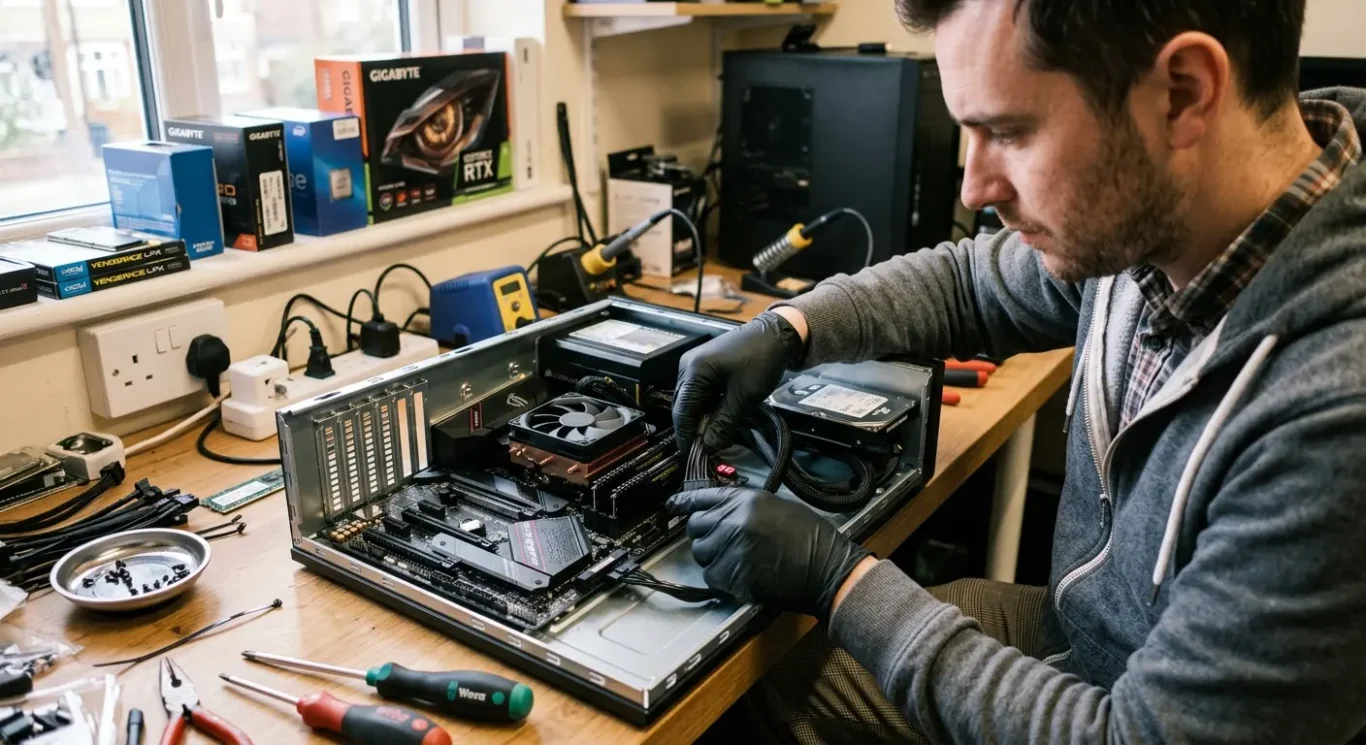
Before Windows or macOS can load, the computer has to do some very basic jobs first. It has to power up the main parts, check what hardware is present, and find something valid to boot from. That low-level code lives on the motherboard and is usually referred to as the BIOS or firmware.
BIOS, UEFI, and boot settings are not all the same thing
In plain English, BIOS is the older name most people still use, while UEFI is the newer type used on many modern machines. Day to day, people also say “the BIOS” when they really mean the setup screen where you change things like boot order, storage mode, or the date and time. That is understandable, but the settings menu is only one part of it – the firmware underneath is the actual startup code that makes the machine begin properly.
If that firmware image gets damaged, the computer can fail before it ever reaches the drive, which is why a perfectly good SSD or hard drive can still leave you with a black screen, a logo freeze, or a no boot device found message. I see this after interrupted updates, bad firmware writes, and boards that will not read their own startup code properly anymore.
Macs and PCs handle firmware a bit differently, and the recovery methods are not always the same, but the basic principle is very similar. There is still a layer of built-in code that has to start the hardware and pass control to the operating system, and if that layer is corrupted the whole machine can appear dead or stuck long before normal loading begins.
Common causes of BIOS corruption or firmware failure
These faults usually come from a small number of real-world problems, but the symptoms on the screen do not always tell you which one it is.
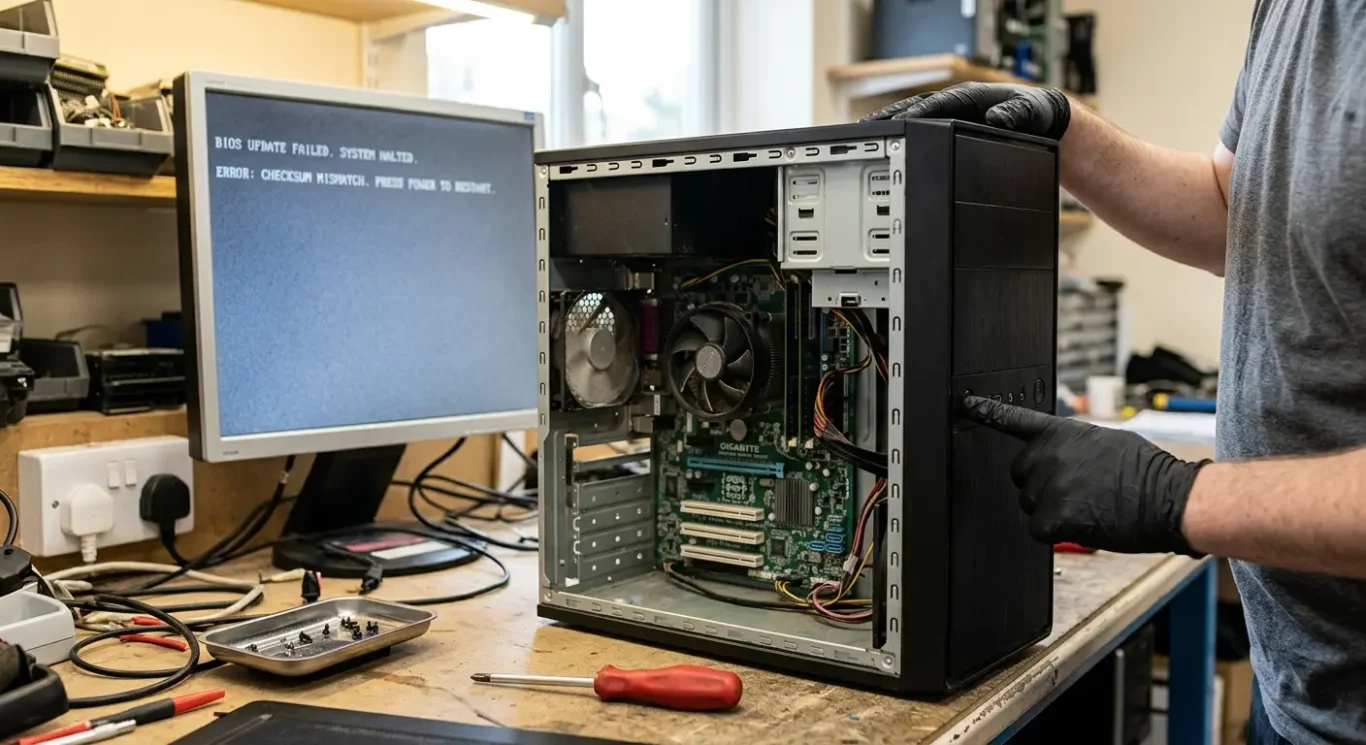
A failed or interrupted update is one of the more common triggers. That can mean power loss during the write process, a system crash halfway through, the wrong firmware file being used, or someone forcing the machine off because it seemed frozen. Most updates complete normally, but if the rewrite is broken at the wrong moment the board may no longer start properly afterwards.
Sometimes the problem is not the update itself
I also see corrupt firmware data caused by the motherboard storage chip starting to fail, or by an electrical fault around it. In those cases, the BIOS and firmware related motherboard repairs are not just a matter of loading a fresh file and hoping for the best. If the chip cannot reliably hold or read the data, or the board has unstable power on that circuit, the fault can come straight back.
Incorrect settings can do it as well, even when the firmware code itself is still intact. A change to boot mode, storage mode, secure boot, or other low-level startup settings can leave a machine stuck on the logo, unable to find Windows, or refusing to see the internal drive. It does not mean anyone has done something foolish – some systems are very fussy, and a reset or flat CMOS battery can change behaviour on its own.
Power history and previous damage matter
Battery and power issues can affect firmware behaviour on some laptops and desktops, especially where the RTC or CMOS battery is weak, the main battery is failing oddly, or the charging and power circuits are unstable. Previous repair attempts can muddy the water too, particularly if parts have been swapped, the board has been worked on badly, or there has been liquid damage. That is why I check the wider board condition before treating it as a simple BIOS reprogramming job.
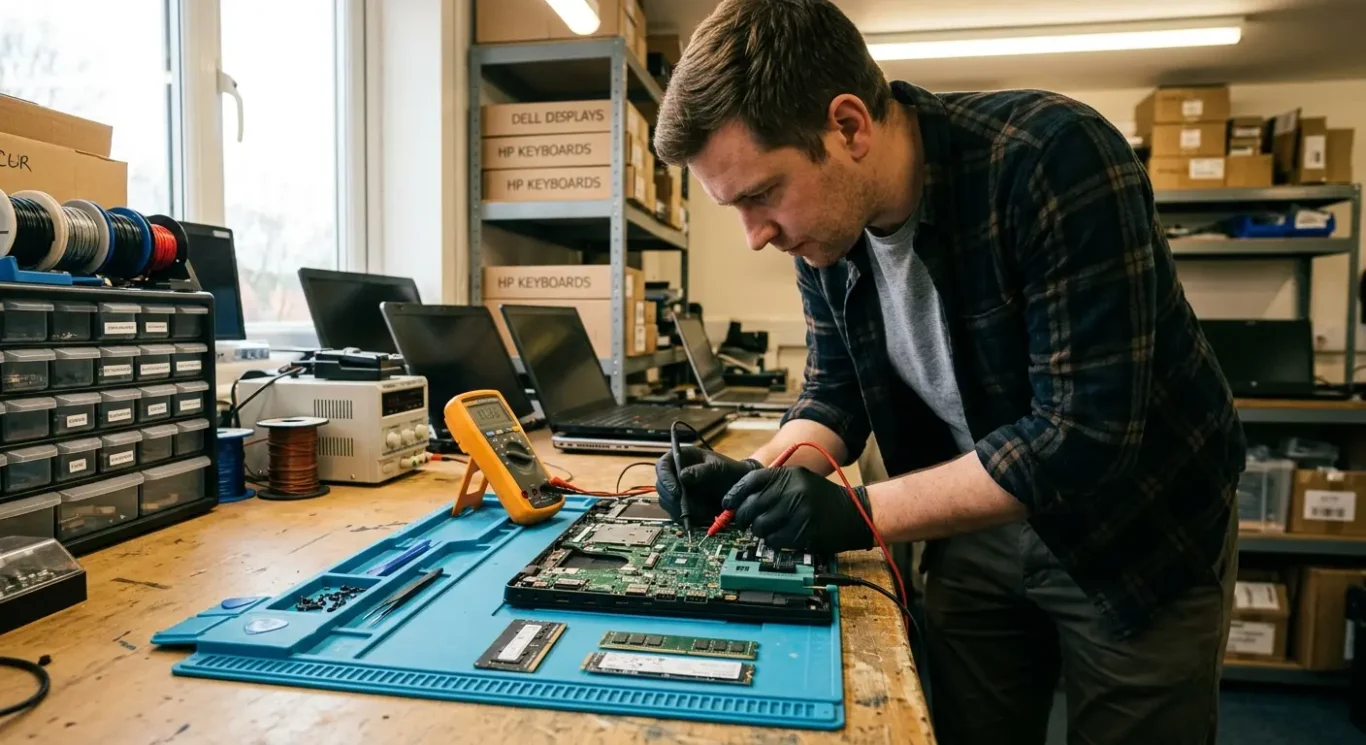
How BIOS and firmware related motherboard repairs are diagnosed
The first job is to prove what has actually failed, rather than blaming the motherboard too early.
I start by ruling out the simpler faults that can mimic firmware trouble. A dead SSD can cause a no boot device found message. Bad RAM can stop a machine from starting properly or leave it stuck on a logo screen. A failed screen, graphics fault, charger problem, battery issue, or unstable power rail can also make a computer look like it has corrupt BIOS when it does not.
What I check before calling it a firmware fault
From there I check whether the board is posting at all, whether it is recognising memory and storage, and whether it is producing an image on the internal screen or an external display. Sometimes there is life in the board but no visible picture. Sometimes it starts far enough to detect hardware but cannot hand over cleanly to Windows or macOS. Those details matter, because they point in different directions.
If the early checks still suggest BIOS and firmware related motherboard repairs, I look for signs of a failed update, corrupted settings, or trouble with the firmware chip itself. That can include odd startup behaviour after an update, settings that will not save properly, repeated resets, or symptoms that come back straight after a reset. If the machine has already been opened, had liquid damage, or shows signs of previous board work, disassembly and close inspection are usually needed before I can say whether the problem is reprogrammable firmware or a wider motherboard fault.
Why the quote depends on the diagnosis
A proper quote comes after that testing, not before, because a simple settings correction is a very different job from chip reprogramming or board repair around the firmware circuit. Some faults are straightforward once confirmed. Others depend on whether the chip reads correctly, whether the board has stable power, and whether there is hidden damage elsewhere. That is why I do not guess from the symptom alone, even if the message on screen seems obvious.
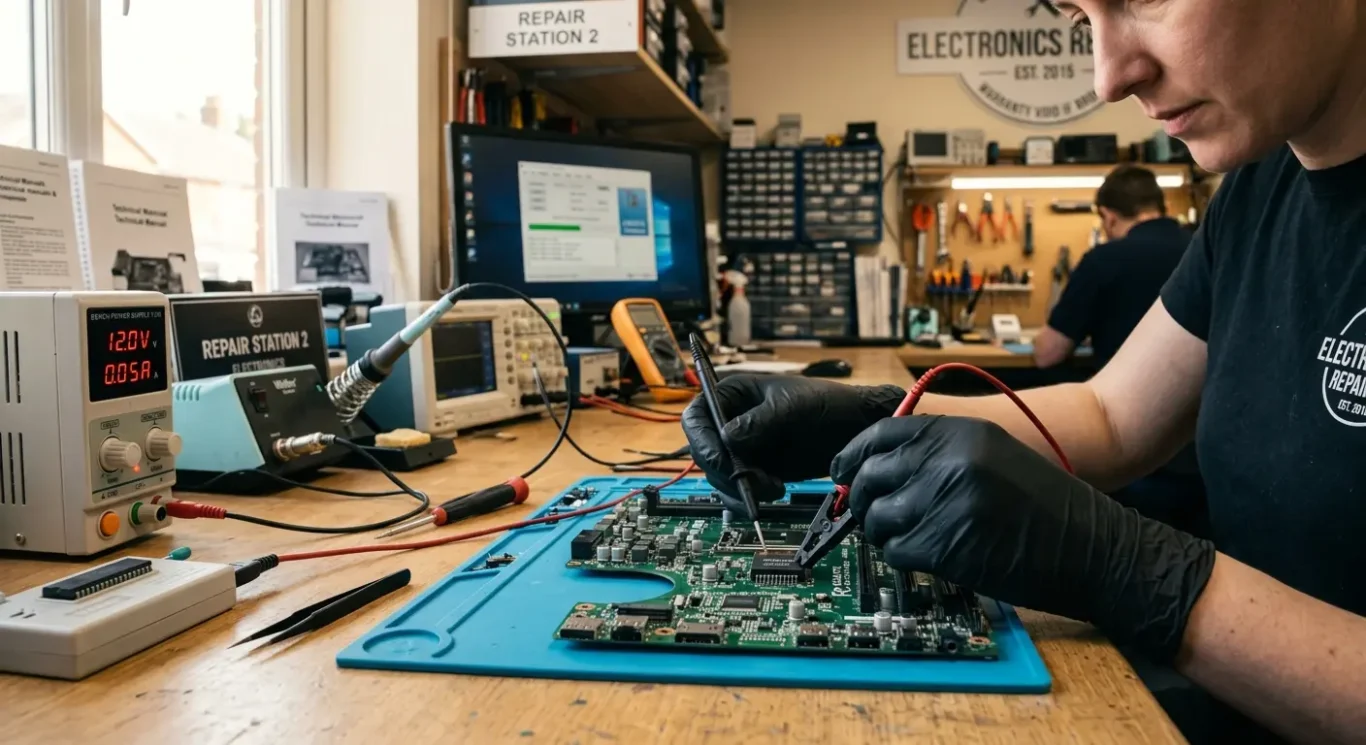
What BIOS reprogramming involves
The job can be as simple as correcting damaged firmware data, or as involved as chip level board work, depending on how the machine has failed.
In plain terms, BIOS reprogramming means reading, repairing, or rewriting the firmware data stored on the chip that controls the board’s early startup. If that data is corrupted, incomplete, or matched to the wrong board, the computer may power on but fail before Windows or macOS even gets a chance to load.
Resetting settings is not the same thing
A settings reset clears saved configuration values and can help if the machine is stuck because of a bad BIOS option or unstable stored settings. Full chip reprogramming is a different repair. That means working with the firmware itself, not just the user changeable settings menu. I mention that because people are often told to “reset the BIOS” when the real problem is damaged data on the chip.
When it can be done in place and when it cannot
On some boards, the chip can be programmed in place if the circuit around it is stable and the chip still responds properly. On others, the board has to be stripped and tested more closely, especially if there is no clean communication with the chip, the power to that area is unstable, or there is damage around the firmware circuit. That is where motherboard repair and reprogramming start to overlap a bit.
The correct firmware file matters just as much as the programming itself. A file for the wrong model, the wrong board revision, or the wrong regional variant can make things worse, not better. Even with the right file, reprogramming only helps if the rest of the board is healthy enough to start properly afterwards. If there is a power fault, failed storage controller, damaged chipset, or liquid damage elsewhere, the firmware may not be the whole story.
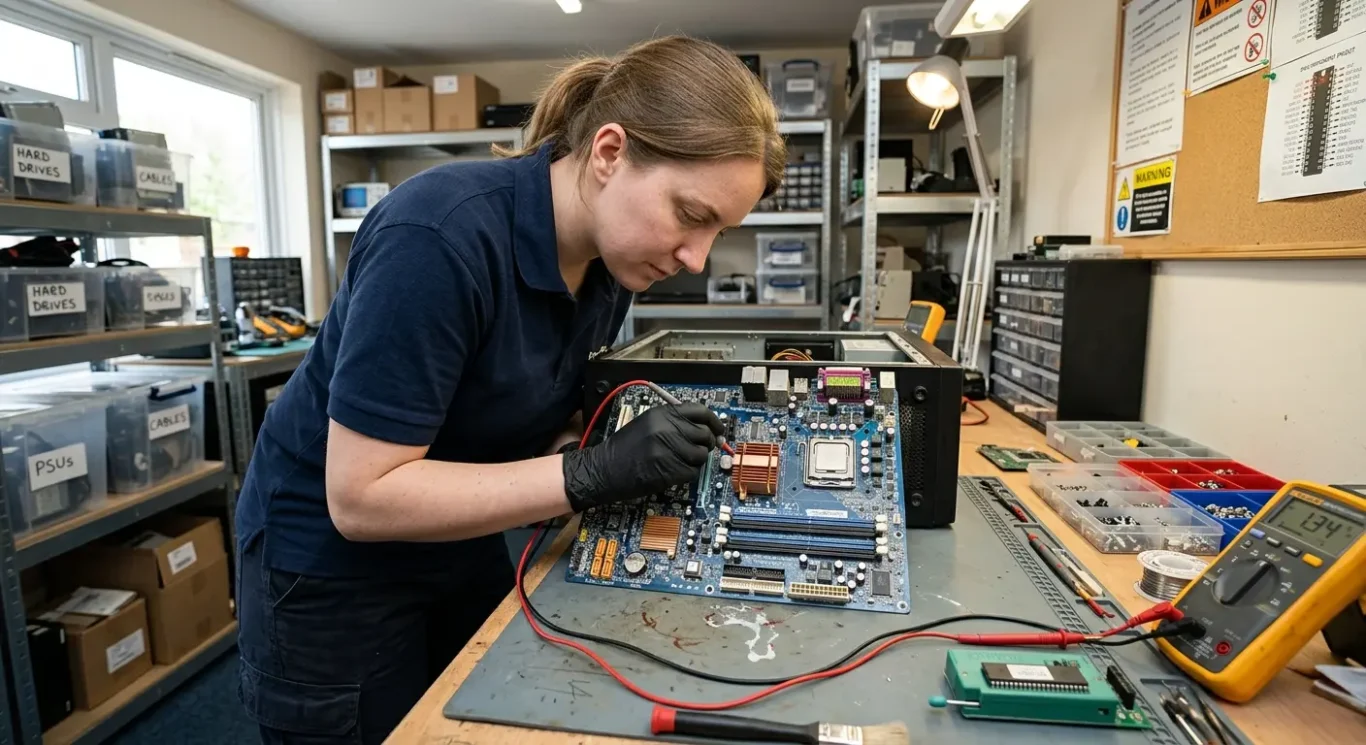
When the fault is more than just firmware
Sometimes corrupted startup software is only part of the problem, and the motherboard still needs deeper testing.
A failed update or corrupted BIOS can stop a machine starting, but I also see cases where the firmware corruption is really a symptom of something else on the board. That can be unstable power rails, a flash chip that no longer reads or writes properly, poor communication between the CPU and the board, or liquid damage that has affected the firmware area or nearby circuits.
What that means for the repair
If the board is otherwise healthy, BIOS and firmware related motherboard repairs can be straightforward enough once the correct fault is confirmed. If there is a wider electrical problem, the job may still be repairable, but it depends on the fault, the condition of the board, and whether the damaged area is limited or more widespread.
Some boards are simply not economical to repair. That is usually down to the amount of labour involved, the extent of corrosion or chip damage, or the fact that even after firmware work the board still has other faults that make the outcome poor value compared with replacement.
Your files may still be recoverable
A dead or uneconomical motherboard does not automatically mean your documents, photos, or business files are gone. If the internal drive itself is still healthy and not encrypted in a way that blocks access, the data may still be recoverable even when the board is not worth repairing.
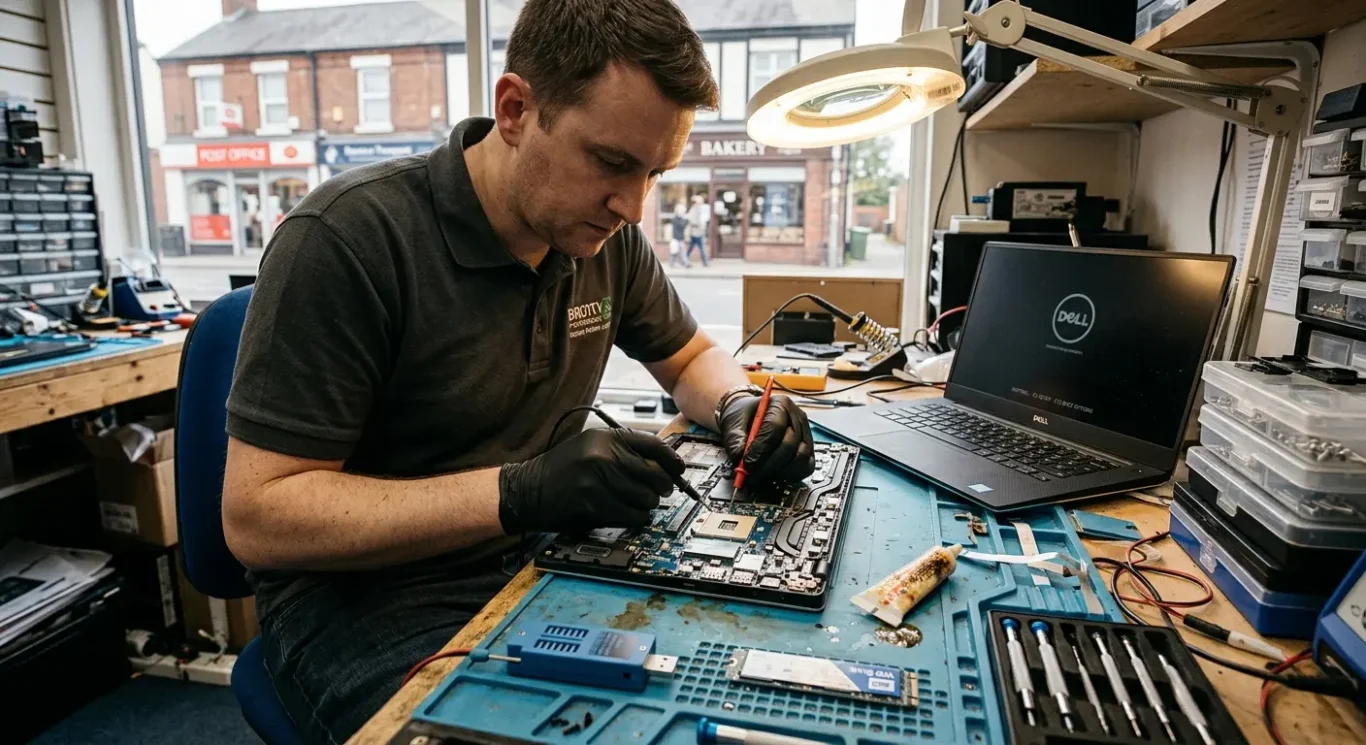
Repair time, cost, and what affects both
What you pay and how long it takes depends on what has actually failed, not just the symptom on screen.
A machine stuck on a logo screen or showing no boot device can turn out to be a fairly simple firmware reset or reflash, but it can also point to a bad flash chip, damaged board circuitry, or a separate storage fault. Turnaround depends on the fault, the device model, and whether the job stays at firmware level or moves into motherboard repair.
Simple reflash vs deeper board work
There is a big difference between reloading the correct BIOS data and having to remove or replace the chip, rebuild damaged pads, or trace unstable power around that area. Cost depends on diagnosis and the scope of work, so it is not sensible to quote one fixed figure for every case. Some jobs may start from £60 where the fault is straightforward, but more involved board work takes longer and needs closer testing.
Extra time is often needed if someone has already tried a repair, fitted the wrong firmware, damaged the chip area, or if there has been liquid damage. Those cases can still be repairable, but they usually need slower checking because the original fault has been mixed in with new problems.
Stability matters after the fix
On BIOS and firmware related motherboard repairs, the work is not really finished when the machine first powers on. It still needs to start repeatedly, detect the drive properly, hold settings as it should, and stay stable under normal use. That final checking matters because a board that boots once on the bench is not the same thing as a reliable repair.
Can this be done at home or does it need workshop repair
How to decide between an arranged visit, local drop-off, or getting the machine collected in London
Some checks can be done on-site, especially when the first job is to work out whether the problem is actually firmware-related or something simpler like a failed drive, bad memory, power issue, or a settings fault. That kind of triage can save time and stop you paying for the wrong repair path.
Why bench work is often needed
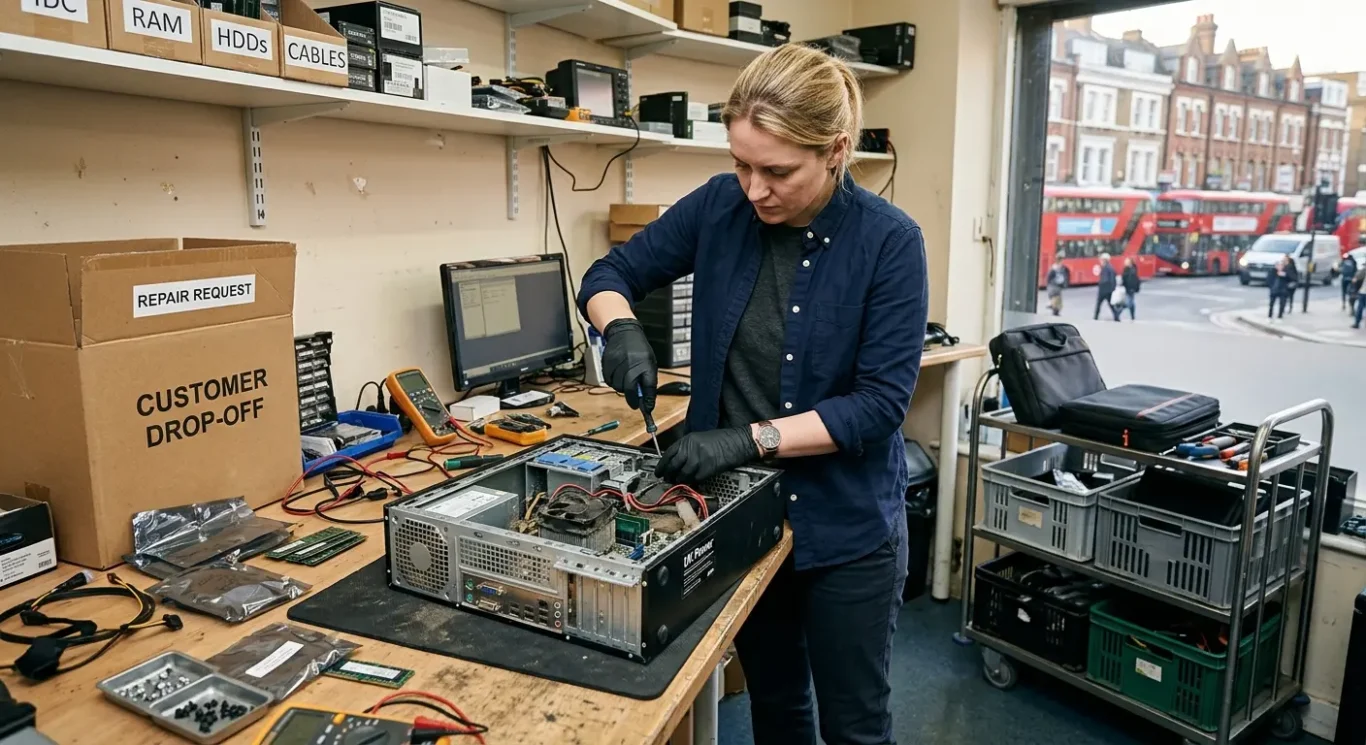
Many BIOS and firmware related motherboard repairs need workshop equipment, proper power testing, chip programming tools, and repeat start-up checks on the bench. If the BIOS chip needs removing, reprogramming, replacing, or the board has unstable power around that area, it is usually not a sensible home visit job.
Desktops are often easier to assess on-site because there is more physical access and fewer parts packed tightly together. Thin laptops and some Macs are less straightforward. On those, even confirming the fault properly can mean partial strip-down, microscope inspection, or controlled testing that is better done in the workshop.
If the machine is business-critical, triage first is usually the better move because it avoids wasted travelling and gets you to the right next step faster. Depending on the job, the practical options in London are usually local drop-off, collection, or an arranged visit for initial assessment rather than promising that every repair can be completed at home.
BIOS faults on Windows laptops, desktops, and Macs
The symptoms are not always the same, so the right diagnosis depends on the type of machine in front of us.
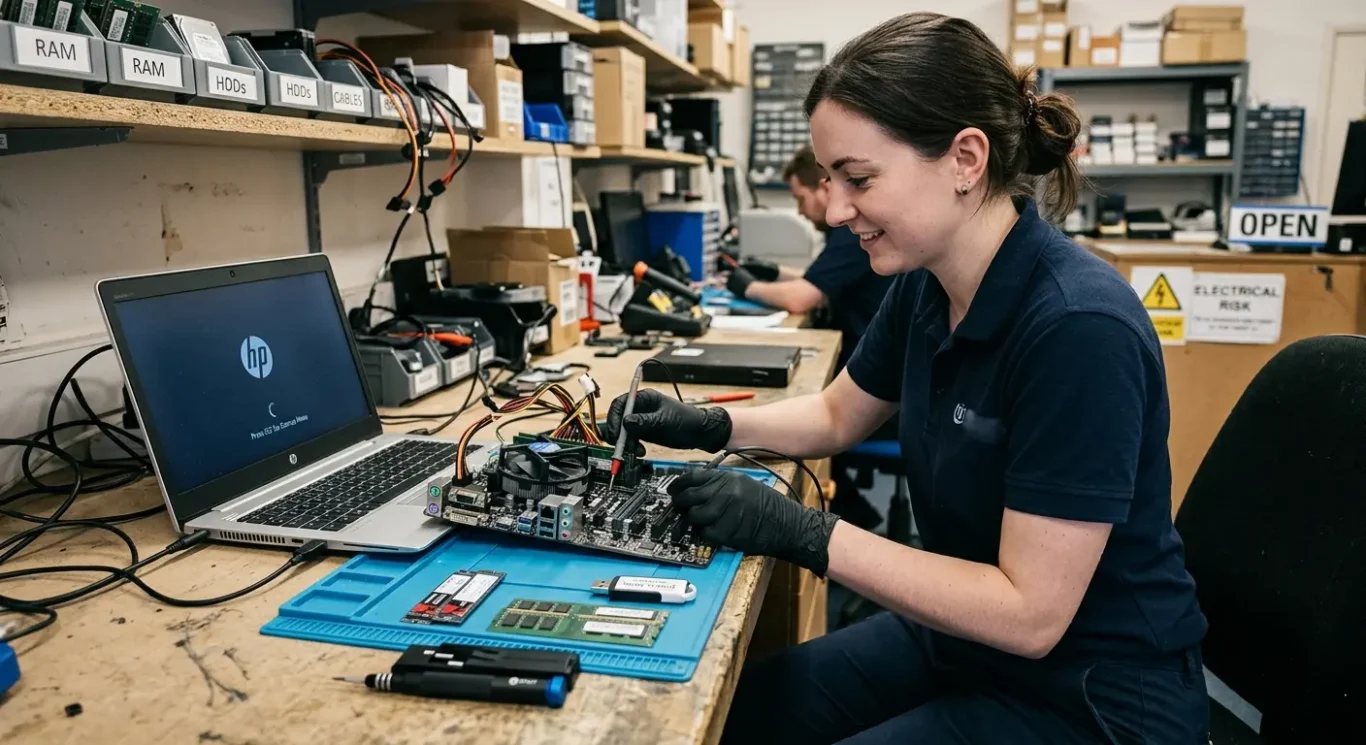
On Windows laptops and desktops, the common signs are fairly familiar. It may freeze on the maker’s logo, report no boot device even though the drive is fitted, or fail straight after a BIOS update. Sometimes it looks dead simple from the outside, but the real fault can still be a bad SSD, unstable memory, or a power problem on the board.
Gaming laptops and workstations can be less straightforward
Higher spec machines often have more going on in firmware, especially after updates, parts changes, or previous repair attempts. I see cases where a machine powers on but behaves oddly after a RAM change, storage upgrade, graphics setting change, or failed update. Those jobs need slower checking because the symptom on screen does not always tell you which firmware area is actually affected.
Macs need model-specific diagnosis
Mac firmware faults can show up differently. You might get a machine that chimes or powers on but does not continue properly, one that loops during startup, or one that appears to have a storage problem when the real issue sits deeper in the board logic. The repair approach depends heavily on the exact model and generation, so it is not sensible to guess based on one symptom alone.
Not every Apple startup fault is a firmware problem, and the same is true of Windows machines as well. A failed drive, damaged charging circuit, poor battery communication, liquid damage, or corrupted operating system can all look similar at first glance. That is why BIOS and firmware related motherboard repairs start with proving the fault, not assuming it.
When to stop trying quick fixes
A few safe checks at home are sensible, but repeated attempts can muddy the picture and make proper diagnosis harder.
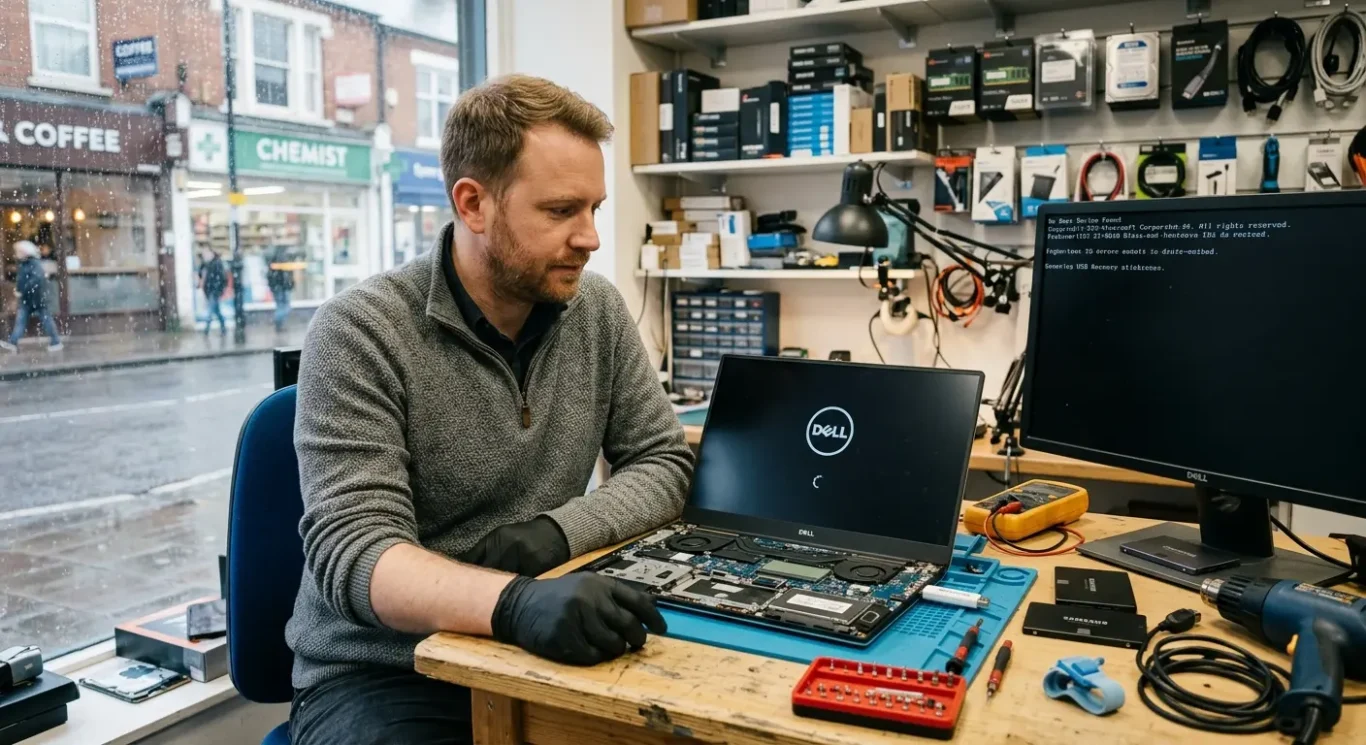
If a machine is stuck on the logo screen, suddenly says there is no boot device, or stopped working straight after an update, it is usually better to pause after the obvious basics. Power cycling it over and over, trying random firmware files from the internet, or following fixes meant for a different model can turn one clear fault into several overlapping ones.
Safe checks are fine
Simple things like confirming the charger is correct, removing USB devices, or checking whether the drive is actually detected in the BIOS are reasonable. Once the fault points towards the board itself, though, BIOS and firmware related motherboard repairs need proper handling, the right file, and the right programming method for that exact machine.
Protecting important files
If the computer holds work documents, accounts, or anything else you cannot easily replace, reducing further attempts is often the safer call. A firmware fault does not always damage data, but extra restarts, incorrect reset steps, or chasing online fixes can add more problems and make the recovery path less straightforward.
I am not saying do nothing at all – just do not keep pushing once the symptoms stay the same. When it is freezing on the logo, not seeing the drive properly, or failed after a BIOS update, getting it diagnosed early usually saves time compared with trying five more things at home.
Questions we get every day
What our engineers actually say
We often see machines written off as dead when the real problem is a corrupted BIOS or a failed update, and a common problem is getting stuck on the logo screen with nothing else happening. One practical step in cases like that is checking whether the board is actually seeing the drive properly before blaming Windows or the SSD.
If a computer has a firmware fault, rewriting the BIOS can be the right computer repair, but it is only worth doing when the diagnosis points there clearly. If the startup problem is really being caused by a separate motherboard fault, reprogramming alone will not fix it, and saying that early is better than pretending every no-boot machine needs the same answer.