
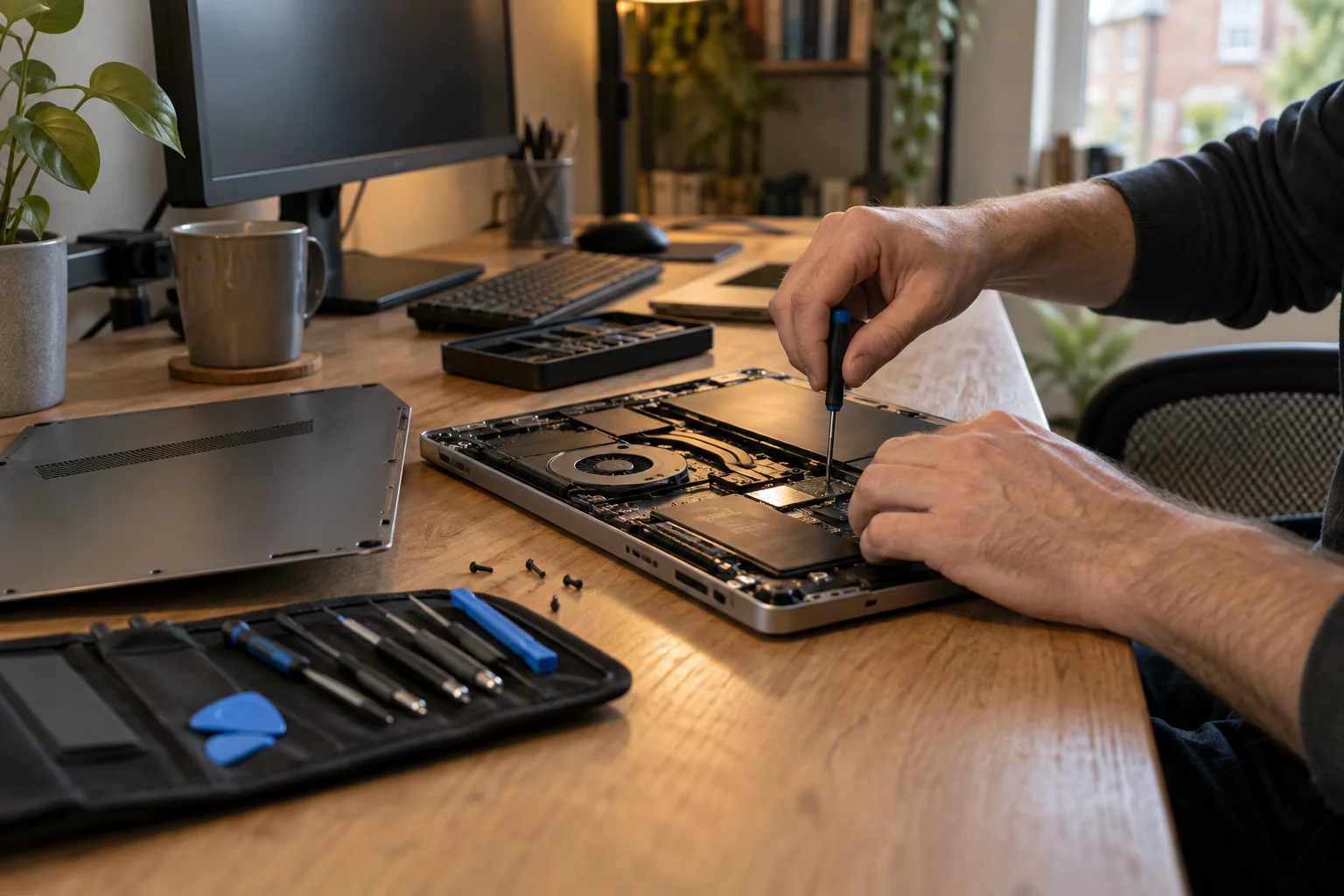
St Luke's and Bunhill repair enquiries
Computer and laptop repair in St Luke's and Bunhill
An overheating laptop, noisy desktop or computer that keeps freezing? Describe the problem and add your postcode. We will check suitable repair help around St Luke's, Bunhill and Golden Lane.
- Laptop, Mac and desktop PC enquiries
- Local availability checked for your postcode
- Free enquiry, no obligation
- Price agreed before repair
Local repair help
Tell us when the problem happens
A fault that appears only after an hour of use needs different information from one that stops the computer starting.
Heat and fan noise
Mention whether the fan is constantly loud, the computer shuts down or performance drops during particular work. Cleaning may help some faults, but heat alone does not prove dust is the cause.
Crashes during work
Include the program or task involved and any message shown. Say whether the fault affects a single application or restarts the whole machine.
Mac power and display faults
Describe charging behaviour, screen damage and any external display you have tried. Give the model so the relevant parts and repair options can be checked.
Connection and setup problems
Explain which printer, screen or network connection fails. If colleagues or other devices are affected too, mention that before arranging individual computer repairs.
Your building and postcode
St Luke’s, Bunhill and Golden Lane
Addresses around Bunhill Row, Whitecross Street and Golden Lane may use different local names. Start with the full postcode, then confirm the building and entrance when arranging help.
EC1Y crosses local administrative boundaries. A central London office, managed building or residential address can need different access arrangements even when it is close to a familiar landmark.
Central London repair help
Explore Central London coverage
For an agreed appointment, name the person who can provide access and authorise work.
Before you arrange help
Plan around the equipment you use
If a workstation fault involves a dock, several monitors or a shared printer, explain that setup before moving the computer. An on-site assessment may be more useful than testing the laptop alone.
Internal cooling repairs or component faults may need a workshop. Ask about the expected downtime and handover arrangements, especially if the computer is needed throughout the working day.
For managed computers
Check with your IT provider before arranging outside support. Device management, encryption and warranty arrangements may affect what can be done.
Before you arrange help
Agree the job, not just the visit
Enquiring does not commit you to a booking. Confirm the assessment charge and describe all the equipment you want checked so the scope and price are clear.
Ask what a cleaning or cooling service includes and whether testing has identified another fault. Do not assume that opening the case or removing dust will fix every overheating problem.
Useful information to prepare
Note how long the computer runs before trouble starts and whether the fan noise changes. Keep vents clear while awaiting advice.
Mention essential files, an existing backup and the deadline. Send symptoms, not account credentials.
St Luke’s and Bunhill repair questions
St Luke’s and Bunhill repair questions
Useful details before you book.
Can you check a noisy office computer?
Yes, you can enquire about fan noise or heat. Say when it occurs and whether the machine slows down, freezes or shuts off. The cause needs checking before deciding on cleaning or repair.
Is EC1Y the only postcode accepted?
No. This page focuses on St Luke's and Bunhill, but you should always enter your real postcode. The Central London hub covers enquiries from other nearby areas.
Can you attend a building with reception access?
You can request a visit. When an appointment is agreed, arrange access, a contact person and any equipment-handling requirements with the building or your employer.
Do I need to take every screen to a workshop?
Ask first. Explain how the computer connects to the screens and what fails. The required equipment depends on the fault being investigated.
Will cleaning definitely stop the overheating?
No. Dust, fan problems, software load and other hardware faults can produce similar symptoms. An assessment should establish what work is appropriate.
Is there a local walk-in counter?
This page is for repair enquiries. It does not list a walk-in St Luke's or Bunhill branch; confirm a workshop appointment and address before travelling.
Free to enquire
Tell us about your St Luke’s and Bunhill repair
Describe the problem and add your postcode to check suitable repair help.