This is a professional BIOS unlock service for laptops that are locked at firmware level.
It restores access to BIOS or UEFI settings when a device is blocked by a password, supervisor lock, or embedded controller restriction.
These locks exist below the operating system.
Because of that, reinstalling Windows or macOS, changing the hard drive, or resetting the system does not solve the problem.
This situation is common after BIOS changes, failed updates, forgotten passwords, or when a laptop comes from work or is bought second hand with security still active.
For gamers, it often happens after changing advanced BIOS settings and the system no longer boots.
The service focuses on proper firmware access recovery. It is carried out in a workshop using specialist equipment designed for BIOS and EC level work.
The aim is to restore normal access so the laptop can be used again. User data is not touched during this process unless there is already a separate data issue.
Most BIOS locks are not caused by hardware failure. They happen because access settings were changed and then lost.
A very common case is a forgotten BIOS or supervisor password. Once set, this password is stored in firmware and cannot be removed by software resets.
Another frequent cause is failed or interrupted BIOS updates. If a firmware update does not complete properly, the system can lock itself or block access to protect the hardware.
Gamers often run into this after changing advanced BIOS settings. Overclocking, power, or boot options can leave the laptop unable to start, with BIOS access restricted.
BIOS locks are also common on laptops that previously belonged to companies. Work devices are often protected with supervisor or EC level security. When these laptops are sold or passed on, the locks are sometimes left in place.
Second hand laptops from marketplaces are another typical case. The device works, but BIOS access is blocked and no password is available.
In all of these situations, the operating system is not the problem. The lock exists before Windows or macOS even loads. That is why normal resets and reinstall attempts do not help.
BIOS locks come in several forms, and they do not all behave the same way. Understanding the type of lock matters before any work is done.
The most common type is a BIOS password lock. This prevents access to BIOS settings but may still allow the laptop to boot. Without the password, settings cannot be changed.
A supervisor or administrator lock is more restrictive. It controls deeper system options and often blocks changes even if basic BIOS access is visible. These locks are common on business and corporate laptops.
Some systems use Embedded Controller based security. In these cases, the EC works together with the BIOS to enforce restrictions. This can block booting, firmware updates, or hardware changes completely.
There are also boot level restrictions. These may stop the laptop from starting any operating system or limit boot devices. Changing the hard drive or reinstalling software does not remove these locks.
In many cases, more than one lock is active at the same time. That is why identifying the exact lock type is the first step. Without this, any attempt to fix the issue risks making it worse.
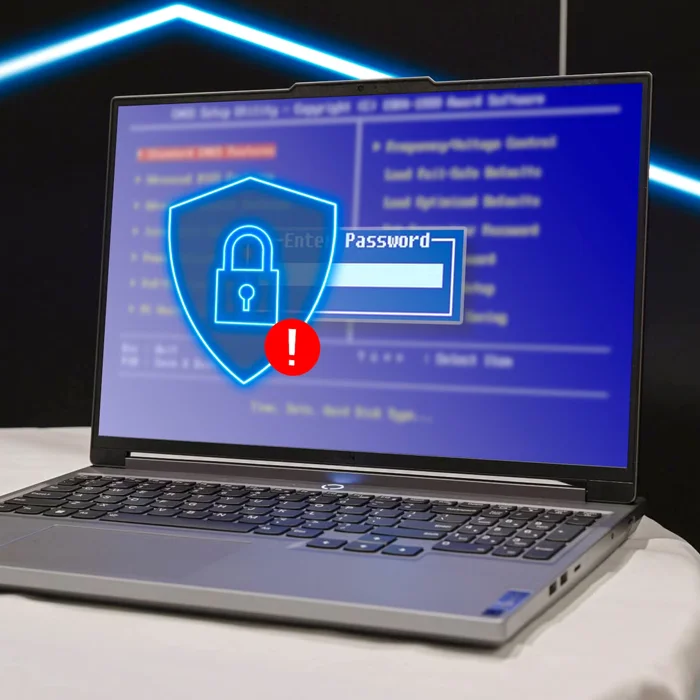

This BIOS unlock service supports laptops from most major manufacturers. Both consumer and business models are covered, depending on generation and firmware design.
Commonly supported brands include ASUS, Dell, HP, Lenovo, Acer, MSI, Toshiba, Sony, Samsung, Fujitsu, Panasonic, Microsoft Surface, Alienware, Gigabyte, Razer, Huawei, Xiaomi, and Clevo or Sager based systems.
The service applies mainly to Windows laptops. Certain Apple hardware that uses BIOS or EFI style firmware can also be assessed, depending on the model and security implementation.
Brand name alone does not guarantee compatibility. Laptop generation, chipset, and firmware version are often more important than the logo on the lid.
If a brand or model is not listed, it does not automatically mean it cannot be unlocked. Assessment is required to confirm whether the firmware can be accessed safely and without hardware replacement.
Lenovo laptops use some of the most advanced BIOS security systems in the market.
On many models, especially business class machines, BIOS security is tightly integrated with the Embedded Controller.
This means the BIOS is not working alone.
The EC actively enforces security rules and can block access, booting, or configuration changes even if the BIOS itself appears reachable.
On older Lenovo models, unlocking these systems was already difficult. On newer generations, it became even more restrictive, with firmware protections designed to resist software based resets.
Because of this design, traditional approaches often failed. In many cases, technicians were forced to replace the EC or even the entire motherboard just to restore access.
This is why Lenovo BIOS unlock has long been considered a specialist task. It requires proper understanding of how Lenovo firmware layers interact, not trial and error.

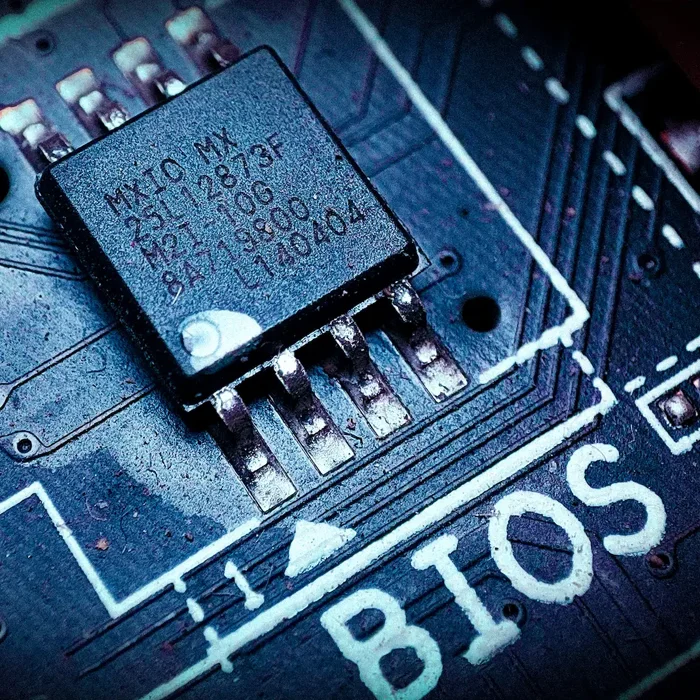
On supported Lenovo models, BIOS and EC locks can now be removed without replacing any hardware components. This is a significant change from older methods.
Previously, unlocking many Lenovo laptops meant replacing the Embedded Controller or using donor parts. That approach was expensive, risky, and not always reliable.
With modern firmware tools and proper access methods, BIOS and EC level locks can be cleared directly on the existing board.
No EC replacement. No motherboard swapping.
No donor components.
This approach reduces risk and keeps the original hardware intact. It also avoids introducing compatibility problems that often come with replacement parts.
Not every Lenovo model qualifies for this method. Support depends on the laptop generation, firmware version, and security implementation.
Assessment is required before any work begins.
When supported, this method provides a clean and professional unlock, restoring normal BIOS access without unnecessary hardware intervention.
BIOS and EC security behave differently from software problems. What feels like a safe reset can sometimes lock the system further.
If the laptop already shows a BIOS or supervisor lock, repeated resets, forced updates, or random online fixes rarely help. They often remove recovery paths instead.
Pausing and checking first is usually the safer option. It keeps the board intact and leaves more room for a clean unlock if it is supported.
BIOS unlock is not a standard on-site repair.
It requires specialist programming equipment that cannot be safely used outside a workshop.
Firmware level work needs stable power, precise connections, and a controlled environment. Any interruption during BIOS or EC access can permanently damage the motherboard.
On-site conditions make this risky. Power fluctuations, limited workspace, and lack of proper grounding increase the chance of failure.
Unlike screen or battery replacement, BIOS unlock involves direct interaction with the laptop’s firmware. Mistakes at this level are not reversible.
For this reason, BIOS unlock is carried out only in a workshop. This approach protects the device and ensures the work is done correctly the first time.
This is not about convenience. It is about avoiding unnecessary risk to the laptop.
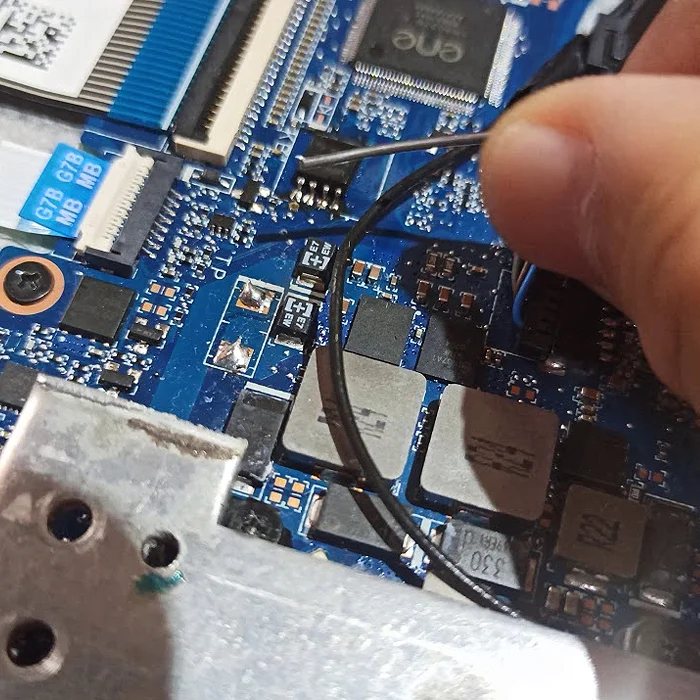

Data safety is treated as a priority during BIOS unlock. The goal is to restore firmware access without touching user files.
Before any firmware work begins, all storage drives are disconnected. This prevents accidental changes and removes any risk to the data during BIOS or EC access.
In most cases, BIOS unlock does not require access to the operating system or files. If your data was present before, it should remain exactly where it was after the unlock.
We actively avoid interacting with user data unless there is already a known issue. If data recovery is needed, it is handled as a separate service and discussed first.
This approach is used because firmware work carries its own risks. By isolating storage completely, those risks are not passed on to your data.
A BIOS unlock restores access to firmware settings. It does not fix unrelated hardware or software faults.
This service does not remove Windows or macOS user account passwords. Operating system security is separate from BIOS or UEFI locks.
It does not bypass cloud based locks or theft protection features. If a device is linked to an online account, that restriction remains.
BIOS unlock does not repair physical motherboard damage. Issues such as liquid corrosion, short circuits, or broken components require separate diagnosis and repair.
It also does not guarantee that a laptop will boot if other faults are present. Power issues, failed storage, or damaged memory can still prevent normal operation.
This section matters because BIOS locks often hide deeper problems. Unlocking the firmware is one step, not a full system repair.


This service is usually needed by people who are locked out before the operating system even loads. The laptop powers on, but access is blocked at BIOS or firmware level.
Gamers are a common group. Advanced BIOS settings get changed, the system no longer boots, and access is locked or restricted.
Another frequent case is laptops that previously belonged to a company. Work devices are often protected with supervisor or EC level locks that remain after resale or handover.
People who buy laptops from marketplaces also run into this. The device works, but BIOS access is blocked and no password is available.
This service is also used by technicians and IT teams who encounter locked firmware during repair or refurbishment.
If the problem appears before Windows or macOS loads, and normal resets do nothing, BIOS unlock is often the missing step.
Every BIOS lock behaves differently. Two laptops from the same brand can use completely different firmware security.
Before any unlock is attempted, the laptop model, generation, and firmware version are checked. This confirms whether the lock can be removed safely without hardware replacement.
Some firmware is designed to resist any non-destructive unlock. Attempting to force access in these cases can damage the motherboard.
Assessment also helps identify other underlying issues. A BIOS lock can hide power faults, storage problems, or previous failed repairs.
This step avoids trial and error. It sets clear expectations and reduces risk before any firmware level work begins.
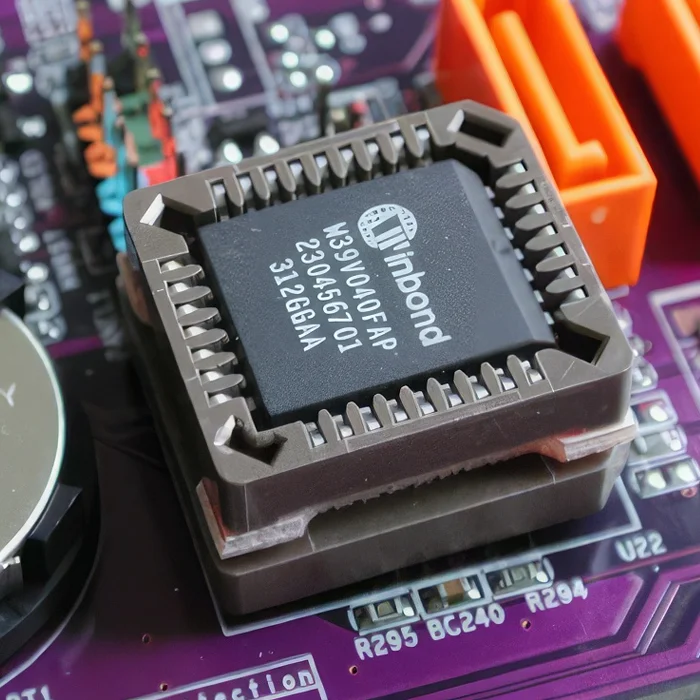

After a successful BIOS unlock, access to firmware settings is restored.
Boot options, hardware configuration, and security settings become available again.
The laptop can start normally if no other faults are present.
Operating system installation, updates, and hardware changes are no longer blocked by firmware restrictions.
User data remains as it was before the unlock.
Drives are reconnected only after firmware work is completed.
If files were present before, they should still be there.
BIOS unlock does not force system reinstallation.
If Windows or macOS was working before the lock, it can continue to be used.
If other issues are discovered during assessment or testing, they are explained separately.
BIOS unlock restores access.
It does not mask unrelated hardware or software problems.
This step marks the end of the firmware recovery process and the return to normal laptop use.
If your laptop is locked at BIOS or firmware level, the first step is assessment. Not every lock behaves the same way, and guessing often makes things worse.
You do not need to know technical details. Just explain what happened.
For example:
You changed BIOS settings and the laptop stopped booting. The laptop came from work or a marketplace and BIOS is password locked. A BIOS update failed and access is now blocked.
Based on the laptop model, generation, and symptoms, we can advise whether BIOS unlock is possible and what approach is safe.
BIOS unlock is a workshop service and requires specialist equipment. If unlock is possible, we will explain the process and expected outcome before any work starts.
If BIOS unlock is not the right solution, we will tell you that too. Sometimes the problem is hardware related or outside firmware scope.
Contact us with your laptop model and a short description of the issue. This is the fastest way to understand your options and avoid unnecessary risk.
If your laptop is locked at BIOS or firmware level, it can be confusing and frustrating. These questions cover the most common things people ask when they cannot access BIOS, cannot boot properly, or inherited a locked device.