
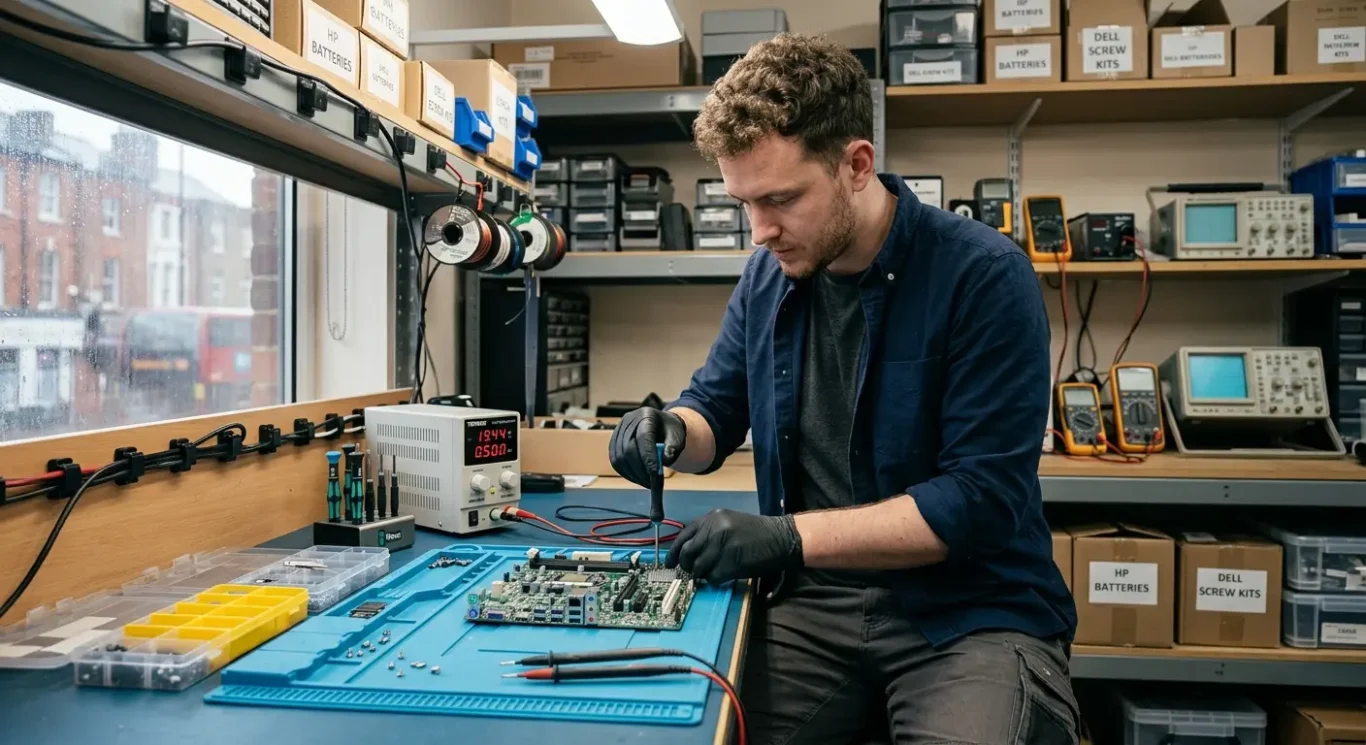
On-site vs workshop motherboard repair
If a fault may involve the motherboard, the first checks can sometimes be done at your home or office, but the actual repair or replacement cannot realistically be done on site. That catches people out quite often in London, especially when they need a fast answer and are hoping to avoid travelling. A proper motherboard job needs workshop tools, stable bench power, careful testing, and time to strip the machine down without rushing it.
What can be done on location is the earlier part of the process – checking symptoms, ruling out simpler faults, and working out whether the board is likely to be the problem at all. In plenty of cases, what looks like a motherboard fault turns out to be a charger, battery, DC socket, RAM issue, or something else more straightforward. If it really is board-level work, workshop conditions matter for reliability, and it is better to say that plainly from the start.
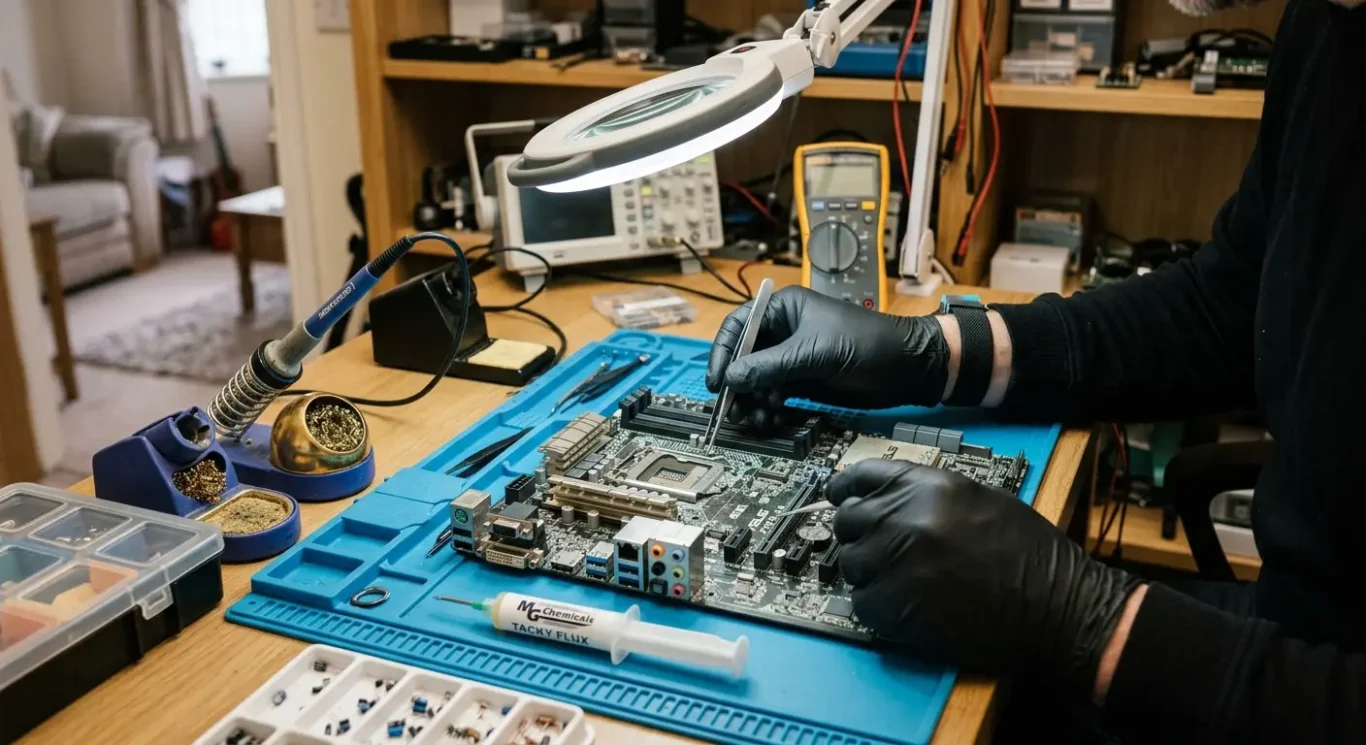
Can motherboard repair be done on site?
Home and business visits are useful for fault finding, but the board work itself needs proper workshop conditions.
No – a proper motherboard repair cannot realistically be carried out in a living room, kitchen, or office. An on-site visit in London can help identify whether the board is likely to be at fault, but the actual repair needs to be done on a bench with the right setup.
Why workshop handling matters
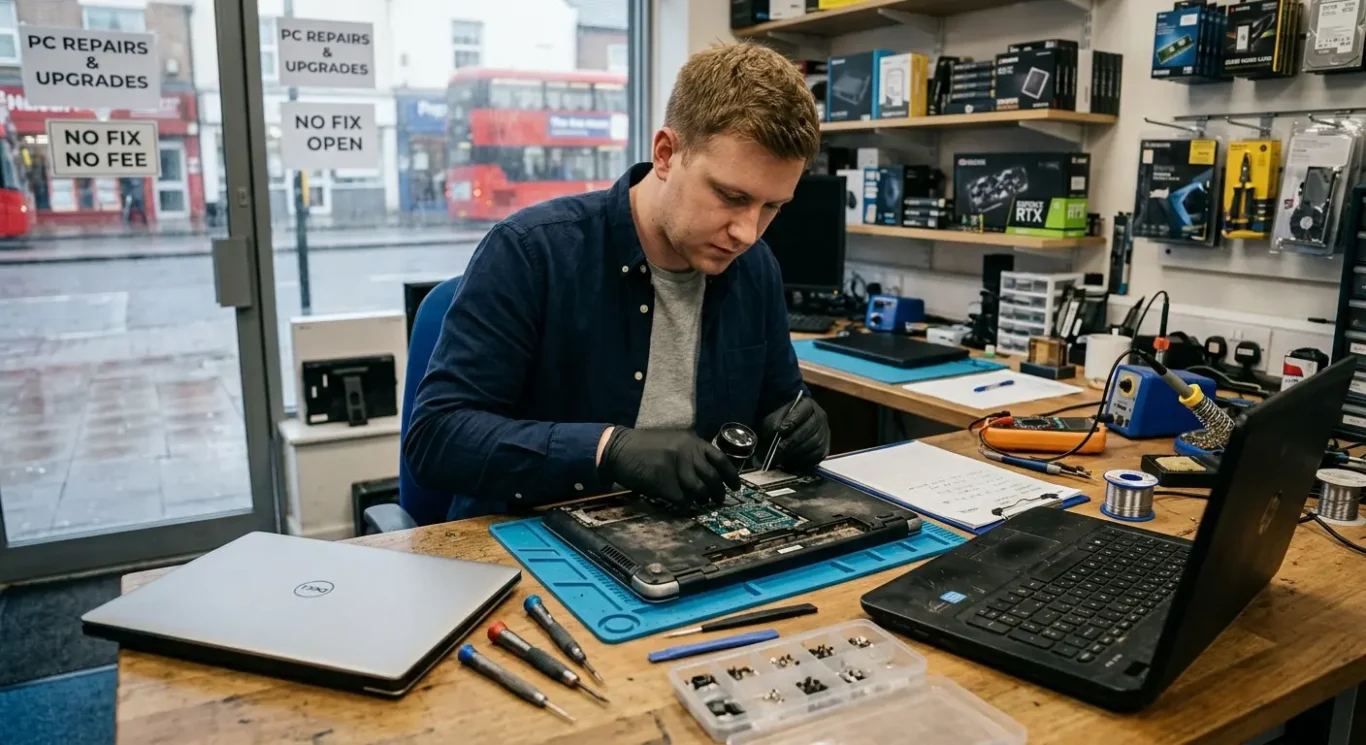
Most motherboard jobs involve a full strip-down first, especially on laptops and Macs where everything is packed tightly together. After that, the board needs careful testing with stable power equipment, close inspection under a microscope, soldering equipment for tiny components, and time to check parts properly before anything is fitted back into the machine. It is fiddly work, and rushing it on a call-out is how faults get missed.
Motherboard replacement is usually the same story. Even if the fix is not board-level soldering and the answer is a replacement board, laptops and desktops still need workshop handling in most cases so the machine can be dismantled safely, the correct part can be checked, and the system can be tested properly afterwards.
What can be done during a home or business call-out in London is the practical first stage – checking power, ruling out simpler faults, confirming whether the problem points towards the motherboard, and advising on the next step. That saves wasted time and avoids taking a machine into the workshop for the wrong reason, which happens more often than people think.
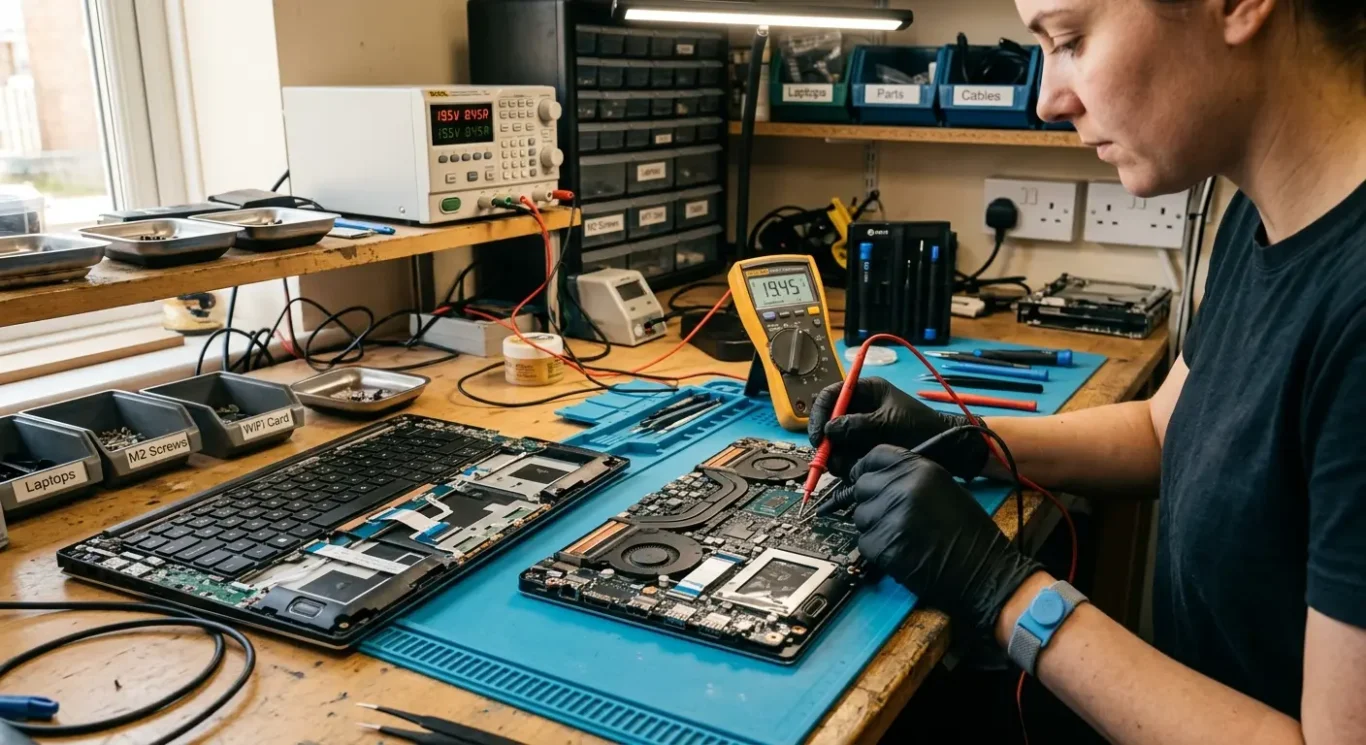
Why workshop repair is required for motherboard faults
A proper bench setup allows safe strip-down, accurate testing, and time to check what is actually wrong
Motherboard faults need a controlled workspace and the right equipment, not a rushed check on a dining table or office desk. That matters for safety, but also for accuracy. If the machine has unstable power, charging trouble, heat damage, signs of liquid, or a fault that comes and goes, you need room to test it properly more than once.
Many jobs start with full removal of the board
On a lot of laptops and Macs, the board cannot be assessed properly while it is still buried inside the machine. It often has to come out fully so the rest of the hardware can be checked around it, the board can be inspected clearly, and the fault can be separated from things like the battery, charging parts, cooling system, or other internal damage.
The first symptom is not always the real fault
A machine that will not turn on might have a charging fault, overheating history, liquid damage, or an intermittent board problem rather than one obvious failed part. In the workshop, it can be tested step by step and then tested again after changes are made. That is a big part of why motherboard repair should be diagnosis-led, not guesswork.
When people are under pressure, it is tempting to go straight for the most dramatic answer, but rushed diagnosis is how good parts get blamed and money gets wasted. I see this fairly often with devices that have already had a charger bought, a battery fitted, or a board suggested without anyone proving the cause first. Proper workshop repair is slower at the start, but usually more honest and more reliable.
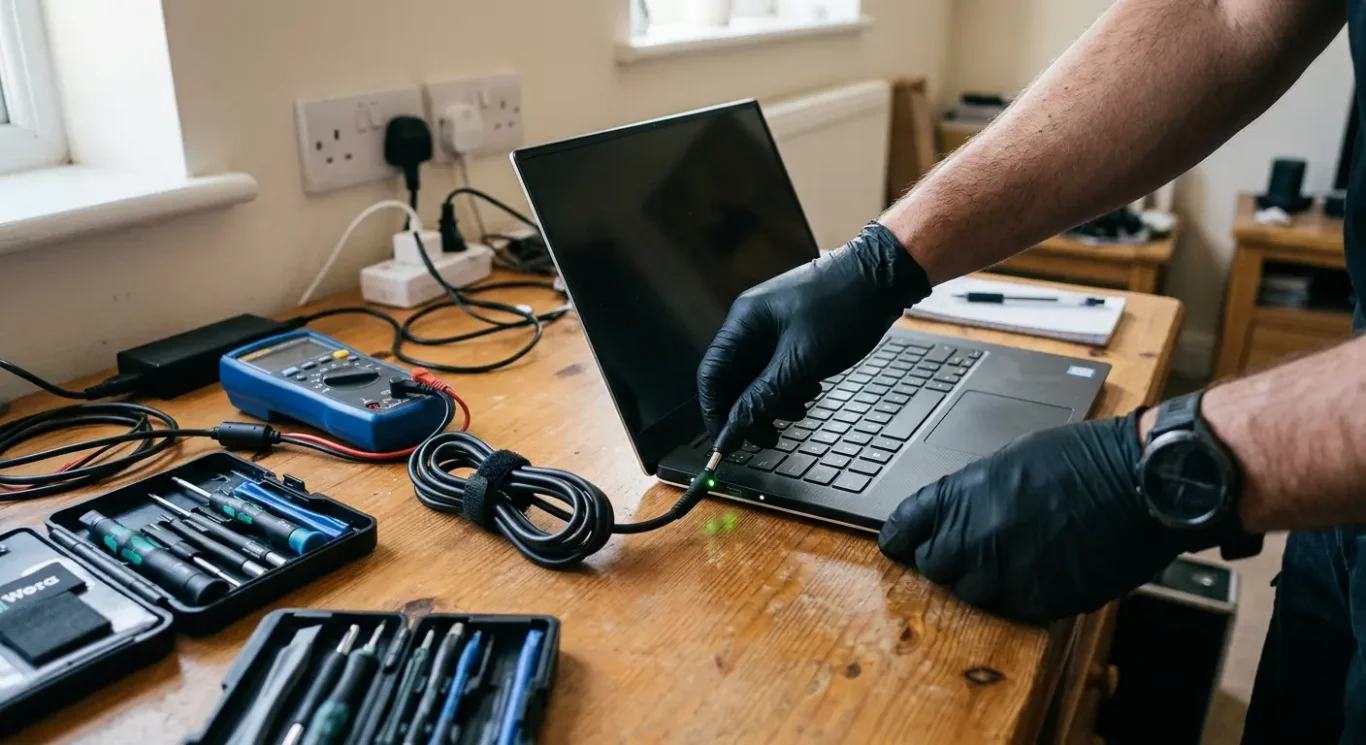
What can be checked during an on-site visit
A call-out can still narrow things down, rule out simpler faults, and tell you whether the machine really needs workshop repair.
A lot can be checked before anyone says the motherboard is at fault. On-site, the first step is usually power checks and basic fault finding – whether the machine responds at all, whether it charges, whether lights or fan activity appear, and whether the problem changes with a known good charger or power supply. That often catches cases where the real issue is the adapter, battery, charging port, or a failing desktop power unit rather than the board itself.
Symptoms that point elsewhere
It is also worth checking what the machine is actually doing when it fails. Overheating symptoms, noisy or stuck fans, heavy dust build-up, random crashing, freezing, and no-display faults can all look serious, but they do not automatically mean motherboard damage. A dead-looking laptop with a failed screen, bad RAM, storage trouble, or an operating system problem can easily be mistaken for something much worse.
Where appropriate, RAM, storage, screen, battery, charging port, software, and Windows or macOS startup issues can often be ruled in or out during the visit. Sometimes that is enough to keep the job on site, especially if the fault turns out to be a power supply issue, a cooling problem, a loose connection, or a machine that is booting but not showing a picture. Other times it only gets part of the way there, which is still useful because it avoids dragging the wrong machine into the workshop for the wrong reason.
Not every fault shows itself cleanly on the first visit, especially if the machine is intermittent, heat-related, or has had liquid near it at some point. Still, an on-site diagnosis can usually tell you whether you are dealing with a likely motherboard issue or one of the many faults that only looks like one at first glance.
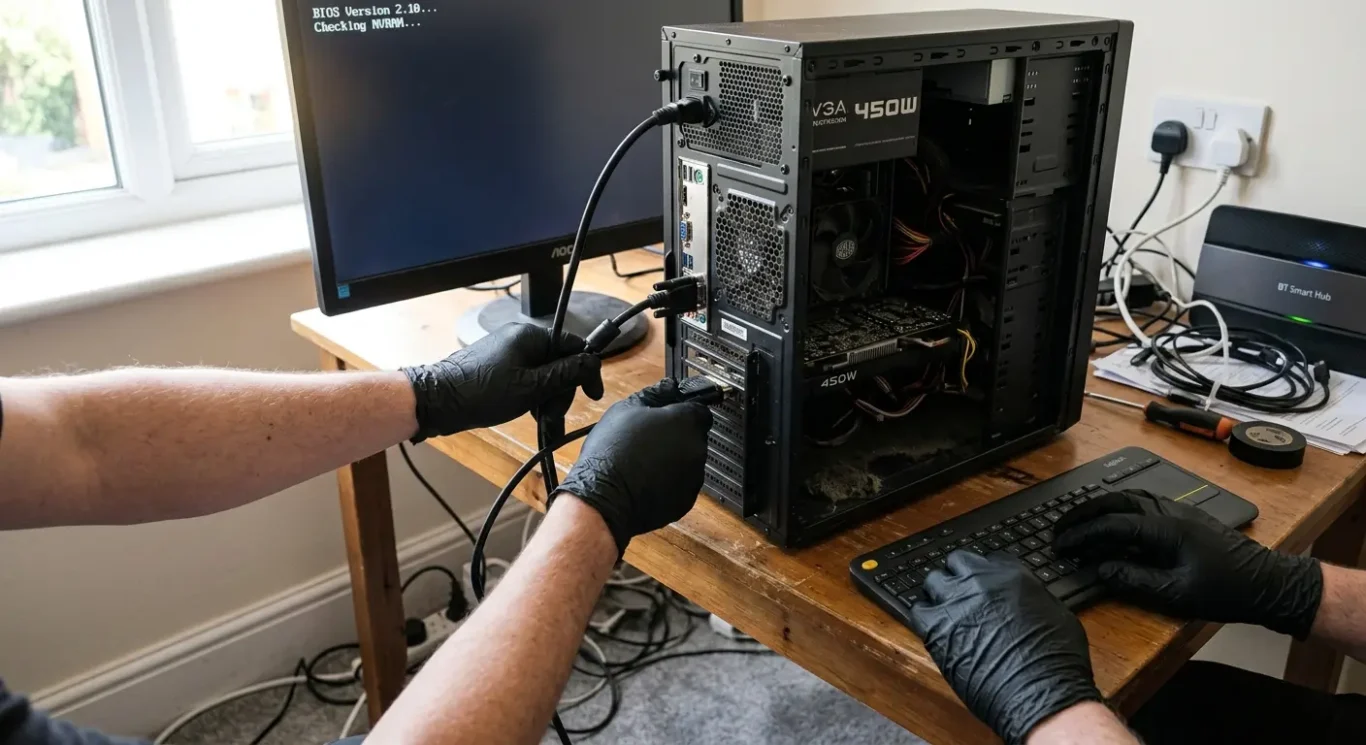
Faults that can often be fixed on location
A call-out is still useful when the problem turns out to be something simpler than board failure and the machine can be worked on safely where it is.
Quite a few non-motherboard faults can be dealt with at home or at work. Software issues, Windows or macOS startup problems, user profile faults, driver trouble, and machines stuck in repair loops often fall into that category. So do some no-display cases where the computer is actually starting but the screen, cable, settings, or external monitor setup is the real issue.
Jobs that depend on access
Cleaning work is sometimes practical on site as well. If the design allows proper access, internal dust cleaning, fan cleaning, and thermal paste service can often be done without taking the machine away. That said, some laptops and Macs are awkward to open, use fragile clips, or need a near full strip-down just to reach the cooling system, so whether it is sensible on site depends heavily on the model.
Some screen and battery issues can also be handled during a visit, but not all of them. A straightforward battery swap on a business laptop is very different from a thin glued-in unit or a screen assembly that needs careful bench work. Device design affects time, risk, and whether the repair can be done properly in the space available.
For small business users, on-site work can make a lot of sense when one machine being down is holding up staff. If the fault is a software problem, a startup issue not caused by board failure, or a service job like cleaning and cooling maintenance, getting it sorted on location may avoid losing half a day to packing equipment up and moving it around London.
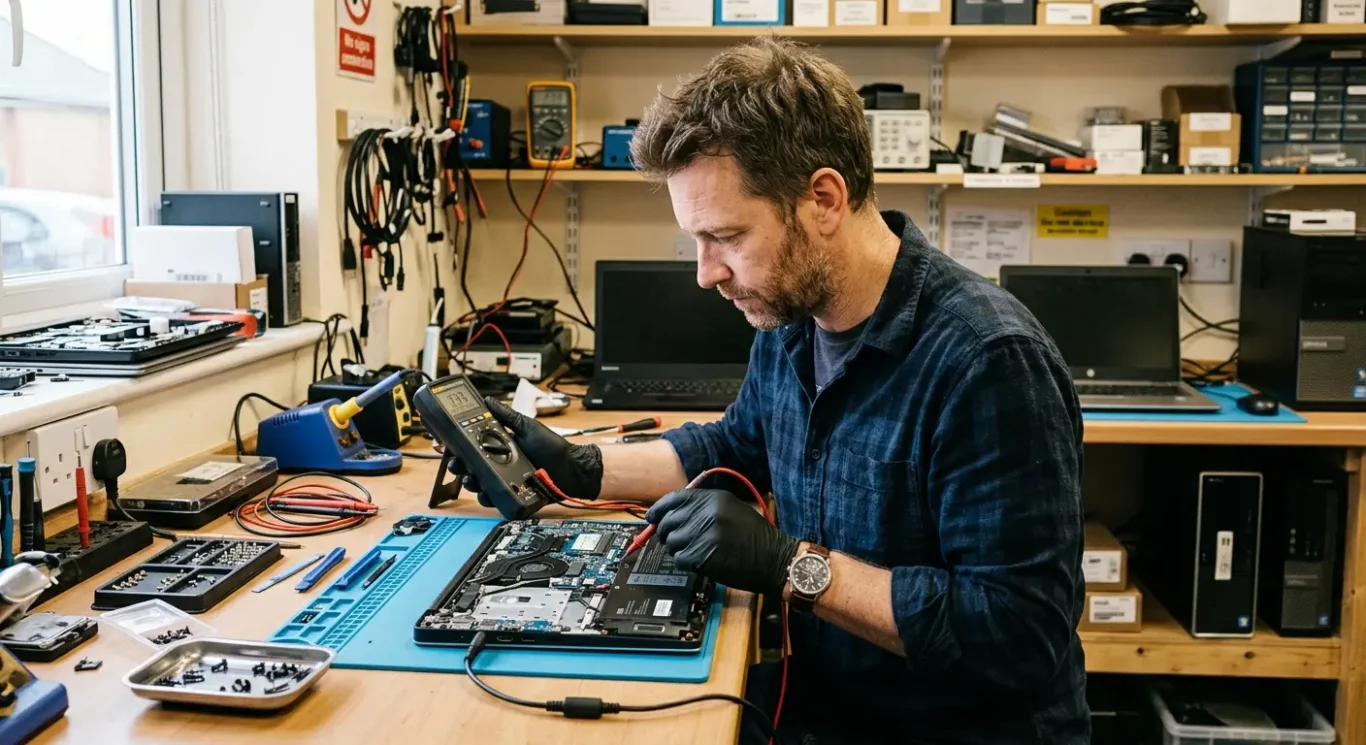
How engineers decide whether a device must go to the workshop
What we check after first contact or a call-out, and why some faults cannot be judged properly without bench testing
The first step is always diagnosis, not guessing from the symptom alone. A laptop that will not turn on, a MacBook with charging trouble, a desktop that cuts out, or a machine that keeps shutting down can all point to very different faults. Sometimes it is a charger, battery, power supply, or another replaceable part. Sometimes the problem is inside the board itself, and that is where workshop repair becomes necessary.
Signs that usually point towards workshop assessment
If there is no power at all, signs of liquid damage, a burnt smell, obvious short circuit behaviour, charging faults inside the motherboard, or repeated shutdowns with no clear cause, I would normally treat that as a workshop job. Those faults need proper strip-down, meter testing, and time to check the machine safely. You do not want that done half-open on a dining table while trying to rule things out in a rush.
MacBooks and a lot of modern laptops usually fall into the workshop category when board faults are suspected. They are compact, layered, and often awkward to access properly. In real terms, even getting to the point where you can test the charging circuit, power rails, or liquid affected areas can take careful bench work. That does not automatically mean the motherboard repair is worthwhile, but it does mean on-site is not the right setting for it.
Desktops are not always simpler
A desktop can sometimes be checked further on site because parts like the power supply, RAM, graphics card, and storage are easier to swap or isolate. Even so, if those have been ruled out and the fault still points back to the motherboard, workshop testing is usually the sensible next step. That is especially true with power faults, instability under load, or shutdowns that do not have an obvious pattern. It depends on what the tests show, not on assumptions about the type of machine.
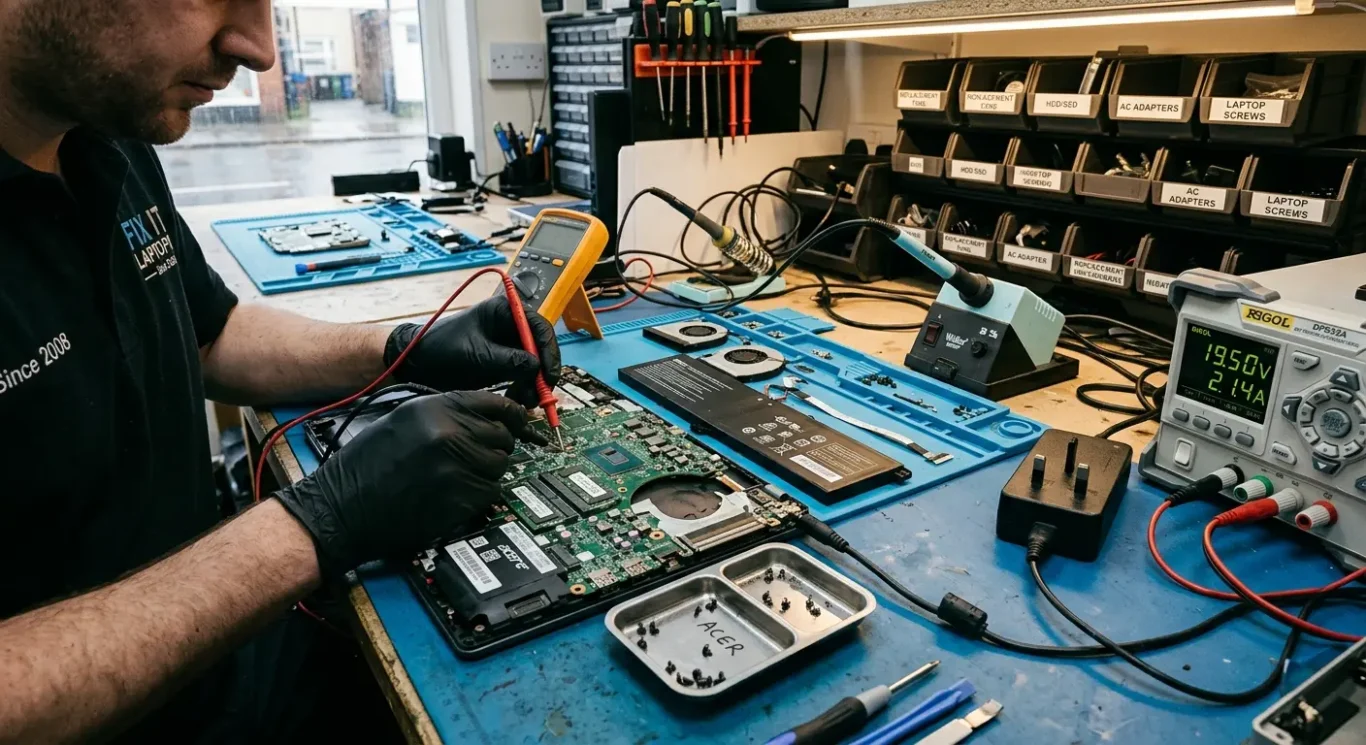
What this means for cost and turnaround
What affects the price, how long it can take, and why a quick on-site check can still save time and money
The cost depends on the actual fault, the device model, any parts needed, and whether a proper repair is possible at all. A machine that only needs a charging part, power supply, or another replaceable item is very different from one with a damaged motherboard. Until it is tested properly, anyone giving a firm figure is guessing.
Diagnosis can stop the wrong repair path
An on-site diagnosis can still be worth doing because it may show the problem is not the motherboard in the first place. I see that fairly often with faulty chargers, batteries, RAM, overheating, damaged DC jacks, and desktop power supplies. In that situation, a call-out can save unnecessary workshop work and avoid paying for the wrong repair route.
Why timing varies
Turnaround depends on diagnosis, parts availability, and how intermittent the fault is. Some faults fail in a clear, repeatable way and can be traced faster. Others appear for five minutes, disappear, then come back later, which makes them slower to pin down properly.
That is why motherboard repair is usually treated as a workshop job, even if the first visit starts on site. The bench setup is better for careful testing, and sometimes the only honest answer early on is that it depends on what the board is doing under proper checks. If you are in London and trying to plan around work, the sensible approach is to start with diagnosis and then decide whether repair, replacement, or no further spend is the right call.
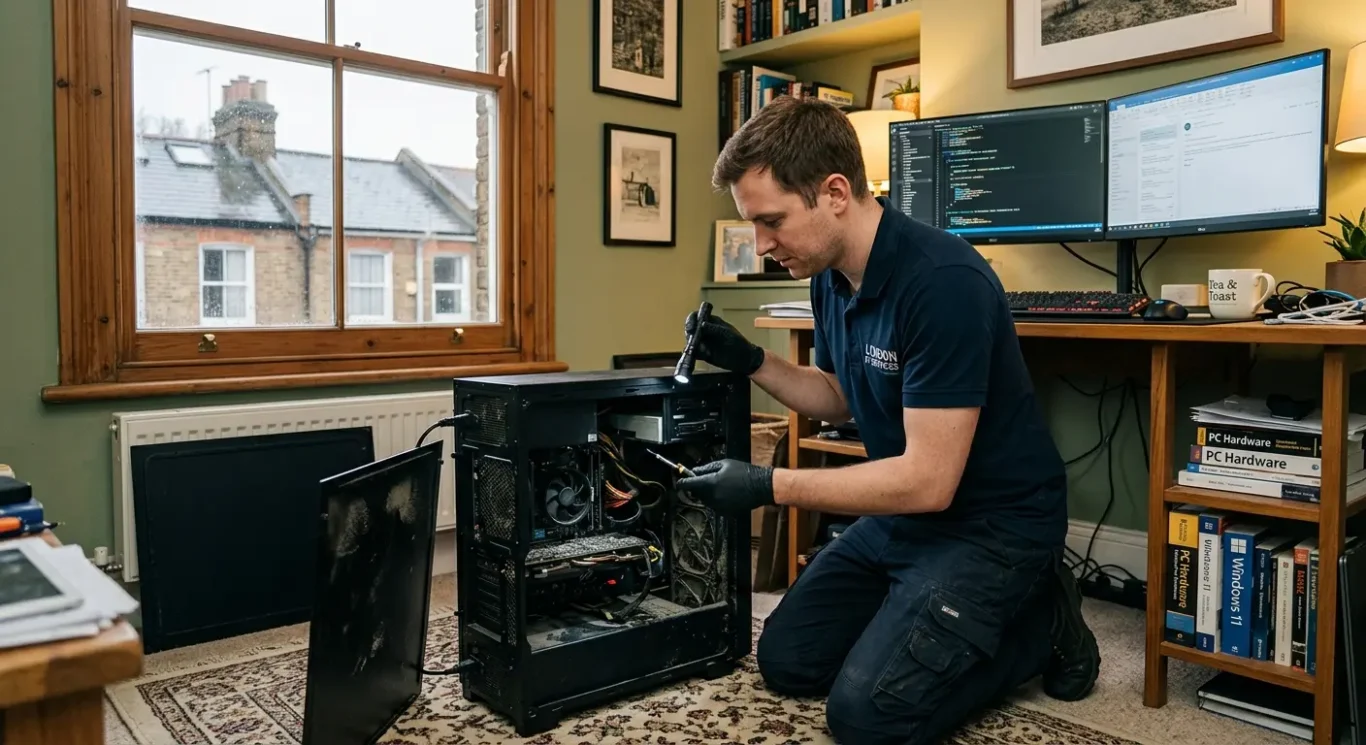
For London customers – call-out, collection, or workshop visit
The best option usually comes down to how quickly the machine needs proper testing and how much disruption you can manage.
Most London customers want the fastest route with the least downtime, which is completely understandable when the computer is used for work, school, accounts, or day to day admin. In practice, a call-out diagnosis is useful when you need someone to check the basics on site, rule out simple faults, and confirm whether the problem really does point to the motherboard.
What each option is actually for
Collection is usually the middle ground. It suits jobs where on-site computer repair is not realistic, but you do not want to travel with the machine yourself. Bringing the computer straight to the workshop is often the cleaner option if it is clearly not powering on, has liquid damage, has already had basic checks, or needs strip-down and bench testing from the start.
Same-day arrangements can depend on boring real-world things as much as the fault itself – travel time across London, parking, property access, and what is already booked in the schedule. That is why a same-day call-out is not always the quickest overall path if the machine is very likely to end up on the bench anyway.
When skipping straight to workshop intake makes sense
If the signs already suggest motherboard repair, workshop intake is usually the better option because it avoids losing time on a visit that can only confirm the obvious. I normally say this when a laptop is dead with a known good charger, a Mac has power or charging symptoms that need board-level checks, or a desktop has already had the easy parts ruled out. It is not about pushing one route over another. It is about getting to the right type of testing without adding an extra step.
When it is worth repairing – and when it may not be
The right answer depends on the machine, the fault, and what you need from it.
A motherboard repair can be good value on a newer laptop, a business machine that would cost a lot to replace, or a Mac where the rest of the device is still in decent condition. On an older budget model, it can be the wrong spend if the computer repair cost starts getting too close to the value of the computer itself. That is usually the point where I tell people plainly that repair may not be economical.
Severe damage changes the odds
Liquid damage, burnt areas on the board, corrosion around chips, or previous failed repair attempts can make the outcome uncertain. Sometimes the board can be repaired. Sometimes it needs replacement. Sometimes it works again but cannot be trusted long term. That is why proper inspection matters before anyone gives a firm recommendation.
Data can matter more than the computer
If the main goal is getting files back quickly, the advice can change. In some cases it makes more sense to focus on safe data access or data recovery support rather than putting money into full repair of the motherboard. That does not guarantee the data can be recovered, especially after liquid damage or power faults, but it can still be the more sensible route.
For business users, I usually weigh the repair value against downtime, staff disruption, and whether a replacement machine can be deployed faster. A repair that makes sense on paper can still be poor value if the computer is tied to daily work and every extra day causes problems. In that situation, the practical answer may be to replace the machine, recover what you can, and only repair if there is a clear reason to do it.
Questions we get every day
What our engineers actually say
We often see people book a visit hoping a dead laptop or Mac will be fixed there and then, but a common problem is that true motherboard faults are not the kind of job you do safely on a kitchen table or in a small office. In practice, we diagnose the problem first before any repair starts, because the same symptoms can come from simpler parts and guessing wastes time and money.
If the fault is genuinely on the motherboard, the sensible judgement is that it needs workshop computer repair, not an on-site attempt. On-site work is better suited to things like checking simpler faults, confirming what has failed, or dealing with problems that do not require board-level repair.