
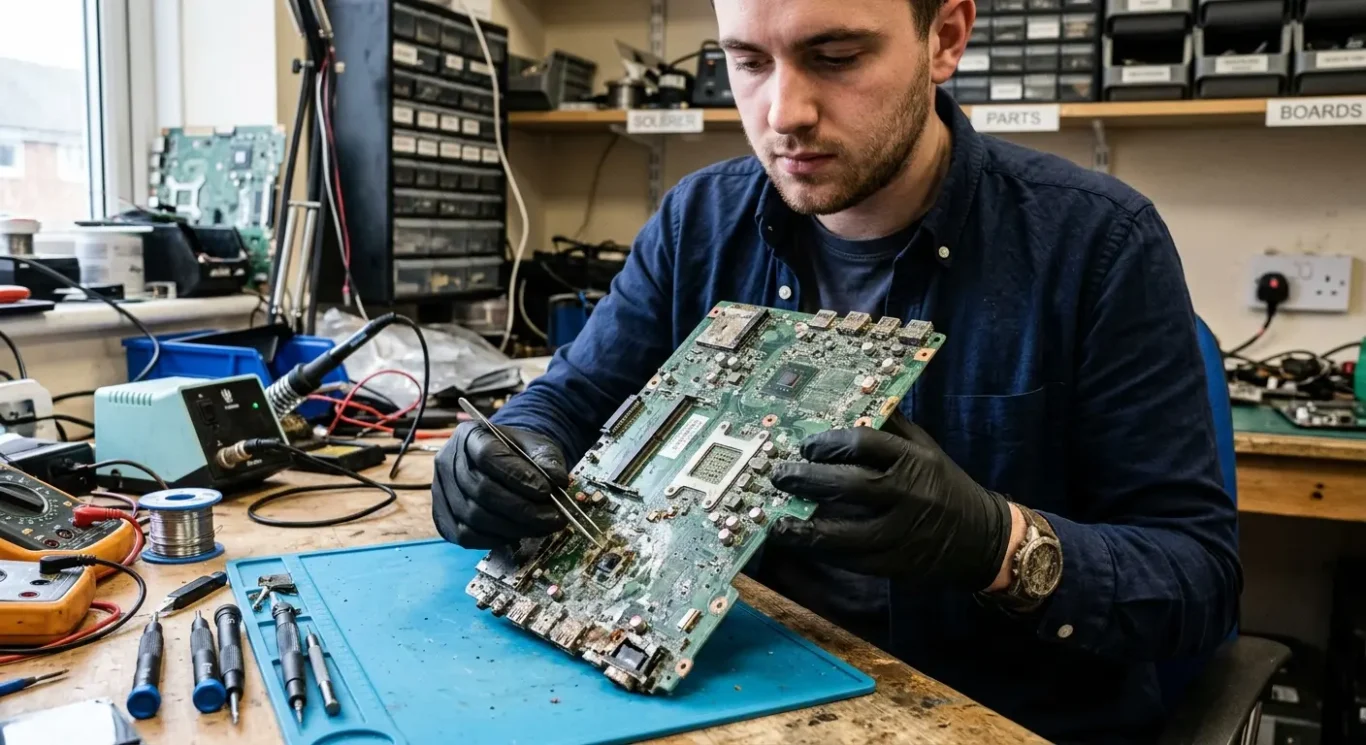
Liquid and physical damage to motherboards
Most people land here after one of two things has happened – a drink went into the laptop, or the machine took a knock and never came back on properly. That sort of damage can be serious because the motherboard is the main board that links everything together, but it is not automatically the end of the computer. In practice, some computer faults can be repaired at board level, some mean replacing damaged parts around it, and some are simply too far gone to fix sensibly – especially if liquid has been left inside and corrosion has spread.
The first job is to find out what actually failed, not guess from the symptom. A spill can short components straight away or cause trouble days later, and a drop can crack solder joints, break connectors, or damage the board itself even when the case only has a small mark – I see that more often than people expect. This page explains what liquid and physical motherboard damage usually involves, what is sometimes repairable, and where the practical limits are.
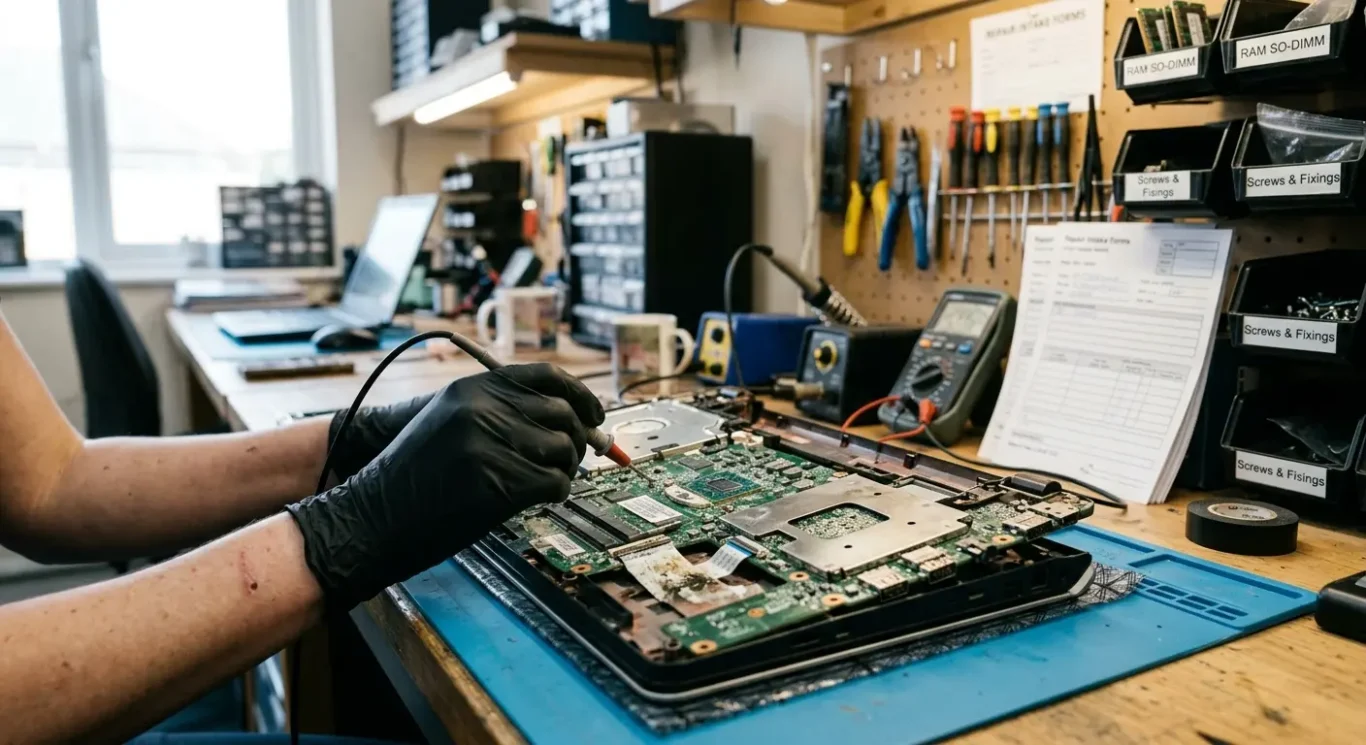
What liquid and physical damage usually means
In plain terms, the same accident can damage different parts of the board, which is why one machine goes completely dead while another still turns on but starts behaving oddly.
Liquid damage is not just “it got wet”. A spill can short parts of the motherboard straight away, or it can seep under chips, connectors and shielding where it is not visible from the outside. Corrosion is the follow-on damage that happens after the spill, when residue and moisture start eating away at contacts and tiny metal paths. That is why a laptop can survive the first day, then stop charging, lose the keyboard, fail to show an image, or start shutting down at random later on.
Impact damage is not always obvious from the case
When a laptop is dropped or takes a hard knock, the problem is often mechanical rather than liquid related. Connectors can break, soldered joints can crack, charging ports can pull away, and heavier parts can stress the board underneath. Sometimes the damage is a cracked motherboard, which is more serious – the board itself can split or flex enough to break internal layers, and that can mean no power at all, no charging, missing display, or a machine that only works when the lid is held a certain way.
One reason these faults are confusing is that the motherboard controls a lot of core functions, so the symptoms can look unrelated at first. A dead keyboard, a fan that spins but no picture, a burning smell, USB ports cutting out, or a battery that will not charge can all come from damage in different areas of the same board. I have seen plenty of machines where the customer thought it was “just the screen” or “just the charger” and the real fault was on the motherboard.
Damage can also spread after the original accident if liquid is left inside or the machine keeps being used. Current passing through damp or contaminated areas can make a small fault much worse, and corrosion does not stop just because the outside feels dry. With physical damage, repeated flexing can turn a hairline crack into a complete failure, so a laptop that powers on intermittently one day may be fully dead the next.
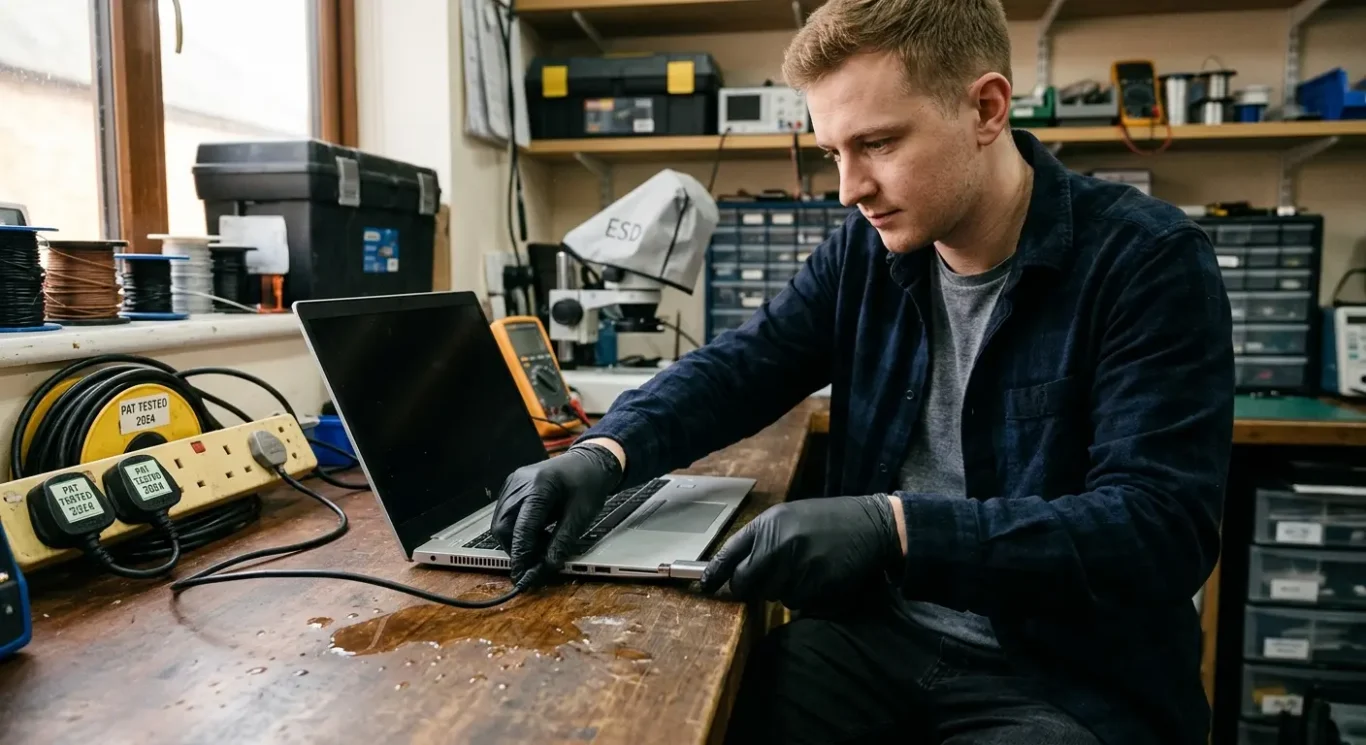
What to do straight away after a spill or a drop
The first few minutes matter because the aim is to stop extra damage before anyone starts diagnosing it.
Turn the machine off properly if it still responds, then disconnect the power lead straight away. If it is a laptop, stop charging it, unplug any accessories such as USB devices, docks, memory cards or external screens, and do not press the power button again just to check whether it still works.
Do not keep testing it
This is the bit people get wrong when they are worried about work files. A wet board can short in new places each time power is applied, and a recently dropped machine can have cracked joints or damaged connectors that get worse when current passes through them. I have seen laptops go from partly working to fully dead because they were switched on a few more times “just to see”.
If there has been a spill, keep it upright and avoid moving it around more than needed. If it has been dropped, do not squeeze the case, force the lid, or keep plugging the charger in and out if the port feels loose or misaligned.
Quick action helps, but it is not a guarantee
Acting fast gives the best chance of limiting further motherboard damage, but it does not tell you yet whether the board, storage, charging circuit or something else has survived. Some faults are repairable after cleaning and proper testing, and some are not – that depends on what was damaged and how far it has spread.
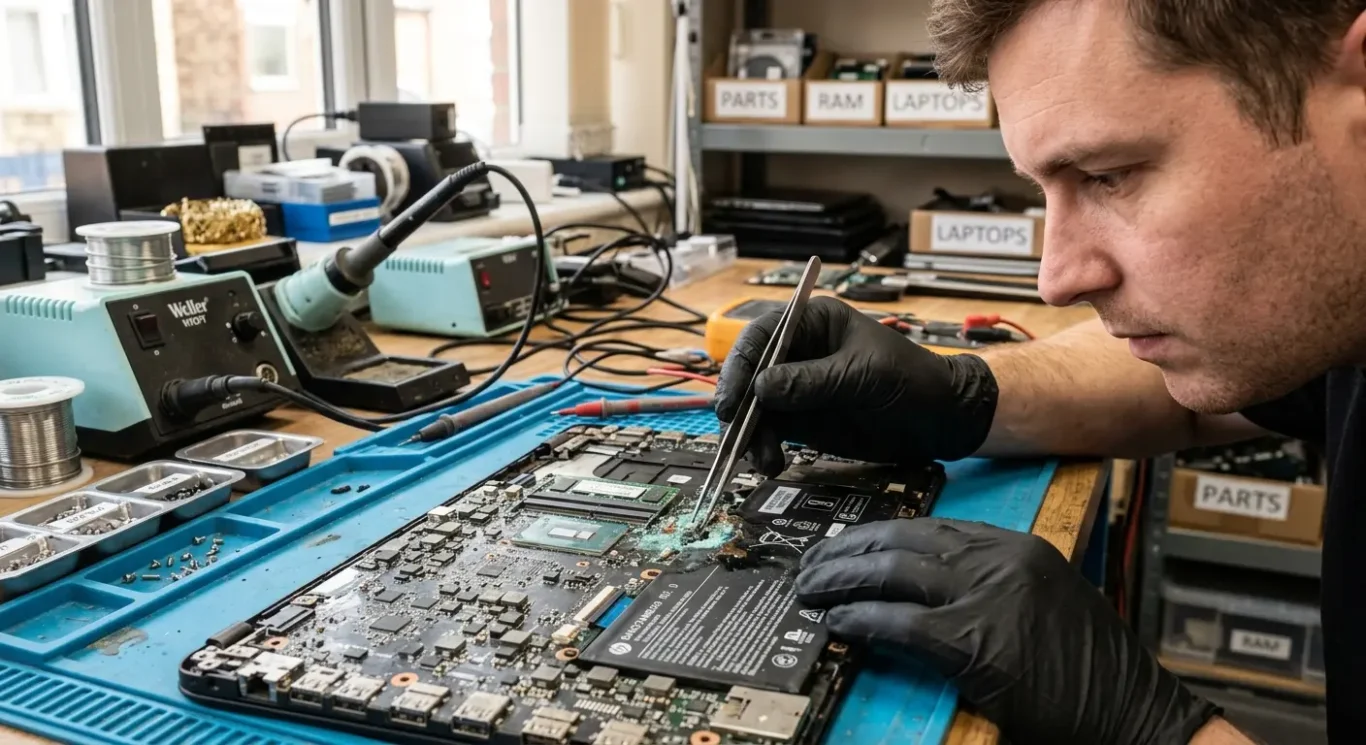
Signs the motherboard may still be repairable
Some faults look severe from the outside, but a proper bench inspection is what tells you whether motherboard-level repair is realistic.
If liquid only reached one area, there is sometimes a decent chance of cleaning the contamination, removing corrosion, and repairing the damaged section rather than replacing the whole board. That tends to be more realistic when the spill has not spread through multiple layers or sat inside for too long.
Partial power does not rule it out
A laptop that lights up, spins the fan, charges inconsistently, or shows a picture for a second can still have a repairable motherboard fault. I see this a lot with damaged charging circuits, blown components near the power section, and localised corrosion around connectors or keyboard spill areas.
The awkward bit is that symptoms on their own can be misleading. A machine may appear dead because one shorted area is dragging the whole board down, while another that seems half alive may have damage in several places and be far worse.
Why inspection matters
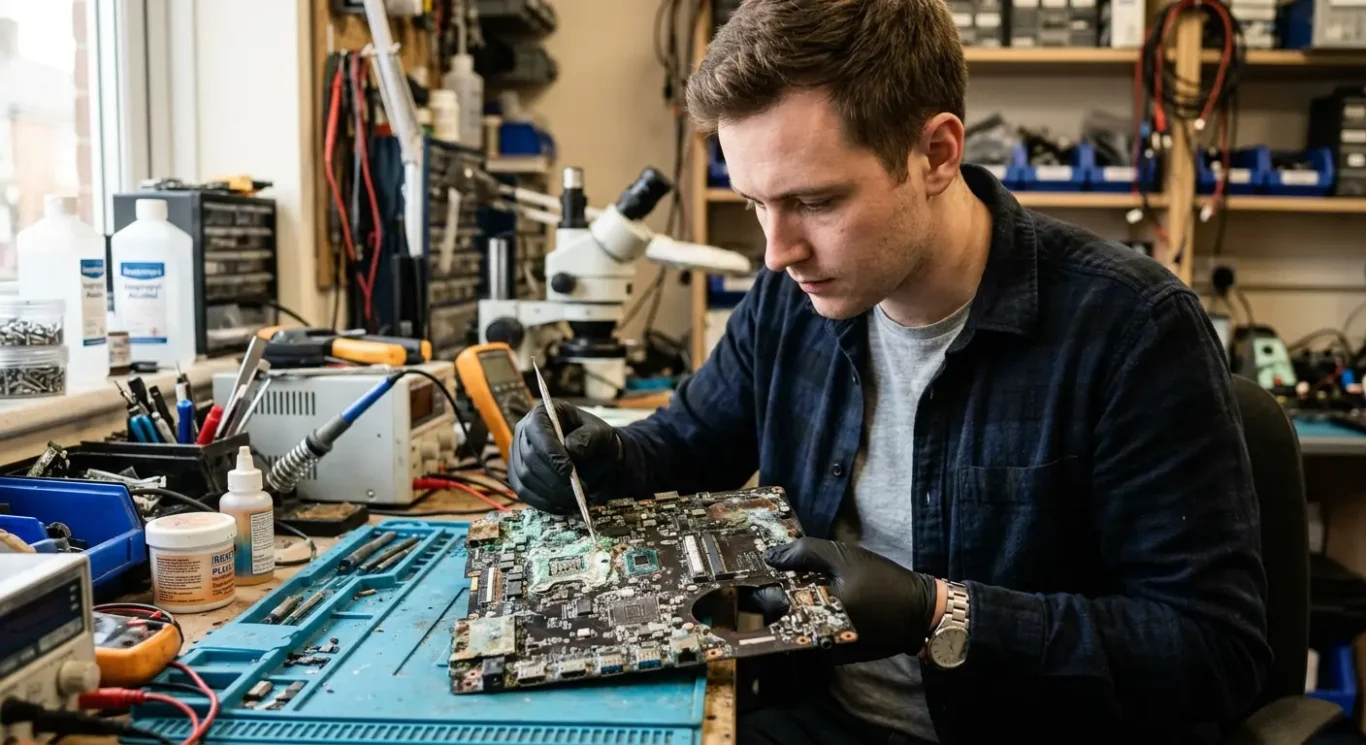
That is why proper inspection matters more than guessing from behaviour. Under magnification you can often see whether the problem is a cracked area, burnt component, broken connector, or motherboard corrosion that can be cleaned and repaired – or whether the damage has gone deeper into the board and is no longer practical to sort.
When repair is unlikely or not worth doing
Some damaged boards can be worked on, but there is a point where replacement is the more sensible route.
If I open a machine and find severe corrosion across multiple areas, that is usually a bad sign. A single spill near one section is one thing. Corrosion around the power circuit, keyboard area, connectors and fine-pitch chips at the same time is different, because it means the damage has spread and may still be creeping under parts you cannot properly see from above.
Heavy impact damage can go deeper than the visible crack
After a hard drop, the motherboard can crack internally even if the case only shows a dent or corner damage. I sometimes find broken board layers, torn solder joints, or damage where the board has flexed around the charging port or hinge area. Once the inner layers are cracked, a stable repair becomes much less realistic because the fault is not just on the surface.
Burnt areas and chip damage change the decision
Burnt sections, lifted or missing pads, and damage that has spread into key chips can put the board past the sensible repair point. In plain terms, if the bit of copper a component should attach to has gone, or the failure has travelled into major controller chips, the work becomes more complex, less predictable, and harder to trust long term. That does not always mean impossible, but it does mean the repair may cost more than the machine is worth.
This is the part people do not always expect – some boards are technically repairable but still not sensible to repair. If the labour is high, donor parts are hard to source, or the rest of the laptop is already tired with a weak battery, worn keyboard or failing screen, spending heavily on motherboard damage may not be the best use of money. In those cases I would rather say that plainly than push a repair that looks clever on the bench but makes no sense for the owner.
How a proper diagnosis is done
This is the part that shows what needs fixing, what else may have been affected, and what you are actually paying for.
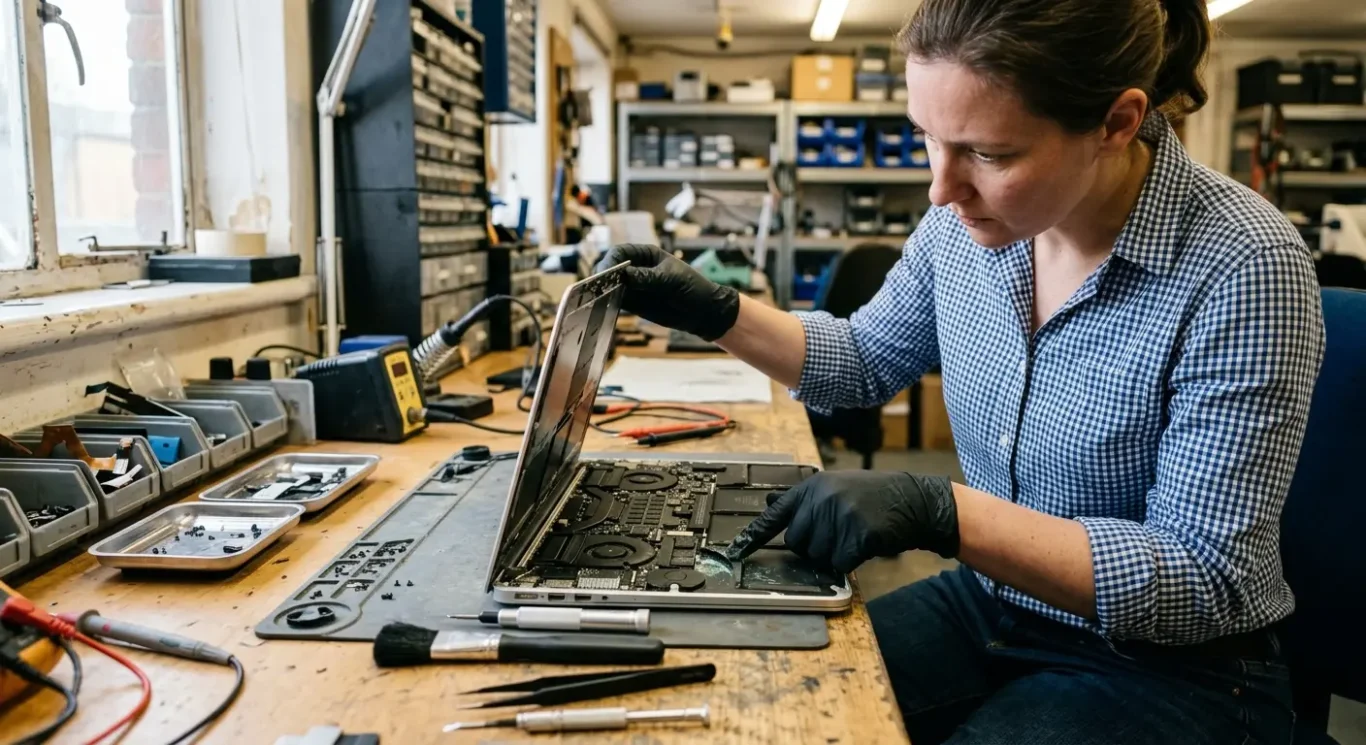
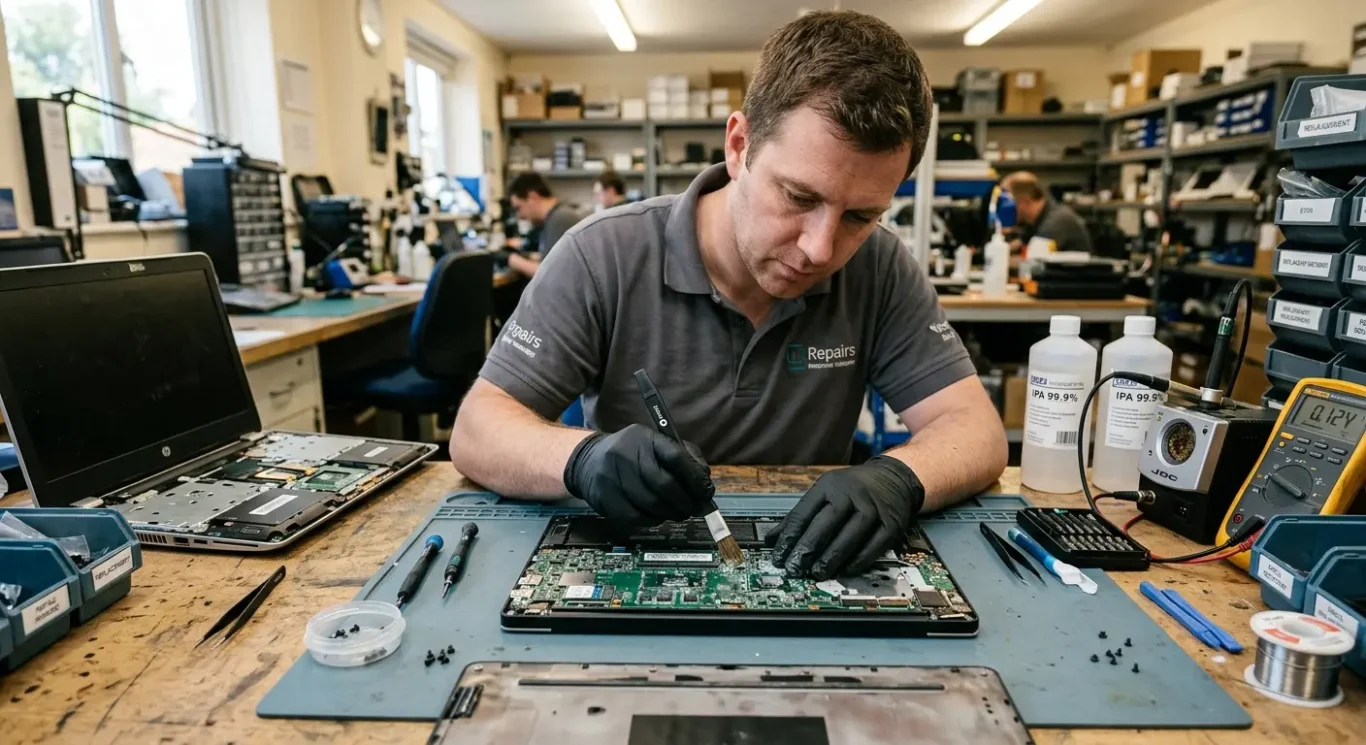
The first step is a careful strip-down and visual check. I am looking for liquid traces, corrosion, cracked areas on the board, burnt spots, bent connectors, and signs of impact around corners, hinges, and the charging port. On spilled machines, the obvious damage is not always the only damage. Liquid can travel further than people expect.
Electrical testing comes next
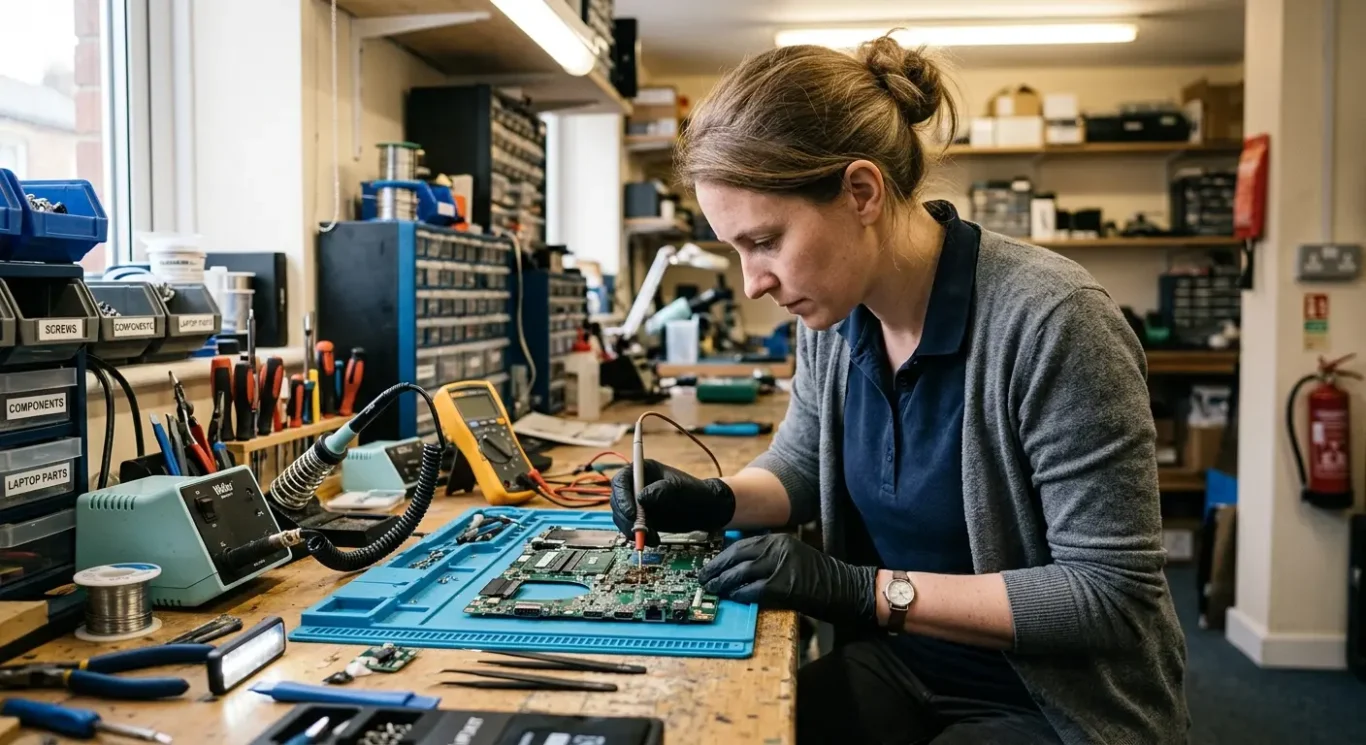
After that, the board is tested to see whether power is moving through it properly. In plain terms, I am checking for short circuits, missing power lines, and charging faults that stop the laptop or desktop from starting or taking power from the charger. That does not mean every fault shows itself straight away. Some only appear once one bad area is dealt with and the next problem becomes visible.
It is also important to check whether the damage has spread beyond the motherboard. A spill or drop can take out the keyboard, screen, battery, SSD, trackpad, USB ports, or charging socket as well, and on some machines you do not know that properly until the board fault is understood. I have seen plenty of cases where the board could be repaired, but the total job changed because another part had been damaged at the same time.
Why the full quote comes after diagnosis
That is why proper diagnosis comes before quoting full repair work. Until the machine is opened, inspected, and tested, any firm price for liquid or physical motherboard damage would just be a guess, and guesses are how people end up annoyed. A diagnosis gives a clearer answer on what is repairable, what parts may be needed, and whether the job is sensible to proceed with at all.
Liquid damage can affect more than the motherboard
After a spill, several internal parts may need checking or replacing, not just the main board.
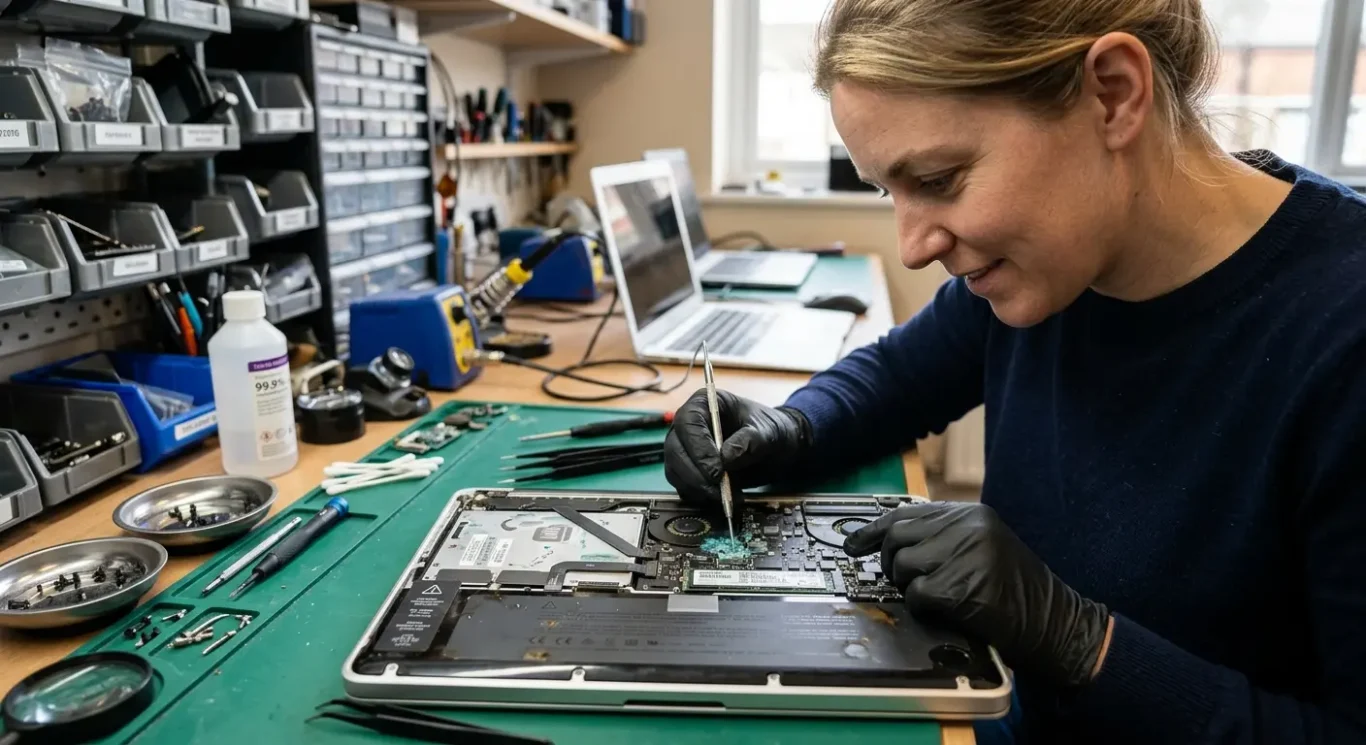
On a spilled laptop, I would also be looking closely at the keyboard, trackpad, battery, screen, charging port, and SSD. Some fail straight away. Others keep working for a while, then start misbehaving days or weeks later because residue and corrosion have been left behind.
What drinks do inside a machine
Water is not the only problem. Sugary drinks, coffee, and alcohol can be worse because they leave deposits behind after the liquid dries. That sticky or conductive residue can keep eating away at contacts, connectors, and fine components, so a machine that seems to recover at first can still develop faults later.
This is why the motherboard repair is sometimes only part of the bill. The board may be repairable, but if the keyboard matrix is shorted, the battery has been contaminated, the charging port has corroded, or the screen has liquid marks or backlight damage, those parts can add cost as well. I have seen plenty of cases where the board work was sensible on its own, but the full job changed once the rest of the machine was properly checked.
If repair is not worth it
Even when the laptop or Mac is beyond sensible repair, the data may still be recoverable if the SSD is intact or the storage can be read another way. That needs testing, not guessing, and it is never something I would promise before checking the condition of the drive.
How much motherboard repair costs and what affects the price
The price depends on what has actually failed, what board is in the machine, and whether any parts need replacing.
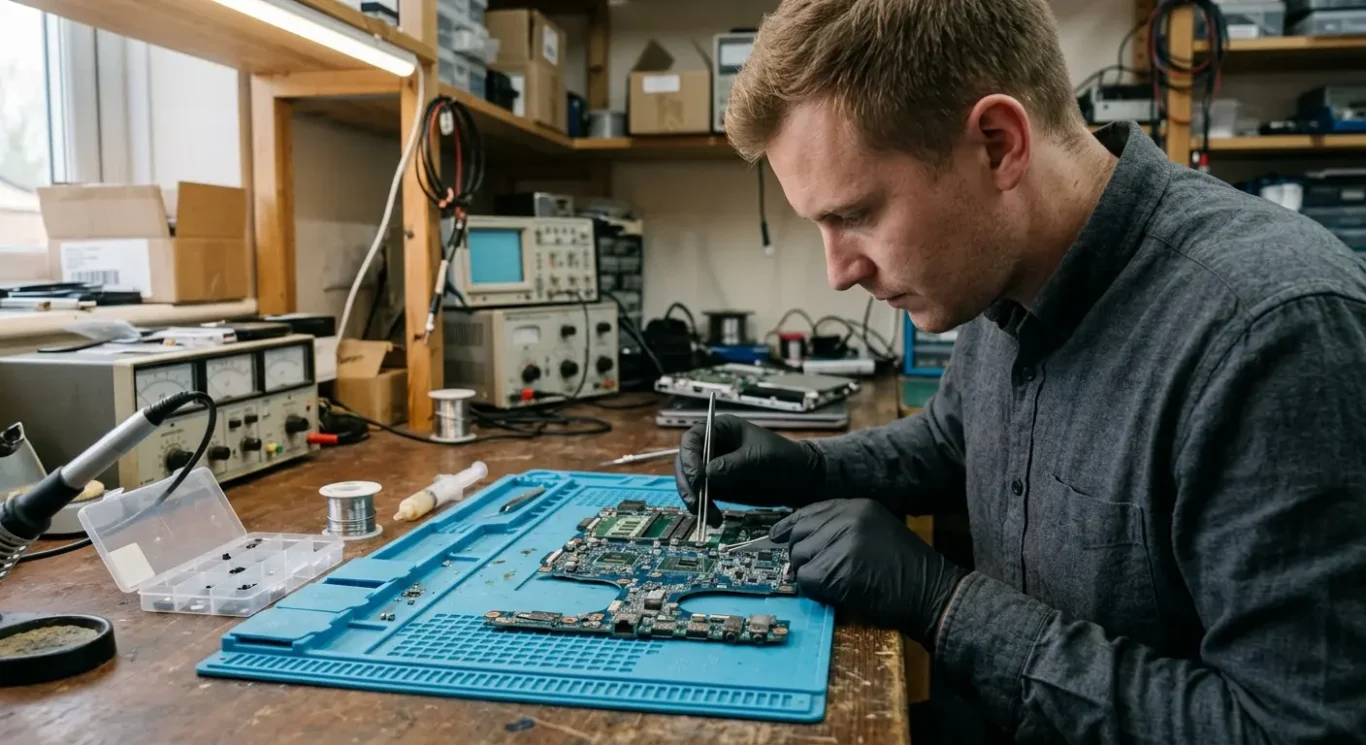
Some jobs are quite small. A board may need careful cleaning after a spill, corrosion removal, and testing to see if it has survived. Others need proper board-level repair, where failed components have to be traced and replaced. In some cases the damage is simply too widespread, and it is not sensible to keep spending money on it.
Why one damaged machine costs more than another
Cost depends on the fault, the board type, and whether parts are needed. A physically cracked board, burnt power circuit, damaged connector, or heavy liquid corrosion all take different amounts of work, and some machines are much more awkward to strip, inspect, and repair than others. Macs and very compact laptops can be especially variable, which is why symptom-based pricing over the phone is usually not worth much.
Diagnosis or repair pricing may start from £60, but that is only a starting point, not a full computer repair quote. I would rather inspect the machine properly than guess from “it won’t turn on” or “I spilled water on it”, because those symptoms can hide anything from a minor clean-up job to multiple failed areas on the board.
Why the quote comes after testing
Until the board has been opened, checked under magnification, and tested, nobody can honestly say what the final cost will be. That is the point where you can be told whether the laptop motherboard repair is likely to be minor, involve component replacement, or be uneconomic enough that the sensible option is to stop and look at recovery of data or replacement of the machine instead.
How long it takes and whether you need to travel
What affects turnaround, and when the job needs to be brought in rather than dealt with on site
Turnaround depends on the fault, how far any corrosion has spread, how long the board needs to be tested for, and whether parts are available if anything has to be replaced.
Why these jobs are not always quick
Liquid and impact damage often need more time than people expect. A spill can creep under chips and connectors, and a dropped laptop can crack solder joints or damage layers inside the board where the fault is not obvious at first glance. That is why careful inspection and repeat testing matter. I would rather check it properly than power it up once, hope for the best, and miss a fault that comes straight back.
Whether collection, a home visit, or workshop computer repair is suitable depends on the job. Simple checks, collection arrangements, or some non-board faults can sometimes be handled without you travelling far, but motherboard repair usually needs bench equipment, magnification, proper cleaning tools, and time to test under stable workshop conditions.
If the machine is badly contaminated, physically bent, or has taken a hard knock, workshop repair is usually the sensible route. That gives the best chance of finding the full extent of the damage before any decision is made on cost or whether the board is realistically repairable.
Repair, replace, or recover the data
The right choice depends on the machine, the damage, and what you need it back for.
Repair usually makes sense when the computer is fairly new, a higher-value model, or difficult to replace like-for-like. It can also be worth doing when the data matters more than the hardware, or when a particular setup is important and moving to another machine would cause more disruption than the repair itself.
When replacement is the better call
If the machine is older, has severe liquid or impact damage, or has already had a run of faults, replacement is often the more sensible use of money. A board can sometimes be made to work again, but if the damage is widespread or the rest of the laptop is tired as well, spending more on it may not give you a result that feels reliable for long.
Data first is a valid option
Sometimes the best route is to stop treating it as a repair job and focus on getting the files off safely. That is common when the device itself is not worth saving, but the documents, photos, accounts, or work data still are. With motherboard damage, data recovery is not always possible, so that has to be assessed properly rather than guessed.
For business users, the cheapest quote is not always the right one. If downtime is costing you work, or the machine needs to go back into daily use without nagging doubts about stability, the sensible decision is usually the route with the best chance of reliable service – whether that means repair, replacement, or recovering the data and moving on.
Questions to ask before approving a motherboard repair
A few clear questions can tell you whether the fault is understood, what the risks are, and what the job is likely to involve.
The first thing to ask is what has actually failed. That might be a shorted power circuit after a spill, corrosion around a connector, damage from a drop, or a part of the board that is no longer communicating properly. You want a plain answer, not just “the motherboard has gone”, because that tells you whether the repair is targeted or still mostly guesswork.
What can be fixed, and what is still uncertain
A decent diagnosis should separate what is clearly repairable from what is still unknown. For example, one damaged area on the board may be repairable, but hidden corrosion under chips, internal board layer damage, or faults that only appear once power is restored can make the outcome uncertain. If that is the situation, it is better to hear it up front than be given false confidence.
It is also worth asking whether any other parts have been affected. Liquid and impact damage do not always stop at the board. Keyboards, batteries, screens, charging ports, SSDs, and even the casing can be involved, especially on thin laptops and Macs where everything is packed tightly together. That matters because the estimated cost after diagnosis should reflect the actual fault found, and the turnaround should be based on that fault rather than a generic time frame.
Do not forget data access
If the files matter, ask whether data access has been checked separately from the computer repair itself. A machine can be beyond sensible motherboard repair and still allow data recovery, or the board can be repairable but the storage may also have issues. I always think that is worth clearing up early, because it changes the decision quite a bit.
Questions we get every day
What our engineers actually say
We often see laptops that still switch on after a spill or a drop, and that gives people false hope that the damage is minor. A common problem is hidden corrosion or a cracked area on the board that only shows up properly once the board is checked under the microscope.
If the motherboard is badly burnt, heavily corroded, or physically broken through key layers, I would usually say it may not be a sensible repair – especially if the fault is likely to be unstable even after work is done.