
Cost, time, and warranty of motherboard repairs
When a motherboard starts failing, the symptoms are often frustratingly vague. A laptop may not turn on, a desktop may keep crashing, or a Mac may charge on and off for no obvious reason. In practice, most people want the same four answers straight away: what the computer repair actually involves, what it is likely to cost, how long it may take, and whether it is likely to last. That is exactly what this page covers, in plain English.
There is no honest fixed price or timescale for motherboard repairs without proper diagnosis – and yes, that is the awkward bit. Some faults are small and localised. Others mean the board is too badly damaged to be a sensible repair. Once the actual fault is identified, the decision is usually much clearer and much quicker.
What a motherboard repair usually means
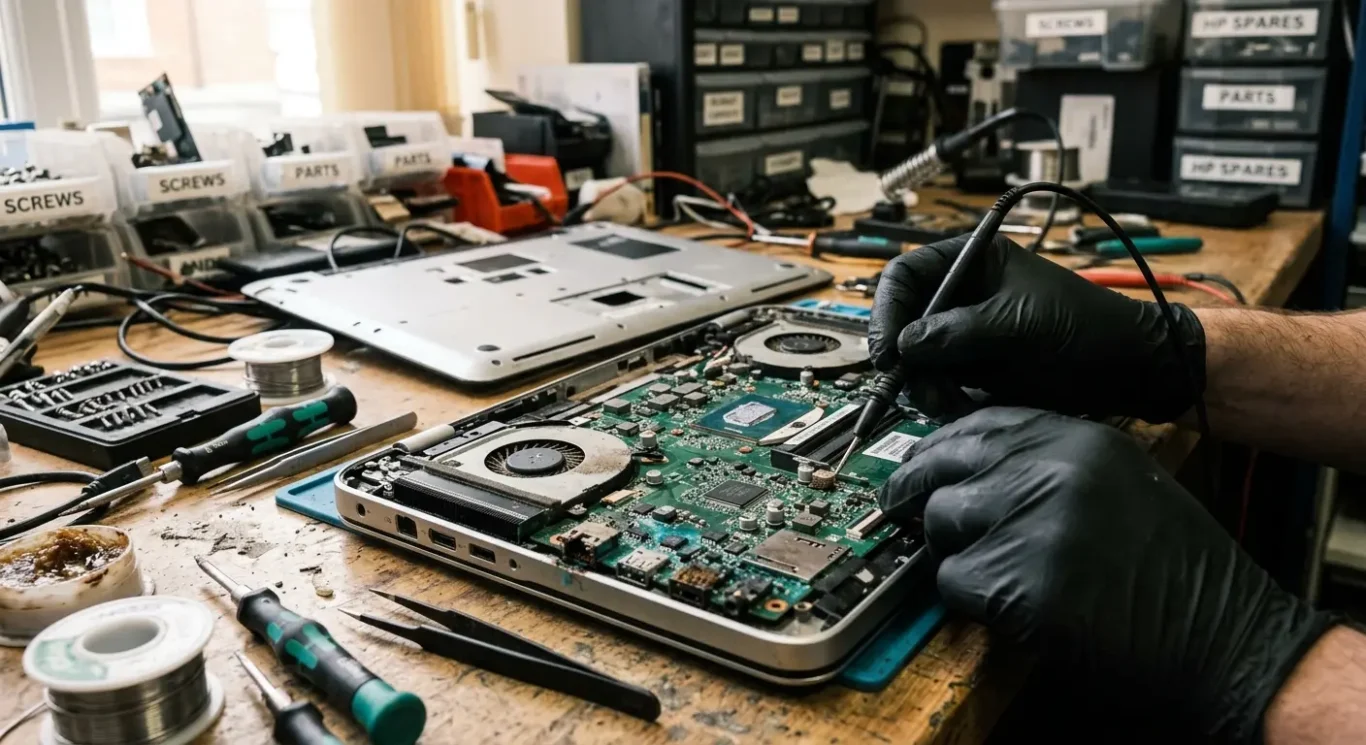
In simple terms, this is the main board that connects power, charging, storage, memory and the other parts your computer needs to work properly.
When that board develops a fault, the machine can behave in all sorts of odd ways. Common examples are no power at all, no display, charging that works on and off, random shutdowns, faults after liquid damage, or problems that started after running too hot for too long.
Not every repair is a mainboard repair
Sometimes the fix is fairly straightforward because the failed part is separate from the board itself. A damaged DC jack, battery, screen, fan, SSD, memory module or charging cable can give symptoms that look serious but are not actually a motherboard fault. In those cases, replacing the bad part is usually simpler and more sensible than doing board-level work.
A proper motherboard repair is different. That usually means a fault on the main board itself, where a damaged area has to be found and repaired rather than just swapping an easy part. Same symptom, very different job.
Why diagnosis matters first
This is the bit people understandably hate waiting for, but it matters. A laptop with no power might have a failed charger circuit, a bad power button, a short on the board, battery trouble, liquid damage, or something else entirely. You cannot judge the repair properly from the symptom alone, and similar faults across a Windows laptop, desktop PC or Mac can have completely different causes.
How much motherboard repair costs
What you pay depends on the actual fault, the machine itself, and whether any extra parts are needed
The price depends on three main things – what has failed, which model you have, and whether the job needs parts as well as labour. Some services may start from £60 for assessment or basic repair work, but that is not a fixed promise for every motherboard repair. Until the board is tested properly, nobody sensible can tell you the final cost with confidence.
What usually pushes the cost up
Liquid damage is a common one, because it often affects more than the first area that failed. Burnt components, charging circuit faults, previous repair attempts, and boards with very compact layouts all take more time to diagnose and repair. Some jobs also need donor parts taken from a matching board, especially when the damaged part is not sold separately.
There is also a big difference between repairing a board and replacing the whole board. A repair means finding the failed area and fixing only what is actually wrong. A full board replacement can be simpler in some cases, but the board itself may be expensive, hard to source, used rather than new, or not worth fitting once the age and value of the machine are taken into account.
When spending money on it may not make sense
If the machine is already old, very low value, badly corroded, or has several faults at once, laptop repair may not be the sensible option. I would rather say that early than take your money and hope for the best. Sometimes replacing the computer is the better call, especially if the likely spend gets too close to the value of a reliable replacement.
How long a motherboard repair takes
Turnaround depends on finding the real fault, checking whether parts are needed, and making sure the machine stays stable before it goes back to you.
Some jobs move quickly once the machine is on the bench. Others do not. The time usually depends on diagnosis, fault tracing, parts availability, and proper testing afterwards. A clear power fault can sometimes be identified without too much delay, but intermittent faults are another story because they may only show up under certain conditions, then disappear when you start checking.
Liquid damage and stop-start faults usually take longer
Liquid damage often means more than one affected area, and corrosion is not always obvious at first glance. You fix one problem, test it, and then a second issue appears further along the board. That is normal with spill damage. Random shut-downs, charging that works one day and not the next, or faults that only happen when the machine warms up can also take longer because they need repeat checks rather than guesswork.
I do not like calling a motherboard repair finished the moment it powers on. It needs soak testing or repeat testing first, especially if the fault was heat-related, power-related, or intermittent. That extra time is there to catch the kind of problem that comes back after a few hours of use, which is exactly what nobody wants.
If you need it back urgently
If you rely on the computer for work, say that at the start. Urgent cases can sometimes be prioritised, but it still depends on the fault and whether the job is suitable for faster handling. In London, the practical side matters too – some computer repairs are best done as a drop-off and collection job, some can be returned by courier, and some faults are suitable for a home or office visit if the machine and problem allow it.
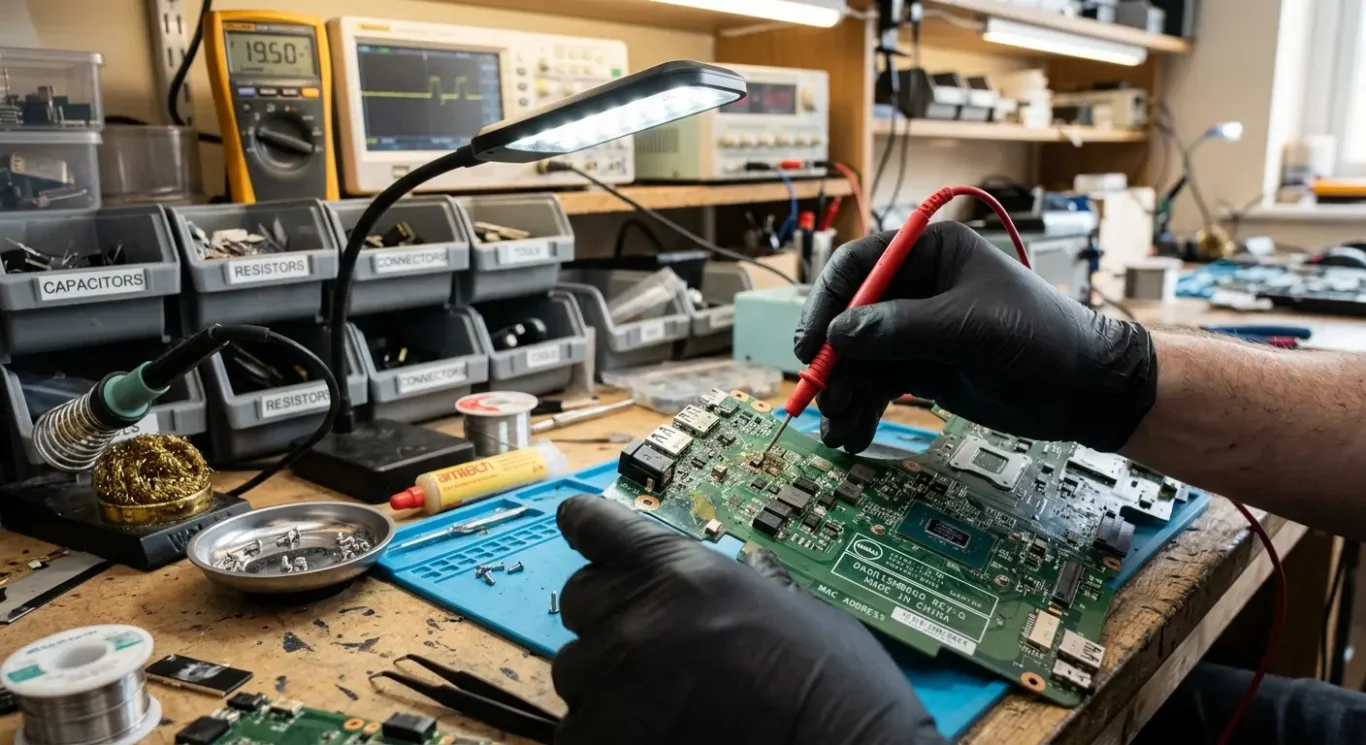
Is motherboard repair permanent
Some faults stay fixed for years, but the result depends on what caused the problem in the first place
Some motherboard repairs are long lasting and behave no differently from a machine that never had the fault. Others carry more uncertainty. The difference usually comes down to whether the original cause has been found properly, not just the symptom that made the computer stop working.
Cause matters more than the first sign
If a laptop is not charging, for example, the real issue might be a damaged charging circuit, heat stress, liquid residue, or previous bad work inside. Simply getting power back on the board is not the same as fixing why it failed. A proper repair means tracing the fault back to its source, checking the surrounding area, and testing it under normal use rather than stopping at the first sign of life.
Wider condition affects confidence
Reliability can also depend on the overall state of the machine. Liquid damage, corrosion, overheating, physical impact, and prior poor repair work all make the outlook less straightforward because they can affect more than one area at once. I see this quite a lot with spill damage – one section can be repaired cleanly, but another weakened area may fail later because the board has already had a hard life.
That is why I would rather be plain about it. If the board fault is isolated and the rest of the machine is in decent shape, confidence is usually much better than people expect. If there has been severe liquid damage or obvious corrosion across the board, the future can be uncertain even after a successful repair, and it is better to say that upfront than pretend every case has the same outlook.
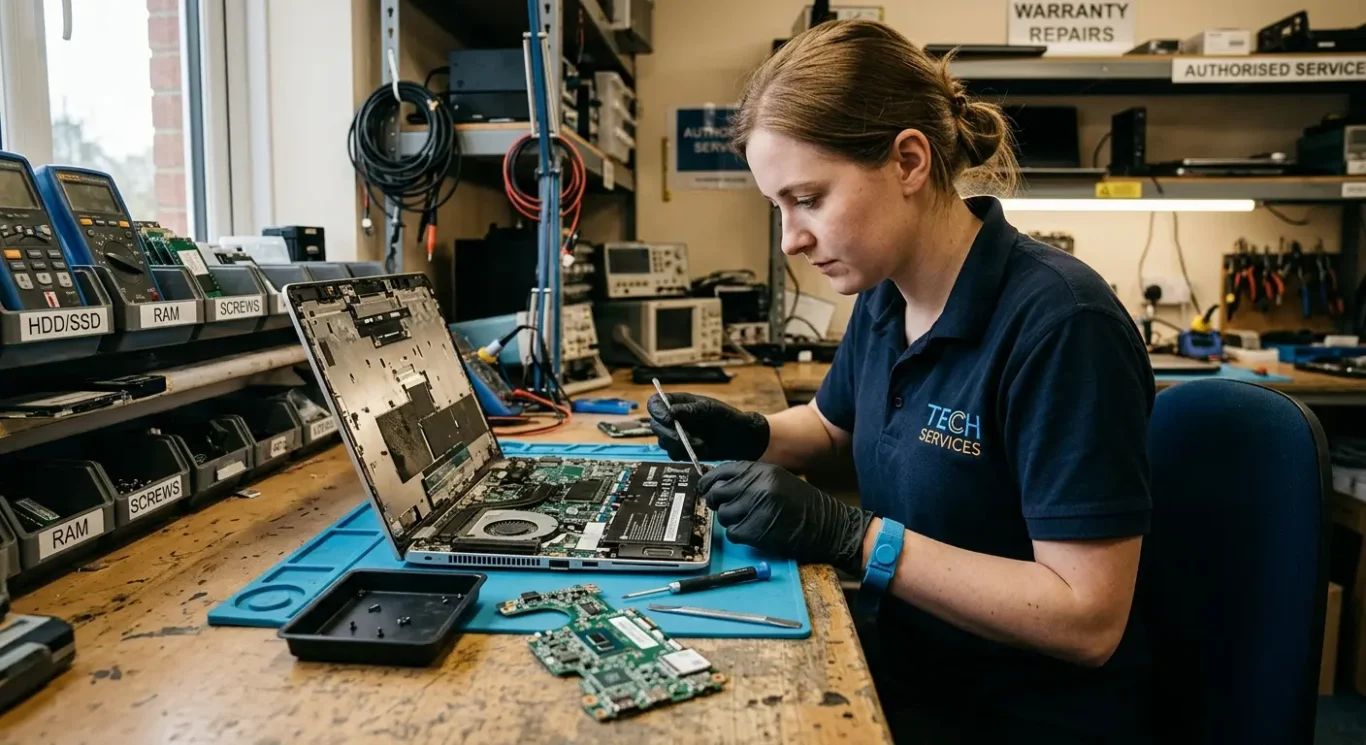
What a repair warranty usually covers
Check exactly which fault, parts, and labour are included before you approve the job.
Warranty terms vary quite a bit between repairers, and they can also vary depending on the type of fault. A straightforward board level repair on one power circuit is not the same as a machine with liquid damage, corrosion, or several unstable faults, so the cover is often different for each case.
It usually applies to the work that was done
In practice, a motherboard repair warranty usually relates to the specific repair carried out, not every future problem the computer might develop. If the original charging fault returns after the same repair, that is one thing. If the laptop later needs a screen, battery, keyboard, or has a Windows or macOS issue, that is usually separate unless it was included as part of the agreed work.
There are also common exclusions that are worth asking about plainly. New accidental damage, another liquid spill after repair, unrelated faults, normal battery wear, and software problems are often not covered unless the repairer has specifically said they are. That is not anyone being difficult – it is just keeping the warranty tied to the job that was actually done.
Ask how the cover is split
Before work starts, ask whether diagnosis fees, labour, and fitted parts are covered separately or together, and get the warranty details in writing. It saves confusion later, especially if a part fails versus the same board fault coming back, and it gives you something clear to refer to instead of trying to remember a phone conversation.
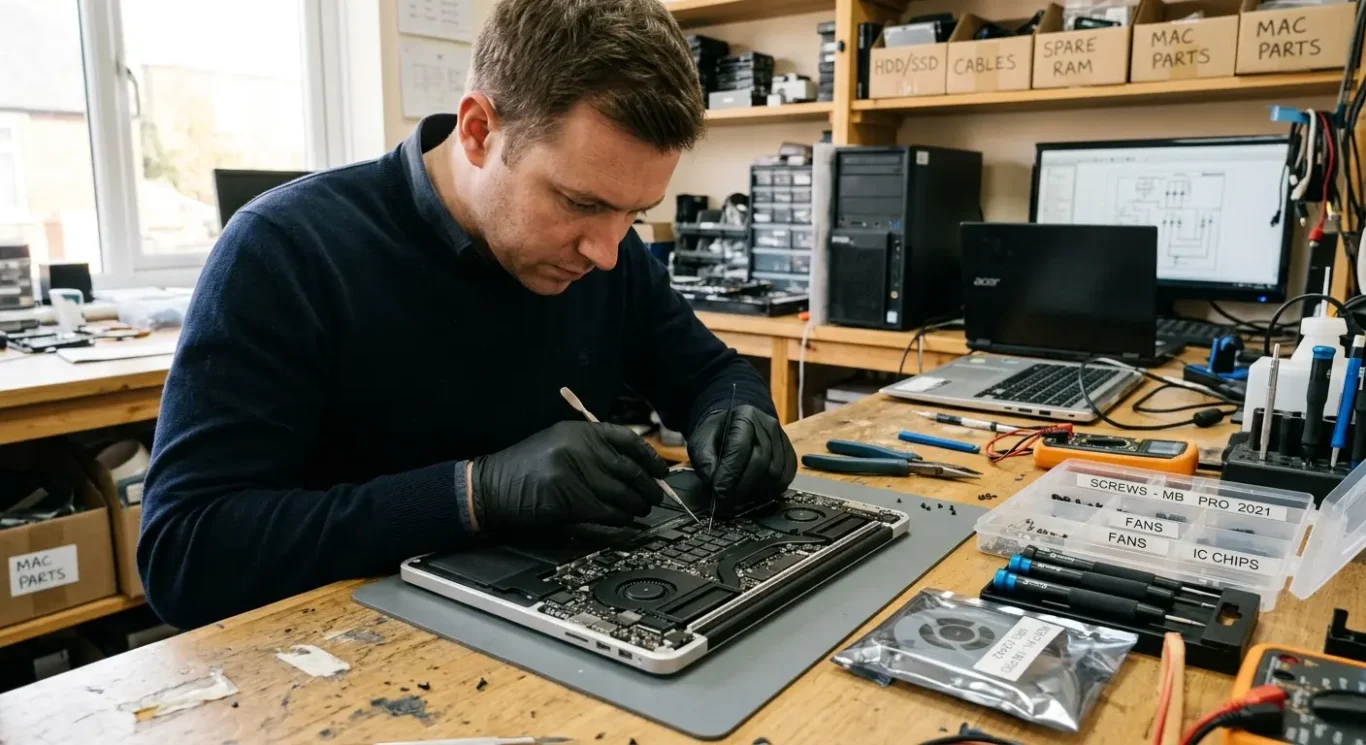
When a motherboard repair is worth doing
Think about the value of the machine, the urgency of the problem, and how much risk makes sense for your situation.
Repair often makes sense when the computer itself is still worth keeping. That usually means a decent quality laptop, desktop, or Mac, a fairly recent model, or a setup that is important for work every day. It can also be the right choice when replacing the machine is the easy part but rebuilding everything on it is the real headache.
Business use changes the calculation
For small business owners, reduced downtime can matter more than the lowest headline cost. If the machine runs accounts, booking systems, design software, or a setup that has been configured over time, getting the existing board repaired may be more sensible than starting again on a replacement device. I see this a lot with older but stable office systems – the hardware is not glamorous, but the working setup is valuable.
Caution is sensible when the device is older, low in value, or already has several faults at once. Heavy liquid damage, widespread corrosion, impact damage, or very hard-to-source parts can make a motherboard repair less predictable and less economical. In those cases I would rather say it plainly, because sometimes the repair is possible but not the most sensible use of your money.
Sometimes the data matters more than the hardware
If the real issue is access to files, emails, accounts, or specialist software, focus on that first. A machine may not be worth major work on paper, but temporary repair or fault finding can still be worth doing if it is the safest route to recover data or get something critical off it. That depends on the fault, and with severe board damage there are times when no result can be promised.
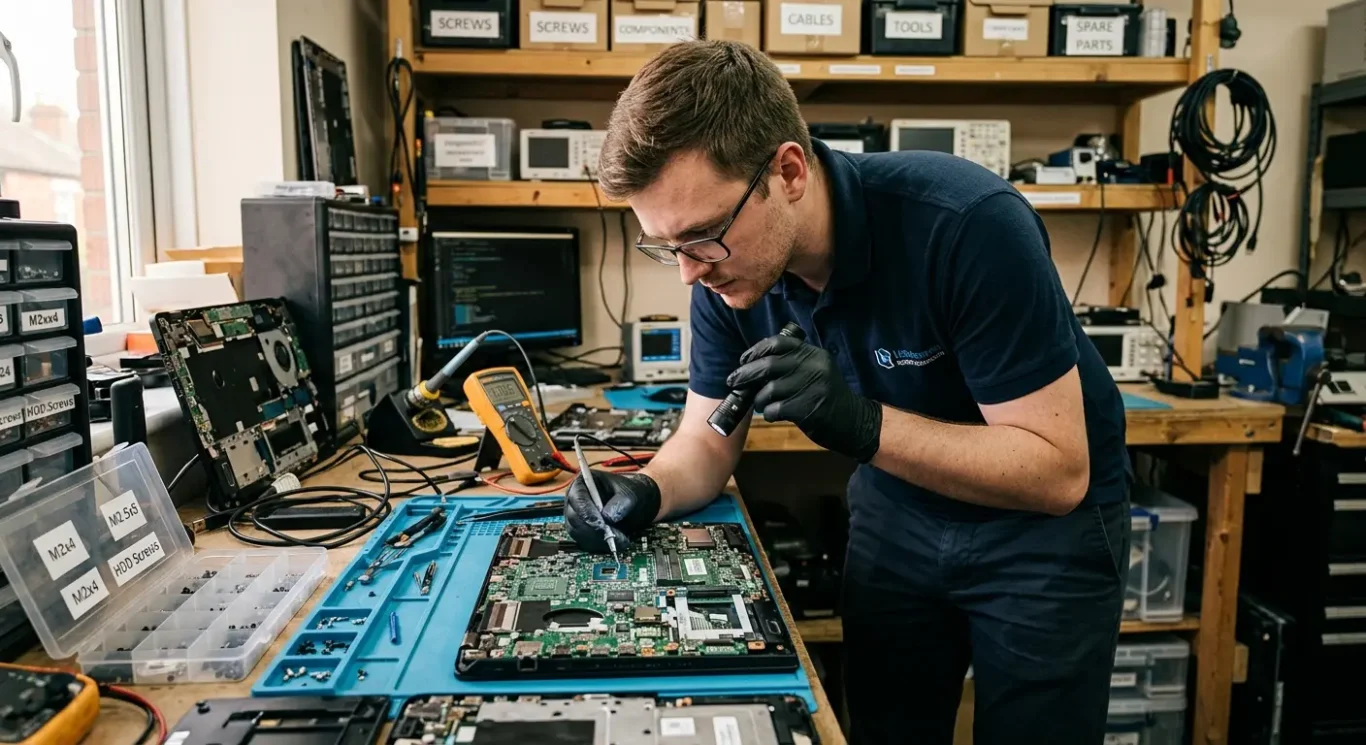
Questions to ask before booking the job
A few clear checks can save you from surprises on cost, timing, and what actually gets done.
Start with the initial diagnosis. Ask what that includes, whether the machine will be opened, whether basic testing is part of it, and whether the diagnosis charge is separate from the repair. On motherboard repairs, the first symptoms are not always the whole story, so it helps to know what has actually been checked before any quote is given.
If the fault changes once the machine is open
A dead laptop may turn out to have more than one problem, especially after liquid damage, overheating, or a failed charging circuit. Ask what happens if the fault looks different after strip-down, and whether you will be told before the price or timescale changes. Also ask if approval is needed before any extra work is done, because that is where confusion usually starts.
If you are in London, ask how collection, call-out, or home visit works in practice. Some faults can be checked on site, but proper motherboard repair usually needs bench equipment and workshop testing, so it is worth asking what can realistically be done at your address and what would need taking away. If collection is offered, check the area covered, the likely booking window, and how return delivery or drop-off is handled.
Testing before return and if the same fault comes back
Before booking, ask what testing is done before the computer is handed back. That might include power stability, charging, boot testing, temperature checks, and making sure it stays running long enough to show the fault has actually gone. Then ask how the warranty is handled if the same fault returns, who to contact, and whether the machine comes back in for re-testing first rather than assumptions being made over the phone.
Questions we get every day
What our engineers actually say
We often see people assume the motherboard has completely failed when the real issue is narrower than that, and that matters because cost and time depend on the actual fault, not the label on it. A common problem is giving a quote before proper diagnosis, so we diagnose first and only then decide whether the repair is sensible.
If a board fault is localised and the machine is otherwise worth keeping, repair is often the better outcome, but if the fault is broad, unstable, or pushes the cost too close to replacement, it is usually better to say that plainly than pretend it is a permanent fix.