
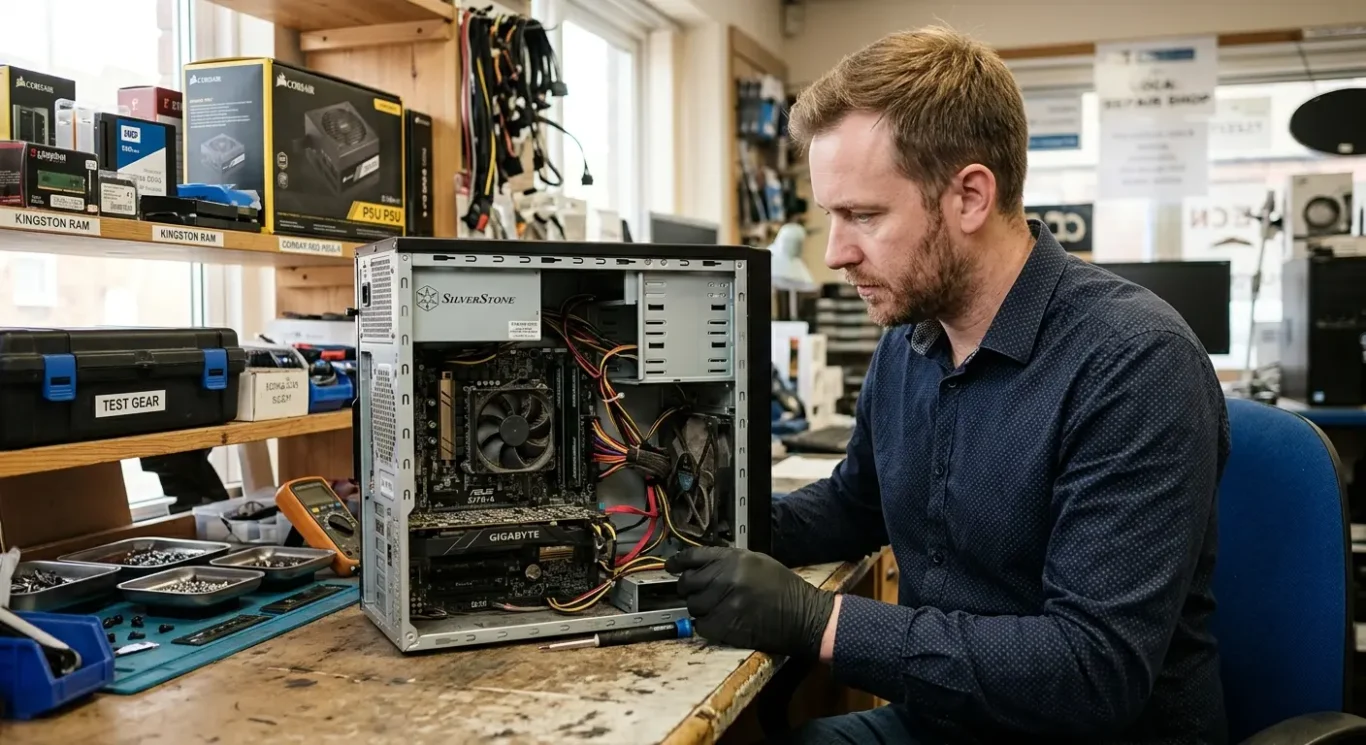
Repair or replace – making the right decision
When a computer suddenly stops working, the pressure is usually not about the machine itself – it is about the work, files, emails, accounts, and day-to-day jobs tied to it. The difficult part is often not spotting that something is wrong, but working out whether the fault is sensible to repair or whether putting more money into it will only delay the inevitable. That question comes up a lot with motherboard faults and other serious internal problems, because the symptoms can look dramatic even when the cause is not yet clear.
This guide is here to help you make that call properly. It covers what a repair actually involves, when replacement is the more sensible option, whether your data is likely to be safe, and what happens if a motherboard repair does not work out – because yes, sometimes that is a real possibility, and it is better to say so plainly.
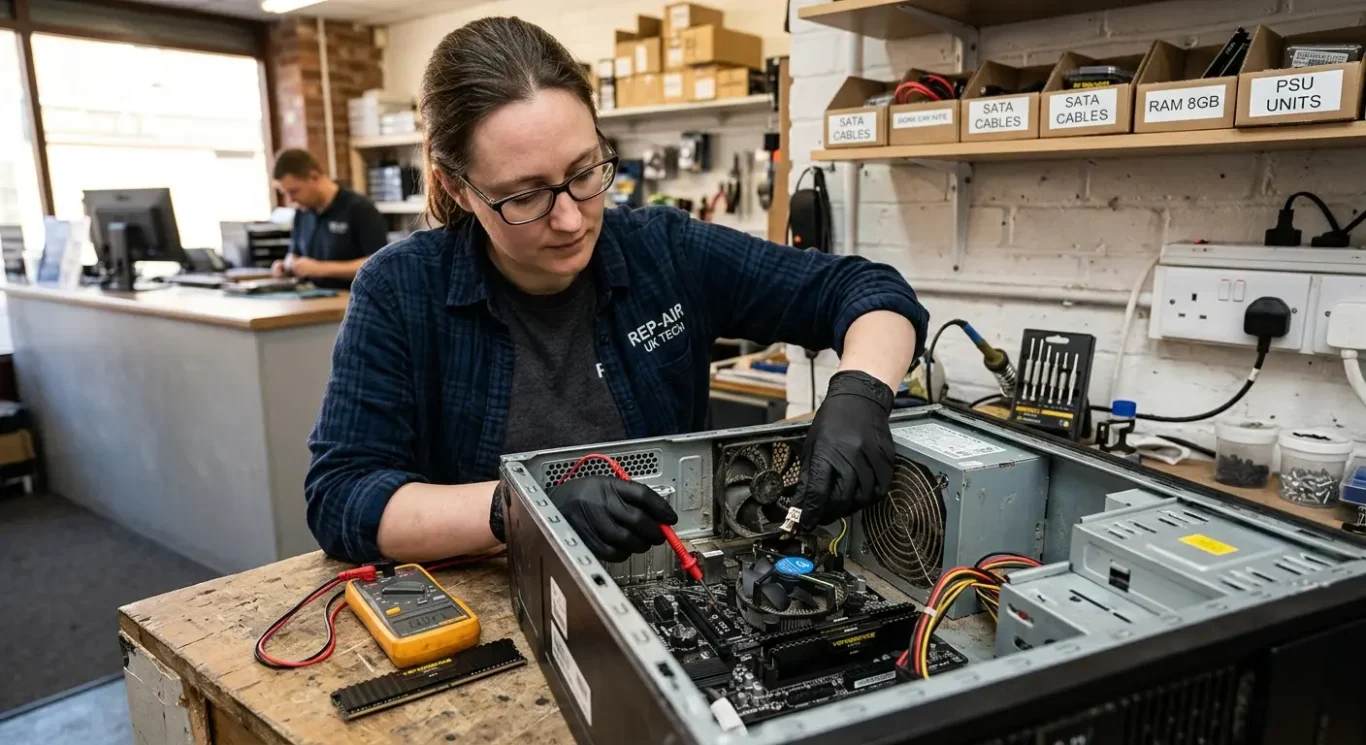
When repair still makes sense
Some serious faults are still worth fixing, especially if the machine is good, useful, and not actually at the end of its life.
The first step is always proper diagnosis. A dead or unstable computer can look like a motherboard failure when the real cause is elsewhere, such as a power fault, charging problem, overheating, failing storage drive, bad memory, or even corrupted software. I see that a lot. The symptoms overlap more than people expect, so guessing too early is how money gets wasted.
Not every repair means major board work
Some jobs are straightforward part replacements, like a DC charging socket, battery, fan, SSD, RAM, keyboard, or screen. Others involve board-level repair, which means finding and fixing a fault on the main circuit board itself rather than swapping the whole board out. Those are very different jobs, with different cost, risk, and repairability, so the sensible option depends on what has actually failed.
Repair is often reasonable on newer laptops and desktops, higher-spec machines, work devices, and Apple Macs that still hold decent value. It also makes sense when the computer has software, accounts, printers, logins, or business tools set up in a way that would take hours to rebuild on a replacement machine. That setup time matters, especially if the computer earns its keep.
The real decision is about value, not just fault type
A repair or replace decision depends on the actual fault, the age of the machine, its overall condition, and what an equivalent replacement would cost today. A clean, well-specced computer with one clear fault is a very different case from an older machine with battery wear, overheating, hinge damage, and storage problems all at once. That is why a faulty motherboard does not automatically mean replace, and it also does not automatically mean repair.

When replacement is the better call
Sometimes replacing the computer is the more sensible choice if the repair is poor value, too uncertain, or likely to be followed by more faults.
That usually comes up with older lower-value machines, especially ones that were already struggling before the current fault. If the laptop was slow, had very limited storage, poor battery life, or could only just cope with your daily work, fixing one major problem will not suddenly make it feel modern or fast. A successful repair restores function, not performance that was never there in the first place.
When the damage goes beyond one clear fault
Repeated faults are another warning sign. If the machine has already had charging issues, overheating, random shutdowns, a worn battery, a noisy fan, or storage trouble, spending money on a motherboard fault can be hard to justify because other tired parts may fail later. Liquid damage and severe physical damage are also cases where replacement often makes more sense, because even if one repair works, hidden corrosion, cracked board layers, bent frames, or damaged connectors can cause more problems down the line.
That does not mean an older computer should never be repaired. Some are still worth doing, especially if the machine suits the job and the fault is contained. But if you are paying for one major repair on a device that is already held back by age, limited specifications, or general wear, it is fair to ask whether the money would be better put towards a replacement instead.
Downtime can cost more than the computer repair
For some small businesses, waiting is the expensive part. If a member of staff cannot work properly, cannot access key software, or is sharing machines just to get through the day, replacing quickly can cost less overall than holding out for a repair that may depend on diagnosis, parts, or uncertain board-level work. I have seen plenty of cases where the practical decision was simply to get someone working again first and deal with the faulty unit separately.
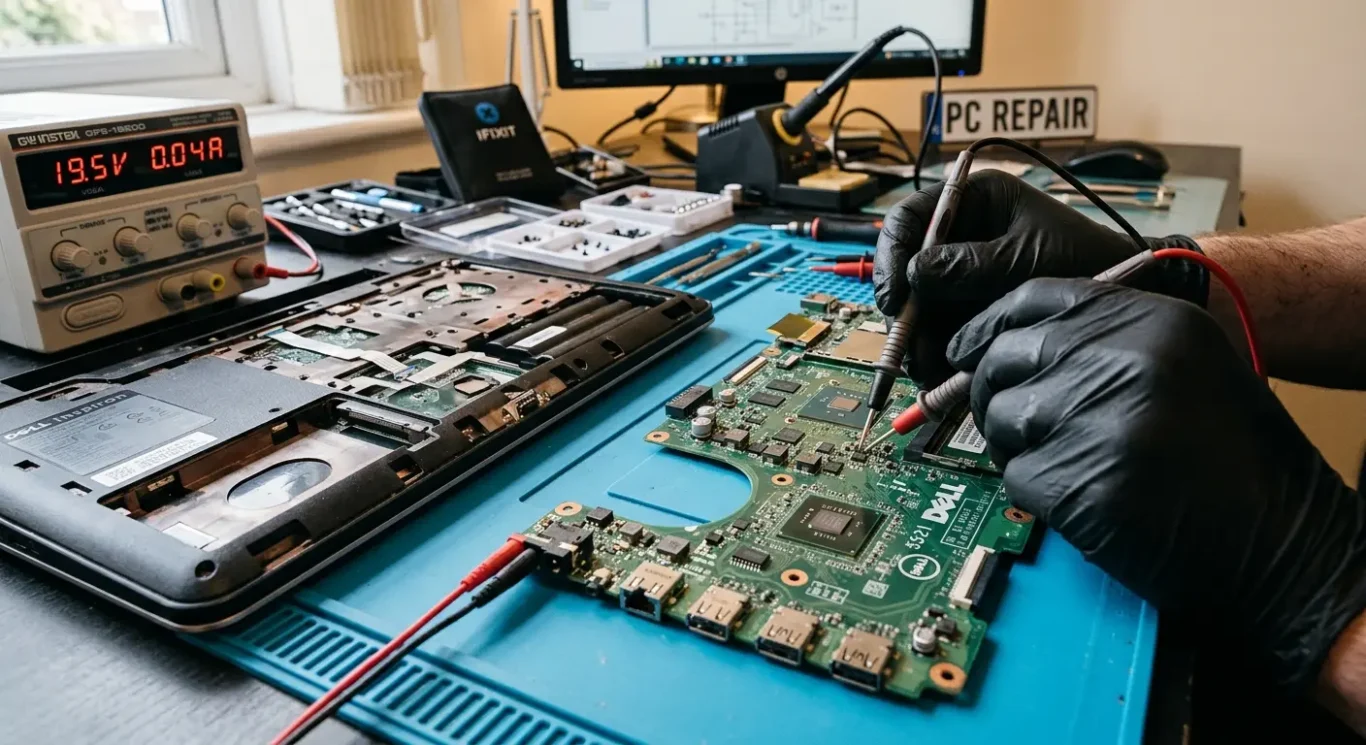
How faulty motherboard decisions are usually made
What matters is finding out whether the board is actually at fault, whether it can be repaired properly, and whether that repair makes financial sense.
The motherboard is the main board inside the computer. It links together the processor, memory, storage, charging circuit, screen output, ports, and other key parts so they can all work as one system. If it develops a fault, the machine can behave in odd ways or stop working altogether, but the symptoms on their own do not tell you exactly where the problem is.
Symptoms can point to the board, but they do not prove it
No power, random shutdowns, charging problems, no display, a burning smell, or problems that started after liquid damage can all suggest motherboard trouble. I also see the same symptoms caused by failed chargers, bad batteries, damaged power sockets, faulty screens, shorted parts, or storage issues. That is why guessing is where money gets wasted.
A sensible quote only comes after diagnosis. On a motherboard fault, the job can range from a simple power circuit issue to wider damage that affects several areas of the board. Until that is tested properly, nobody honest can tell you whether repair is straightforward, whether data is likely to be safe, or whether replacement is the better call.
Some faults are repairable, some are not worth forcing
In some cases, faulty motherboard problems can be repaired at component level, which means replacing the damaged part rather than the whole board. In other cases, the damage is too widespread, the board layers are affected, corrosion has spread, or the cost of trying to save it is hard to justify. That is usually the point where replacement becomes the practical option, even if the computer itself is otherwise in decent condition.
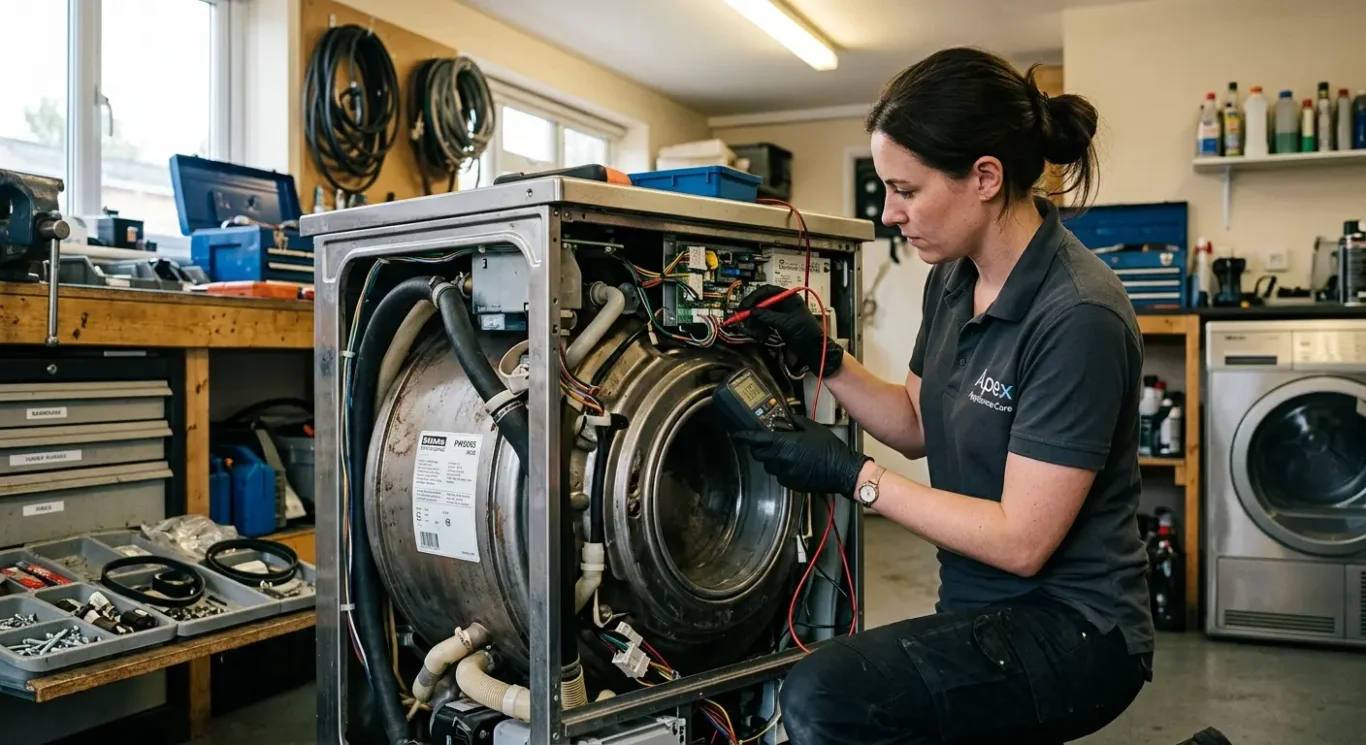
Cost – what you are really paying for
Quotes vary because the work is not just the part – it is finding the fault, fixing it properly, and proving the machine is stable afterwards.
On a proper repair, the cost is usually made up of diagnosis, labour, parts, and follow-up testing. Diagnosis is the time spent finding the real cause rather than guessing. Labour is the hands-on work to strip the machine down, carry out the repair, and reassemble it. Parts are anything that needs replacing. Testing comes after that, because a machine that powers on is not the same as one that is reliable.
Why motherboard work is often dearer
Motherboard jobs often cost more because they take longer and carry more uncertainty. Access can be awkward, fault finding can be slow, and sometimes the first obvious symptom is only part of the problem. On some machines, especially after liquid damage or power faults, you may not know the full extent until testing is underway.
The final cost depends on the fault, the machine, and part availability. A simple charging circuit issue is very different from a board with multiple damaged areas, and an older laptop with scarce parts is different again from a current business model with good support. That is why two computers with what looks like the same fault can end up with very different quotes.
What to ask before you agree
Ask whether the quote includes fitting, testing, and VAT if applicable. Also ask what happens if the fault turns out to be different once the machine is opened and checked properly, or if a board-level repair is attempted but proves uneconomical to continue. That part matters more than people think, and it saves awkward conversations later.
How long repair takes – and when speed is realistic
Some jobs move quickly, but proper timescales depend on what failed, how easy it is to prove, and whether parts are actually available.
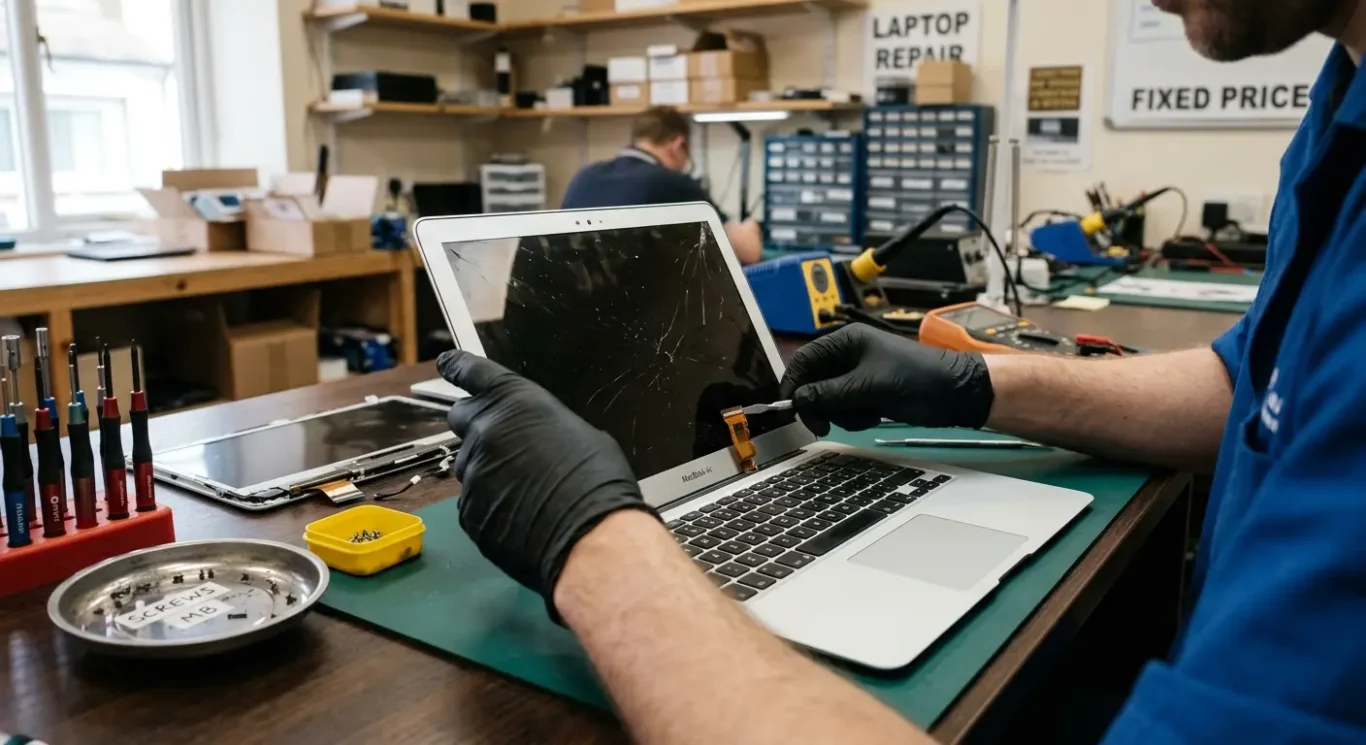
If the problem is straightforward, diagnosis can sometimes be done the same day and the laptop repair can follow soon after. That is more likely with faults such as a failed charger port, a bad drive, a cracked screen, or another issue where the cause is fairly clear once the machine is checked. Motherboard faults and intermittent problems are different. They often take longer because the symptom you see first is not always the real cause.
Diagnosis time and repair time are not the same thing
A machine can be assessed quickly, but that does not mean the full repair is a same-day job. Board-level work, deeper strip-downs, repeated testing, and faults that come and go can easily turn into multi-day repair work. Parts sourcing can add more delay, especially on older laptops, less common models, or Apple devices where the exact part needs to match properly.
No-power machines and anything with liquid damage need extra care before anyone sensible gives you a firm timescale. With those, the first job is to test safely, check for short circuits, corrosion, or damage in more than one area, and see whether the storage is still readable. Until that is done, any promise on timing is guesswork.
Bringing it in, collection, or a visit
How the job is handled depends on the fault and where you are in London. Some repairs can be collected or brought in without much fuss, which is often the quickest route for workshop testing. A home or office visit can make sense for certain desktop issues, setup problems, or business machines that are awkward to move, but not every internal repair is realistic on site.
Is the data safe if the computer needs major repair?
Your files are often still on the storage drive, but it depends what else has been damaged.
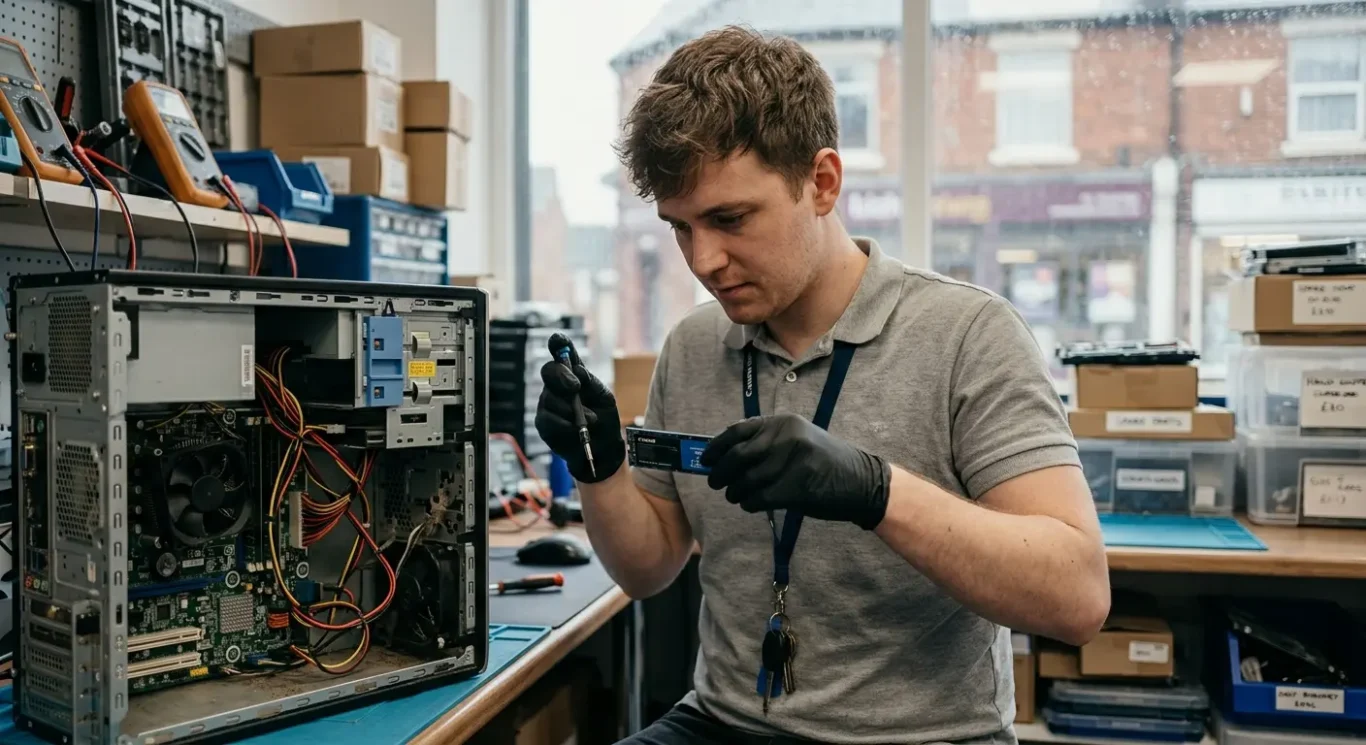
In many cases, your documents, photos, emails, and business files are stored on the drive or SSD, not on the motherboard itself. So a motherboard fault does not automatically mean the data has gone, which is something people understandably worry about straight away.
What actually puts data at risk
The real question is whether the storage is still healthy and readable. If there has been liquid damage, a power surge, burning, heavy corrosion, or an electrical short, the fault may not be limited to the motherboard. Encryption can complicate things as well, especially if the machine will not boot and the recovery details are not available.
If the data matters, say that before any work starts. That changes the order of the job. Sometimes the safest first step is to assess the storage and see whether a backup or recovery attempt should happen before deeper repair work begins.
Repairing the computer and recovering files are not the same job
Hardware repair and data recovery are related, but they are separate problems with separate risks. A computer can sometimes be repaired without the data being accessible, and in other cases the files can be recovered even if the machine is not worth fixing. Neither outcome can be guaranteed in every case, especially where there is storage failure or wider electrical damage.
What if the repair fails or is not worth finishing?
Some jobs change once the machine is opened and tested properly, so it helps to know in advance what happens next.
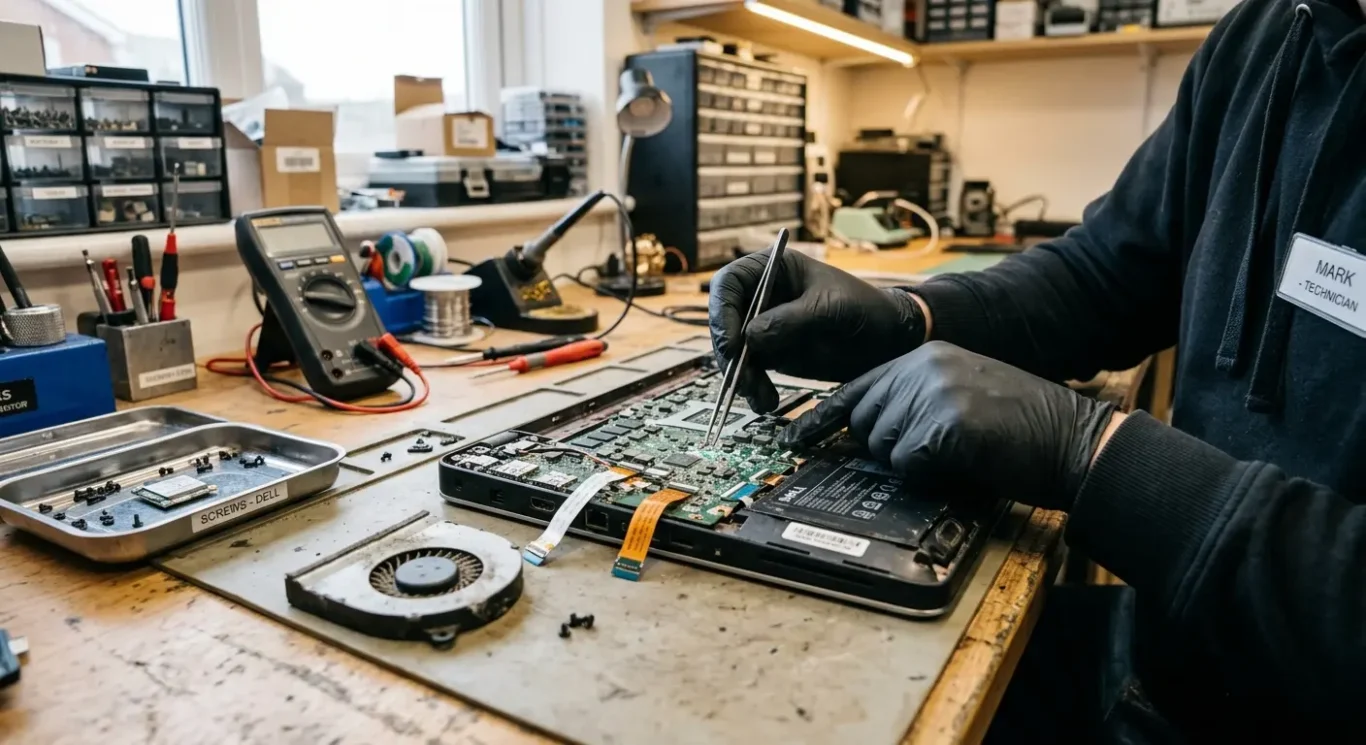
Not every fault shows itself at the start. A laptop might look like it has one failed part, then during testing or disassembly it turns out there is liquid damage under the board, a second short circuit, damaged charging components, or previous poor repair work. That is normal in this type of job. It is not always visible from the outside, and no sensible engineer should pretend otherwise.
Different outcomes mean different things
An unsuccessful diagnosis means the fault cannot be confirmed without more time, more stripping down, or specialist testing, and sometimes the answer is still inconclusive. An uneconomical repair means the problem has been identified, but the cost of parts and labour does not make sense compared with the age, value, or condition of the machine. A repair attempt that does not restore reliable operation is different again – some boards can be brought back temporarily, but if stability is poor, charging is still intermittent, or further faults remain likely, that is not a result I would call a proper fix.
Ask about charges before approving anything
Before work starts, ask what still applies if you decide not to go ahead, if the exact part cannot be sourced, or if the board cannot be repaired. That can include a diagnostic charge, labour already spent on strip-down and testing, or the cost of any parts specifically ordered for your machine. It is much better to have that clear at the start than when the computer is already in pieces on the bench.
A good repair process should have a stopping point where you get a clear update and can approve or decline the next stage before major cost is added. On a motherboard repair in particular, that matters. You want to know when the quote is still an estimate, when extra faults have been found, and when the job has moved from diagnosis into committed repair work.
Questions to ask before you decide
Use these when speaking to a repairer so you can judge the job properly against buying another machine.
You do not need a long list. The useful questions are simple: What is the confirmed fault? Is the repair likely to be reliable, or is it more of a try and see job? What is the total expected cost, including diagnosis, parts, labour, and VAT if applicable? What are the risks to my data? What is the likely timescale? If repair is not worthwhile, what do I still owe? If someone cannot answer those in plain English, I would slow the job down and get clarity before approving anything.
Compare the full cost, not just the repair quote
A replacement computer is not just the price of another laptop or desktop. You also need to think about setup time, moving files across, reinstalling software, signing back into accounts, checking printers and email, and the general disruption if the machine is used for work. For a small business owner especially, a cheaper replacement can still turn into the more expensive option once lost time is factored in.
Think about London practicalities as well
In London, the travel side matters more than people expect. Ask whether you need to bring the machine in, whether collection is available, how parking works if you are driving, and whether an onsite visit is actually suitable for the fault. Software issues and basic checks can sometimes be handled onsite, but board faults, liquid damage, and strip-down work usually need a bench job with proper tools and time.
If you are deciding between repair or replace, ask one last thing: if this were your own machine, would you spend the money on it? A decent repairer should be able to answer that without dressing it up.
Questions we get every day
What our engineers actually say
We often see people assume a dead motherboard means the whole machine is finished, and we often see the opposite as well – a computer that looks repairable on the surface but is not worth pushing further once the real fault is confirmed. One practical point that matters is this: we diagnose the fault before any repair starts, because guessing at board faults is how time and money get wasted.
If the machine is otherwise in good condition and the fault is repairable, repairing usually makes sense. If the board fault is severe, the outcome is uncertain, or the cost no longer fits the value of the computer, replacement is often the more sensible call – especially if the main priority is getting back up and running without dragging the problem out.