
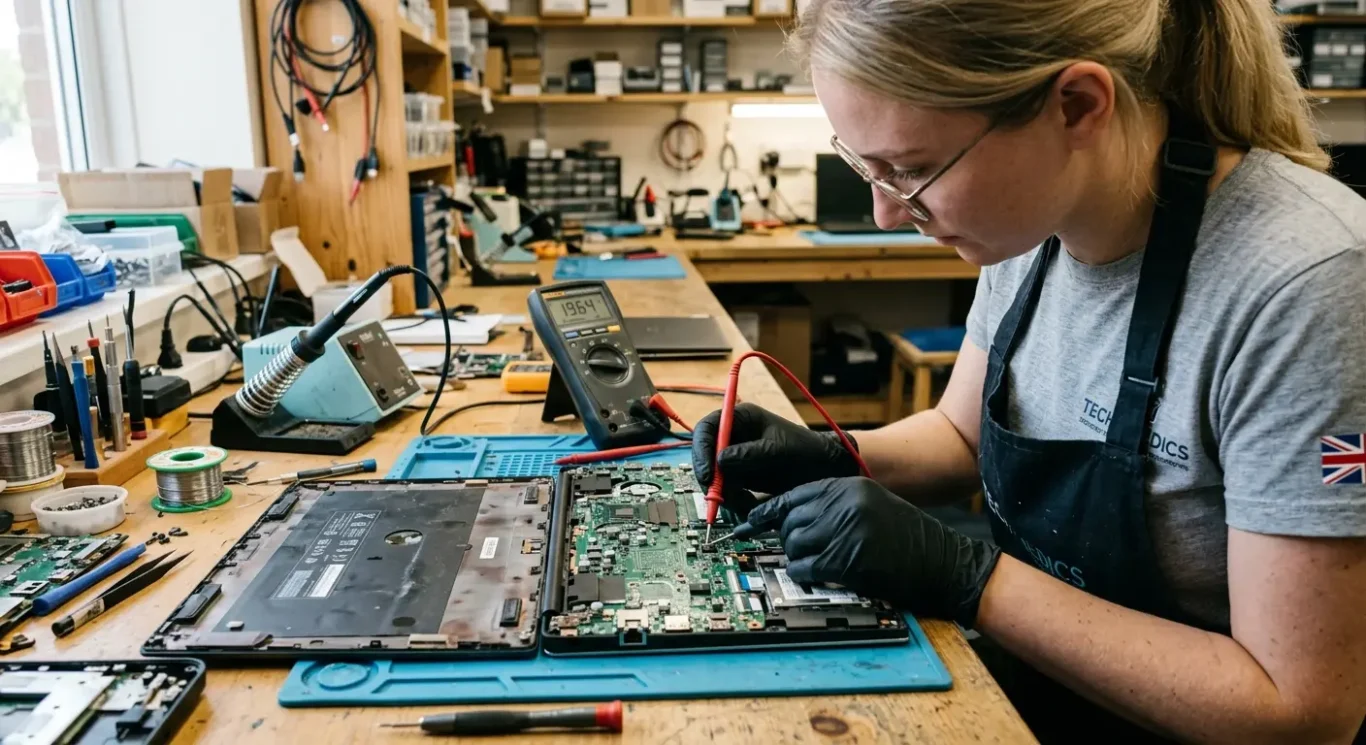
Charging and power circuit faults on motherboards
When a laptop stops charging, only works with the charger plugged in, or will not power on at all, the battery is only one possible cause. In practice, the same symptoms can come from a worn charging port, damage in the DC input circuit, a failed power management chip, a shorted component on the board, or liquid and impact damage – and yes, sometimes it is the battery, but not as often as people assume.
This is why proper diagnosis matters. A few basic checks can often rule out the charger, battery, or obvious socket damage quite quickly, but motherboard-level power faults usually need bench testing in the workshop to find the actual cause. That sounds more dramatic than it is – it just means measuring the power rails properly instead of guessing and replacing parts at random.
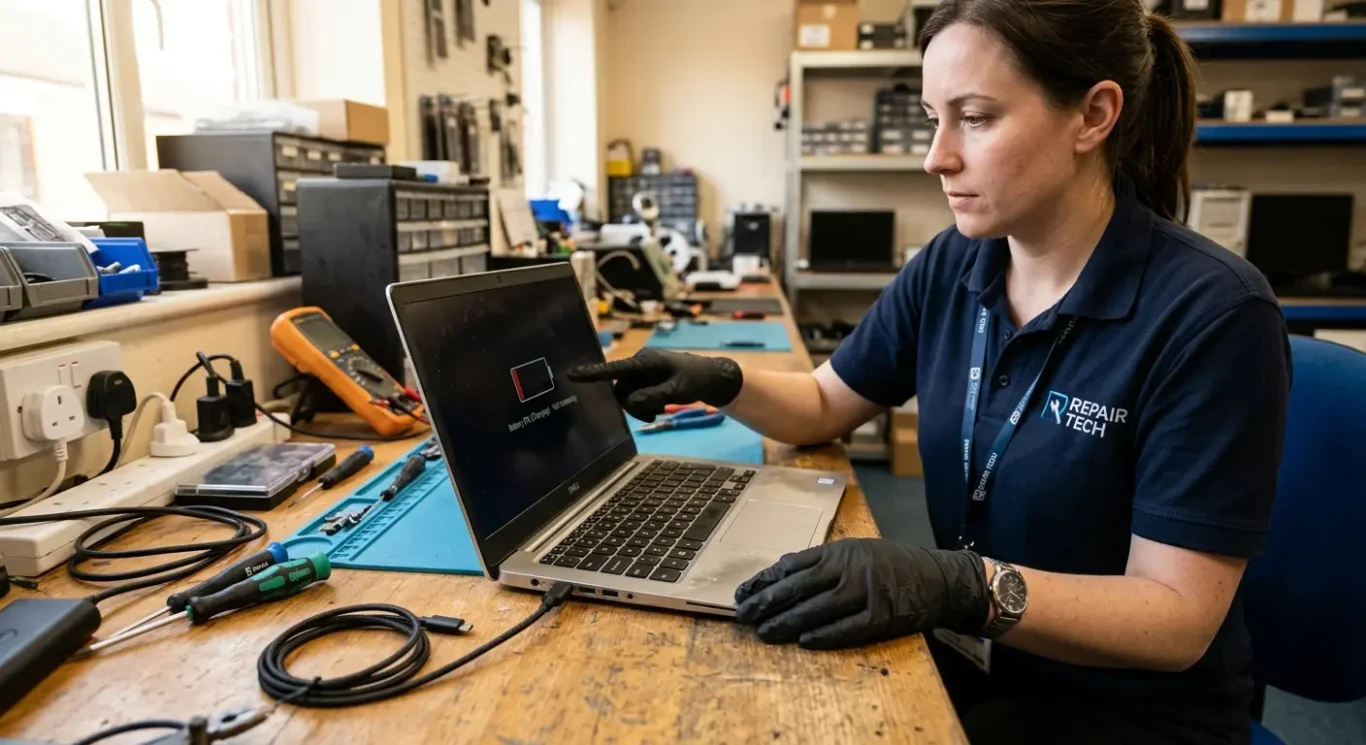
What these faults usually look like in everyday use
These are the sort of signs people notice at home or at work before anyone has opened the machine or tested the board properly.
One of the most common complaints is a laptop not charging even when the charger is plugged in, or the battery percentage stays stuck, drops slowly, or says it is charging when it clearly is not. That can come from the battery, the charger, the charging socket, or the power circuit on the motherboard, so the symptom matters, but it does not prove which part has failed.
When it only runs on mains power
Another pattern I see a lot is a laptop only works on charger and turns off the moment the plug is removed. People often assume that means the battery is finished, and sometimes it does, but not always. If the machine cannot charge the battery properly or cannot switch cleanly between charger power and battery power, the behaviour can look very similar.
If charging cuts in and out when the plug is held at an angle, nudged, or pressed slightly, that usually points to wear or damage around the charging port area. On some models the socket itself is the problem. On others, the stress has cracked solder joints or damaged the input section on the board behind it. You can usually feel when a port is loose. It is not subtle.
Signs that need checking sooner rather than later
At the more serious end, you may get no power at all – no lights, no fan, no response – or notice a burning smell, unusual heat near the charging port, or sudden shutdowns. Those symptoms can mean a short circuit or another power fault on the motherboard, but proper testing is still needed before saying exactly what has failed. If there is heat or a smell, stop using it and get it checked rather than trying different chargers and hoping for the best.
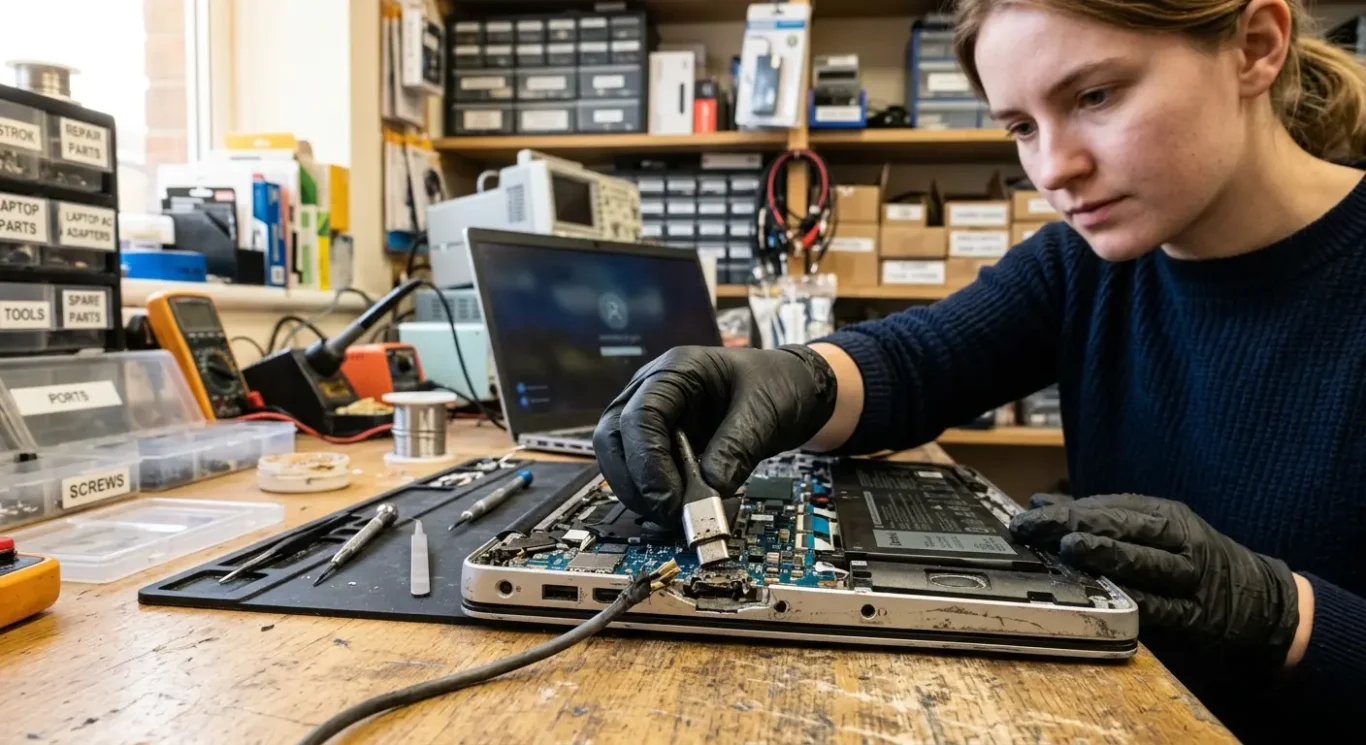
Common causes of charging and power faults
Several different faults can produce the same symptoms, which is why a laptop that will not charge is not always a battery problem.
A worn or damaged charging port is one of the more obvious causes. If the plug feels loose, charging cuts in and out, or the machine only powers up when the cable is held a certain way, the socket area needs checking properly. Sometimes it is just the port itself. Sometimes the force on that area has damaged the board behind it, which is why the symptom can look simple from the outside and turn out not to be.
It is not always the charger, but it does need ruling out first
A faulty charger, damaged cable, or the wrong charger output can cause very similar behaviour. I see this a lot with replacement chargers that physically fit but do not provide the correct voltage or enough power for the machine. A failed battery can muddy the picture as well. Some laptops will run poorly, switch off suddenly, or refuse to charge properly because the battery itself is unstable, even though the charging circuit is doing its job.
When the fault is on the motherboard, the usual culprits are the power control chips and the surrounding charging circuit. If a power IC has failed, the laptop may not recognise the charger properly, may show charging but gain no battery percentage, or may be completely dead. Short circuits on the board can stop normal start-up altogether, prevent charging, or make the charger cut out for protection. From the user side, those faults can all look like the same dead machine. On the bench, they are not the same job at all.
Past damage often sits behind the fault
Liquid damage, a drop, or previous poor repair work can all lead to charging and power faults later on. I have opened machines that looked fine outside but had corrosion around the charging area, missing screws causing pressure in the wrong place, or badly fitted parts from an earlier attempt. That does not automatically make the board beyond repair, but it usually means the diagnosis takes a bit more care and the outcome depends on how far the damage has spread.
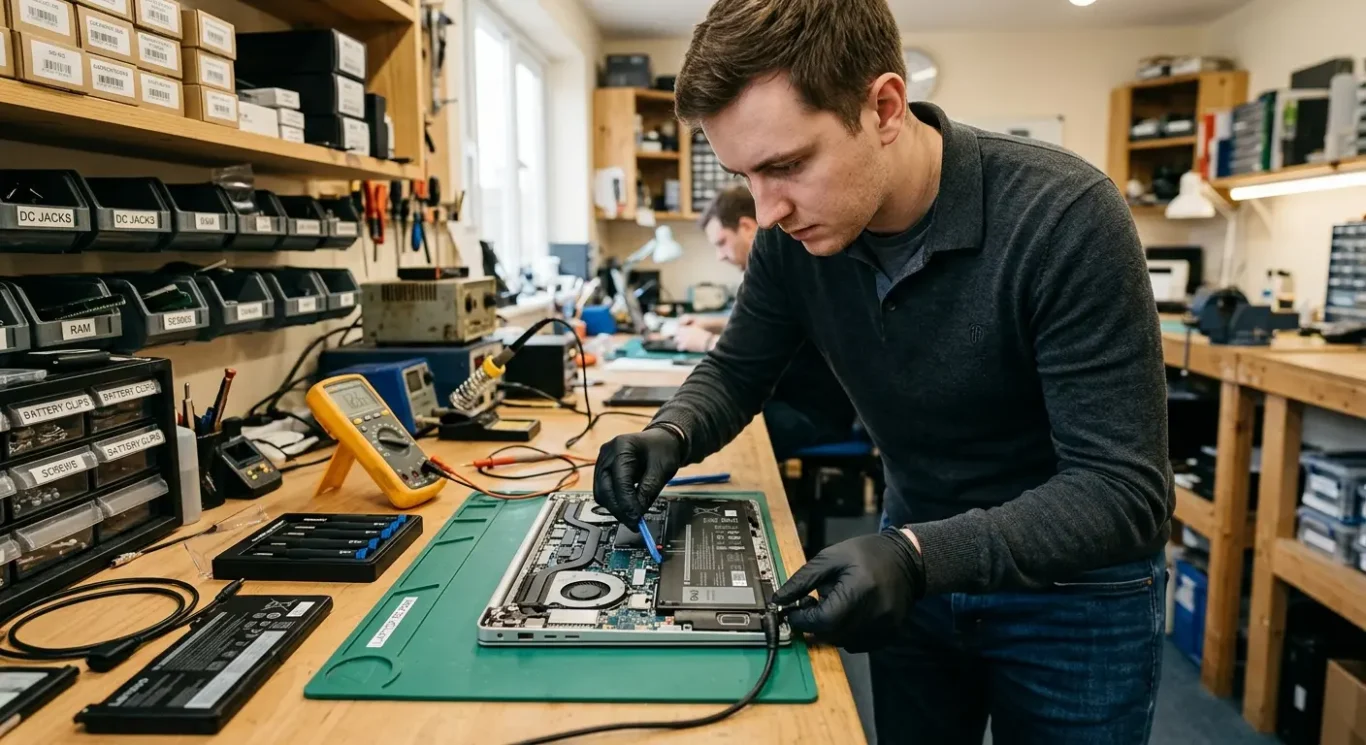
Why a laptop may only work when the charger is connected
This usually comes down to either a worn battery or a fault in the charging and power switching circuit, and the two are not the same repair.
If the battery no longer holds charge, the laptop may work normally on mains power but switch off the moment the charger is removed. That can be a straightforward battery failure, especially on older machines, but it still needs checking rather than assuming.
When the battery is seen but does not charge properly
Some laptops show a battery icon and recognise that a battery is fitted, yet the percentage stays stuck, rises very slowly, or drops while plugged in. In those cases the battery may be weak, but I also see plenty where the charging circuit on the motherboard is not delivering charge properly even though the machine appears to detect everything.
Power switching faults can mimic a bad battery
A laptop should be able to change cleanly between charger power and battery power. If the motherboard is not switching properly, the machine may run on the charger but fail as soon as mains is disconnected, or it may run on mains but never actually charge the battery. That is not the sort of fault a new battery fixes, and this is where people waste money by replacing the battery first.
On the bench, the job is to test whether the battery is bad, whether the board is failing to charge it, or whether both faults are present. It sounds fussy, but it matters because the cost and repair path depend on which part of the power system has actually failed.
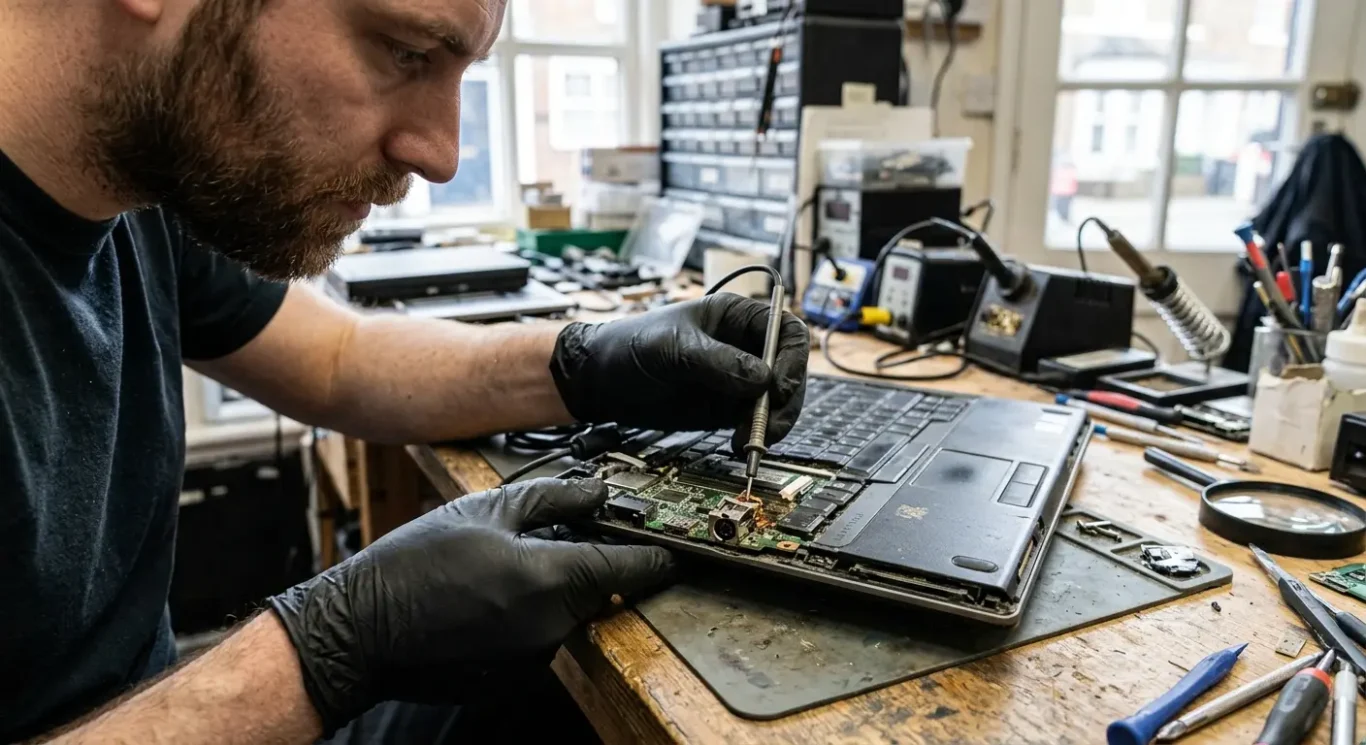
Charging port faults – loose sockets, broken pins and board damage
This is one of the most obvious power faults, but sometimes the socket itself is the only problem and sometimes the damage has spread further in.
A damaged charging socket often gives clear signs. The plug may feel loose, only charge when held at an angle, cut in and out with slight movement, or show no charging light at all. In some cases the centre pin is bent or broken, or the socket has started to move inside the case when the charger is inserted.
Port replacement or motherboard repair
If the socket itself is worn or cracked but the surrounding board is still sound, the repair may be limited to replacing the port. If the plug has been yanked, forced, or used for too long while loose, the solder joints underneath can crack and the board pads can tear away as well. That turns it into a wider motherboard repair rather than a simple socket swap.
Repeated strain is what usually causes the extra damage. I see it a lot on laptops used on sofas, beds, and kitchen tables, where the lead gets tugged sideways or the machine is lifted while still plugged in. Once the port starts moving, every insert and removal puts more stress into the same area, and the fault tends to get worse rather than stay the same.
MacBook USB-C ports and older DC jacks
Traditional DC jack faults and MacBook USB-C charging faults can look similar from the outside – no charge, intermittent charging, or power only in one position – but the repair path is not always the same. Some machines have a separate charging port assembly, while others have the port tied more closely into the board and charging circuit. Forcing the charger in, especially when the fit already feels wrong, can damage the port, the plug, or the board behind it, so it is worth stopping and getting it checked before it turns into a bigger job.
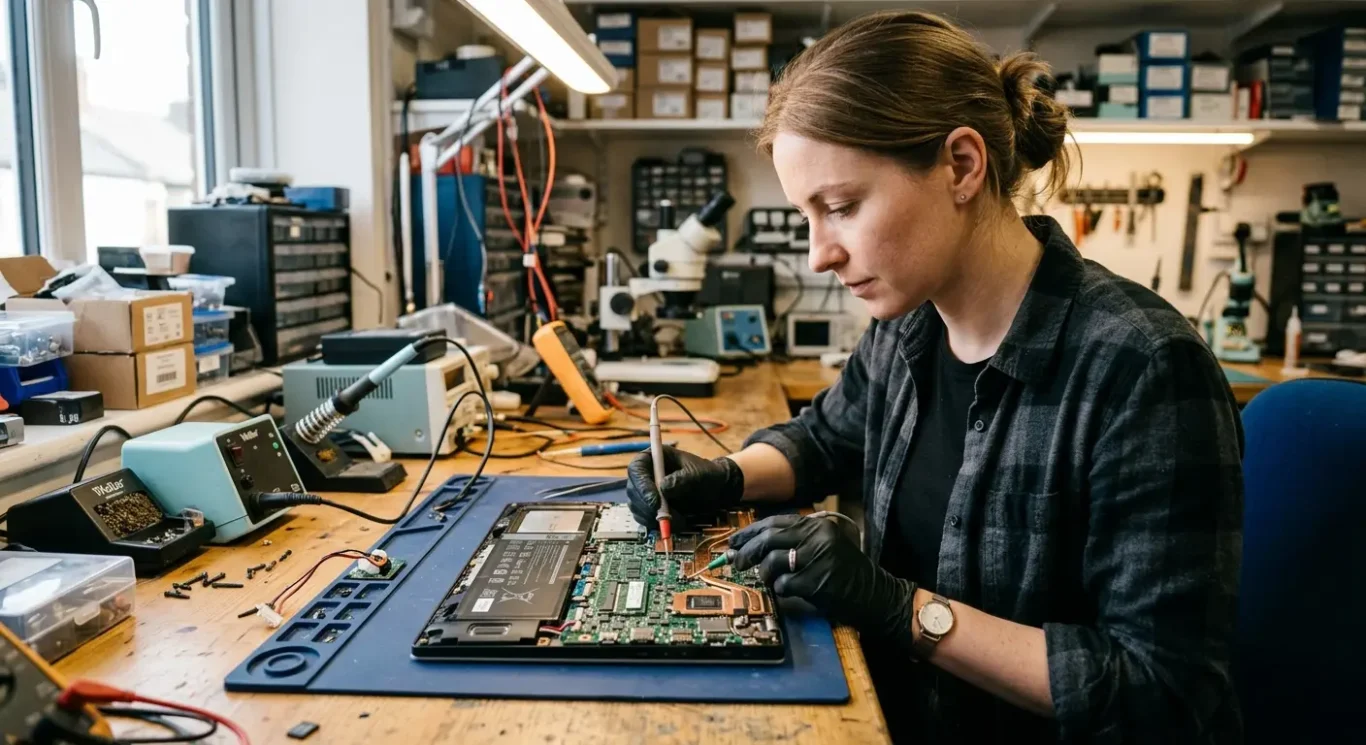
Power IC and motherboard circuit faults in plain language
What these board faults actually do, and why the repair is different from swapping an easy part
Inside the motherboard there are small control chips that manage how power comes in, where it goes, and whether the battery is charged safely. A power IC is one of those chips. In simple terms, it acts a bit like a traffic controller for electricity. If it fails, the laptop may not charge, may only run on the charger, or may stay completely dead even though the charger itself is fine.
Why the same symptom can have different causes
A failed charging control chip can stop the battery charging properly, but it can also prevent the machine from starting at all because the board is not allowing power through in the right way. This is why charging and power circuit faults often get mistaken for a bad battery, a faulty charger, or a worn charging port. From the outside, they can look almost identical, which is why guessing usually leads to wasted money.
A short circuit means electricity is going somewhere it should not. In practical terms, that can make the charger cut out, the charging light flash and disappear, a component heat up fast, or the laptop show no sign of life. Sometimes the board is pulling too much current the moment power is connected, and that needs proper bench testing to find the exact area at fault.
Why this needs bench testing
These faults usually need board-level repair tools because the parts involved are tiny and the fault is often not visible. On the bench, the job is to measure what voltage is present, check whether power rails are shorted, and see whether the charging circuit is responding as it should. That tells you whether the repair is likely to be a chip level fix, a wider motherboard issue, or not worth doing depending on the damage.
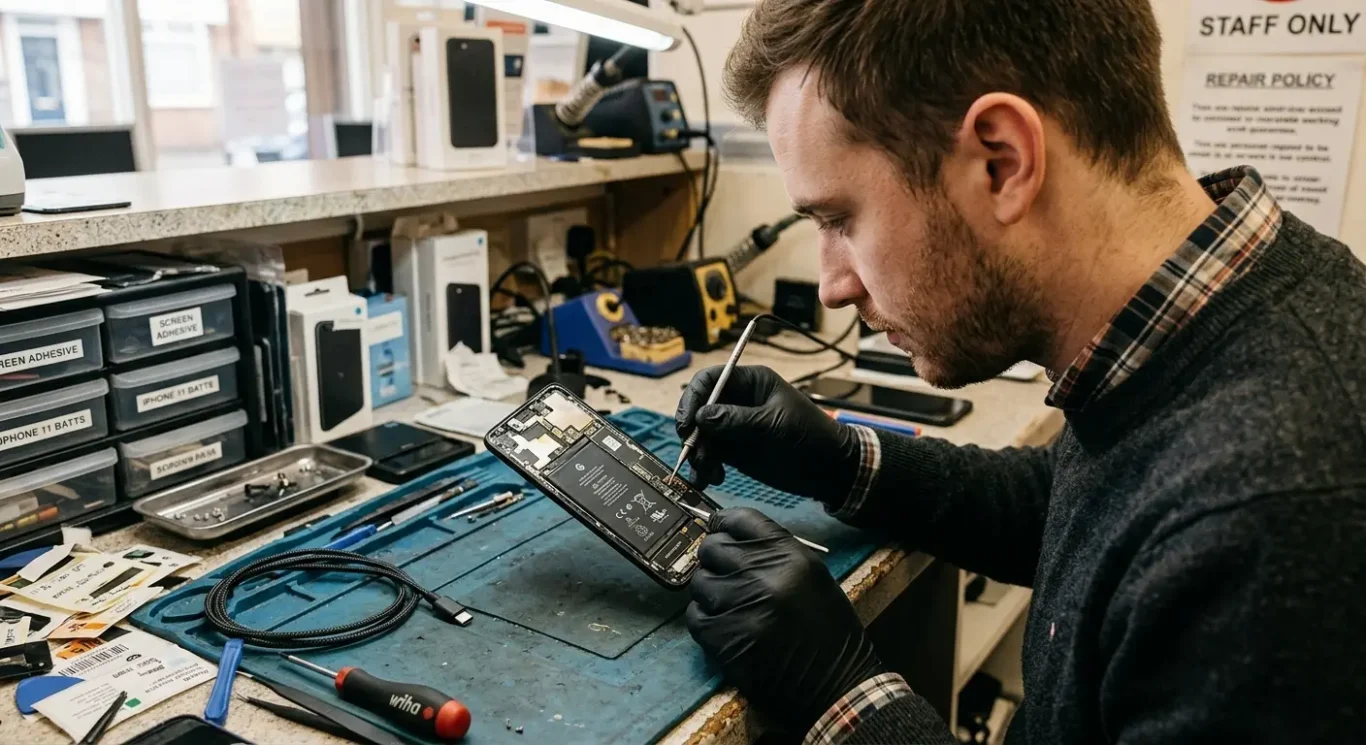
How diagnosis is done before any repair is approved
A proper check saves money because the same symptom can come from several different faults
The first job is to check the obvious things properly, not guess. That means looking at the charger, how the battery behaves, whether the charging port feels loose or damaged, and whether there is any visible sign of impact damage, burning, corrosion, or previous repair work inside or around the case.
Finding out which part of the power system has actually failed
If the charger is delivering the right power and the port is physically sound, the next step is to test whether the fault sits at the port, the battery, or on the motherboard itself. A laptop not charging can be caused by a worn battery, a broken DC jack or USB-C port, or a board fault in the charging circuit, and those are very different repairs with very different costs.
On a lot of machines, that cannot be confirmed from the outside. Partial strip-down is often needed to inspect the charging socket properly, disconnect and test the battery, and check the board for short circuits or heat in the wrong place. It is fairly common to open a machine and find something that was not visible at first glance.
When the findings change the repair decision
Liquid damage and severe short circuits can change the whole picture. If corrosion has spread under chips, or a short has damaged several parts of the motherboard, the sensible option may be a deeper board repair, a replacement board, or in some cases stopping before further cost is approved. Once the findings are clear, only the work that is actually needed should go ahead.
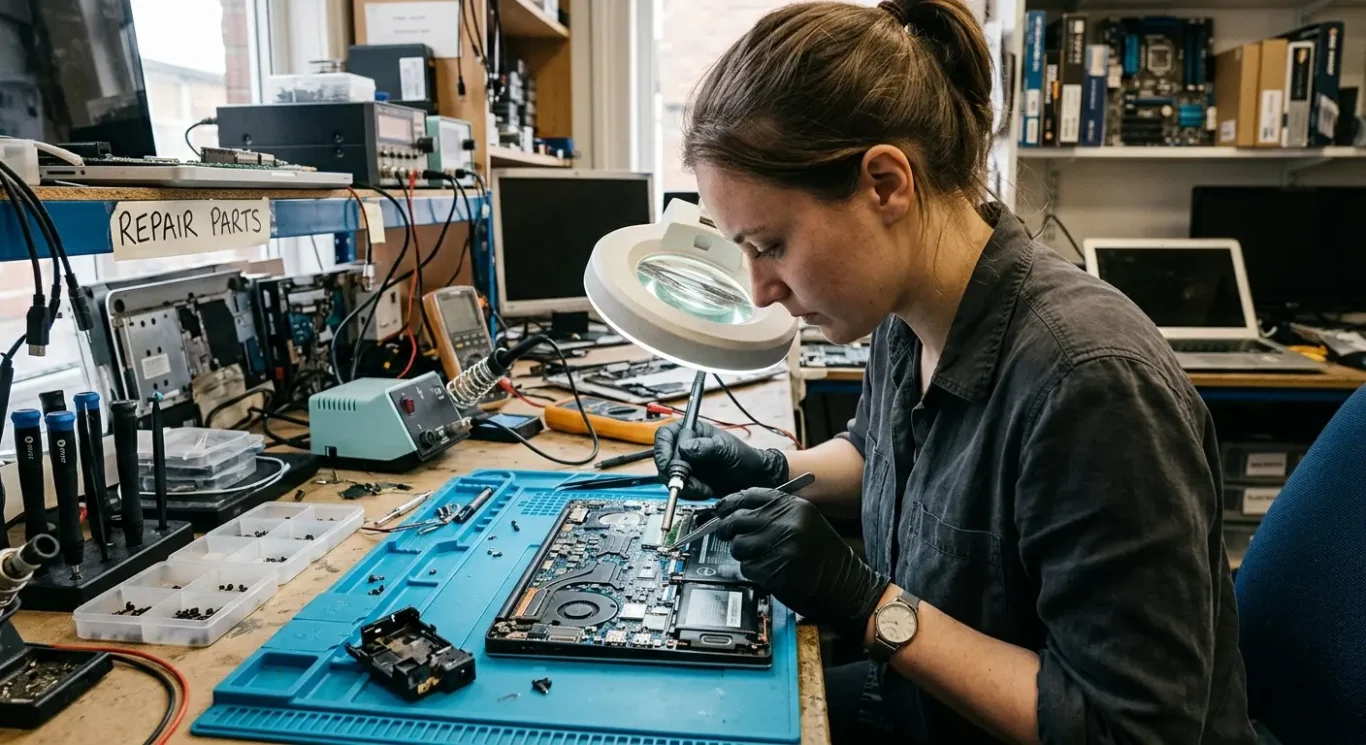
Repair options and when each one makes sense
The right fix depends on which part has failed, how far the damage has spread, and whether the machine is still worth putting money into.
If testing shows the fault is just the charging socket, a charging port replacement is usually the sensible repair. That applies where the port is loose, physically damaged, intermittent, or no longer making proper contact with the charger. On some laptops the port is a separate part, while on others it is soldered to the motherboard, so cost and labour depend on the design.
Battery faults need proving first
A battery replacement only makes sense when testing supports it. If the laptop runs normally on the charger but will not hold charge, shuts off as soon as the charger is removed, or reports battery errors, the battery may be the problem rather than the board. It is not unusual for people to assume the motherboard has failed when the real issue is a worn battery.
When the motherboard itself is the problem
If the charging circuit has failed or a component on the board is shorted, that is usually a motherboard-level repair. In plain terms, it means finding the exact failed part in the power path and replacing it, rather than swapping random parts and hoping. This is the sort of fault behind many cases where a laptop is not charging, only works on the charger, or appears completely dead after a power issue.
Sometimes repair is not the best route. If the board has widespread liquid damage, burnt areas, missing pads from previous repair attempts, or several faults at once, a replacement motherboard may be discussed if one is available at a sensible cost. On older machines, or ones already in rough condition with other problems such as a poor battery, cracked screen, or very low value, it can be uneconomical to keep going – and I would rather say that plainly than push an expensive repair that does not make sense.
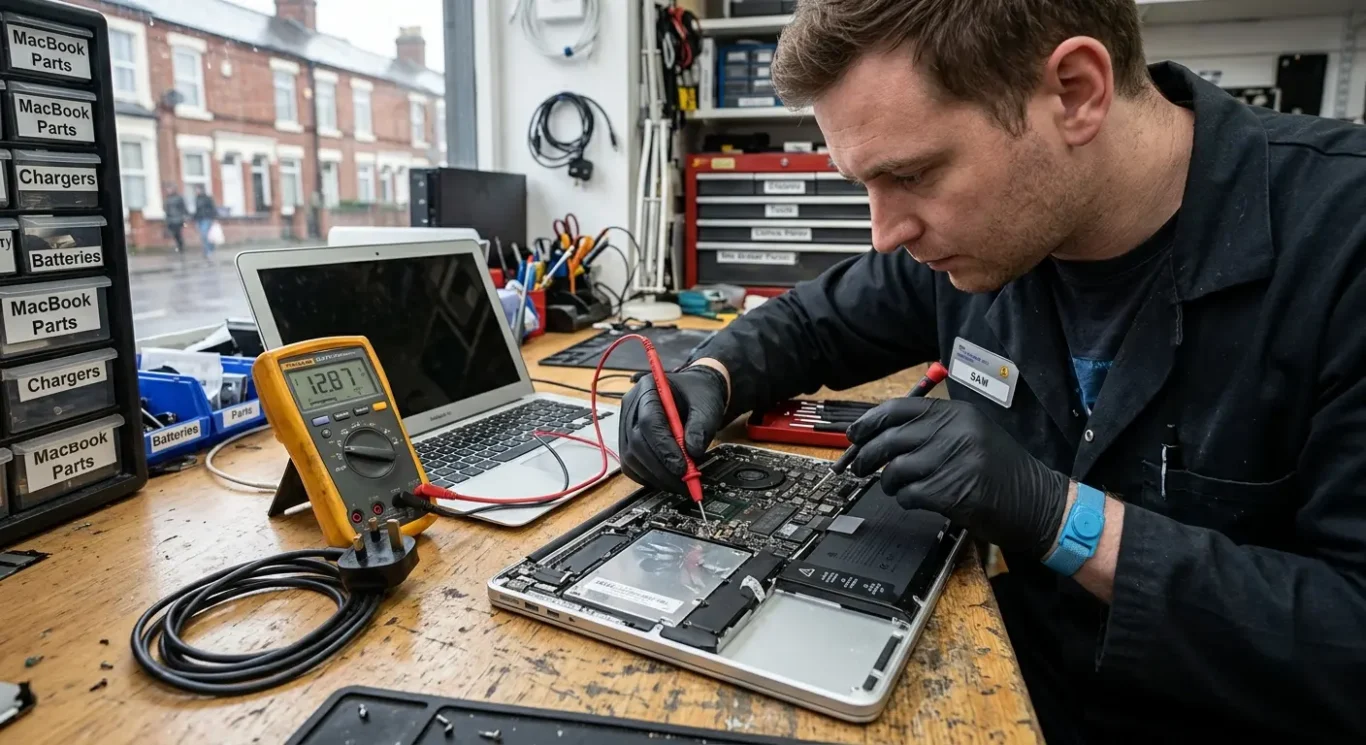
How much charging and power fault repair costs
Prices vary because the fault has to be proved first, and the repair depends on what has actually failed.
Cost depends on three things more than anything else – the exact fault, the laptop or Mac model, and whether parts are needed. A charger problem is usually the simplest and cheapest outcome. A battery fault is often straightforward too. A damaged charging port is more involved, especially when it is soldered to the board. Motherboard repair is usually the most labour-heavy because the failed part has to be traced properly before anything is replaced.
Typical price differences
If testing shows the issue is just the power supply or charger, cost is often limited to diagnosis and the replacement part. Battery jobs can be similar, though that depends on the machine and battery type. Charging port repairs may start from £60 when the fault is limited and access is reasonable, but some designs take much longer. Power circuit and motherboard faults vary more because the job can range from one failed component to a wider short circuit with several damaged parts.
When repair does not make financial sense
Sometimes diagnosis shows the machine is not economical to repair. That can happen with older devices, heavy liquid damage, previous poor repair attempts, or boards with multiple faults at once. In those cases, it is better to say so plainly than push on with a bill that does not match the value of the computer.
No chargeable repair work should start until the fault has been identified and you have approved the cost. That matters with charging and power fault repair because the symptoms can look similar while the actual causes are very different.
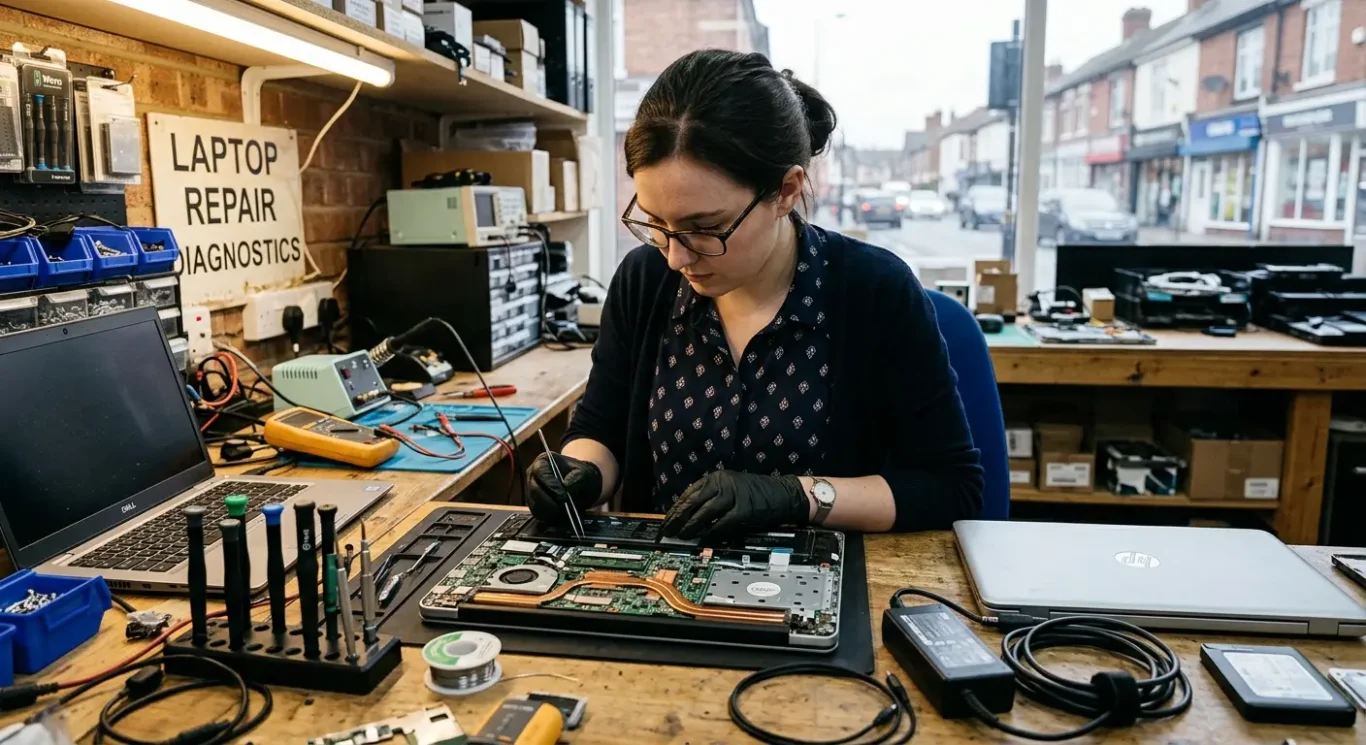
How long repair takes and whether you need to travel
What can be checked quickly, what needs workshop time, and when a visit makes sense.
Some faults can be narrowed down fairly quickly at collection, drop-off, or during a callout. For example, I can often tell whether the charger is faulty, whether the charging port feels loose or damaged, or whether the machine shows any sign of life at all. Once it looks like a charging and power circuit fault on the motherboard, proper testing usually needs bench equipment and more time.
What usually needs workshop tools
Board-level work depends on testing, not guesswork. Finding a short circuit, checking power rails, or confirming a failed charging IC is workshop repair in most cases, because the board has to be opened, inspected, measured, and sometimes tested under a microscope. If parts are needed, turnaround also depends on whether they are already in stock or need to be sourced.
A home visit is useful when the problem may turn out to be external, simple, or worth checking on-site before you carry anything across London. That can help with power lead issues, setup questions, some desktop faults, or deciding whether the machine needs to come in at all. If the fault points to the motherboard, bench repair is normally the sensible route, because that is where the proper tools are.
If downtime matters, the practical choice is usually to get the machine assessed as early as possible rather than waiting and hoping it starts charging again. For busy London customers, collection or local drop-off often saves time over trying to fit in a long trip later, especially if the laptop only works on the charger or is completely dead. I know it is a nuisance, but it is usually quicker to prove the fault properly once than lose another few days to guesswork.
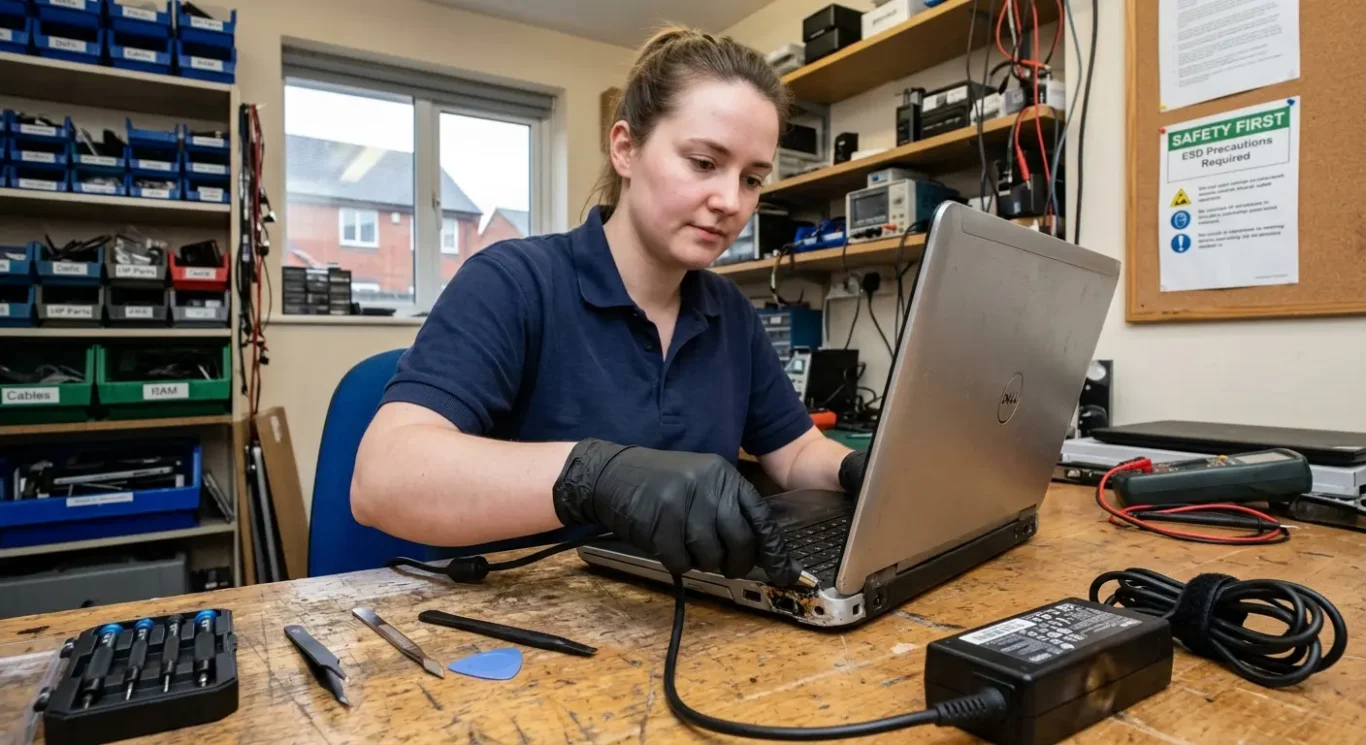
When to stop using the laptop and get it checked
Simple signs that it is safer to stop and have the fault diagnosed properly.
If the charger gets very hot, the charging port smells burnt, or the laptop cuts out unpredictably, stop using it and unplug it. Those are not normal charging quirks. Sometimes it is a worn socket, sometimes a short on the board, and sometimes the damage spreads if power keeps being forced through it.
Do not force a connection
Do not keep wiggling the plug to make it charge. I know people do this just to get one more meeting done or copy a few files, but a loose or damaged port can break further, lift from the board, or arc inside. What starts as an intermittent charging fault can turn into a more involved motherboard repair.
After liquid exposure
If anything has been spilt on the machine, unplug it and avoid repeated power-on attempts. Even if it seems to dry out and come back briefly, liquid residue can keep causing shorts and corrosion underneath. Early diagnosis can prevent extra board damage in some cases, but it cannot be promised once power has been applied again and again.
If the data matters, get it assessed properly rather than hoping it will stay on long enough to back itself up. Power faults can complicate access to the drive or make the machine unstable during startup, and the right next step depends on whether the problem is the charging side, the board power circuit, or damage elsewhere.
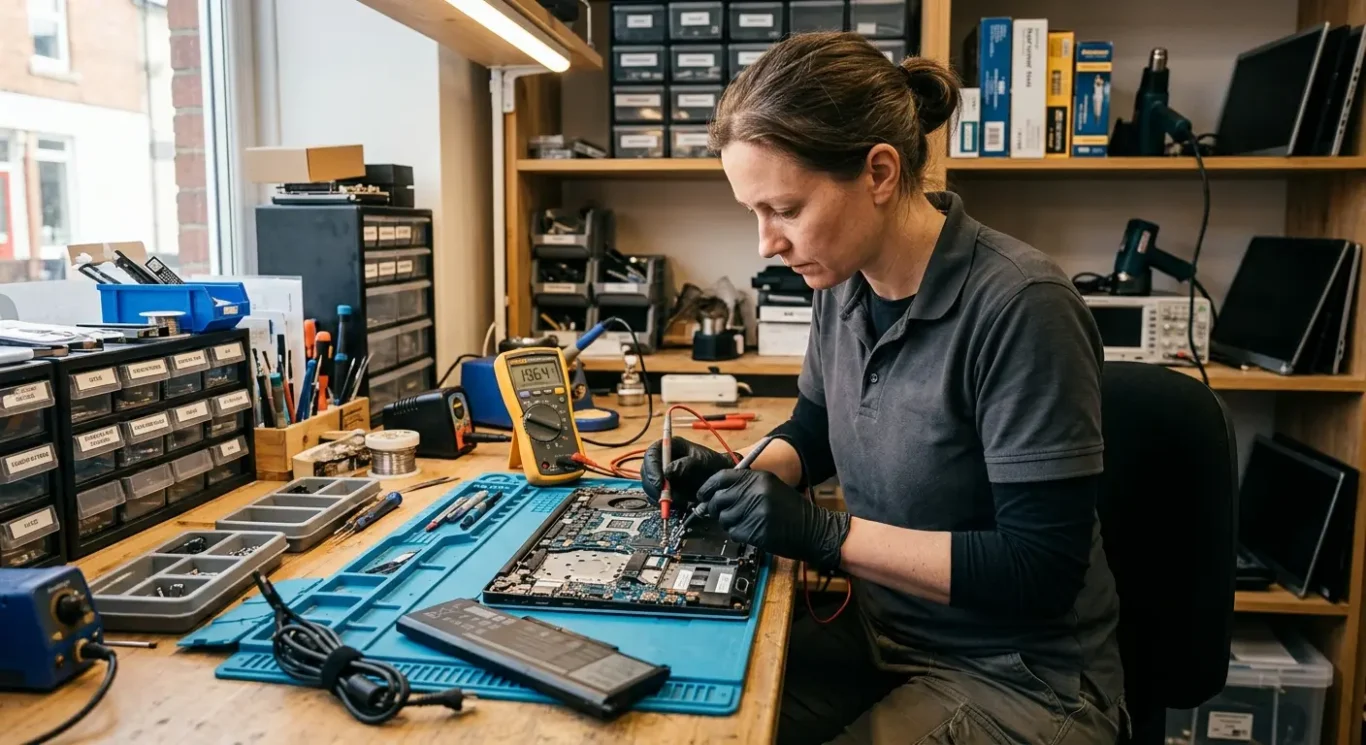
Choosing a repair service for motherboard power faults
Before you book, ask a few practical questions so you know whether the fault will be tested properly and how the repair is approved.
One of the first things I would ask is whether the diagnosis clearly separates a battery fault, a charging port fault, and a motherboard fault. Those can look similar from the outside. A laptop that will not charge is not automatically a motherboard repair, and it is worth hearing how they tell the difference before any work is suggested.
Ask what happens after testing
It is sensible to ask whether only necessary work is carried out once the machine has been checked. In real jobs, that matters. Sometimes the port is damaged but the board is fine. Sometimes the battery has failed and the charging circuit is working normally. Sometimes the power rail on the board has a short and the proper fix is more involved. You want the computer repair to match the fault, not a guess.
Also ask how pricing approval works before repair starts. A straightforward way is diagnosis first, then a quote, then your go-ahead before anything chargeable beyond testing is done. If motherboard power faults are involved, ask whether the work needs to be done in a workshop, because component-level motherboard repair normally does. A home visit can still be useful for checking the basics, collecting the machine, or ruling out obvious external issues without wasting a trip.
Think about downtime, not just the fault
If you are in London and use the computer every day, ask what options exist for home users and small businesses who need minimal downtime. That might mean local drop-off, collection, staged approval, or a quick assessment to decide whether a loan machine, temporary workaround, or urgent workshop booking makes more sense. For a small business owner managing things themselves, that kind of clarity is often just as important as the laptop or PC repair itself.
Questions we get every day
What our engineers actually say
We often see laptops brought in as “not charging” when the real fault is further in on the board, and we often see the same symptoms from a bad port, a battery problem, or a failed power circuit. That is why we diagnose first and only quote once the actual fault is confirmed.
If a laptop only works on the charger, I would not assume it just needs a battery. Sometimes it does, but if the charging side of the motherboard is unstable, fitting parts too early can waste time and money.