No power at all
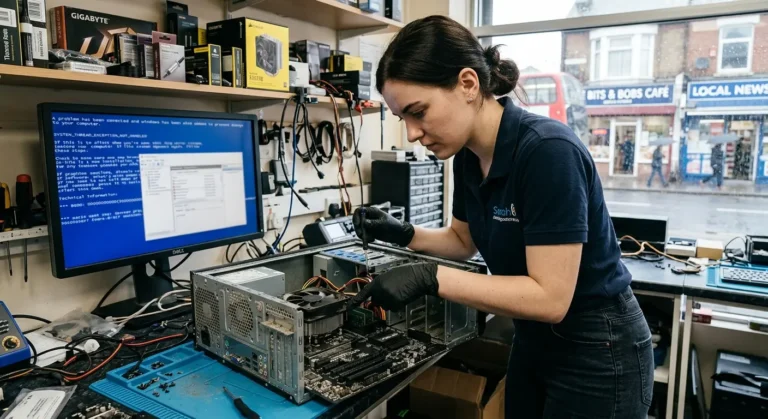
Nothing happens when you press the power button, or it switches off immediately. The power supply, connections and other components need to be considered.
PC will not turn on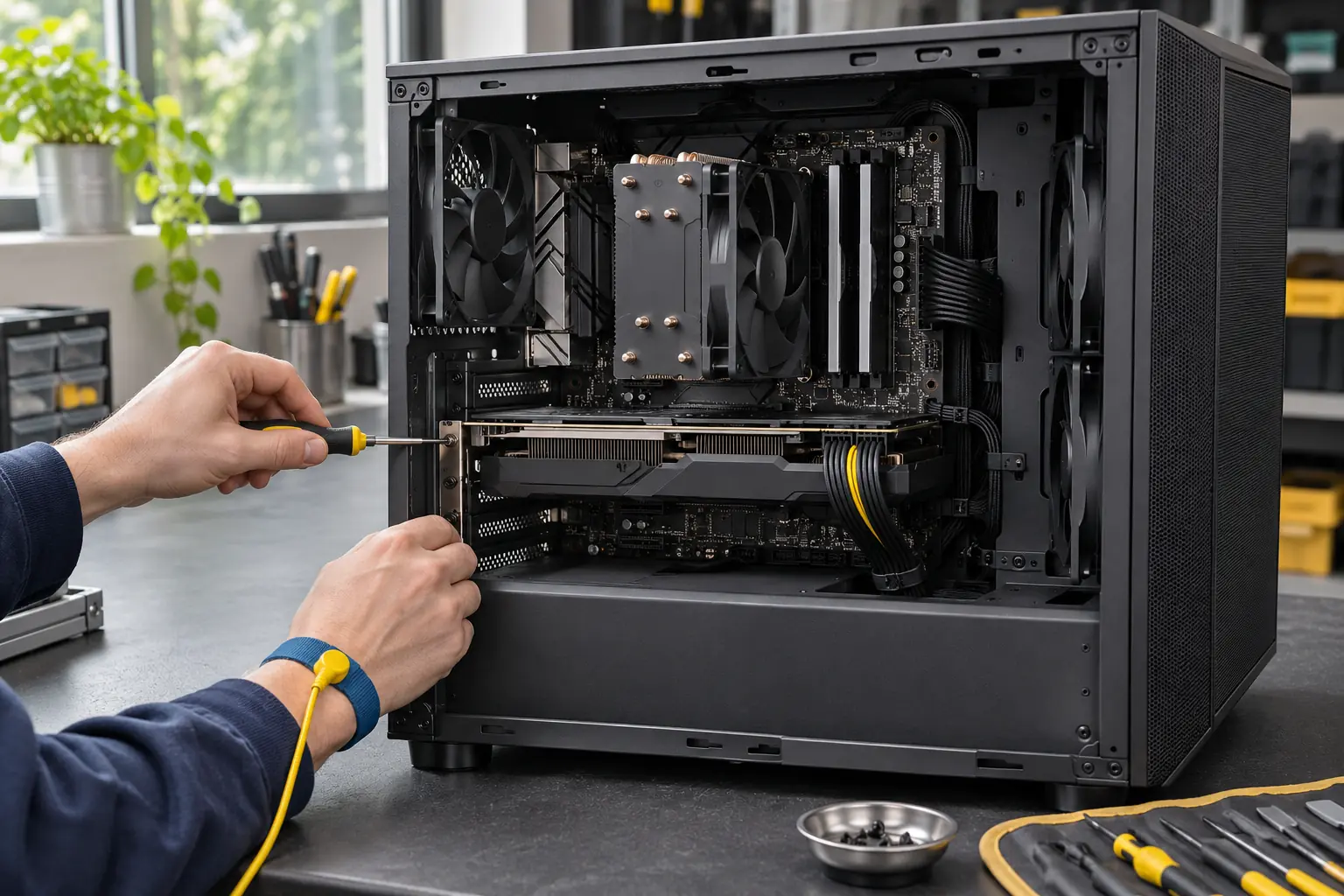
Help for your home or work PC
PC will not start, keeps crashing or runs too hot? Tell us what happens, what computer you have and your postcode. We will check suitable repair help and discuss the next step.
Find your starting point
No power, no picture and Windows failing to load are different symptoms. A few observations help the engineer plan the right checks.
Nothing happens when you press the power button, or it switches off immediately. The power supply, connections and other components need to be considered.
PC will not turn onThe tower appears to start but the monitor stays blank. Mention any diagnostic lights, beeps and whether the display works with another device.
Blank screen problemsTell us whether it happens at startup, during games or at random. Hardware, temperatures, drivers and software can produce similar symptoms.
Crashing and freezing PCsLoud fans, heat buildup or shutdowns under load. Cleaning, airflow, fan condition and cooling hardware may all be part of the assessment.
PC cooling and fan serviceLong waits, stuttering and slow applications need checks before parts are purchased. Storage health, memory use and software can all affect performance.
Slow PC and upgrade optionsThe PC powers on but stops at an error, recovery screen or startup loop. Tell us about recent updates, new components and files that must be kept.
Startup and boot problemsFor connected equipment or other issues, see printer, keyboard and mouse problems, Wi-Fi and internet faults, unwanted pop-ups and malware, or other desktop problems.
Different PCs, different checks
Tell us the make and model, or the main components if you built the PC yourself. You do not need a complete parts list to make an enquiry.
For Dell, HP, Lenovo and other prebuilt PCs, the model helps identify parts and access requirements. Small cases and proprietary power supplies may limit upgrade choices.
Mention the processor, graphics card and power supply if known. Say whether the problem started after a build, upgrade or settings change, and whether it occurs only during games or demanding work.
A built-in screen or tightly packed case can change the work involved. Include the exact model rather than assuming standard tower parts will fit. For an iMac, see Mac repair options.
Know what to expect
Start by finding the fault. An SSD or extra memory may help one computer, but will not resolve every slowdown, crash or startup problem.
Before you enquire
Do not include passwords or recovery keys in the enquiry form.
A clear next step
A good repair plan connects the symptoms to the testing, proposed work and cost.
Tell us what happens from pressing the power button to the point it fails. Include the computer details and your postcode.
Suitable local help is checked. Confirm whether a visit or workshop assessment makes sense and agree any assessment charges.
Review the cause, compatible parts and quote. Agree the work and ask which checks will confirm the PC is ready to use again.
Free enquiry. No obligation to book.
Choose a suitable arrangement
A desktop is often part of a larger setup. The monitor, network and connected equipment can matter as much as the tower.
Useful for faults involving the monitor, printer, Wi-Fi or equipment at your desk. Hardware work depends on suitable access, tools and parts being available.
Intermittent faults, parts substitution and specialist repairs may need more time and equipment. Confirm which items to provide and how the PC will be transported.
Some software, configuration and unwanted pop-up problems may be suitable if Windows starts and the internet works. Physical hardware faults need a different approach.
If files matter most, say so before a reset, reinstall or storage replacement is discussed. If the PC smells burnt, has visible damage or may have a liquid leak, stop using it and explain this before assessment. Do not open the power supply.
From the repair journal
See the differences between desktop cooling layouts, and read about the checks that can help explain an unstable PC.
Desktop maintenance
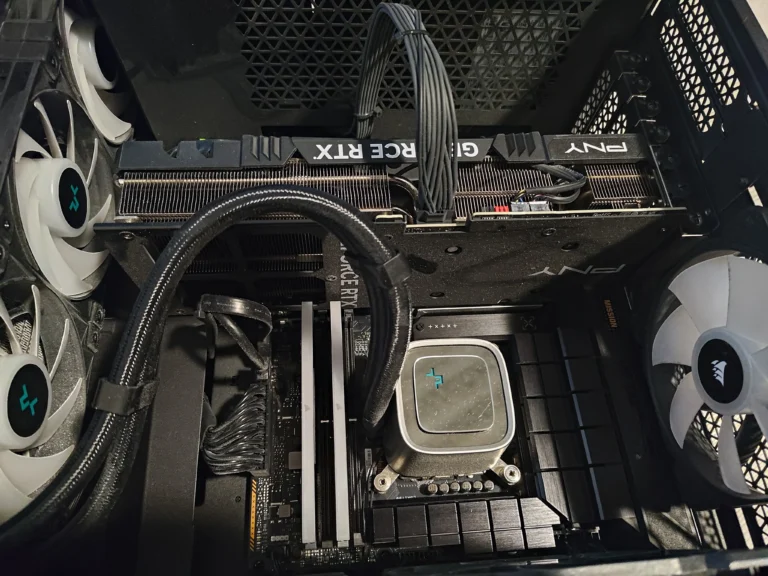
A published example showing radiator fans and a graphics card in a liquid-cooled desktop.
Older PC hardware
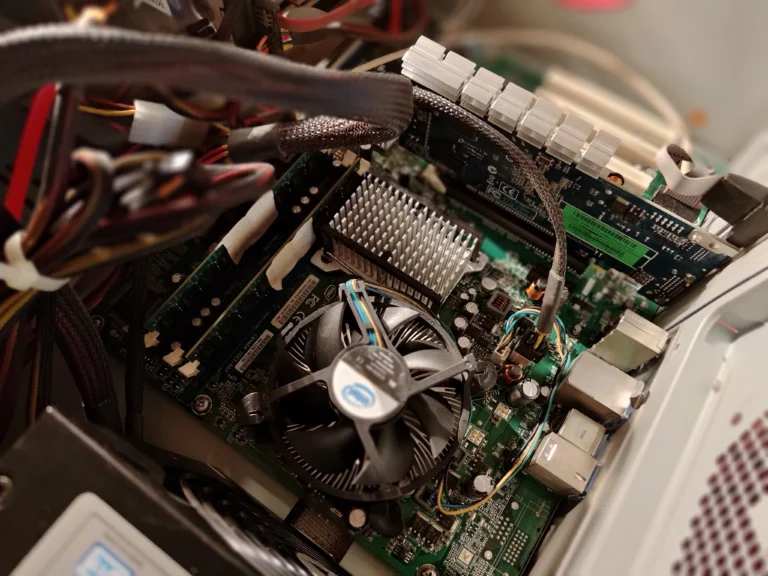
A different cooling layout, with a CPU cooler, passive heatsink and separate graphics card.
Fault diagnosis guide
Read about intermittent instability and why repeatable symptoms are useful when assessing a computer.
Local help, checked first
Enquire about desktop support in London or elsewhere in the UK. We will check suitable help for your address and the work needed.
Tell us if the PC is difficult to move or is part of a business setup. A coverage page does not confirm an appointment; local availability and the service arrangement are discussed before booking.
Check repair availabilityBefore you book
Practical details to help you arrange the right assessment.
Yes, you can enquire about custom and gaming PCs. Include the main components if you know them, any recent changes and exactly what happens. Suitability and the testing needed are checked before a booking is arranged.
Ask before a workshop handover. The tower alone may be enough for some faults, but display or connection problems may require the relevant monitor, cable or accessory. For a visit, leave the affected setup available to show the engineer.
No. Remote support needs a computer that starts and can connect to the internet. A no-power fault requires physical checks, and the cause cannot be confirmed from the symptom alone.
Mention the parts when you enquire and ask whether installation can be arranged. Compatibility and condition need checking first. Agree labour charges and how warranty responsibilities apply to customer-supplied components.
That depends on the fault and the work required. Back up accessible files if it is safe, and identify important data before authorising work. File recovery is a separate consideration and cannot be guaranteed.
Availability, diagnosis, replacement parts and testing affect the timing. Mention any work or gaming deadline, then confirm an estimate with the engineer. An enquiry does not guarantee a same-day visit or repair.
Tell us what your PC does and where you need repair help.